New Trade Zone
Trade Zone is now live
Use the new Trade Zone for auctions and instant-price trades so Pokemon and item offers are easy to find.

Shadowpirate
Registered User
-
Joined
-
Last visited
Everything posted by Shadowpirate
-
I could start with 2m if you want
-
The auction was not created yet that time feel free to bid auction is going on now
-
Bump
-
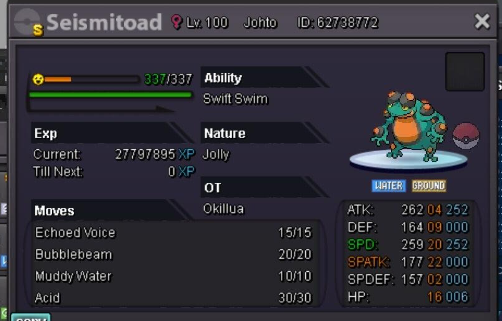
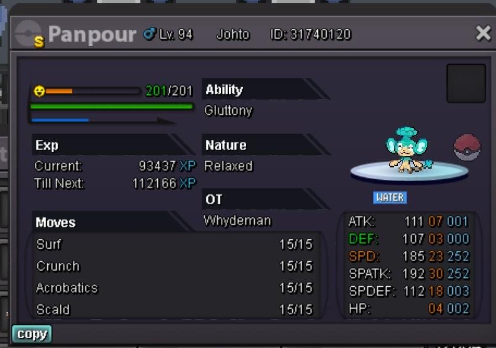
Hi this shiny is on sale its very rare only few in server and its usable nature. Start 1K end 5 days after started 380k cc Reroll 680k
-
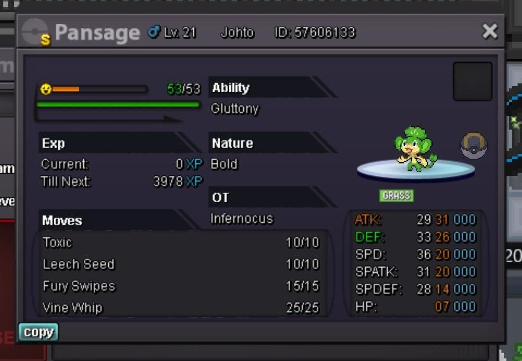
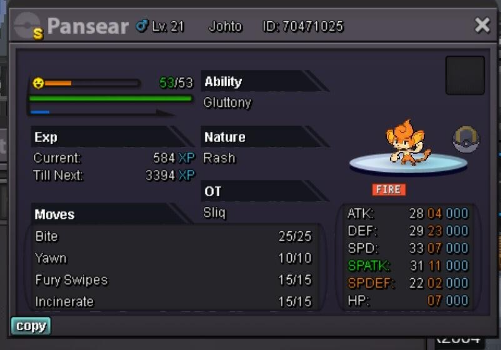
Hello, Selling my collect of all 3 shiny passages. Note its no auction. I prefere to sell all 3 as a bundle for 1 price. Feel free to sent me your offers.
-
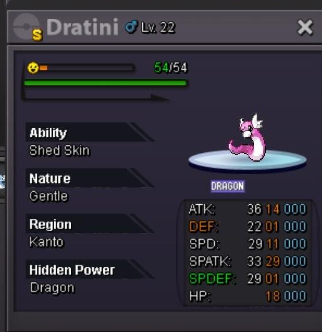
Hi, Dratini its on sale price start is 1k End 5 days after first bid Cc 380k Reroll 680k
-
up
-
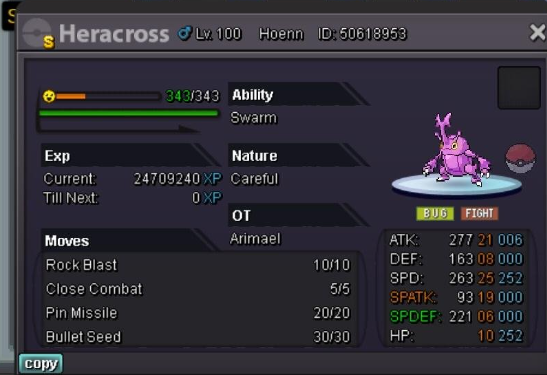
Hi this shiny hera its on sale start 1k Cc 380k Rerolls 680k Ends 4 days after started
-
Hi, Rotom is for sale, 1k start end 4 days after first bid Cc 380k Reroll 680k

-
Hi i can offer 10m if you are intressted pm me
-
-
Insta manti´e * Mantine
-
6m munchlax
-
-
Worth 10/15m depend on buyer
-
1.2m
-
Nervermind i insta instead 40m
-
Oke 35m
-
Ok i start it
-
2.6m toge
-
2.4m
-
1.8m togekiss
-
Hi everyone, I like to make the the suggestion of adding the date and time when an account is able to use his free transfer again. At the moment it is a bit annoying and frustrating that we dont see these details so its hard to remember/know when excatly that we are able to use our free transfer again. These visual changes wil make it alot more easier for players. Ty for listening to my suggestion.
-
togekiss sold
-
SOLD