New Trade Zone
Trade Zone is now live
Use the new Trade Zone for auctions and instant-price trades so Pokemon and item offers are easy to find.

Kajo8
Registered User
-
Joined
-
Last visited
Everything posted by Kajo8
-
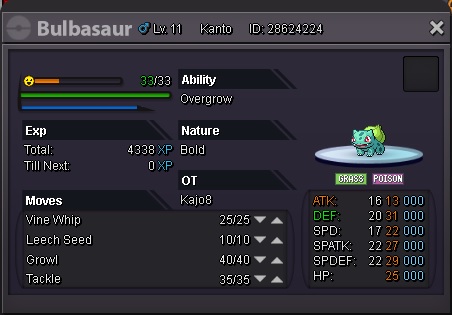
Hello i accidentally released my bulbasaur while releasing some karps. Can you please help me to get him back? I will be definitely more careful next time. Thank you Server: Silver server ID Screenshot:
-
nice one
-
IGN Kajo8, i am playing right now I am usually available from 16:00 - 00:00 CET. Hopefully we can trade soon :)
-
i would like to start on oddish if you still have it
-
1. What's your Player name (IGN)? Kajo8 2. Number of hours played? 540h 3. What's your favorite Pokemon? Scyther 4. How old are you? 24
-
count me in :)i will try my luck tooI will guess pokemon: Ho-oh and this place:
 what is the fake hint then :)Pokemon: Moltres Place:
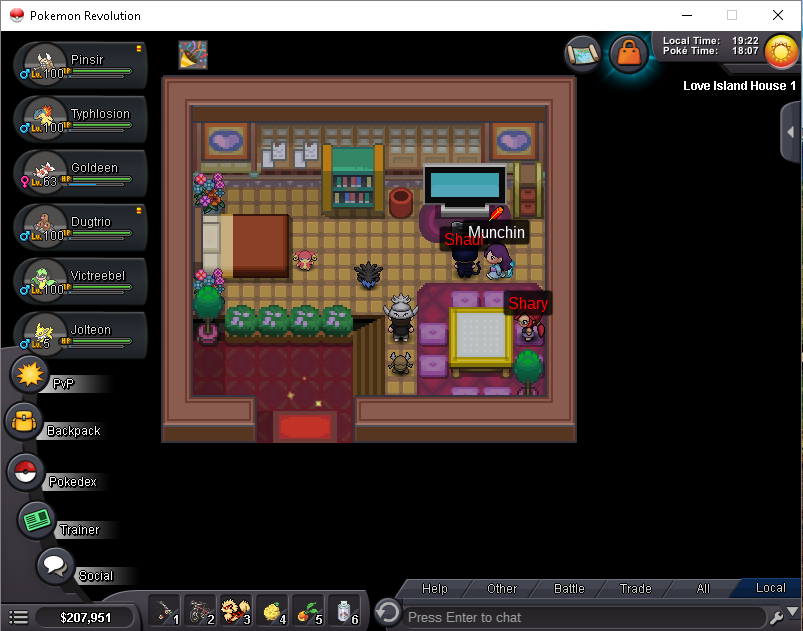 Also, Some of the hints are not true, I'm going to remove one fake hint every 24 hours. Also, Some of the hints are not true, I'm going to remove one fake hint every 24 hours.luvdisc in here