




New Trade Zone
Trade Zone is now live
Use the new Trade Zone for auctions and instant-price trades so Pokemon and item offers are easy to find.


Rudycoder
Registered User
-
Joined
-
Last visited
Everything posted by Rudycoder
-
Just asking,how much for the dragon
-
Just gonna remind that I'm gonna sleep So this who have bidded highest whenni wake up will win the auction
-
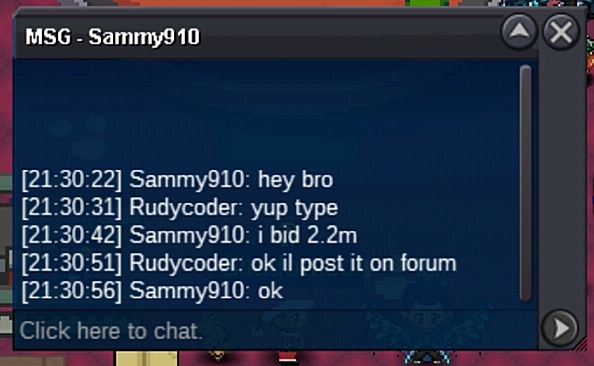
Sammy910 in the lead
-
Approx 7hrs remaining But it's better I make it 10hrs since It's night at my country now and gonna sleep soonNotedI would like to buy the buneary for 200k11 hrs remaining also if someone bids in the last 10mins of the auction 15mins will be addedWhat about silverIf the min contribution required is 1% then I'm pissed cuz no one talked about thisYeah I talked and did 0.56% and no ticket We all thought this is a normal wq Does this wq require more contribution like 1%Bro i dont know about GMT just adjust with the above time Now only 1day 3hr remaingThere is time limit sorry for not mentioning There is still 1 day and 8hrs leftNotedOk startedStart 1.2m Min raise : 200k Insta :5m
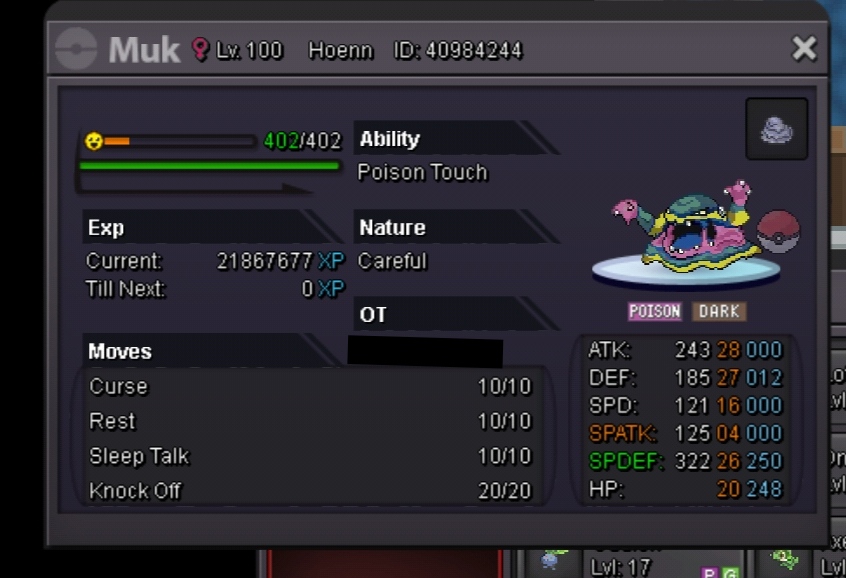 Start: 2m Min bid : 200k Insta : 5m
 start 300k Min raise 50k Insta 1m
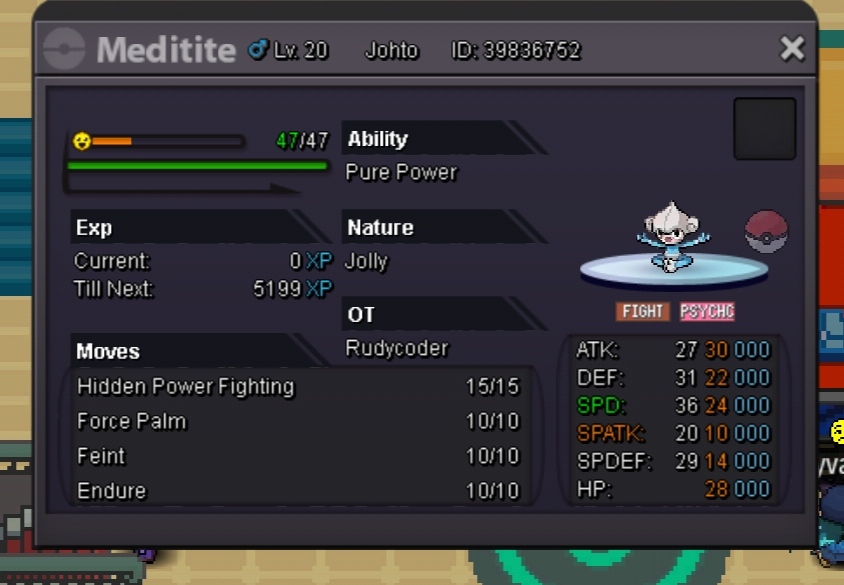 Are u the real deal I mean the real pewdipieSorry auction closed for some reasons Sorry...Start : 300k Min raise : 75k insta 1m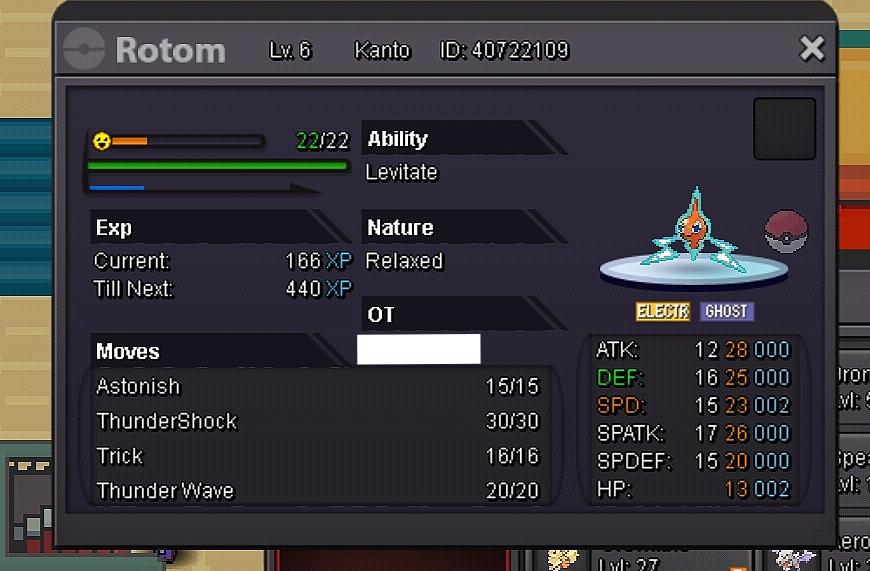


Account
Navigation
Search
Configure browser push notifications
Chrome (Android)
- Tap the lock icon next to the address bar.
- Tap Permissions → Notifications.
- Adjust your preference.
Chrome (Desktop)
- Click the padlock icon in the address bar.
- Select Site settings.
- Find Notifications and adjust your preference.
Safari (iOS 16.4+)
- Ensure the site is installed via Add to Home Screen.
- Open Settings App → Notifications.
- Find your app name and adjust your preference.
Safari (macOS)
- Go to Safari → Preferences.
- Click the Websites tab.
- Select Notifications in the sidebar.
- Find this website and adjust your preference.
Edge (Android)
- Tap the lock icon next to the address bar.
- Tap Permissions.
- Find Notifications and adjust your preference.
Edge (Desktop)
- Click the padlock icon in the address bar.
- Click Permissions for this site.
- Find Notifications and adjust your preference.
Firefox (Android)
- Go to Settings → Site permissions.
- Tap Notifications.
- Find this site in the list and adjust your preference.
Firefox (Desktop)
- Open Firefox Settings.
- Search for Notifications.
- Find this site in the list and adjust your preference.