Skip to content
View in the app

A better way to browse. Learn more.

Pokemon Revolution Online

A full-screen app on your home screen with push notifications, badges and more.

To install this app on iOS and iPadOS
  1. Tap the Share icon in Safari
  2. Scroll the menu and tap Add to Home Screen.
  3. Tap Add in the top-right corner.
To install this app on Android
  1. Tap the 3-dot menu (⋮) in the top-right corner of the browser.
  2. Tap Add to Home screen or Install app.
  3. Confirm by tapping Install.
New Trade Zone
Trade Zone is now live
Use the new Trade Zone for auctions and instant-price trades so Pokemon and item offers are easy to find.
Open Trade Zone

B0t

Registered User
  • Joined

  • Last visited

Everything posted by B0t

  1. B0t replied to Desumi's topic in Playground
    521
  2. B0t replied to Desumi's topic in Playground
    519
  3. B0t replied to Desumi's topic in Playground
    495
  4. B0t replied to Desumi's topic in Playground
    468
  5. B0t replied to Desumi's topic in Playground
    460
  6. B0t replied to Desumi's topic in Playground
    458
  7. B0t replied to Eldir's topic in Playground
    125
  8. B0t replied to Desumi's topic in Playground
    414
  9. B0t replied to Desumi's topic in Playground
    401
  10. B0t replied to Desumi's topic in Playground
    394
  11. yes bud , pm me ingame if u r free atm
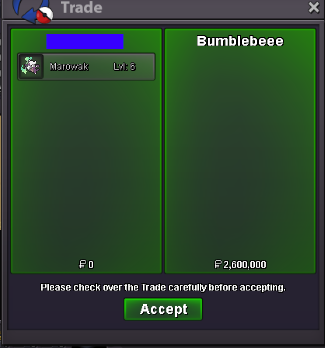
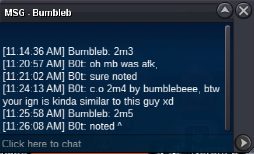
  12. c.o 2m5
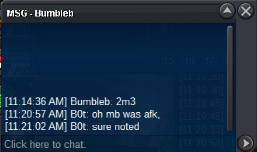
  13. c.o 2m3
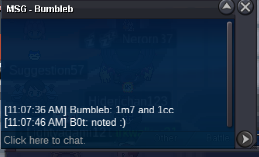
  14. C.O 1m7 + 1cc = 2m1
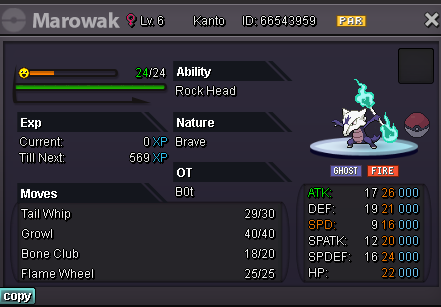
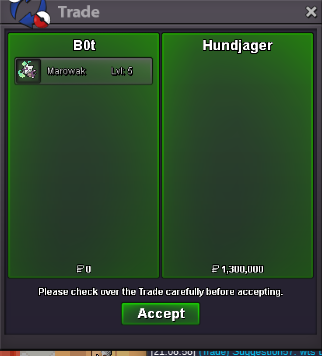
  15. winning bid is 1m3 by @Hundjager dm me at Ajo0o#5509 , the 1m4 bid is invalid since the auction already ended before the bid. M2 is now open, start at 100k, min.bid 100k, and 24hrs only !
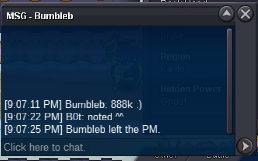
  16. C.O 888k by Bumbleb / 1st auction 12hrs left!
  17. - One at a time auction, each pokemon will only last for 24hrs (1day) - Each poke can be start at 100k, and the minimum bid 100k - Accept CC(400k) and Pokemoney only. - I'm currently at silver so If the player is from gold, I'll deliver the pokemon after these TWO auction ended. GL Happy Bidding 🙂 M1 M2 - (Open)
  18. B0t replied to Desumi's topic in Playground
    390
  19. B0t replied to Desumi's topic in Playground
    388
  20. B0t replied to Desumi's topic in Playground
    386
  21. B0t replied to Desumi's topic in Playground
    384
  22. B0t replied to Desumi's topic in Playground
    381
  23. B0t replied to Desumi's topic in Playground
    379
  24. B0t replied to Desumi's topic in Playground
    377

Account

Navigation

Search

Search

Configure browser push notifications

Chrome (Android)
  1. Tap the lock icon next to the address bar.
  2. Tap Permissions → Notifications.
  3. Adjust your preference.
Chrome (Desktop)
  1. Click the padlock icon in the address bar.
  2. Select Site settings.
  3. Find Notifications and adjust your preference.