New Trade Zone
Trade Zone is now live
Use the new Trade Zone for auctions and instant-price trades so Pokemon and item offers are easy to find.


Lexiie
Registered User
-
Joined
-
Last visited
Everything posted by Lexiie
-
Heya, thank you for applying to Phoenix! Imma PM you soon
-
Hi! Thank you for applying. I will PM you shortly
-
Hi! Thank you for applying. I will PM you shortly
-
Hey, thank you for applying to Phoenix! I will message you soon
-
If you read this https://pokemonrevolution.net/forum/topic/5968-url it states "I will preface this thread by underscoring the fact that we cannot case-specifically return any lost items or Pokemon " so they won't help you
-
Keep in mind this is part 1 of the event. The other part(s) might have more options to earn coins
-
Is the Klefki still 400k? If so, Id like to buy it
-
https://pokemonrevolution.net/forum/topic/139755-url
-
I am so sorry, I just noticed you are on Gold. Please cancel my offer, it was my mistake
-
I'll start Klefki at 500k
-
Every once in a while staff opens a forum thread that allows you to change your name. Keep an eye open for the next one
-
Hi, thank you for applying to our guild. I will contact you soon
-
You won't get banned because you have his pokemon when he is offline. You will get banned, however, if he comes online, asks for his pokemon, and you refuse to give it back. That's all.
-
It's just for story though, you can still catch Cyndaquil later on. I wouldn't worry too much
-
Hello, thanks for applying to Phoenix. I will PM you shortly
-
By the looks of it, you're the one getting mad
-
Hey you two, thank you for applying! I will contact you in a moment
-
Hey, thanks for applying to join us! I will PM you soon
-
Hello and thanks for applying! I will contact you in a moment
-
Hi there, thank you for applying to Phoenix! I will PM you in a bit
-
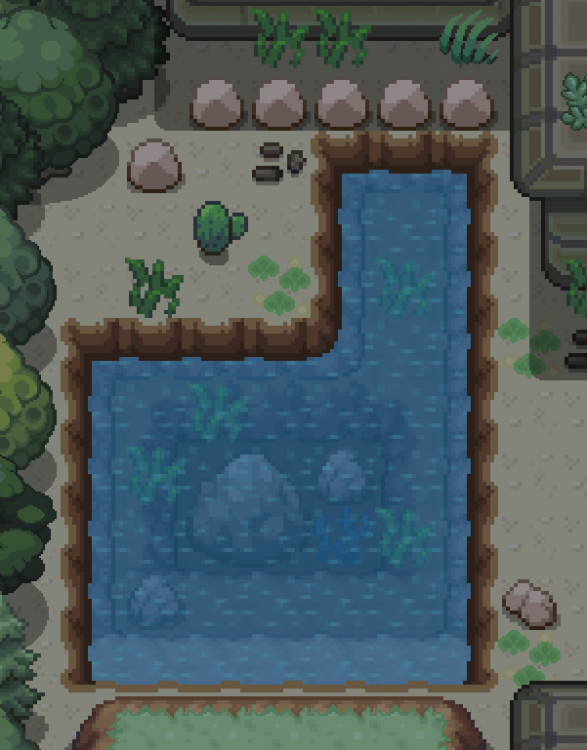
It wouldn't disrupt anything, but you can also just surf on this other spot, there is a stone here that prevents you from going to shore
-
Yes, and yes
-
Imagine asking for compensation in a free game
-
Heya, thank you for applying to our guild! Check your PMs!
-
Hi there, thanks for applying to Phoenix! I will PM you shortly