Skip to content
View in the app

A better way to browse. Learn more.

Pokemon Revolution Online

A full-screen app on your home screen with push notifications, badges and more.

To install this app on iOS and iPadOS
  1. Tap the Share icon in Safari
  2. Scroll the menu and tap Add to Home Screen.
  3. Tap Add in the top-right corner.
To install this app on Android
  1. Tap the 3-dot menu (⋮) in the top-right corner of the browser.
  2. Tap Add to Home screen or Install app.
  3. Confirm by tapping Install.

Yhunkubr

Suspended
  • Joined

  • Last visited

Everything posted by Yhunkubr

  1. i made the wrong copy and paste for name accident sorry guys
  2. it is so sad that you leave game bro... i participate and take good care in you money haha XD
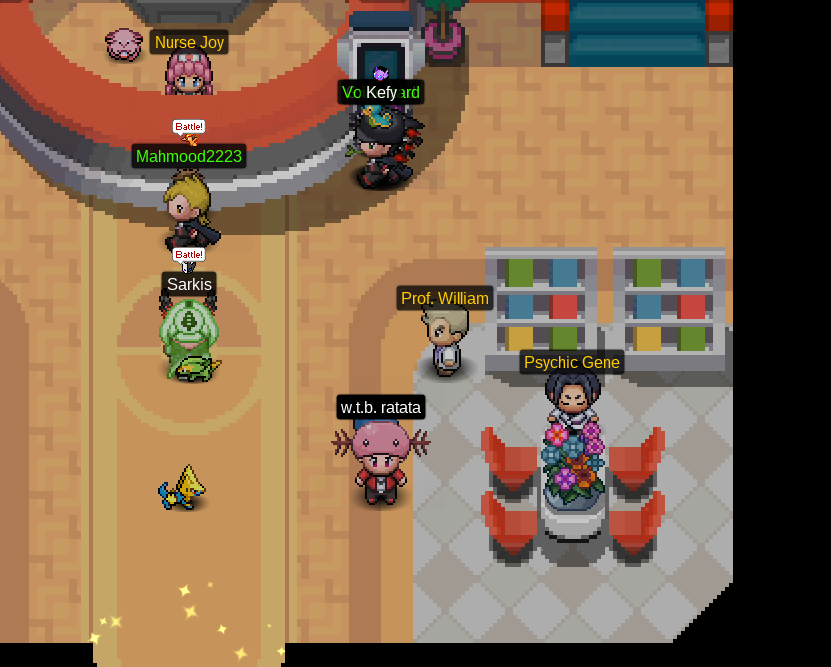
  3. IGN: Riyubas453 Yhunkubr Discord Tag: Riyubas453#2652 tialk#0321 Server: Silver Silver Hey mans, this is my entry for the competition xDD [spoiler=Cool] [spoiler=ugly] [spoiler=funny] Please give also any chance to the poor people xD

Account

Navigation

Search

Search

Configure browser push notifications

Chrome (Android)
  1. Tap the lock icon next to the address bar.
  2. Tap Permissions → Notifications.
  3. Adjust your preference.
Chrome (Desktop)
  1. Click the padlock icon in the address bar.
  2. Select Site settings.
  3. Find Notifications and adjust your preference.