New Trade Zone
Trade Zone is now live
Use the new Trade Zone for auctions and instant-price trades so Pokemon and item offers are easy to find.

Balor20
Registered User
-
Joined
-
Last visited
Everything posted by Balor20
-
Player Name : balor20 Showdown Name: Balorian20 Server: Silver Rank on Ladder: 13th
-
Ah ye, just checked it and its fixed now. Thank you.
-
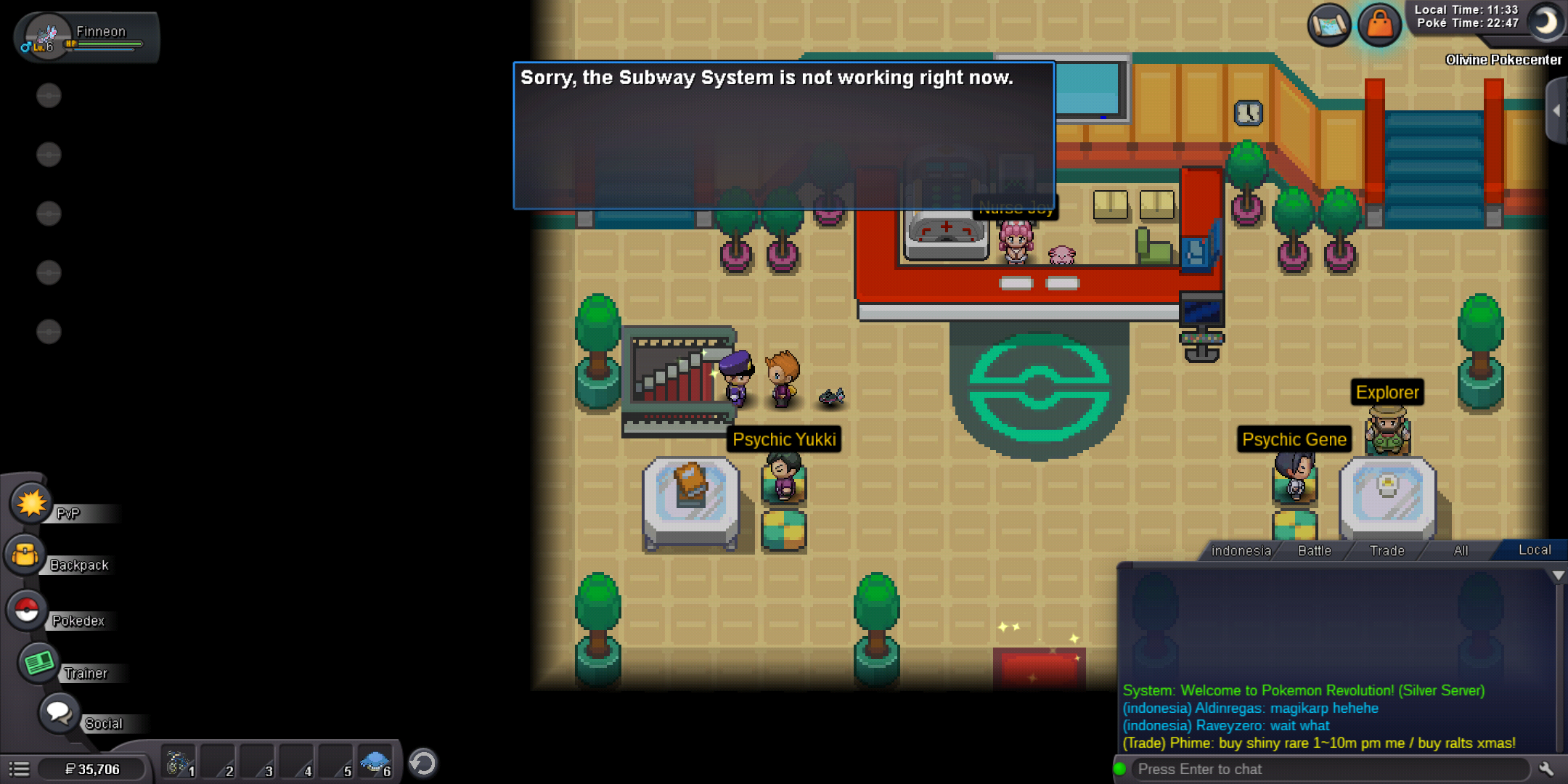
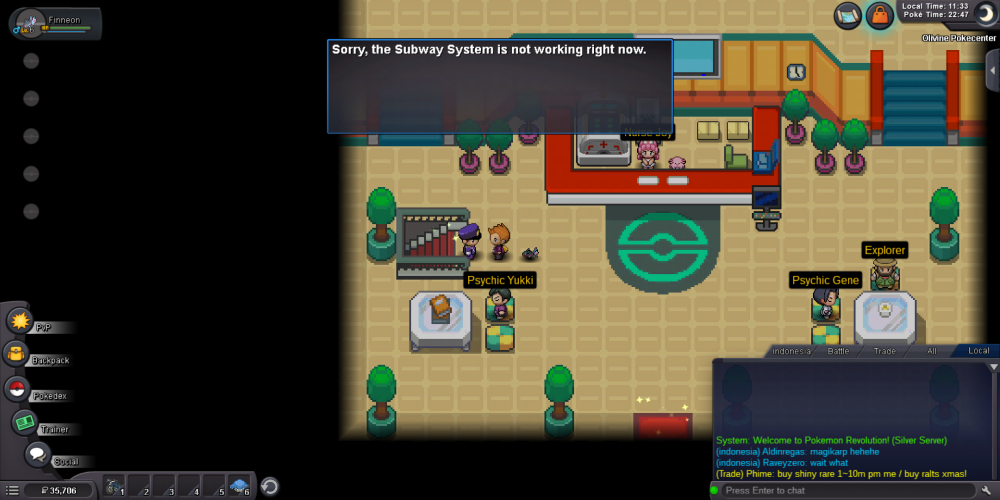
Hey, i just login with my acc, but when i wanted to use johto subway it happend i can't use it anymore, there's the security npc standing in front of the stairs, i have finished the quest long time ago.
-
● What's your name / iGN ? Altruis ● Are you active in Discord? I am mostly online in from 11am-3pm and 7pm-1am in my local time (GMT +8) ● Where do you come from? Indonesia ● What is your playing time? / How often do you play? my playtime is like 800+ hr and i just joining PRO from january 19 ● What are your goals in PRO? I want to be better trainer since i play regular game i dont know anything about pokemon and when i play PRO now i know mostly bout pokemon ● Why do you want to be part of Chaos? Because I think its the brst guild PVP in red, and i extremely wanted to be part of the best one, and wanna learn bout pvp since i kinda poor bout that ● What is your favorite Pokemon and why? Charizard ofc, very cool pokemon ● What is your favorite animal and why? my favorite one is panda, they look so cute :3