New Trade Zone
Trade Zone is now live
Use the new Trade Zone for auctions and instant-price trades so Pokemon and item offers are easy to find.

Tubes2
Registered User
-
Joined
-
Last visited
Everything posted by Tubes2
-
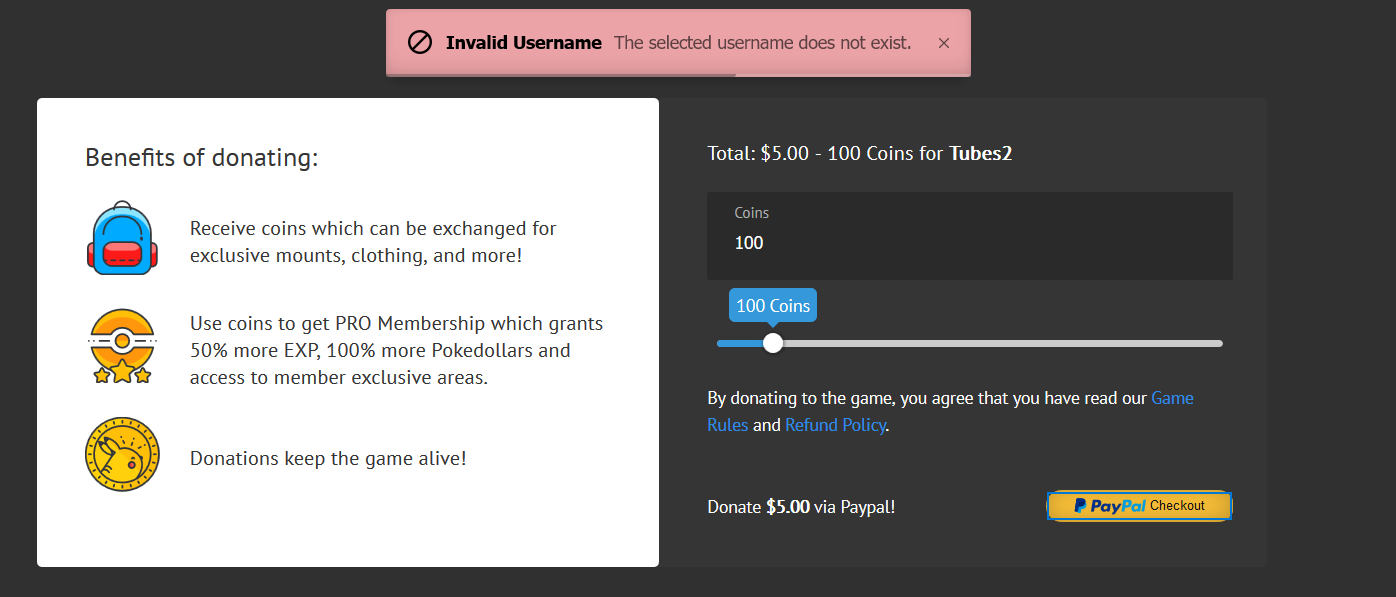
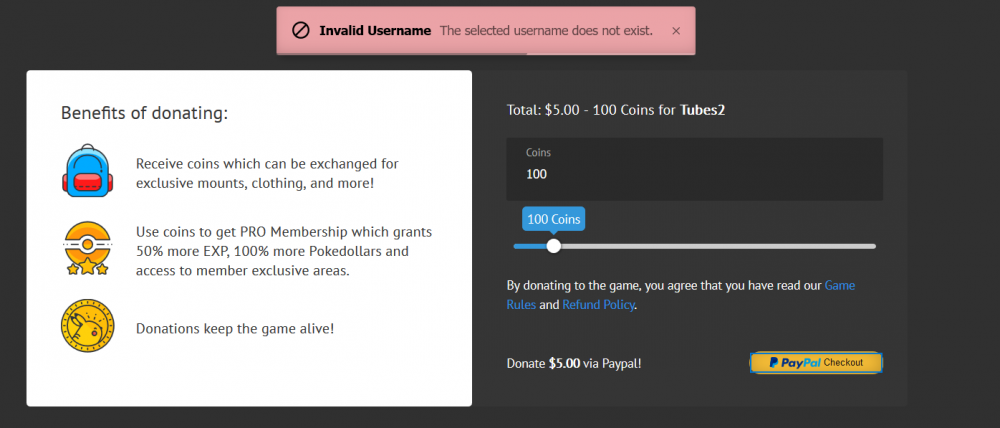
I attempted to purchase coins and was given an error message that my username does not exist. I just purchased yesterday on the same account, but for some reason, I can't do it today. I've attached a screenshot with the error message.
-
I can no longer find the move inheritor in the daycare centers. What happened to the move inheritors? The Pre-evolution Move Tutors, that is. Where are they? Are they still supposed to be in the daycare center, because I have talked to everyone inside the daycare center and no move inheritor. And I can't seem to enter the daycare from above anymore.
-
I enjoy playing the game with music and podcasts in the background. This is why I play with the sound and music off. I have both the music and sfx bars minimized entirely, as well as the mute boxes checked. I also have not checked the box that says "play audio in background". Well, the in-game rain feels that it is above these petty restrictions. I'll be listening to a youtube video in the background, and all of a sudden, the rain starts, and it's LOUD. Not only that, but when I minimize the game, the rain sound effect is still playing. This is incredibly annoying. Please fix this, as it makes my play experience intolerable. Thank you and Arceus bless.