




New Trade Zone
Trade Zone is now live
Use the new Trade Zone for auctions and instant-price trades so Pokemon and item offers are easy to find.

Muzbar
Registered User
-
Joined
-
Last visited
-
Thank you for the clarification, I'll save the repels (what's left) for another poke.
-
Apologies if this has been asked but I'm a bit confused. So I've finally made it to Dragon Neck and I want to hunt Bagon. Prowiki says Bagon spawn lvl36-41 and all other pokes spawn lvl30-35, yet when I type the repel command into discord it shows no results but if I type the location command it shows Bagon spawns at lvl30-35 AND lvl36 - 41, is there another spot on Dragon Neck I haven't got to yet? I'm just on the other side of the clouds/bridge. I don't want to waste a bunch of repels if it doesn't work. Thanks in advance.
-
I uninstalled the game and then reinstalled using the new apk... worked a treat. Thanx.
-
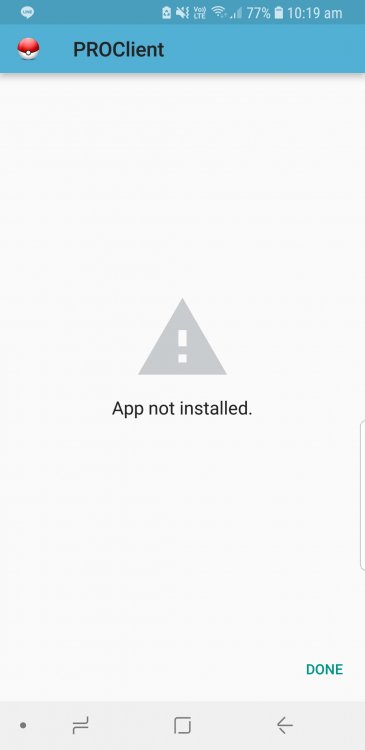
I can download the game fine but once installing I get this...
-
Goto route 22 (west of Viridian) and catch Mankey, Nidoran and/or Poliwag (night). Any or all of those should help you beat Brock.
-
Just found a Squirtle in Pallet Town.. But instead of throwing another pokeball at him I attacked him :Shocked: :Frown: But yes, definitely there.
