




New Trade Zone
Trade Zone is now live
Use the new Trade Zone for auctions and instant-price trades so Pokemon and item offers are easy to find.

Riotatzu
Registered User
-
Joined
-
Last visited
Everything posted by Riotatzu
-
-
Ferrothorn bold 20+ sold in game
-
New pokes epic/decent added ~ bump
-
Cofagrigus 28 def sold in game
-
Excadrill jolly sand rush sold in game
-
Medicham 24/31 jolly sold in game
-
Best lend shop bro
-
Hello, I accidentally evolved and trained an eevee to espeon (for happiness), but I wanted a jolteon. Is it possible to go back to the eevee form? Thanks for listening
-
Ferrothorn sassy sold in game
-
new pokes added :)
-
Cool bro
-
Haxorus jolly sold in game
-
nice shiny bro, I would buy, but I need to raise money gl with the offers
-
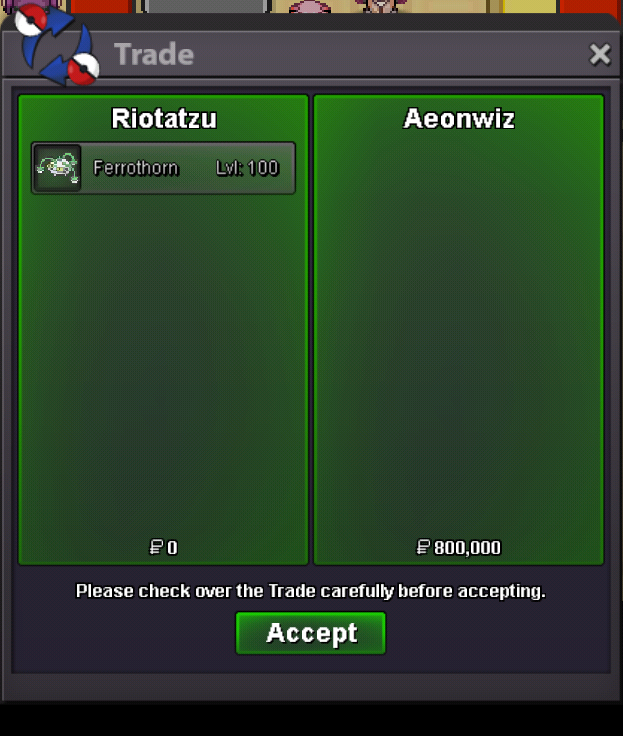
Ferrothorn low spd sold to winner auction "Aeonwiz", ty
-
Sure, ~ Start Thursday 15:30 GMT/UTC ~ Ends Saturday 15:30 GMT/UTC Thanks
-
Umbreon 21+, metagross 22+, chandelure 23+ sold in game
-
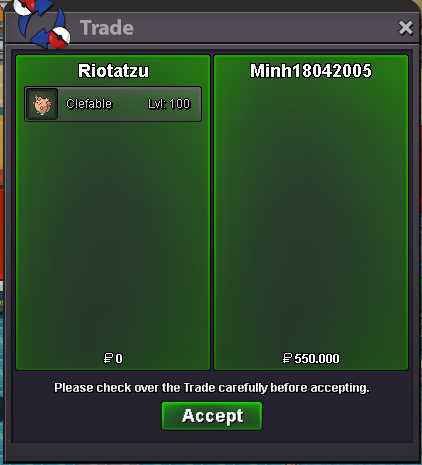
Reduced insta and sold to "Minh18042005", ty
-
Yes, can you start with 500k(how nobody started is your right) Start clefa h.a calm 500k ~ Start Sunday 15:30 GMT/UTC ~ Ends Tuesday 15:30 GMT/UTC Thanks
-
Do you want start with 550k?
-
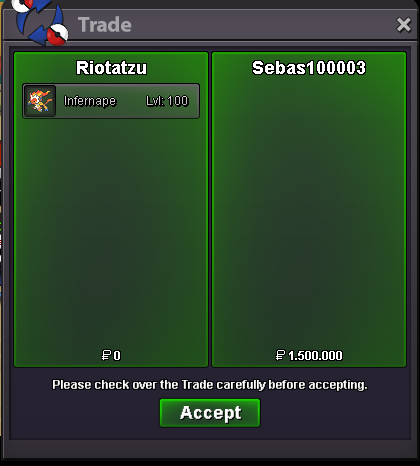
Infernape 23+ sold to winner auction "Sebas100003", ty
-
Chandelure max spd + h.a sold in game
-
s.o 1.5m Infernape 23+ ~ Start Saturday 00:30 GMT ~ Ends Monday 00:30 GMT Thanks
-
Lucario ada sold in game
-
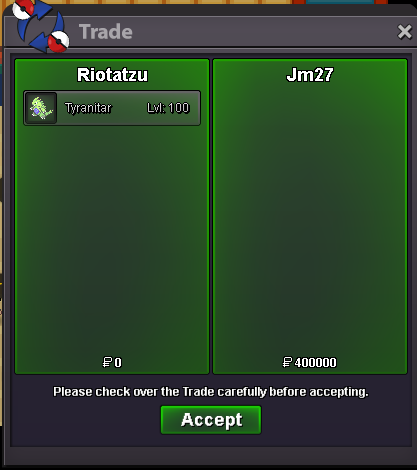
Tyranitar max atk sold insta, ty
-
New pokes added ~ bump
