New Trade Zone
Trade Zone is now live
Use the new Trade Zone for auctions and instant-price trades so Pokemon and item offers are easy to find.

Riotatzu
Registered User
-
Joined
-
Last visited
Everything posted by Riotatzu
-
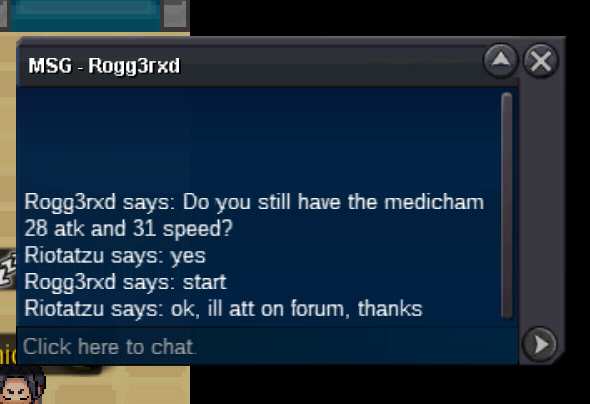
c.o 400k Medicham 28/31 by "Rogg3rxD" ~ start Saturday 22:00(GMT) ~ ends Monday 22:00(GMT)
-
Cofagrigus relaxed sold in game
-
Hydreigon 31 spatk sold in game
-
Kabutops lonely sold in game
-
I got it, erased everything and went through the folder again. Thank you, sorry for taking the time from the staff!
-
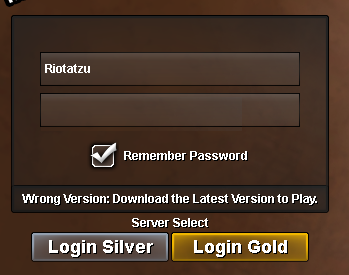
Good morning, I already downloaded it on mega, mediafire and Doko. Even so, he remains alert to download the latest version. Can you help me? thank you
-
I buy it

-
Tyranitar 29 atk sold in game
-
Tyrantrum and Mienshao sold in game
-
Chandelure 28spd sold in game
-
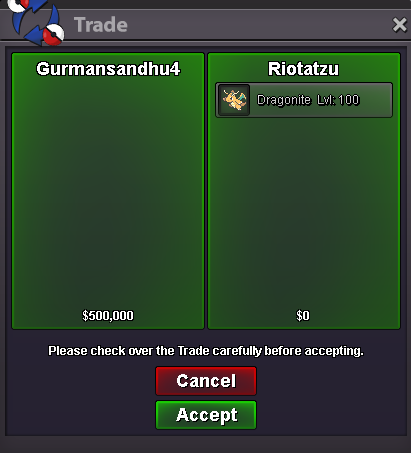
Dragonite 28 atk h.a sold insta to "Gurmansandhu4", ty
-
Gastrodon sold in game
-
-
Rotom-wash sold in game
-
new mons added ~bump
-
Clawitzer sold in game
-
Togekiss naive sold in game
-
Amoonguss sold in game
-
I'll give up then, good luck dude Good luck seller
-
Im really interessed, contact me Discord Riotatzu #3815
-
Volcarona timid sold in game
-
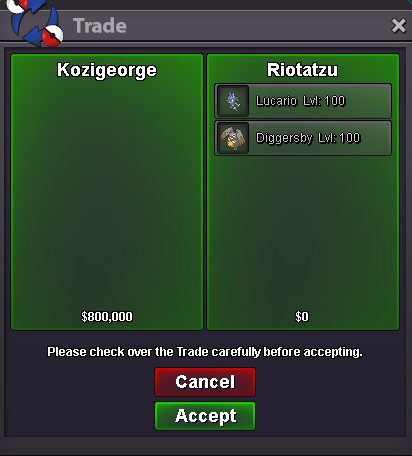
Sold Lucario and Diggersby insta to "@KOZIGEORGE", ty
-
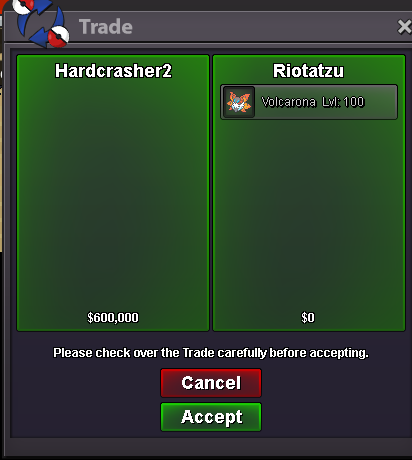
Sharpedo and garchomp 28 spd sold in gameVolcarona sold insta by Hardcrasher2