




New Trade Zone
Trade Zone is now live
Use the new Trade Zone for auctions and instant-price trades so Pokemon and item offers are easy to find.

Riotatzu
Registered User
-
Joined
-
Last visited
Everything posted by Riotatzu
-
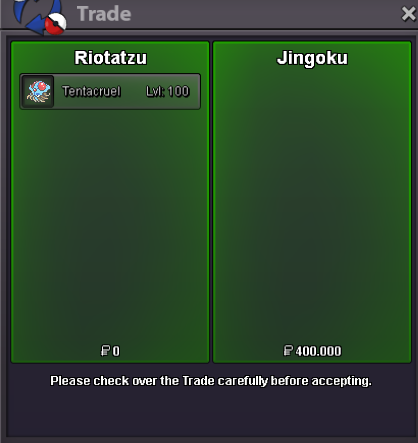
Tentacruel 20+ sold ito "Jingoku", ty
-
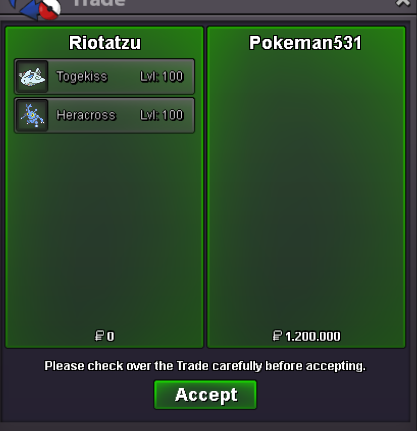
Heracross 30 spd and Togekiss bold sold to "Pokeman531", ty
-
Arcanine impish sold in game
-
- Insta reduced to 4m - 9h32min left
-
Nidoking mixed sold to Mcl0vin1997(winner), ty
-
24hrs left ~ bump
-
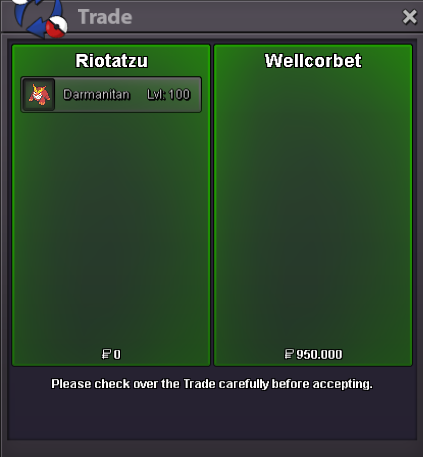
Darmanitan 20+ naughty sold to "Wellcorbet", ty
-
~bump
-
bump ~
-
Sure, s.o 400k Nidoking Start ~ Friday 22:09 GMT/UTC Ends ~ Monday 22:09 GMT/UTC Ty
-
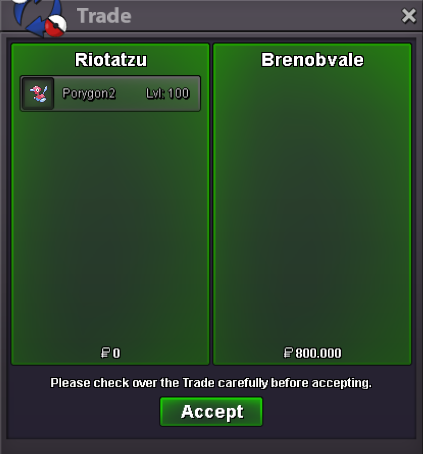
"Brenobvale" won auction. ty
-
Skarmory sold to "Zetlocrito1995", ty bro

-
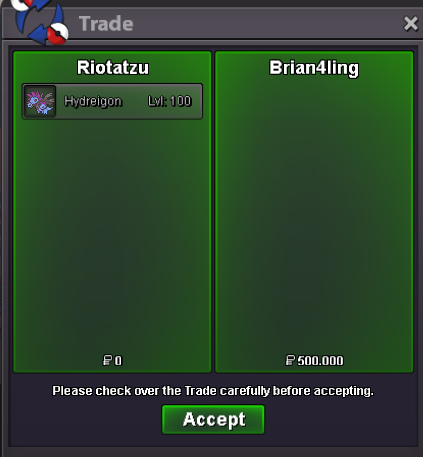
Hydreigon sold in game to "Brian4ling", ty
-
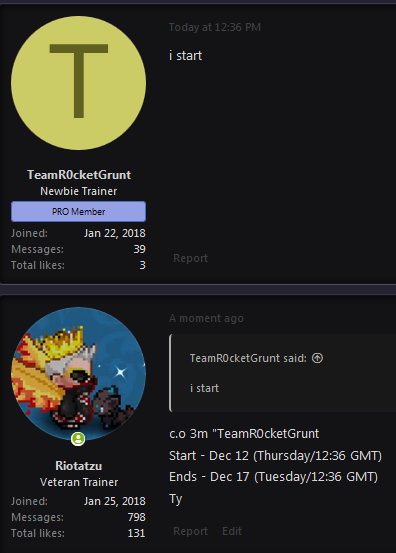
Garchomp h.a impish started
-
c.o 3m "TeamR0cketGrunt Start - Dec 12 (Thursday/12:36 GMT) Ends - Dec 17 (Tuesday/12:36 GMT) Ty
-
Sorry my bro, i dont have that rare poke xD
-
c.o 800k Insta 1.2m Start // Wednesday 22;10 GMT/UTC Ends // Friday 22:10 GMT/UTC Ty
-
- Rules: Accept coin capsule 300k and reroll ticket 600k Auction ends 5days(120 hrs)after the first bid Minimum raise 100k Start 3m Insta 4m

-
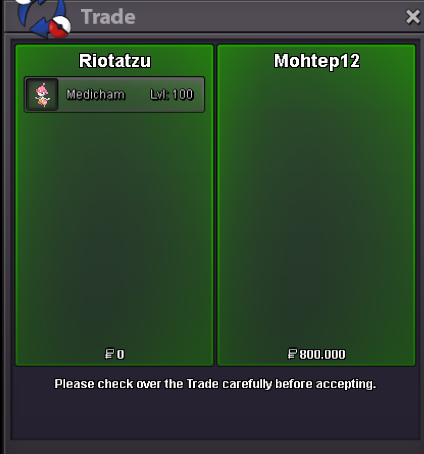
Medicham 28 spd sold to "Mohtep12", ty
-
Metagross 25 atk, Malamar, Eelektross, Arcanine 20+, Aggron 20+ and Haxorus jolly sold in game
-
Haxorus adamant sold in game
-
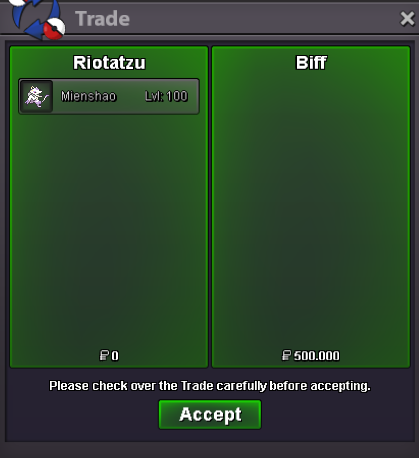
Mienshao sold insta to "Biff", ty
-
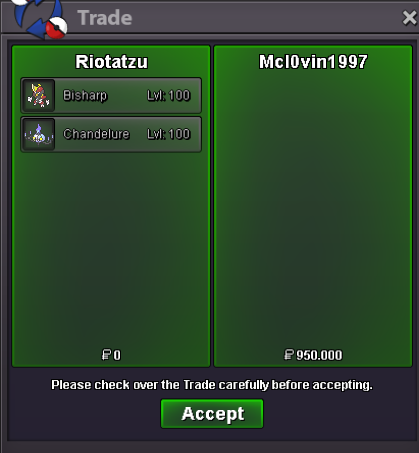
Bisharp and Chandelure hp ground sold to "Mcl0vin1997", ty
-
I thought: "s riolu"... its shiny riolu? I was trolled xD gl selling mate
-
Dragonite mount :SquirtleSquad:
