




New Trade Zone
Trade Zone is now live
Use the new Trade Zone for auctions and instant-price trades so Pokemon and item offers are easy to find.


Jianychta
Registered User
-
Joined
-
Last visited
Everything posted by Jianychta
-
This one too please

-
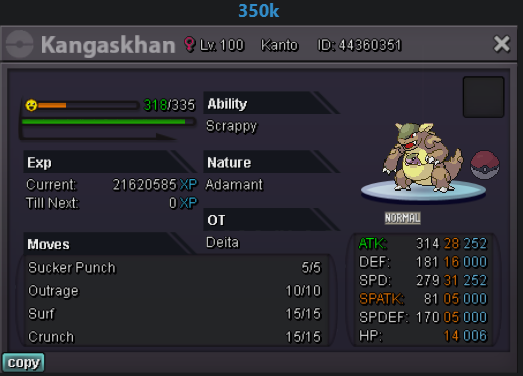
Hello~! I'm interested in the Kanga.
-
Henlo. Your desperation has reached my ears. I sent you a DM. 🙂
-
Can I get that 150k jumpluff please?
-
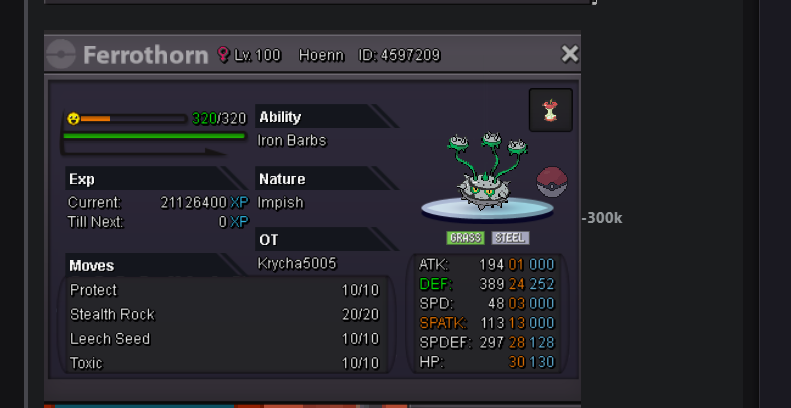
Henlo. Is this ferrothorn still available?
-
Hello, if it's still available, can I adopt that 70k clef? Discord: Jianychta#3610
-
PM sent. 🙂
-
Sent you a PM. 🙂
-
Hello~ Sent you both a private message. 🙂
-
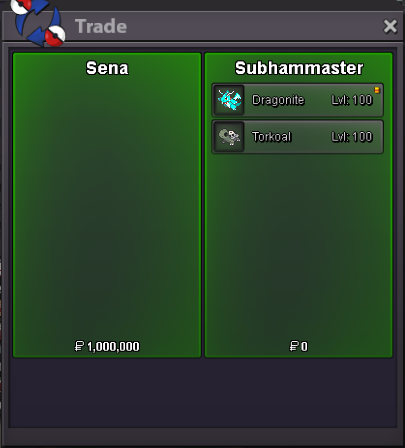
Thanks a lot @Subhammaster
-
Awesome. Just tag me here if you're going online so I can too. 🙂
-
Hello, sent you a message directly, I did.
-
Sorry, just got home. I can go online anytime now
-
-
-
Nyaaa
-
-
-
-
-
Rawr.
-
-
Henlo~! Sent you both a private message. 🙂
-
-
Sent you a DM. 🙂
