




New Trade Zone
Trade Zone is now live
Use the new Trade Zone for auctions and instant-price trades so Pokemon and item offers are easy to find.

Worldkeeping
Registered User
-
Joined
-
Last visited
-
gold worldkeeping EST i am online currently sorry for troublr you again. it turns out the other two pokemons also need to be traded so they can evolve
-
gold worldkeeping EST 1pm-9pm, april 21th need help trade evolve
-
username:worldkeeping
-
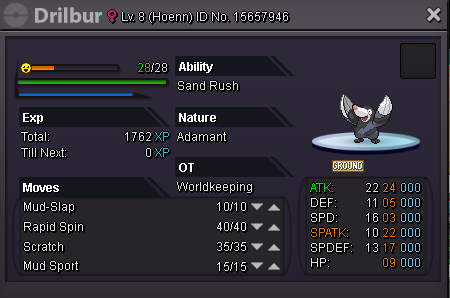
close from april 21-27 EST shop rule: 1. this is a new shop. so for every pokemon for sale is not a auction. I take the earliest and highest offer that I can accept. 2. I will mark sold and contact undergoing offer as soon as possible. 3. Please leave following information. (1) pokemon ID, the ID shows in image. (2) your ingame name. (3)your price offer 4. I will contact through forum reply or in game pm. 5. Please don't leave irrelevant message. for sale pokemons: [spoiler=Bagon] [spoiler=Pawniard]
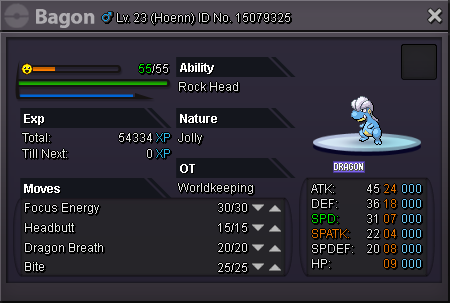

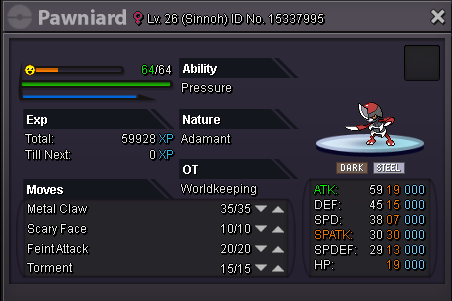
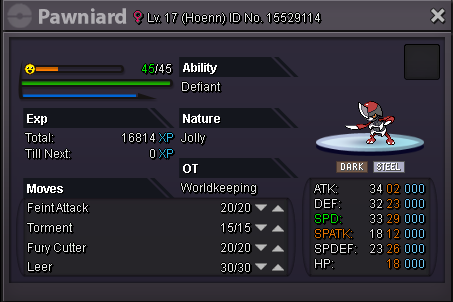

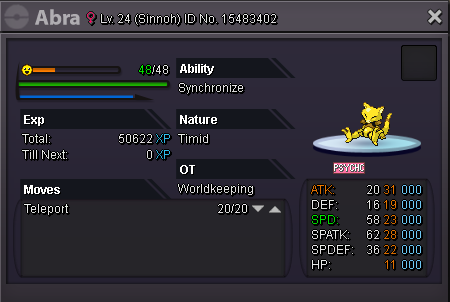
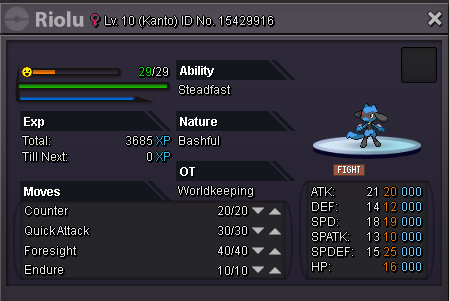
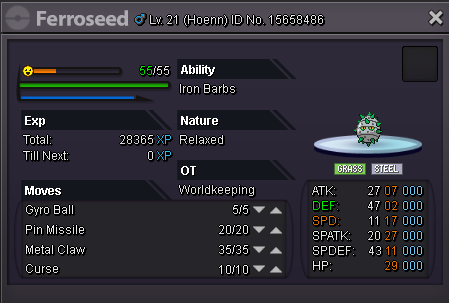
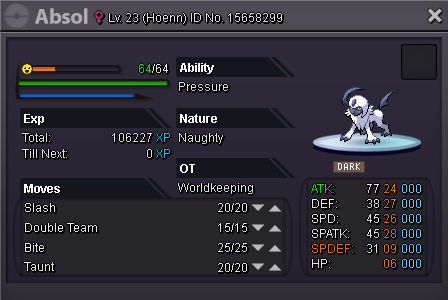
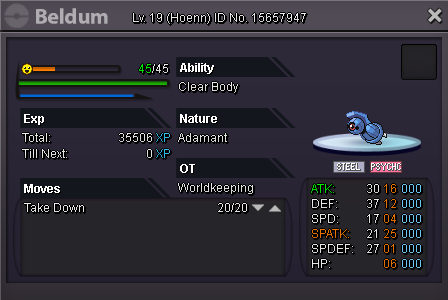
-
yellow worldkeeping EST,florida need help evolve two pokemon. i am available from 12:30pm to 3pm
-
ID Screenshot: Server: yellow

-
yellow, worldkeeping, Easter standard time
-
yellow service, worldkeeping, trade evolve pokemon, eastern daylight time zone(florida)
-
In-game name: worldkeeping Server: yellow Timezone: EST I need help to trade my kadabra to evolve to alakazam.