New Trade Zone
Trade Zone is now live
Use the new Trade Zone for auctions and instant-price trades so Pokemon and item offers are easy to find.

Asuracrying00
Suspended
-
Joined
-
Last visited
Everything posted by Asuracrying00
-
@Subhammasterwon S.O 6M C.O 10.6m by Subhammaster MIN BID 500K NO INSTA DURATION 2 DAYS AFTER STARTS NO ACCEPT CCS AND RRS
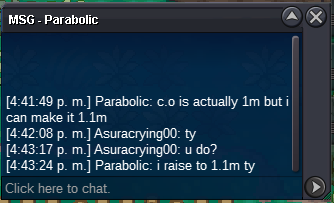
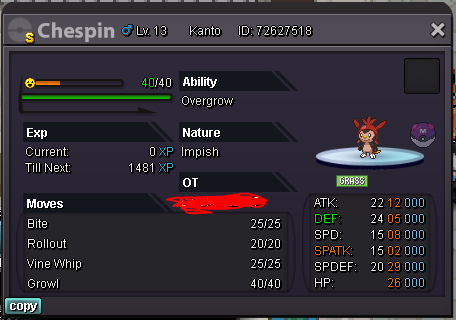 2hr left.S.O 200K C.O 1m by pokedust MIN BID 100K INSTA 2M DURATION: 24HS AFTER STARTS END, WINNER POKEDUST
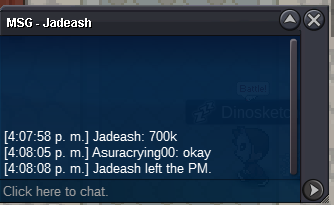
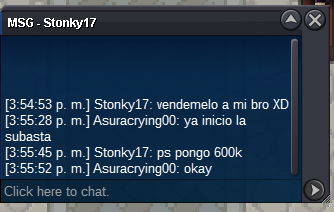
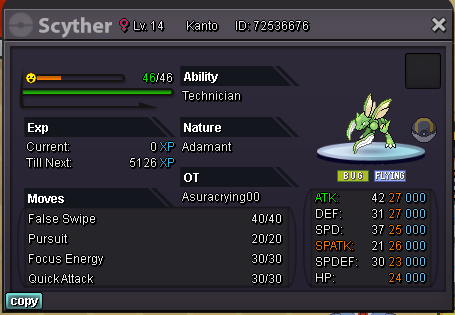 BumpIt is no longer necessary, can take the postHi, i want to buy a shiny bagon adamant i can pay up to 20m depending on how good it isbumpit's over? finally? I am free?S.O 200K C.O: 1.3m by Lillyxd min bid 100k NO INSTA DURATION 3 DAYS after starts 12hs LEFT accept ccs 380k and rr 680k
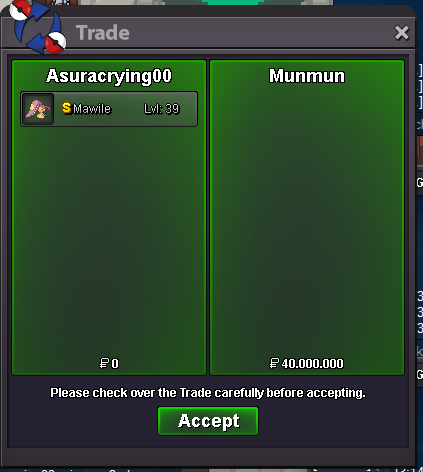
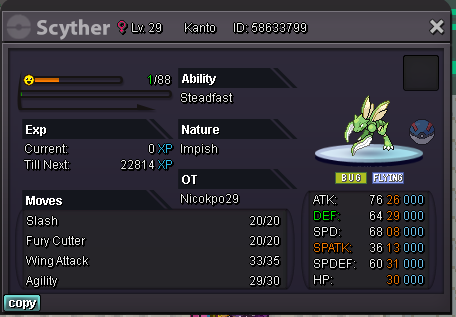 S.O 8M C.O: 40M by Munmun min bid 500k no insta rules: ccs 380k no accept rrs DURATION 3 DAYS after starts 8min left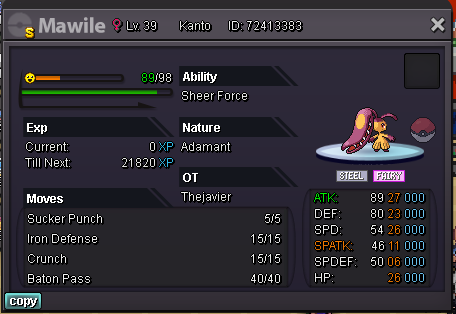
Account
Navigation
Search
Configure browser push notifications
Chrome (Android)
- Tap the lock icon next to the address bar.
- Tap Permissions → Notifications.
- Adjust your preference.
Chrome (Desktop)
- Click the padlock icon in the address bar.
- Select Site settings.
- Find Notifications and adjust your preference.
Safari (iOS 16.4+)
- Ensure the site is installed via Add to Home Screen.
- Open Settings App → Notifications.
- Find your app name and adjust your preference.
Safari (macOS)
- Go to Safari → Preferences.
- Click the Websites tab.
- Select Notifications in the sidebar.
- Find this website and adjust your preference.
Edge (Android)
- Tap the lock icon next to the address bar.
- Tap Permissions.
- Find Notifications and adjust your preference.
Edge (Desktop)
- Click the padlock icon in the address bar.
- Click Permissions for this site.
- Find Notifications and adjust your preference.
Firefox (Android)
- Go to Settings → Site permissions.
- Tap Notifications.
- Find this site in the list and adjust your preference.
Firefox (Desktop)
- Open Firefox Settings.
- Search for Notifications.
- Find this site in the list and adjust your preference.