New Trade Zone
Trade Zone is now live
Use the new Trade Zone for auctions and instant-price trades so Pokemon and item offers are easy to find.

Asuracrying00
Suspended
-
Joined
-
Last visited
Everything posted by Asuracrying00
-
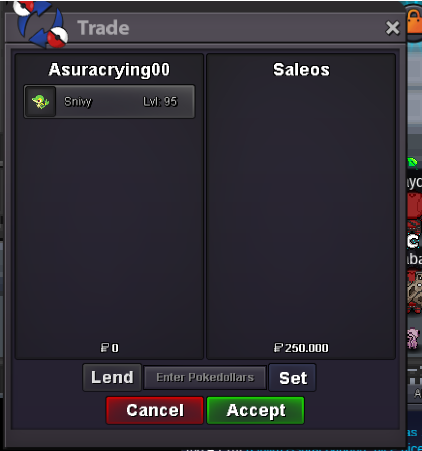
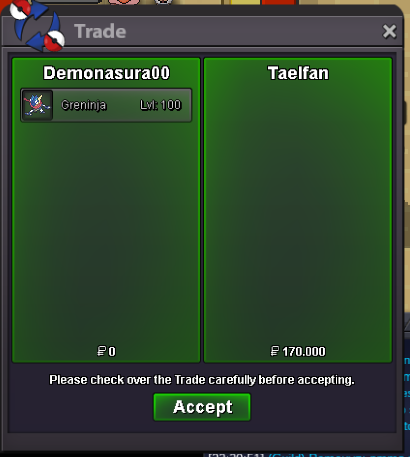
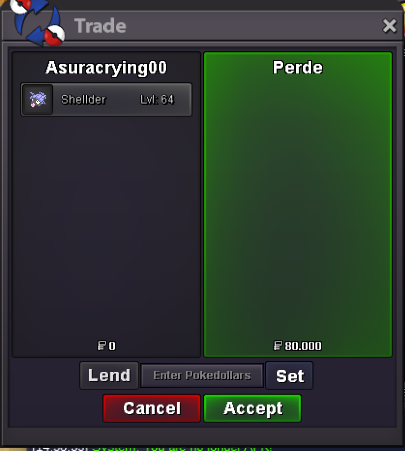
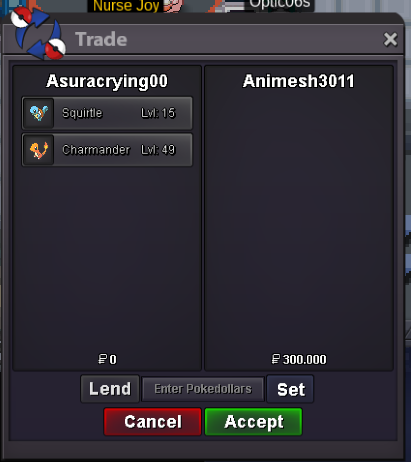
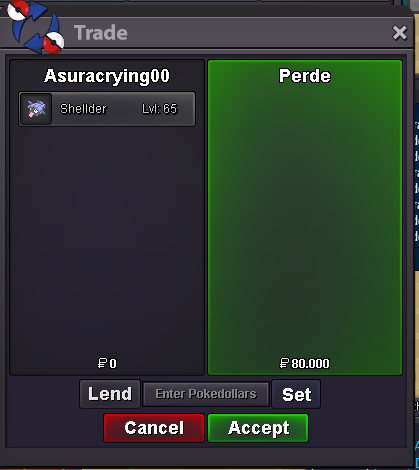
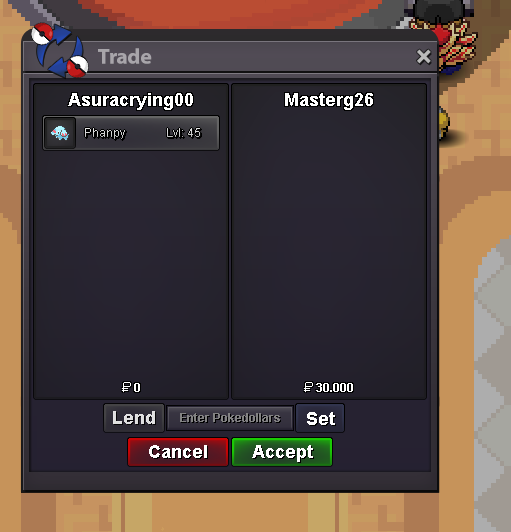
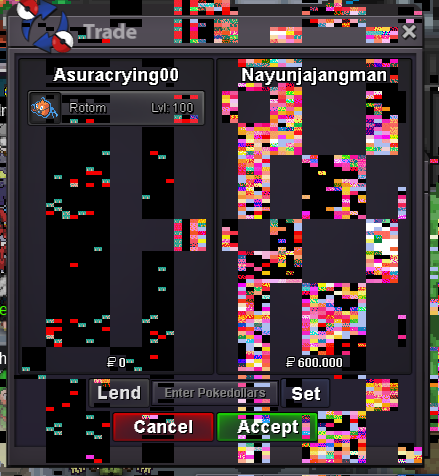
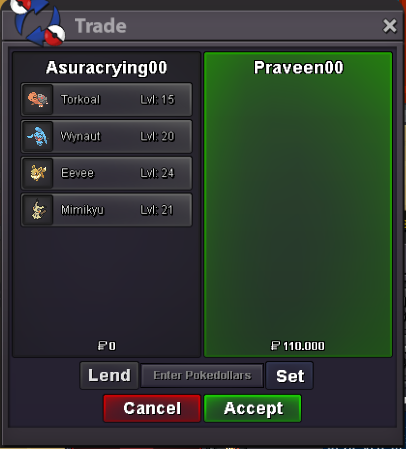
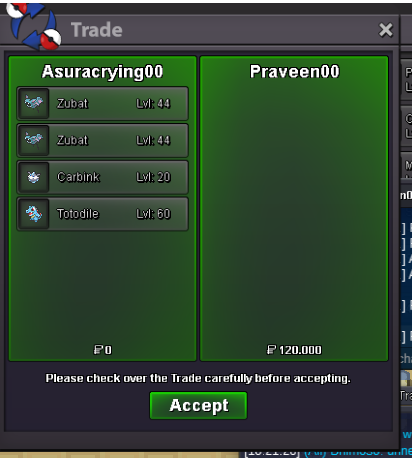
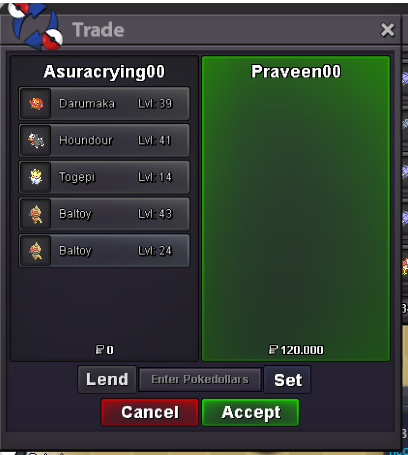
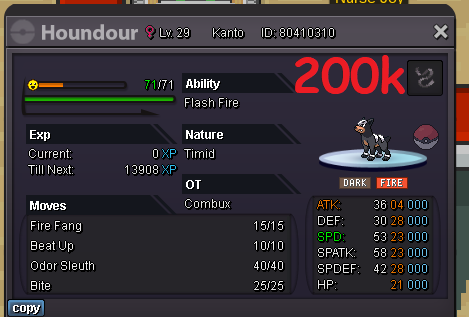
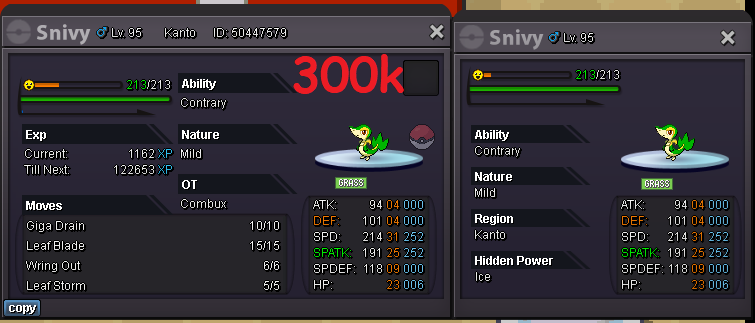
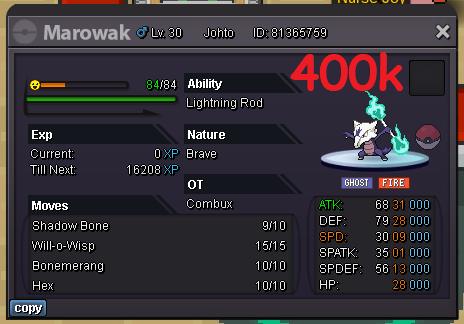
sold:
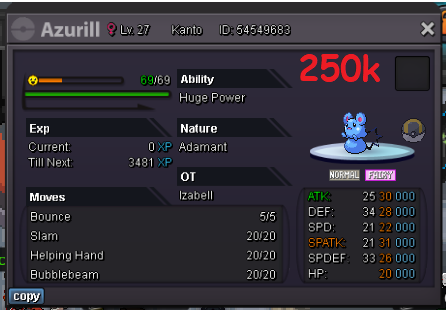
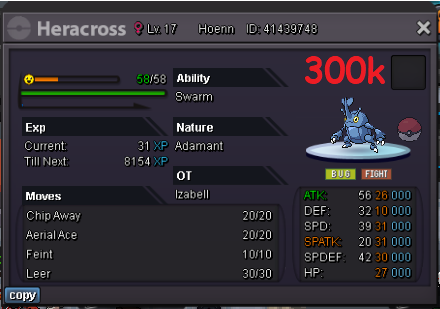
.png.fcf06d5f5149bdd38797cf26432a5efd.png)
.png.0a821719e0d1c85b4ab4020e644a27d7.png)
.png.b7c625b88e23cebb28eb47090b0ee99f.png)

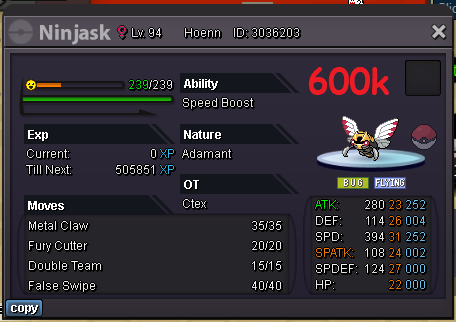
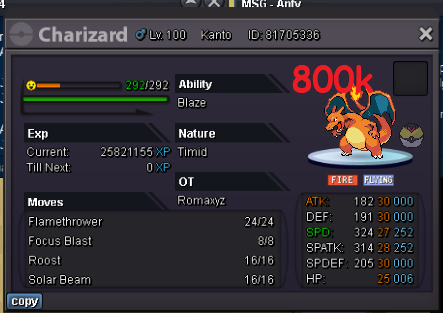
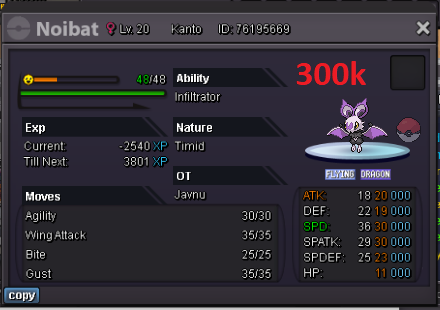
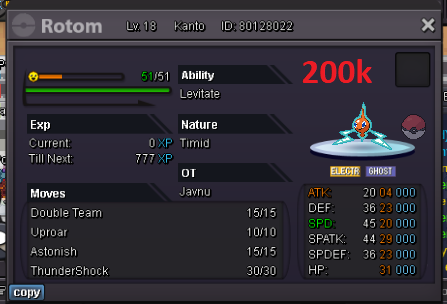
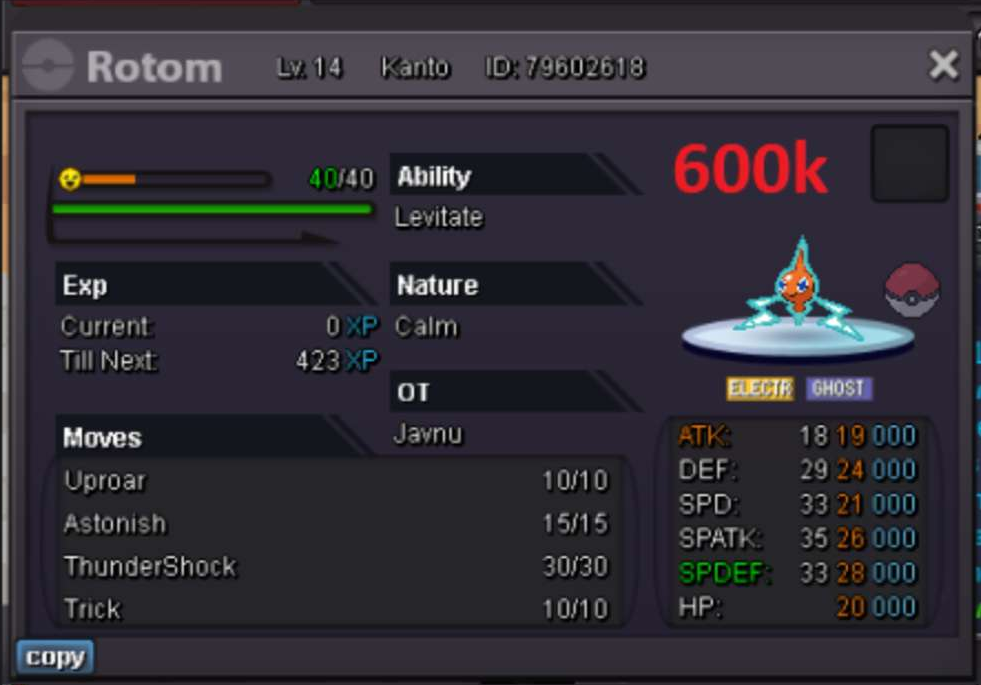
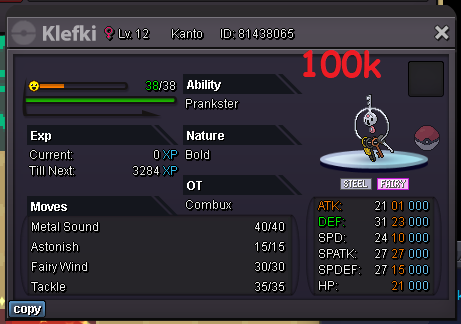
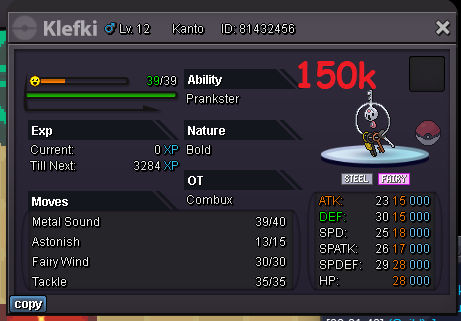
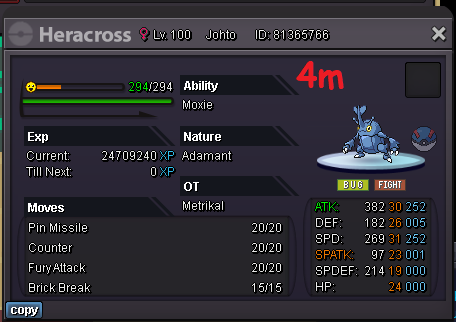 rules: cc as 360k rr as 450k rc as 4k DISCORD: AsuraCrying00/DemonAsura00 CONTACT ONLY ME. 20% discount on COMBUX´s pokemon Poke in my hands combux pokemon: scorpionsrl: izabell: white507: javnu: romaxyz: locuraa: dragon: zoebot not in my hands (Under this title, you should talk to the owner) foxy09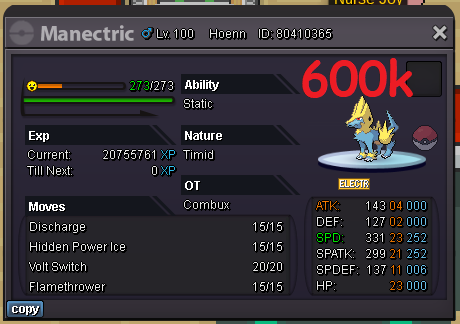
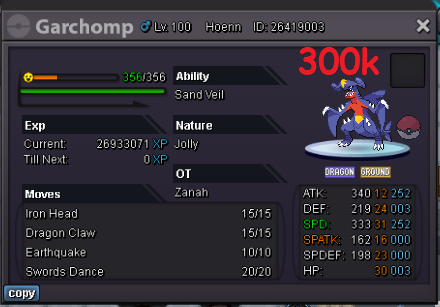
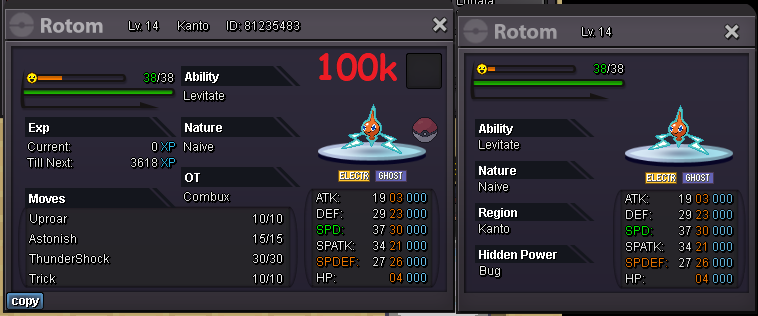
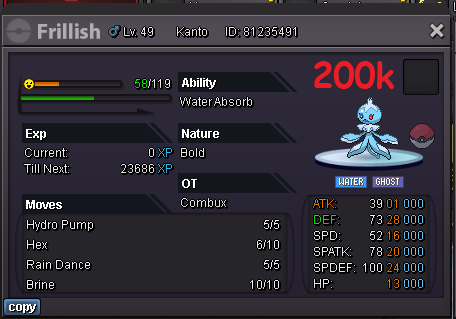
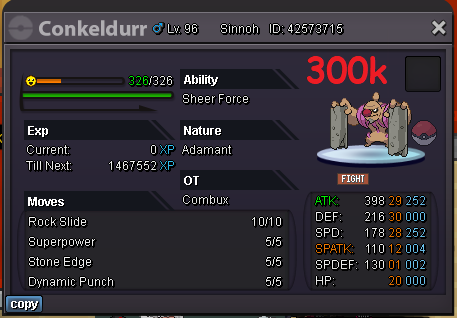
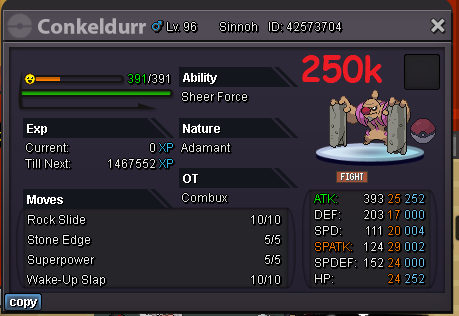
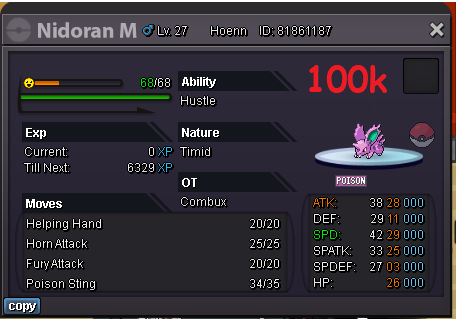
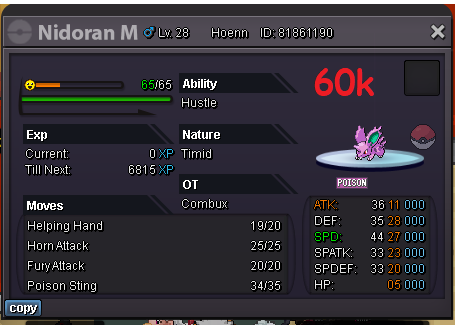

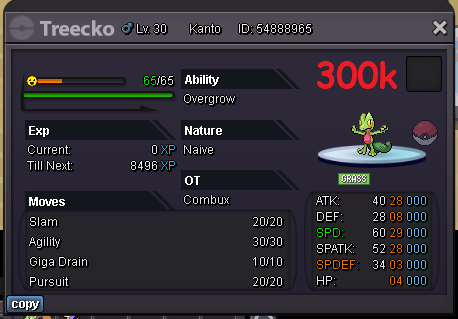
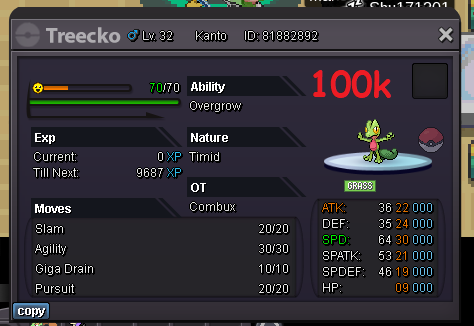
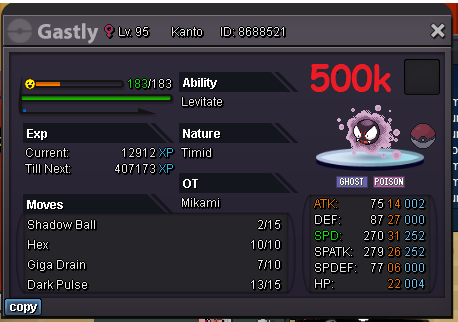

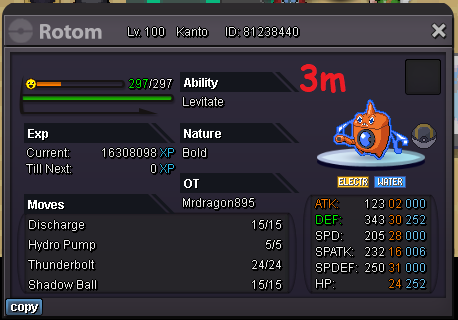
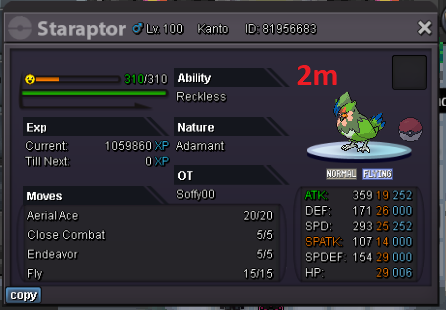


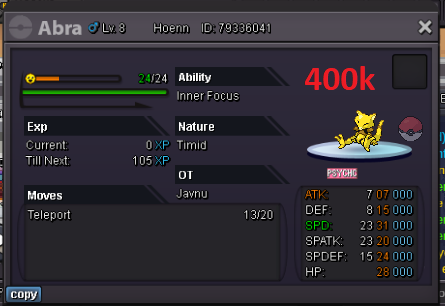

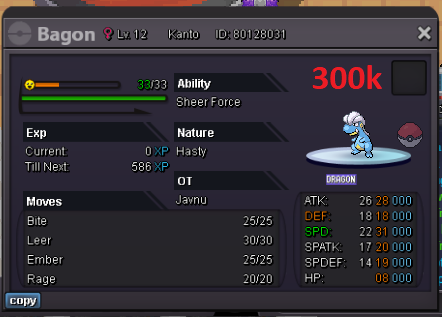
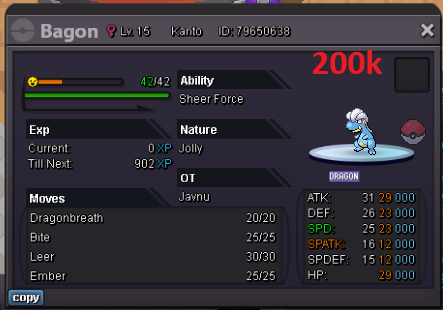

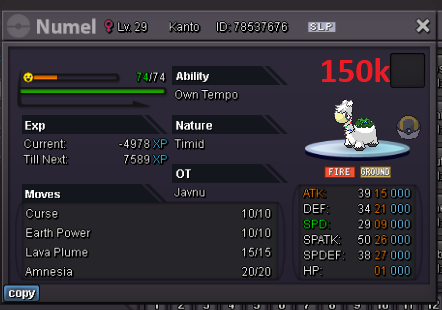

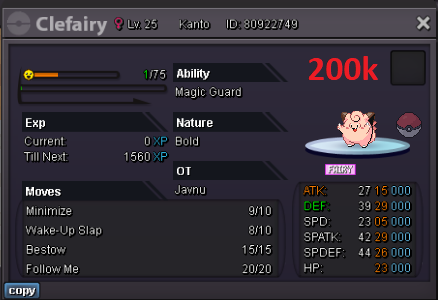

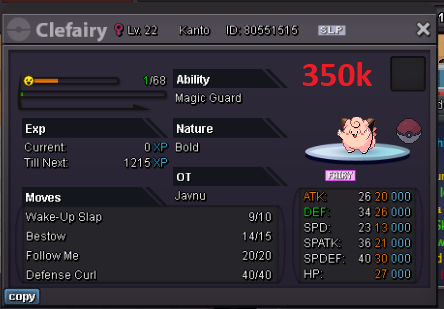

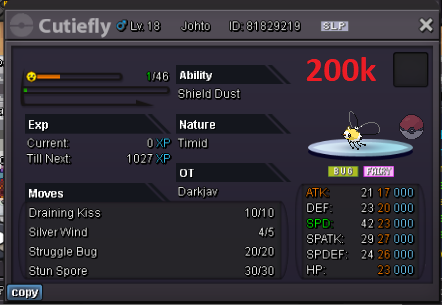
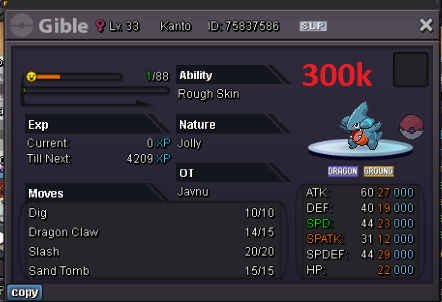
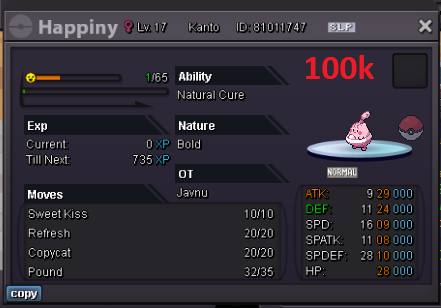
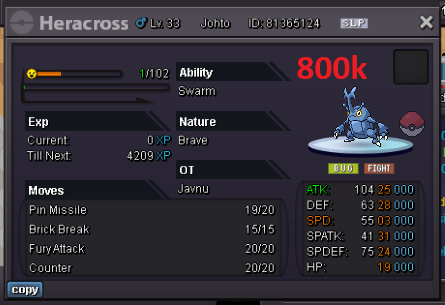
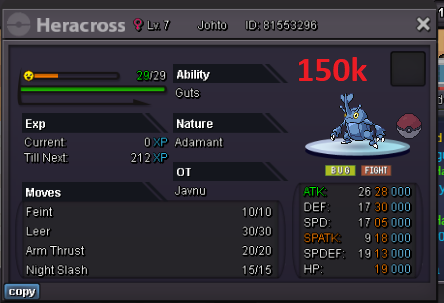
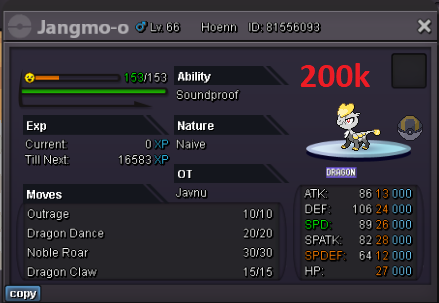
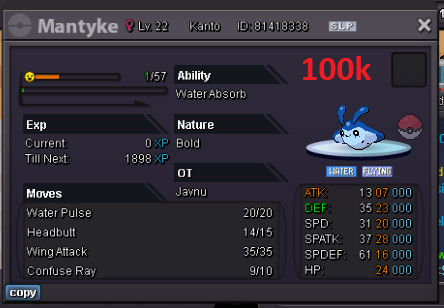
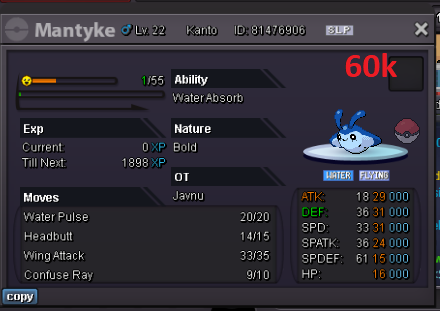
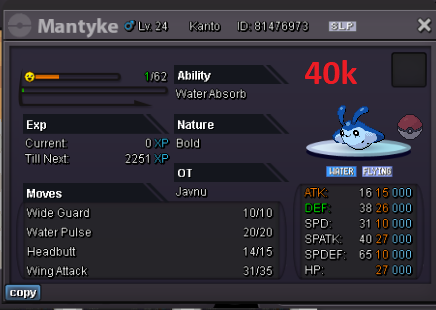
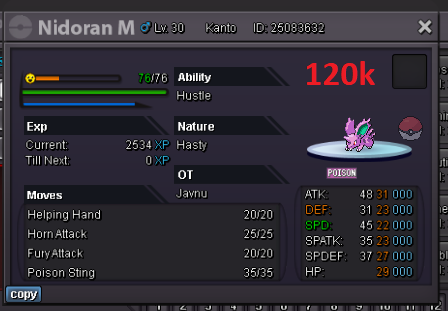
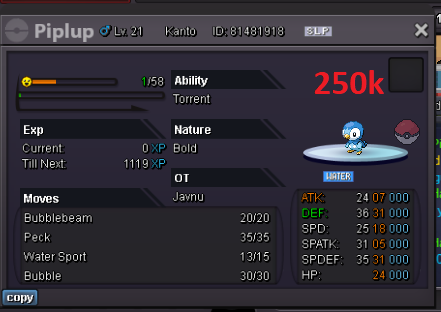
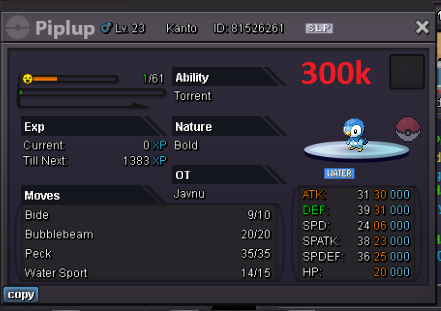
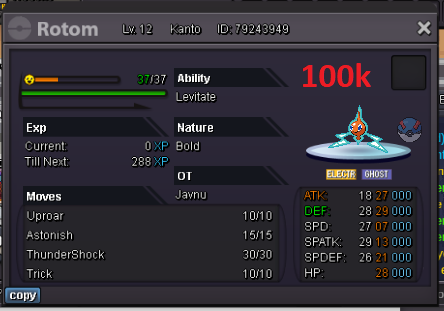
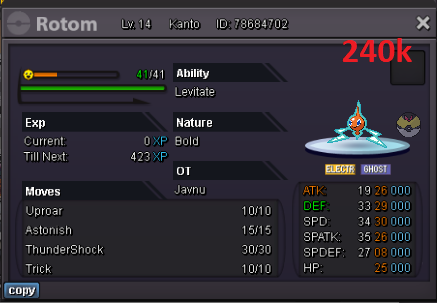
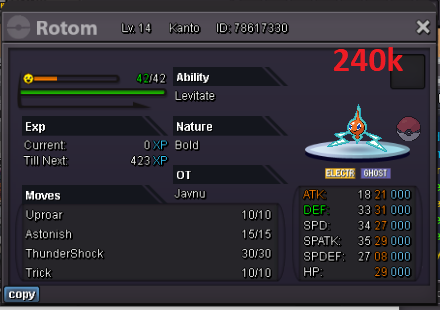
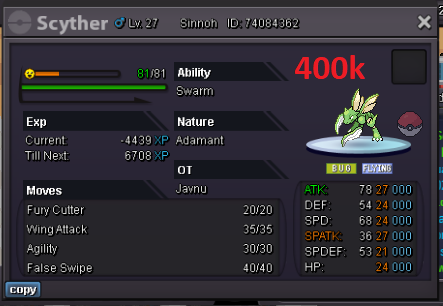
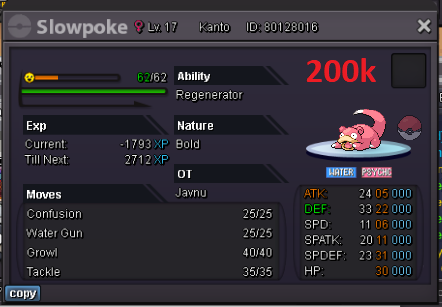
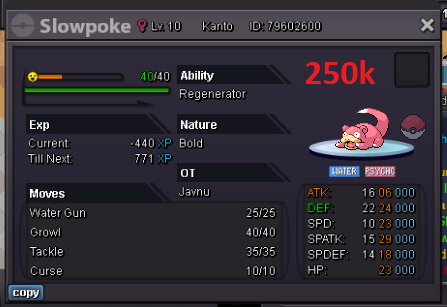
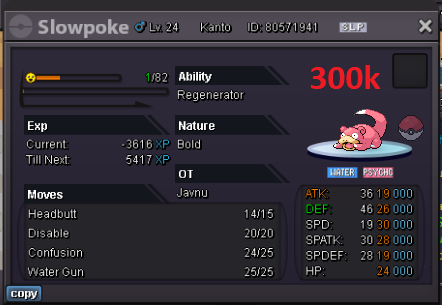
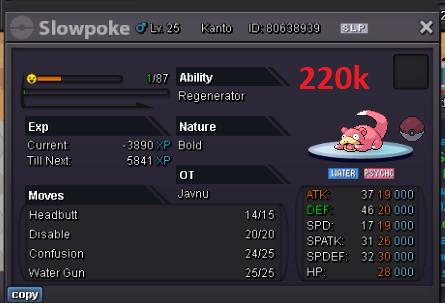
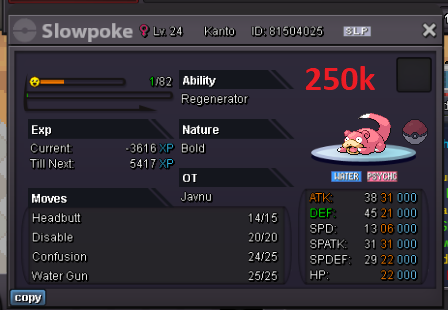

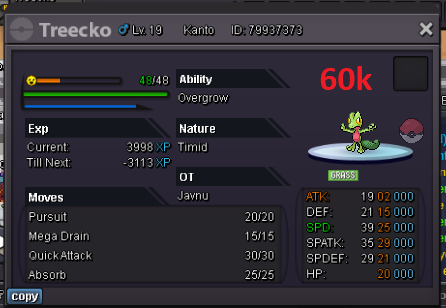
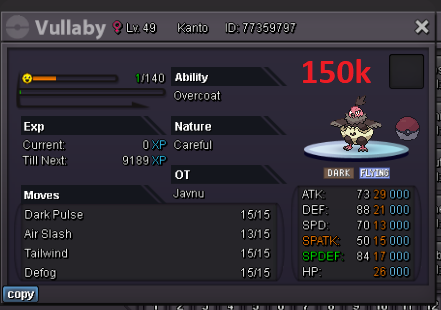


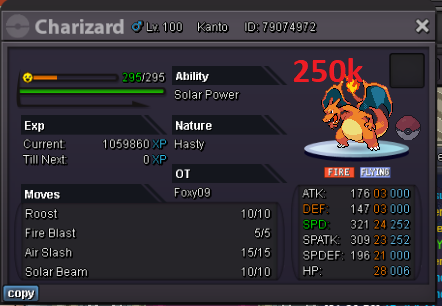
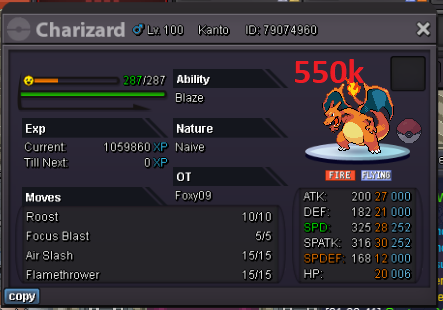
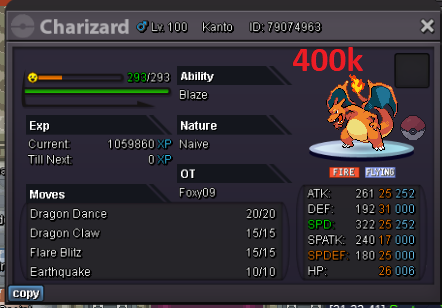
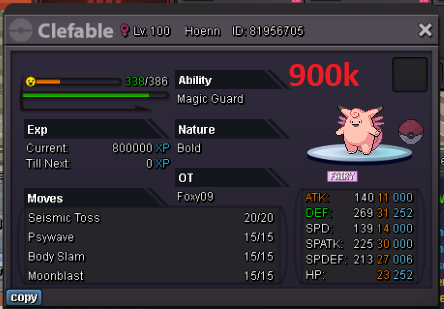
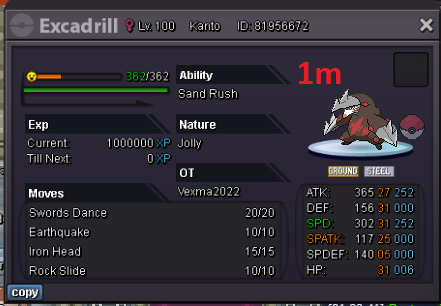
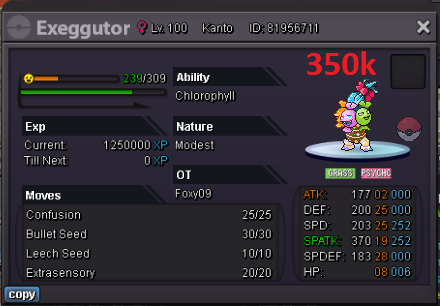
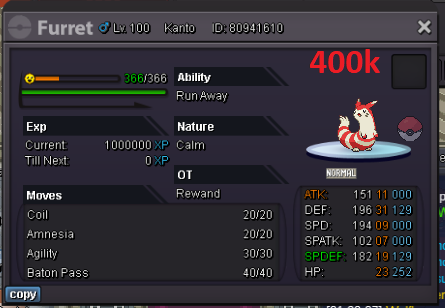
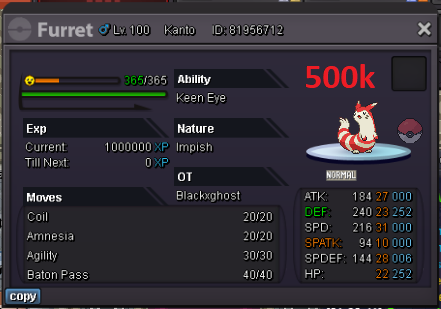
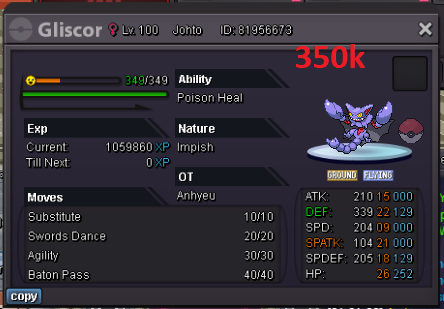
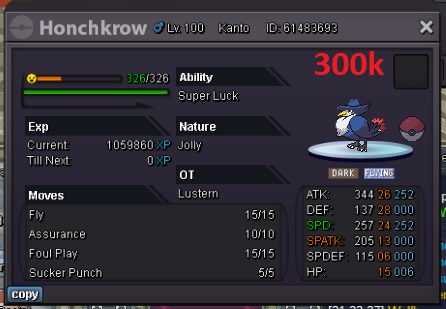
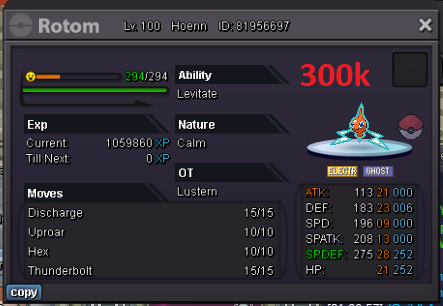
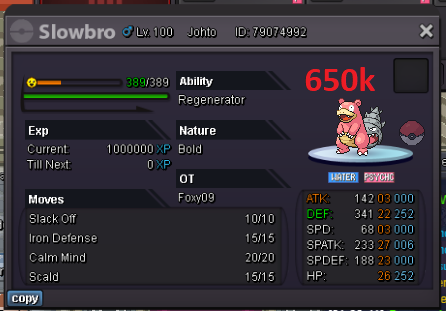
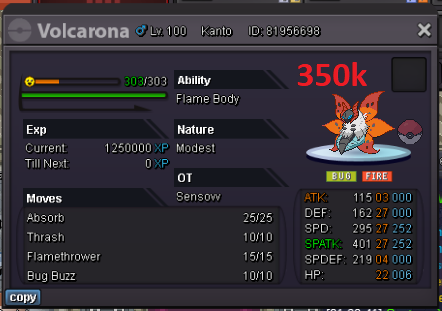

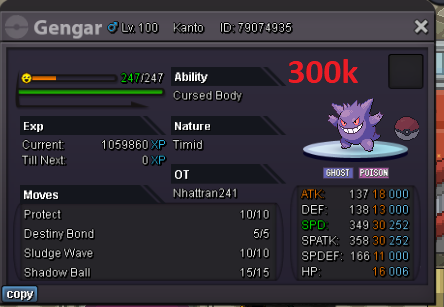
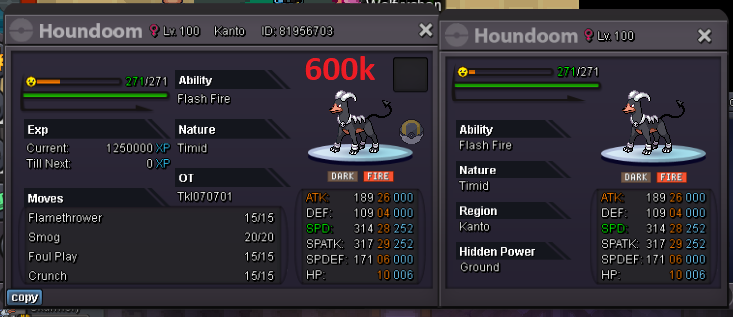


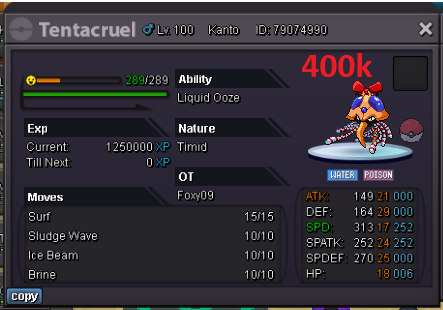
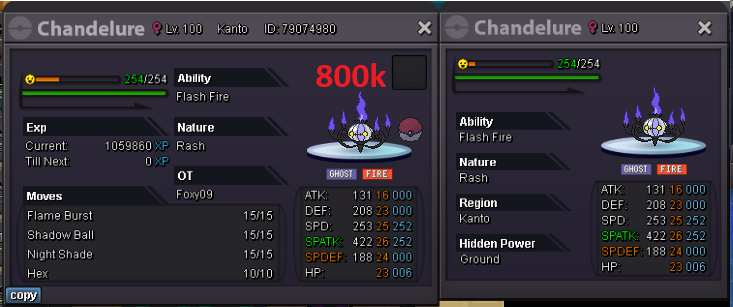
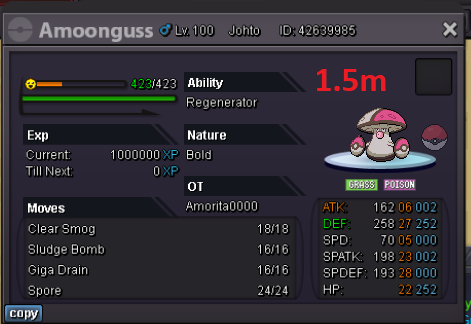
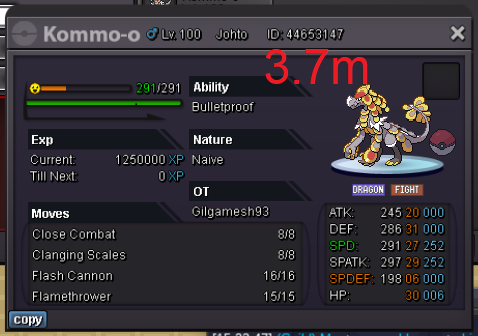
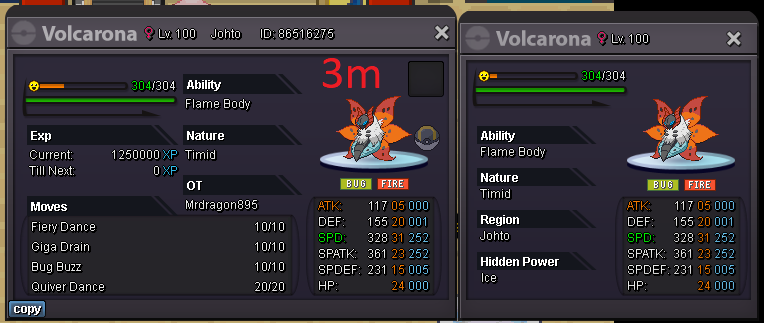 update195k3.4mstart 4mAs you can see in my captures, we killed the guardians and we were locked up without being able to go and claim the rewards thanks~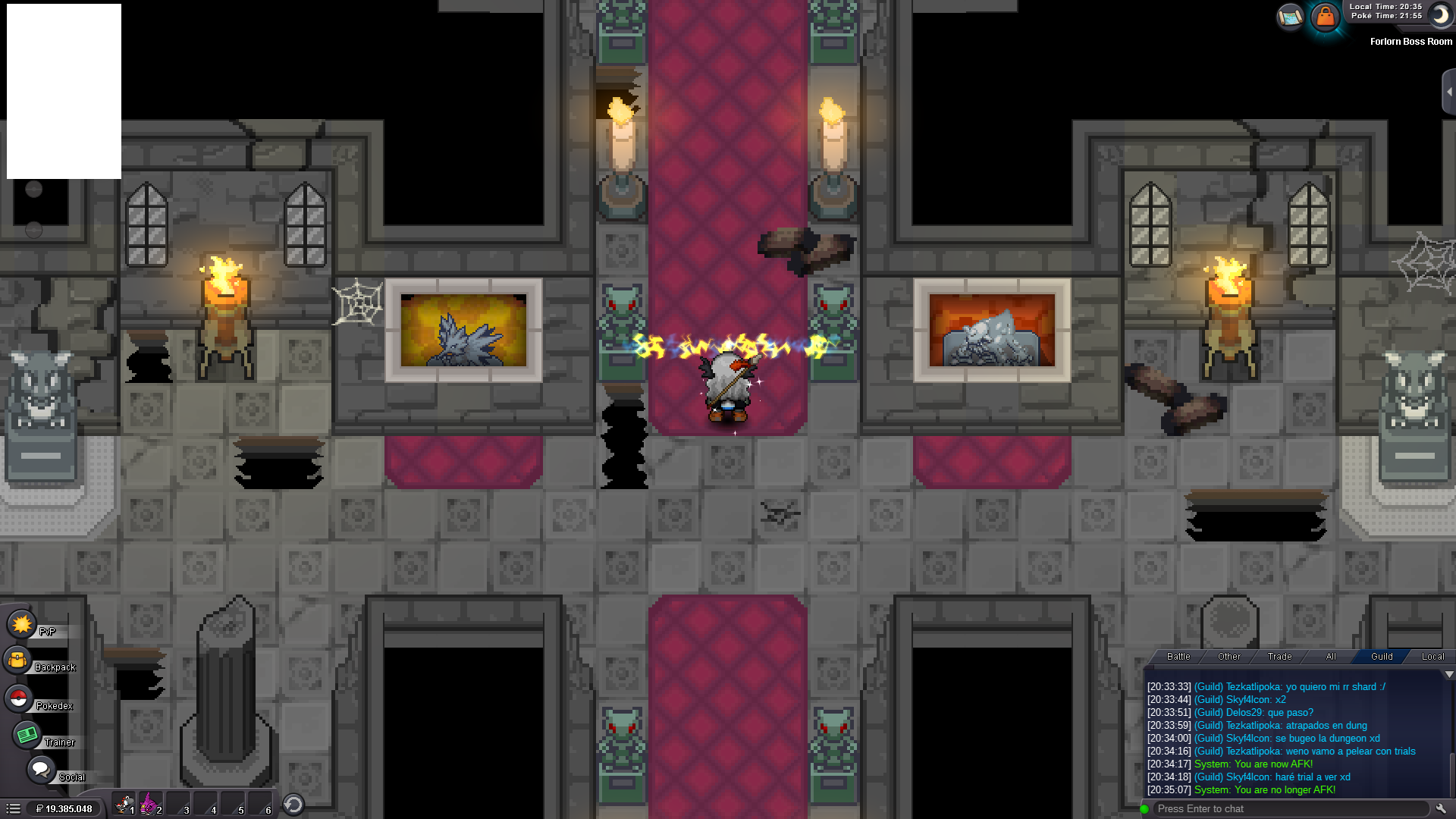
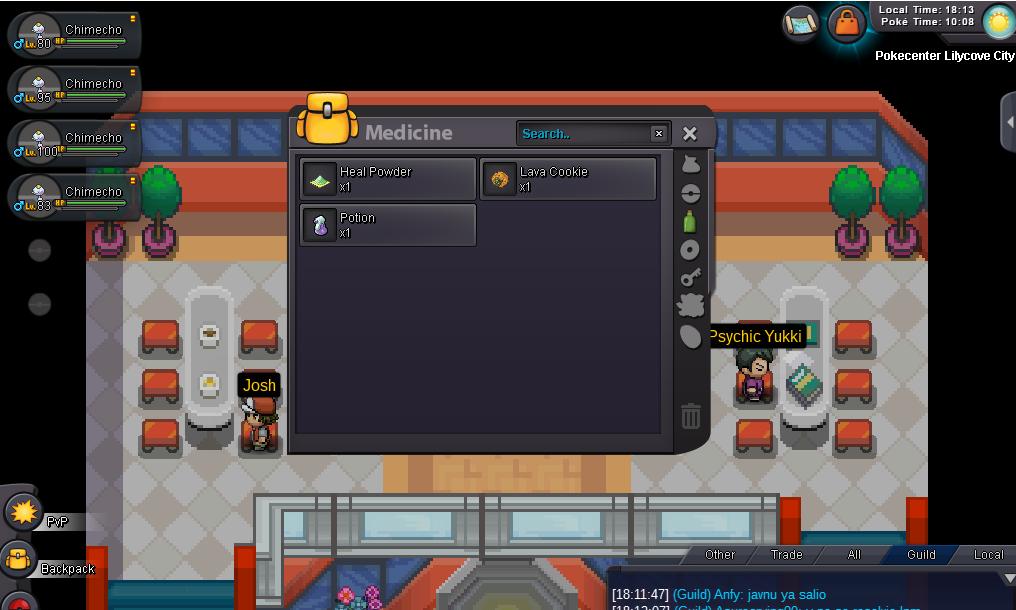
 Since you didn't say which poke, I go up to 5.8m scizor :Vscizor, 2m4startas you can see in the images, everything disappeared when leaving the lavender dungeon I hope it can be solved, thanks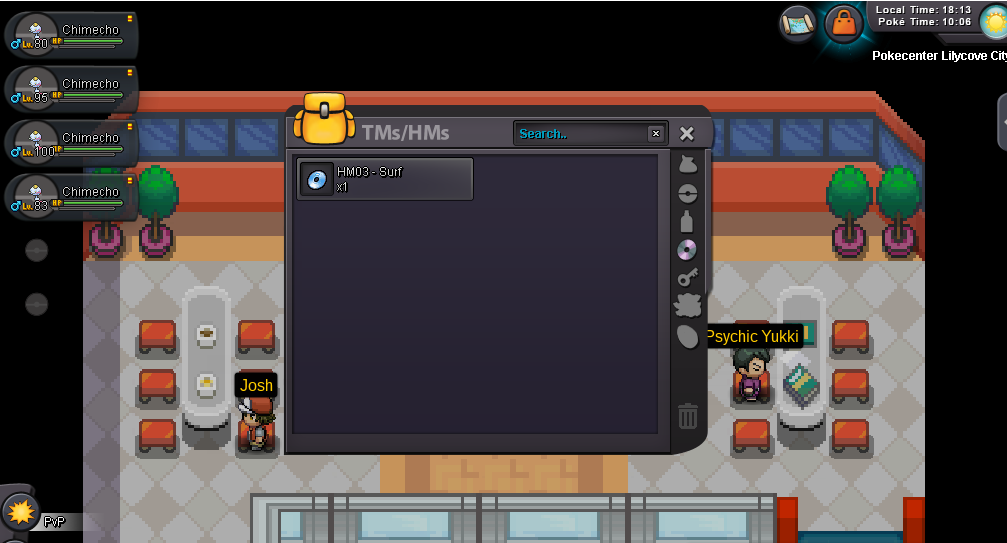
 We put the key in the door, it opened but it doesn't let us in https://www.youtube.com/watch?v=MdZruhEH64Q&ab_channel=AsuraCrying00startstart
Account
Navigation
Search
Configure browser push notifications
Chrome (Android)
- Tap the lock icon next to the address bar.
- Tap Permissions → Notifications.
- Adjust your preference.
Chrome (Desktop)
- Click the padlock icon in the address bar.
- Select Site settings.
- Find Notifications and adjust your preference.
Safari (iOS 16.4+)
- Ensure the site is installed via Add to Home Screen.
- Open Settings App → Notifications.
- Find your app name and adjust your preference.
Safari (macOS)
- Go to Safari → Preferences.
- Click the Websites tab.
- Select Notifications in the sidebar.
- Find this website and adjust your preference.
Edge (Android)
- Tap the lock icon next to the address bar.
- Tap Permissions.
- Find Notifications and adjust your preference.
Edge (Desktop)
- Click the padlock icon in the address bar.
- Click Permissions for this site.
- Find Notifications and adjust your preference.
Firefox (Android)
- Go to Settings → Site permissions.
- Tap Notifications.
- Find this site in the list and adjust your preference.
Firefox (Desktop)
- Open Firefox Settings.
- Search for Notifications.
- Find this site in the list and adjust your preference.