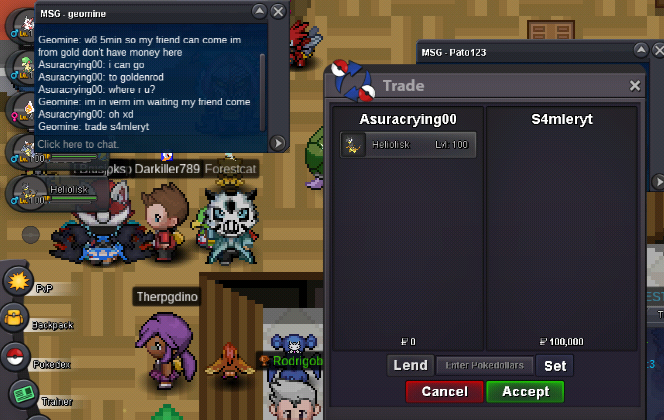
New Trade Zone
Trade Zone is now live
Use the new Trade Zone for auctions and instant-price trades so Pokemon and item offers are easy to find.

Asuracrying00
Suspended
-
Joined
-
Last visited
Everything posted by Asuracrying00
-
bumpI was able to enter after posting this xdafter paying the entrance fee, I can't go to the 2nd floor thanks~
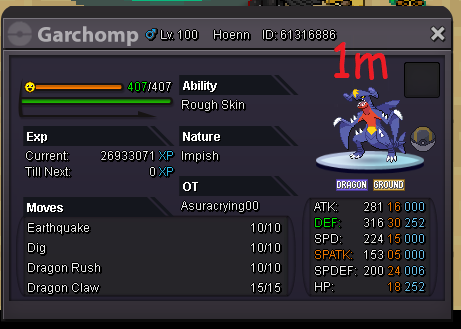
 bumpUsername: AsuraCrying00 Server: Silver Timezone: GMT -3bumpyou can lock this plz?bump1.5mbumpbumpeverything is negotiable
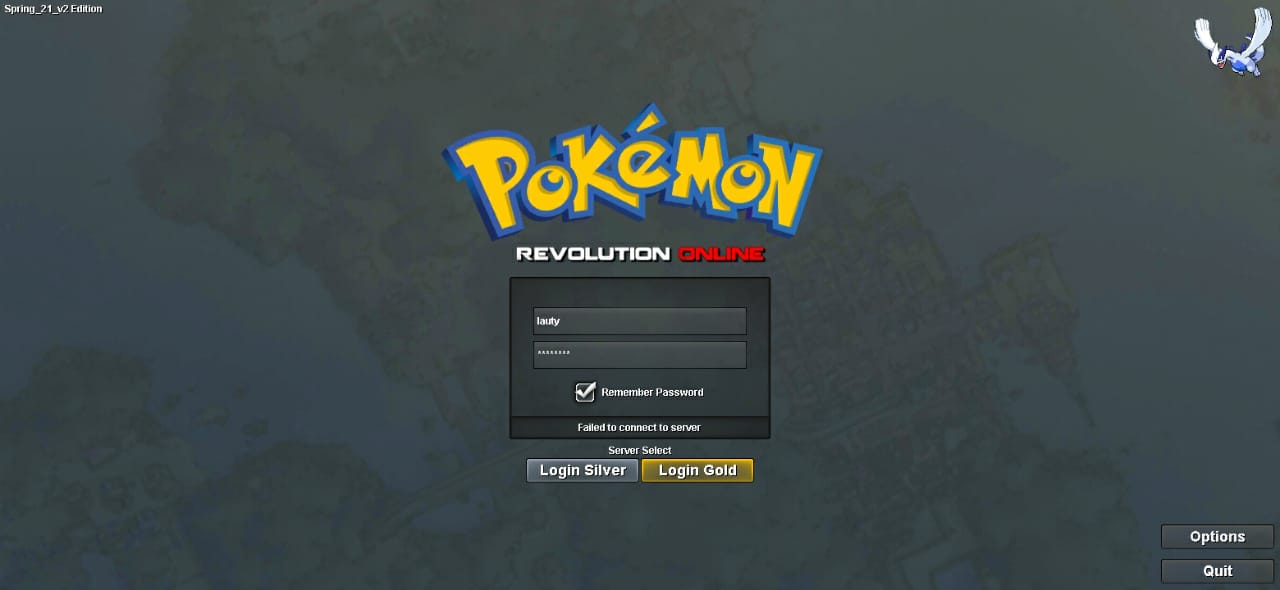
 Yes, thank you very much!For some time "Lauty" has not been able to enter the forum or the game. He already tried to enter with a pc, cell phone, tablet, etc. So he asked me to help him by posting the problem here. thanks~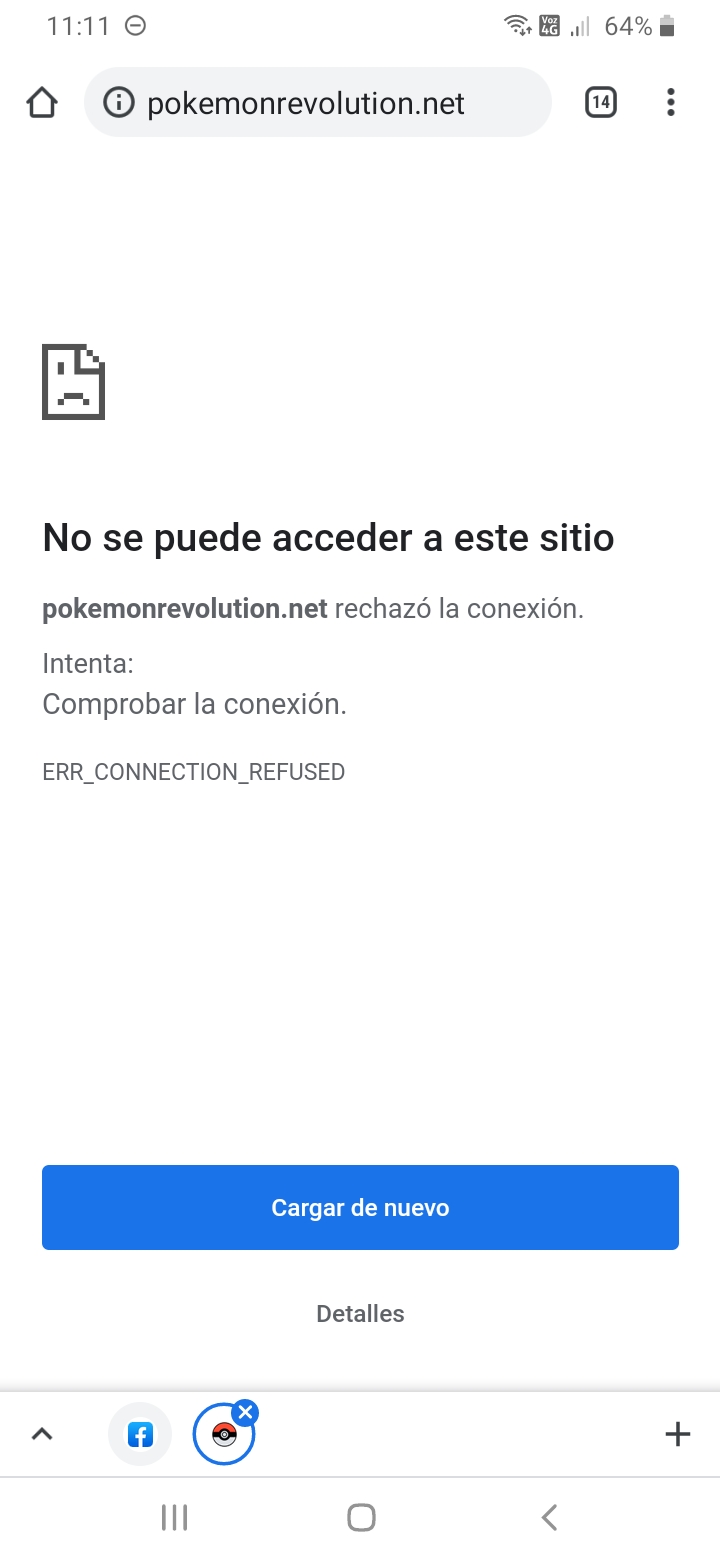
 incar bb, te dejo el post https://pokemonrevolution.net/forum/topic/65778-restore-pokemon-megathread/hi, i need help Mister. server: silver
 AsuraCrying00 Silver GMT -3starthttps://www.mediafire.com/file/jw0gqkwgz4r7s5u/PROClient_86.zip/file 32bitsBumpsold
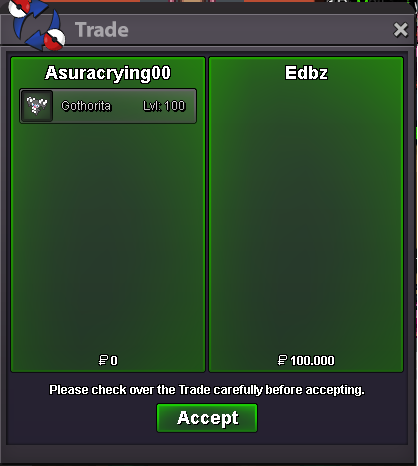 AcceptSold