Skip to content
View in the app

A better way to browse. Learn more.

Pokemon Revolution Online

A full-screen app on your home screen with push notifications, badges and more.

To install this app on iOS and iPadOS
  1. Tap the Share icon in Safari
  2. Scroll the menu and tap Add to Home Screen.
  3. Tap Add in the top-right corner.
To install this app on Android
  1. Tap the 3-dot menu (⋮) in the top-right corner of the browser.
  2. Tap Add to Home screen or Install app.
  3. Confirm by tapping Install.
New Trade Zone
Trade Zone is now live
Use the new Trade Zone for auctions and instant-price trades so Pokemon and item offers are easy to find.
Open Trade Zone

Theclassygent

Registered User
  • Joined

  • Last visited

Everything posted by Theclassygent

  1. Theclassygent replied to Scara's topic in Playground
    karrablast
  2. Theclassygent replied to Scara's topic in Playground
    electabuzz
  3. Best Mapper: Cant pick from my former team Best Artist Yuno Best Content Scripter: Magicguard Best Community Coordinator: HappyMango Best Moderator Caged Best Trade Moderator valax Best Tester: FastedCorsi Best Game Master: Logan Best Admin: Wally Best Staff Username: HappyMango Most Professional Staff: N/A Most Dedicated Staff: Cames/Wally Funniest Staff: N/A Friendliest Staff: N/A Most Honorable Former Staff: Shaui Most Missed Former Staff: Fluffles
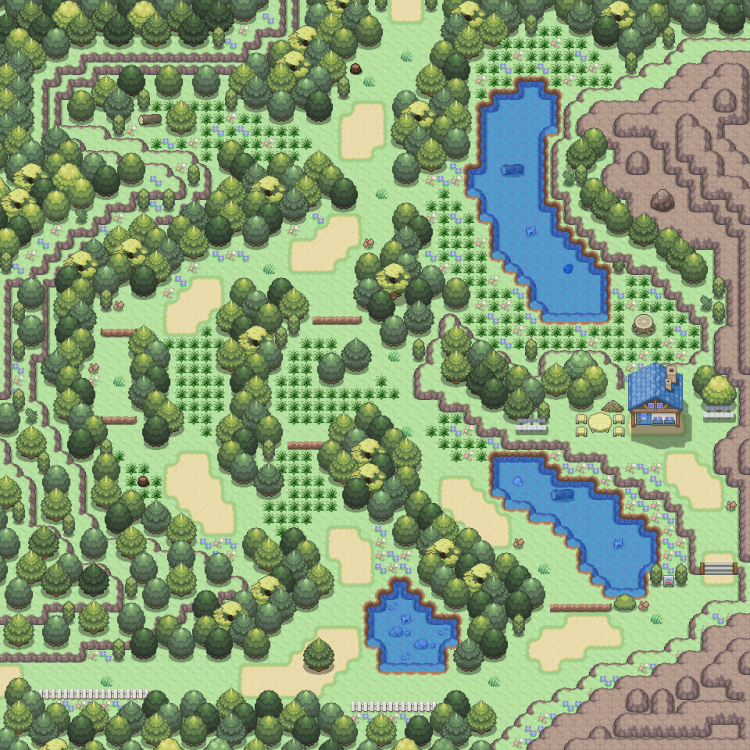
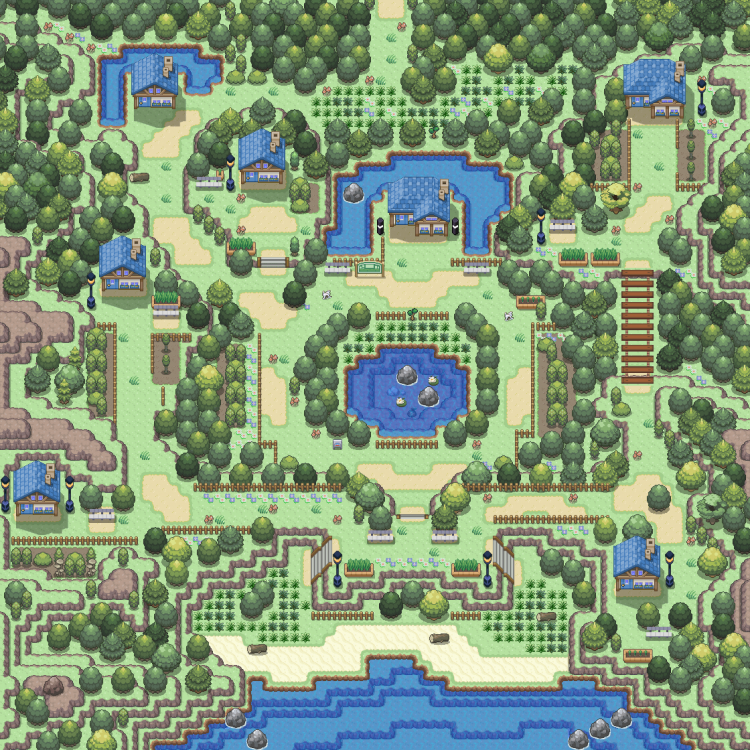
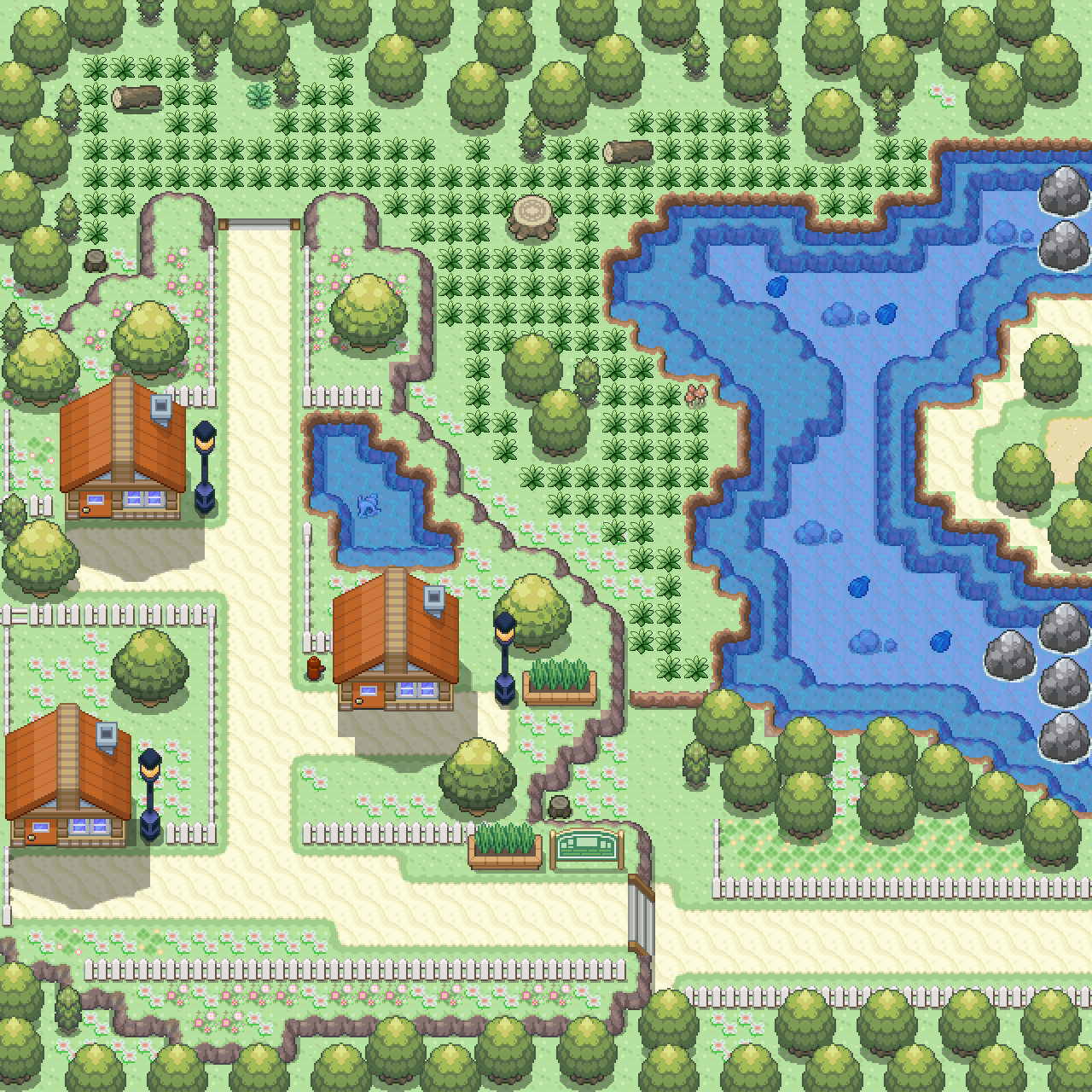
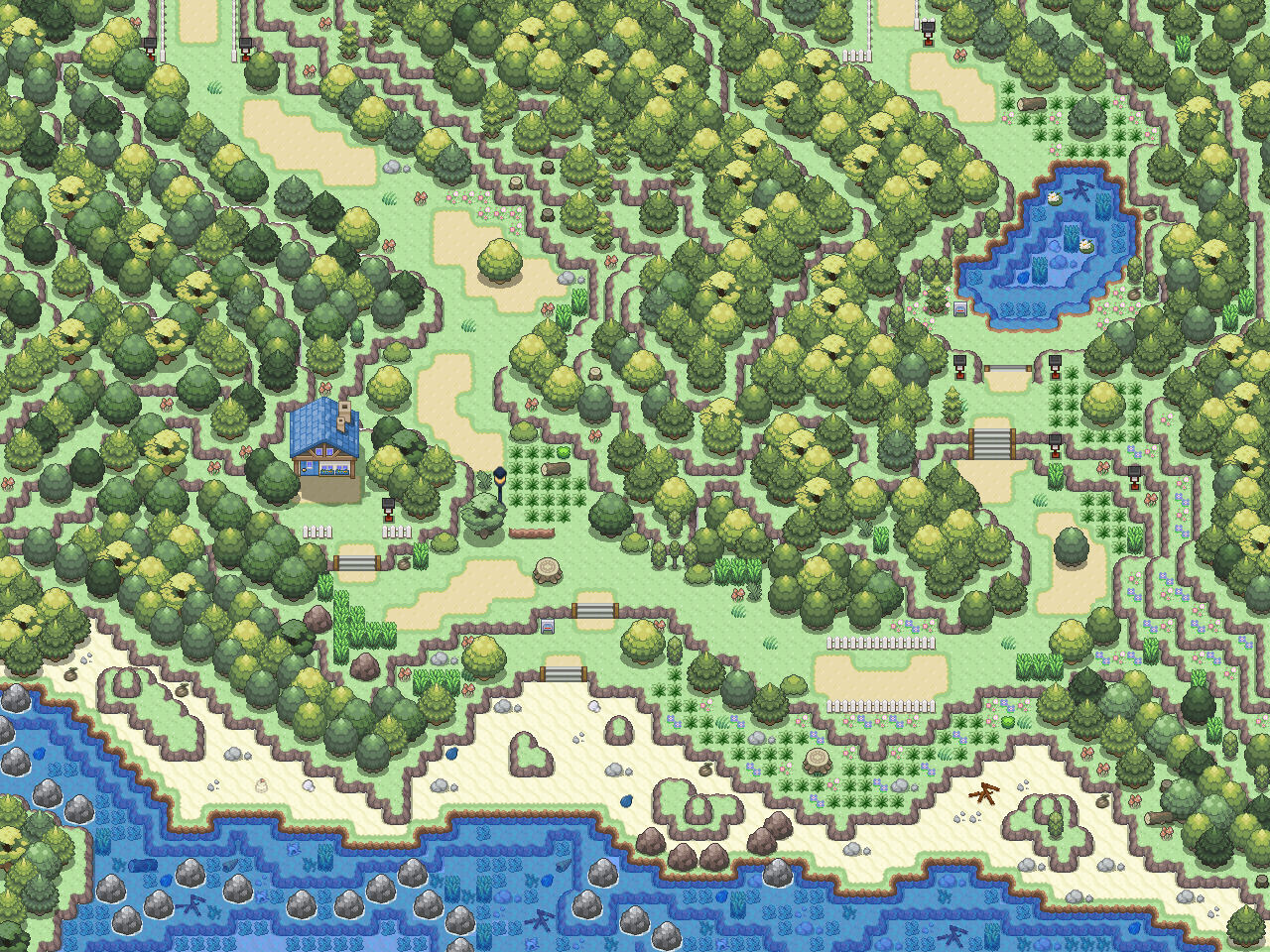
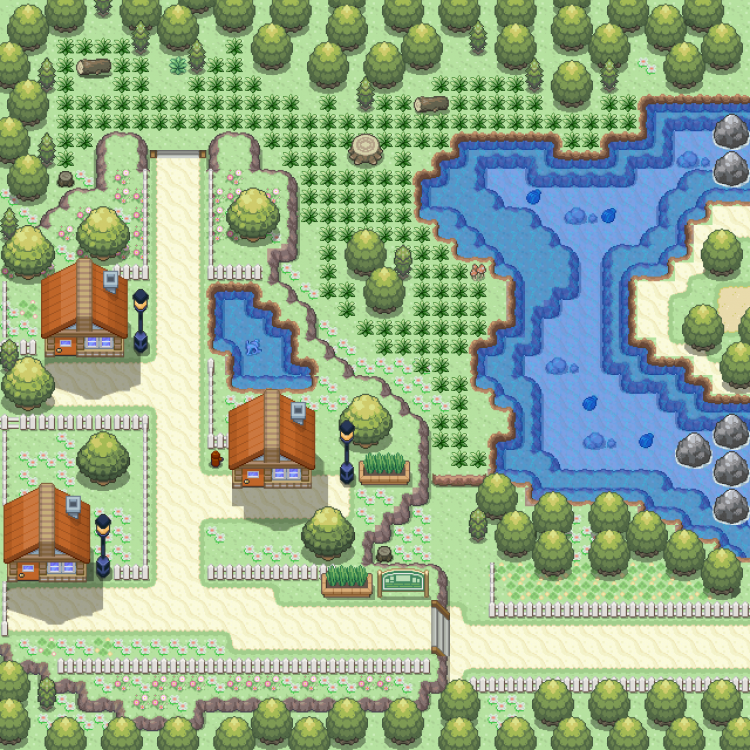
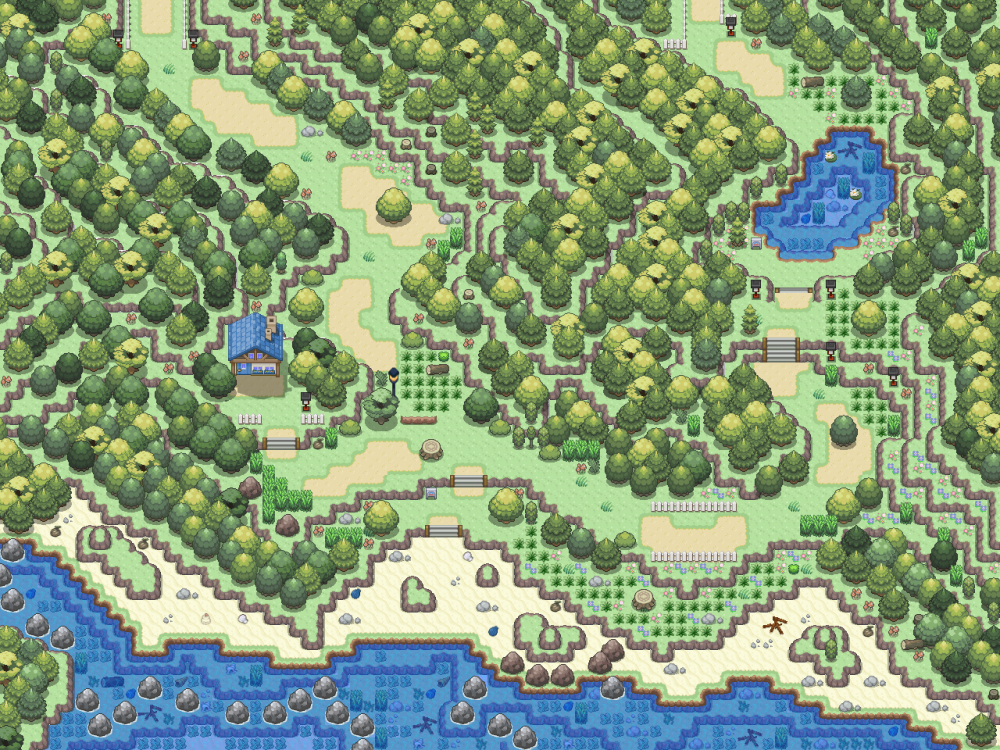
  4. Added 2 new maps
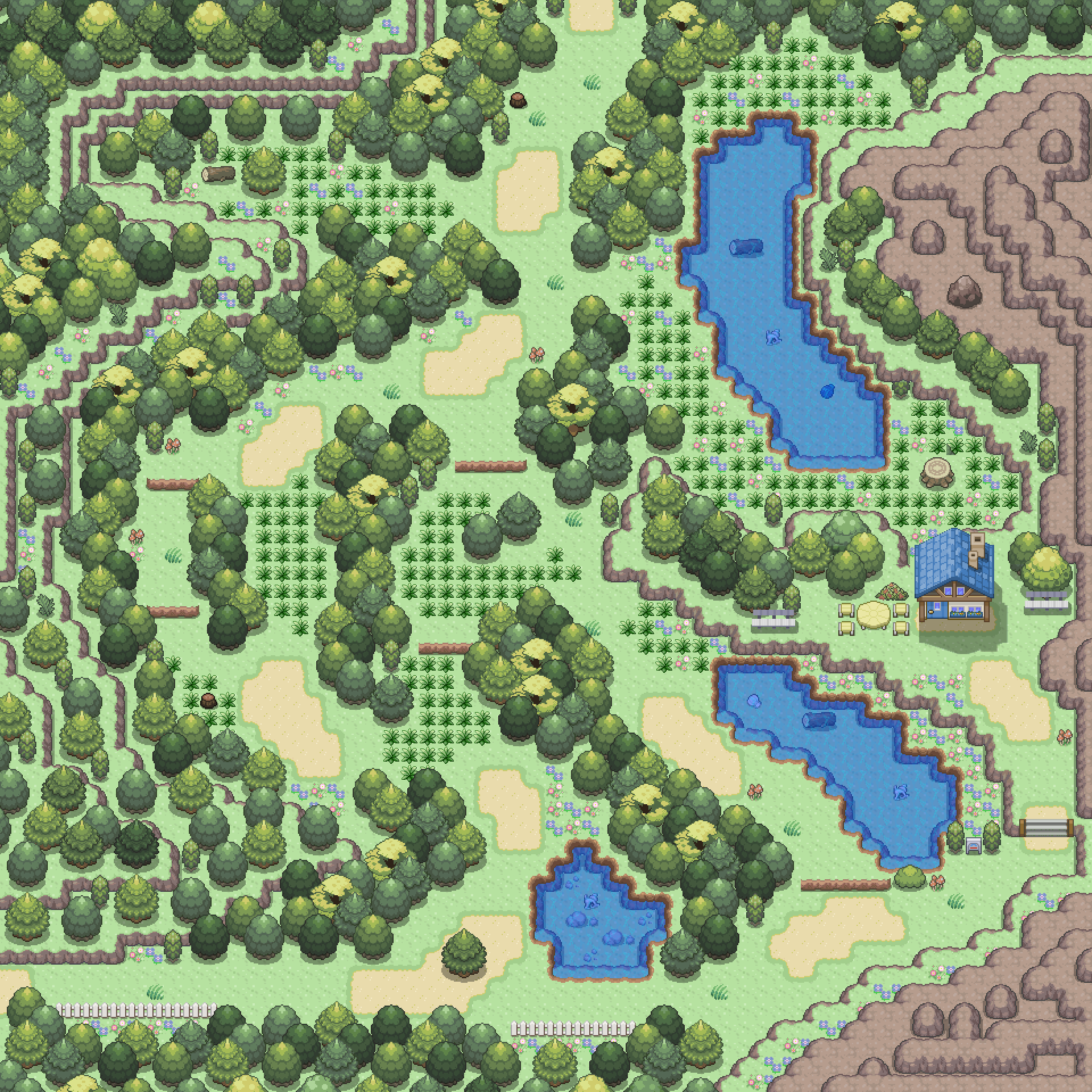
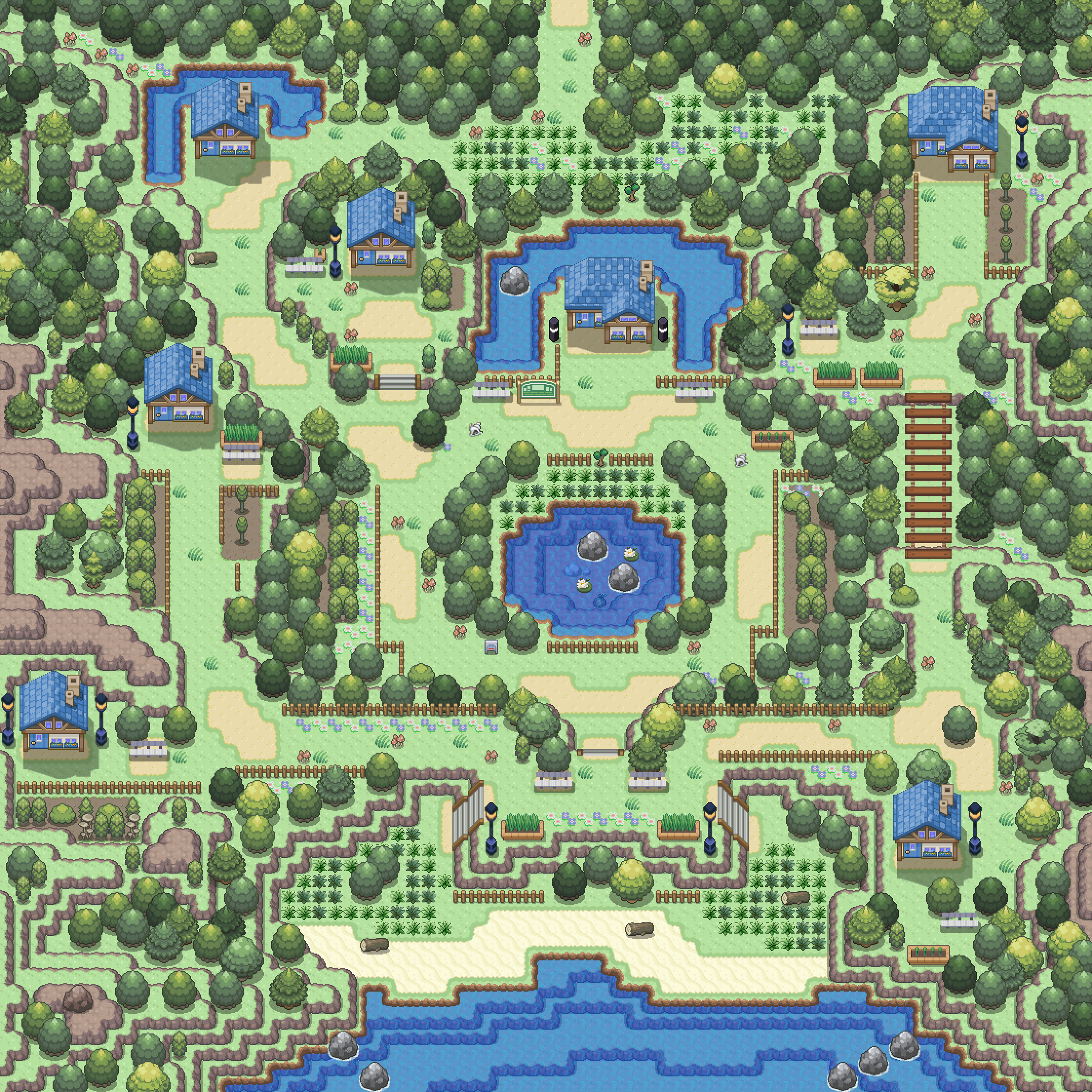
  5. ohey, Its MinistryofMagic, Aka as Sprinkz. Been playing with the Map Client, Hope you enjoy these maps. Stay tuned for more! click the spoiler for the big map [spoiler=Map 4] [spoiler=Map 6]
Account

Navigation

Search

Search

Configure browser push notifications

Chrome (Android)
  1. Tap the lock icon next to the address bar.
  2. Tap Permissions → Notifications.
  3. Adjust your preference.
Chrome (Desktop)
  1. Click the padlock icon in the address bar.
  2. Select Site settings.
  3. Find Notifications and adjust your preference.