New Trade Zone
Trade Zone is now live
Use the new Trade Zone for auctions and instant-price trades so Pokemon and item offers are easy to find.

Jiyose
Suspended
-
Joined
-
Last visited
-
Events/Alternative forms pokes as mount like Xmas Dragonite, Pinkan pokes(with some particles to be cooler), Hallow Torkoal, etc
-
Lowered price for alolan ninetales and added 2 alolan vulpix
-
I think it should be a static 180 seconds for both players, and when the player makes the move his timer will raise by 20 seconds, never extrapolating 180 seconds. It ll refrain people from time stalling and benefit the faster people. This kind of strategy is used in Duel Links game. It has to be adjusted do Pokemon Revolution reality. It could, after 5 min battle, decrease from 20 seconds to 10 seconds. att. José Raimundo Fernandes Filho Web Developer
-
added hp-fire hasty 18 speed ha alolan ninetales
-
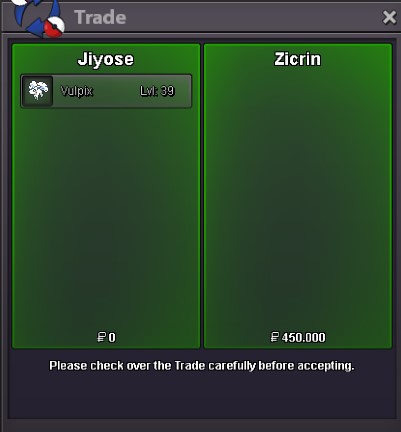
sold to zicrin 450k insta
-
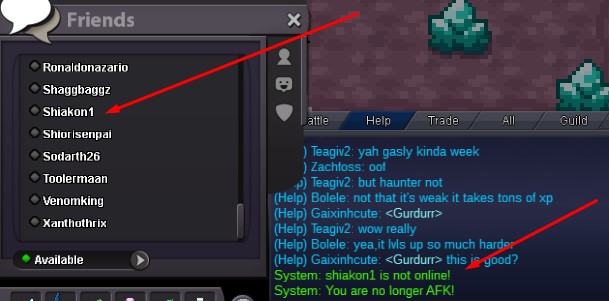
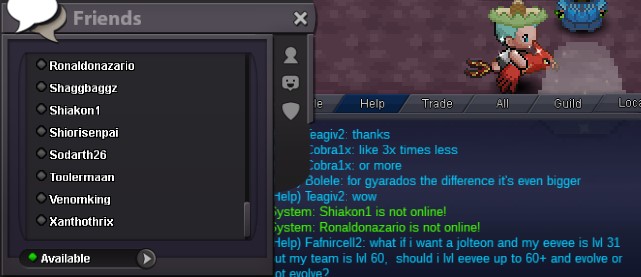
I cant unfriend even if the user is online. Nothing happens and and I try 3 times it says: you have to wait to use the command again
-
Hello, I have a problem, I cant unfriend people in PRO and i have too many friends and when i add more it does not show. i want delete some. there is a person i bought ev train and he is i want my pokemon back but he is not in my friendlist. I think the problem is because my friendlist is bugged I did try right click and unfriend as well /friend name .... but nothing happens
-
insta price lowered to 450k and minimal rise lowered to 25k
-
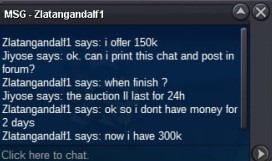
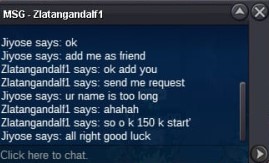
150k by zlatangandalf1

-
ev trained 26/24 timid ha alolan vulpix hp flying added
-
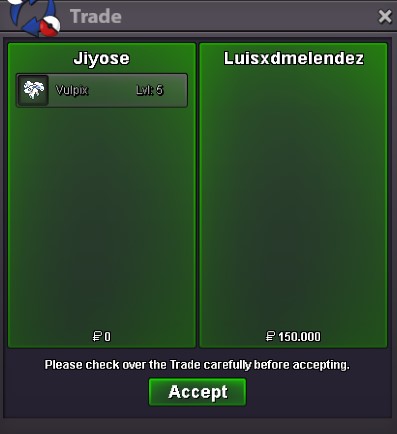
26 speed timid ha lolan vulpix hp psychic sold to luisxdmelendez for 150kInsta price lowered to 250kInsta price lowered to 320kIn game bid by luisxdmelendez