New Trade Zone
Trade Zone is now live
Use the new Trade Zone for auctions and instant-price trades so Pokemon and item offers are easy to find.

Allsmell
Registered User
-
Joined
-
Last visited
Everything posted by Allsmell
-
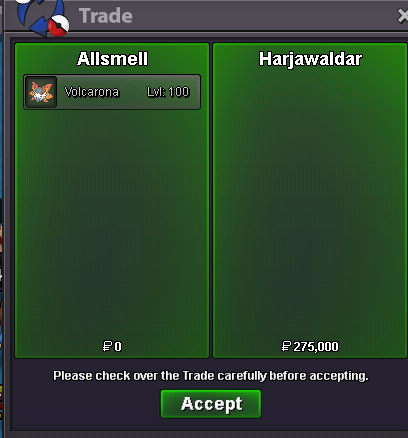
Volcarona sold 275k
-
Start an auction somewhere between 2-4m insta of 5 or 6. 1.2m is a lol pc
-
Nah he didn't. Posted image of different poke
-
When you upload a different pokes image and the only IV thats the same is speed is pretty obvious.
-
550
-
I understand your probably on silver, but here are some screenshots, check the time stamps on them for why I posted them. I made them in two mins, they are not edited screenshots nor have I hacked the game. This is the reason no reply screenshots in game are worthless



-
Get a few more SS of him ignoring you, then sell his poke+report him Also use discord, it doesn't require you both to be online, and it's easier to prove people are ignoring you
-
-
start
-
I can read which server forum im on, what I cannot read is your weavils IVs
-
7day auctions :) 125k geng Allsmell#8974
-
Kill something
-
. Buy this
-
Can you confirm weavils spdef and hp please, I can see hp is 01, spdef is not visible
-
-
I downloaded Firefox for my phone, slightly lower load times but can see all the pokes. Brave , chrome, and duckduck all do as you described above
-
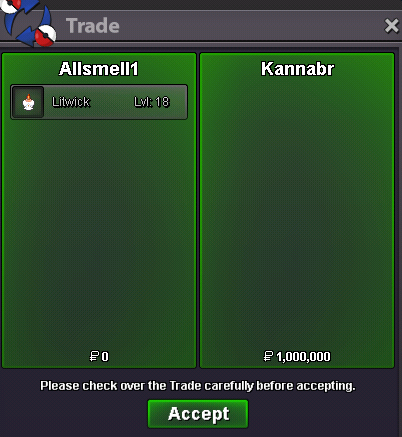
Xmas litwick sold 1m
-
Good spot
-
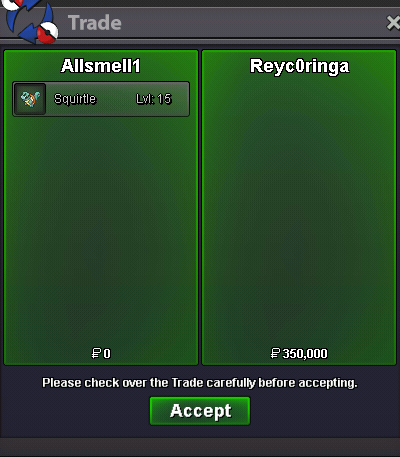
Clone Squirtle sold 350k
-
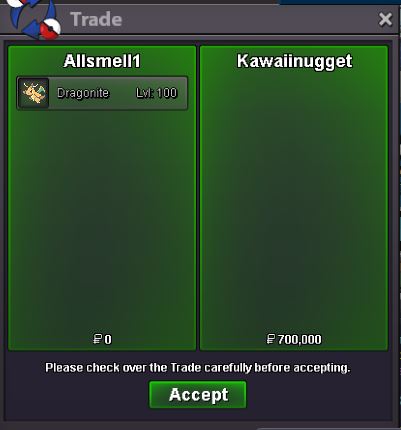
dragonite 1 sold 700k
-
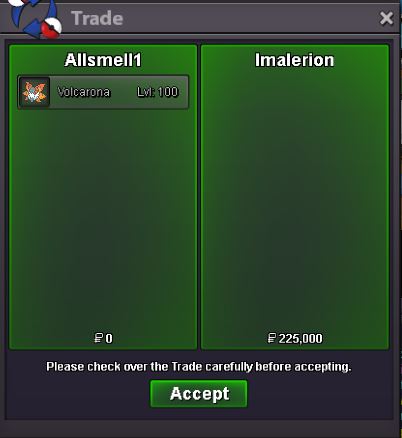
volcarona 11 sold 225k
-
bump some stuff bought, looking for more types of gastly/evo
-
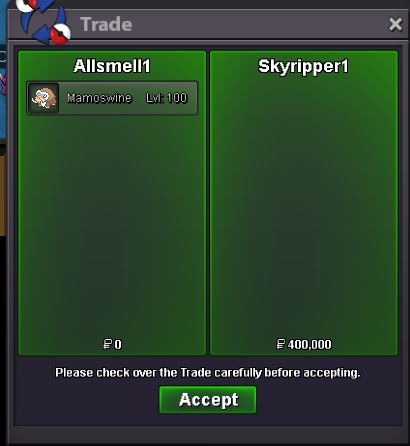
mamoswine 1 sold 400k
-
Don't think you posted any pictures dude
-
I understand the contribute means give forever, but instead of giving over an epic you can just hunt two more trash ones, I still like your idea and think its a good place to go with future quests even if they dont change this one