New Trade Zone
Trade Zone is now live
Use the new Trade Zone for auctions and instant-price trades so Pokemon and item offers are easy to find.

Allsmell
Registered User
-
Joined
-
Last visited
Everything posted by Allsmell
-
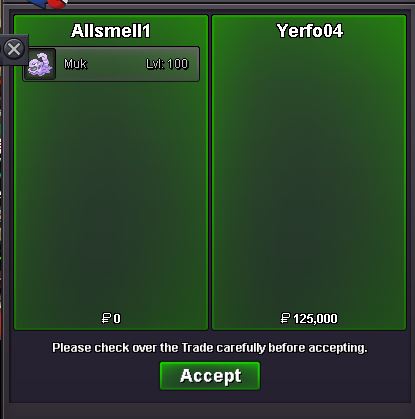
16 spd muk sold
-
Prices and new pokes added
-
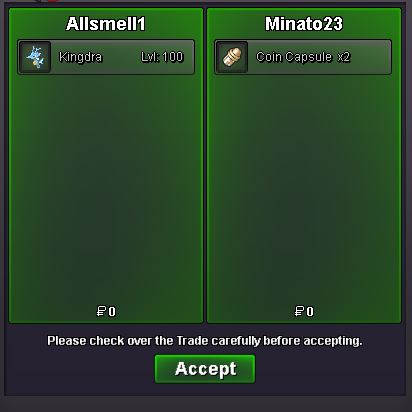
Kingdra sold
-
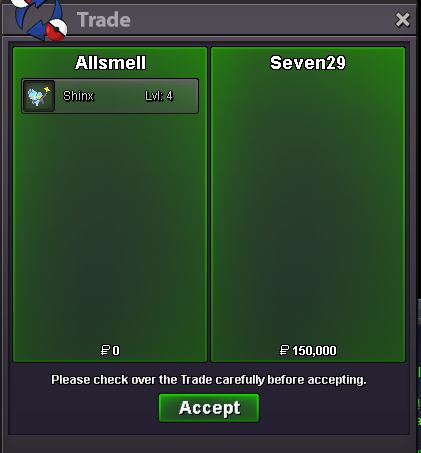
Shiny sold
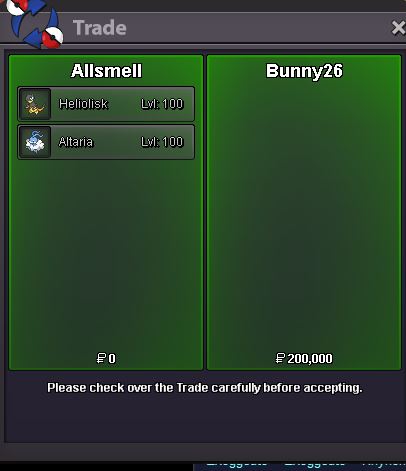
 Heliolisk altara sold
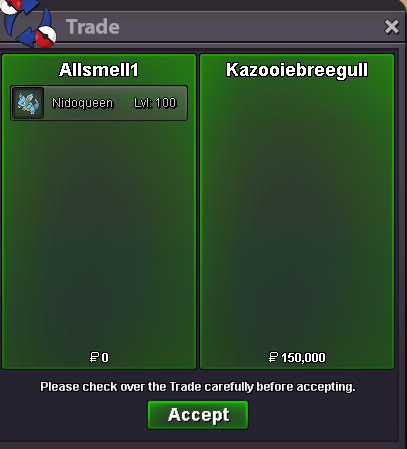
 Nidoqueen
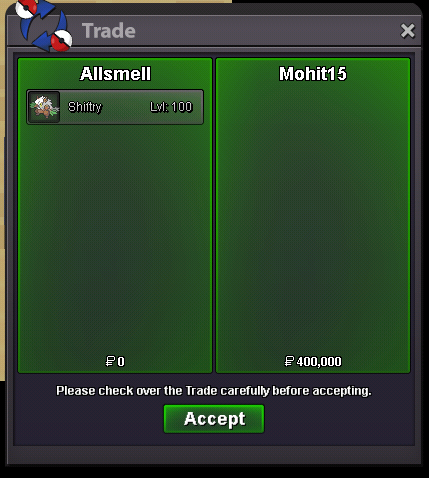
 Pupitar, w.eStart larva 300kRumpa bumpShiftry sold
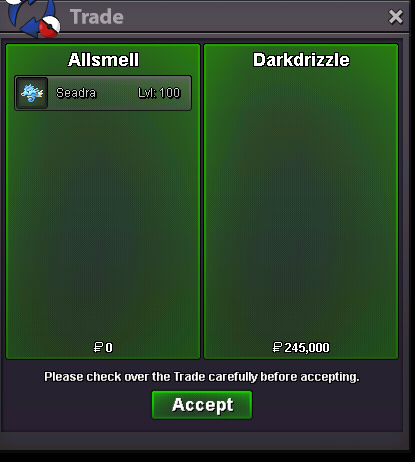
 Seadra sold
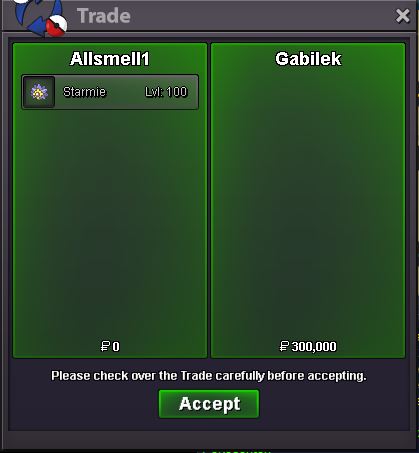
 Don't want to be that guy but darkblader12 clearly went insta 1st. Unless they are the same personAgreed. It's yours. I actually forgot the time, didn't even see your post and thought the current was 650 and was in a hurry ;)Starmie soldiers
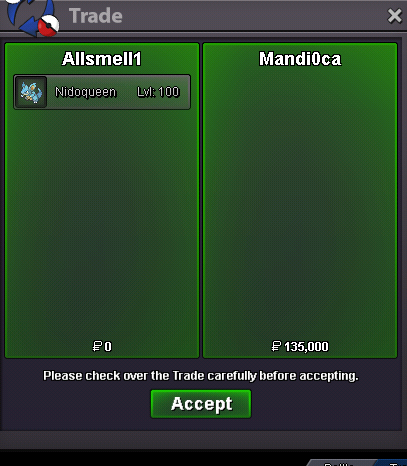
 If you posted one min b4 the end, then I'm in time being 1min after. But I think I was late by my computer time. Dunno what forum time is because it takes so long for it to stop saying 37mins ago ect.Don't think it's a good idea, need cc to keep leaving the game for the dono s to keep comming in. Because this will allow you to pop a mini ms every 12 days for a boss run. it will be 3 days up 9 days down (2 boss cycles is 6 days up 18 down). Currently you can get 15days up 9 days down (2 cycles). Obviously 6days of ms compared to 15 is alot less, and therefore less cc will leave the game also.Nidoqueen sold 135k
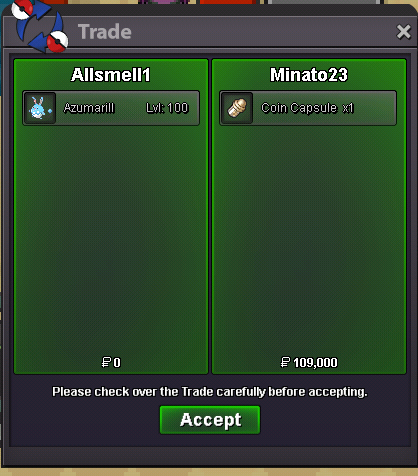
 Azumarill sold 1cc+109k
 Bumbty bumb72h after my post is 11.10am Thursday gmt+0Presumably tails and shift are mine?This is pretty amazing. Can I ask what pokes you are syncing while doing this?