




Skip to content
View in the app

A better way to browse. Learn more.

Pokemon Revolution Online

A full-screen app on your home screen with push notifications, badges and more.

To install this app on iOS and iPadOS
  1. Tap the Share icon in Safari
  2. Scroll the menu and tap Add to Home Screen.
  3. Tap Add in the top-right corner.
To install this app on Android
  1. Tap the 3-dot menu (⋮) in the top-right corner of the browser.
  2. Tap Add to Home screen or Install app.
  3. Confirm by tapping Install.
New Trade Zone
Trade Zone is now live
Use the new Trade Zone for auctions and instant-price trades so Pokemon and item offers are easy to find.

Open Trade Zone

Skunk1

Registered User
  • Joined

  • Last visited

  1. The game keeps crashing before it can even open.
  2. I can't get a dubious disc at Cinnabar, I have what I need.
  3. Skunk1 started following Memo3131
  4. Will the astrella region visible on the map be added to the game?
  5. Where can I find the Protector item?
  6. How do we get the cops out of the way for the Gs ball?
  7. Can we get evolution items with the theft skill? (magmarizer electrizer vs)
  8. Sorry, I thought it was my fault.
  9. How to fix Failed to connect to proxy error?
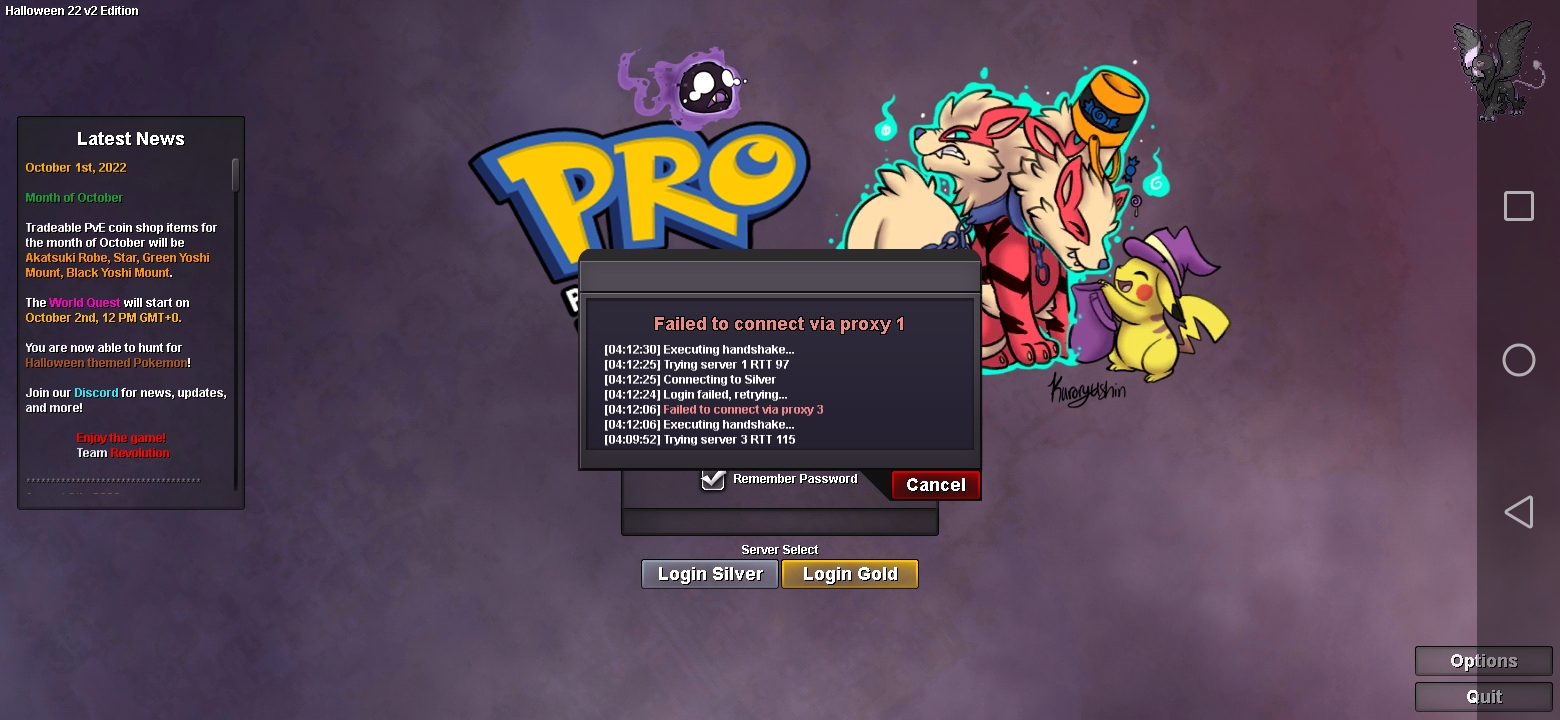
  10. George what do I need to do to be able to fight the boss
  11. I have Leev town but I can't click it, how can I activate it?
  12. Sinnoh victory road night time but not find him
  13. Deino where find catch?
  14. what was inside
  15. How do I get the blue poke ball on route 228?
  16. Slowpoke well kings rock cannot item

Account

Navigation

Search

Search

Configure browser push notifications

Chrome (Android)
  1. Tap the lock icon next to the address bar.
  2. Tap Permissions → Notifications.
  3. Adjust your preference.
Chrome (Desktop)
  1. Click the padlock icon in the address bar.
  2. Select Site settings.
  3. Find Notifications and adjust your preference.
