




New Trade Zone
Trade Zone is now live
Use the new Trade Zone for auctions and instant-price trades so Pokemon and item offers are easy to find.

Daftgenius
Registered User
-
Joined
-
Last visited
Everything posted by Daftgenius
-
c.o 250k

-
200k by amrendra

-
Auction started 100k by @Ashboiboi
-
-
9m
-
900k I'll come to gold if necessary
-
-
1m 200k
-
Bump
-
Bump
-
-
Buy ponyta 100k
-
Auction ended.
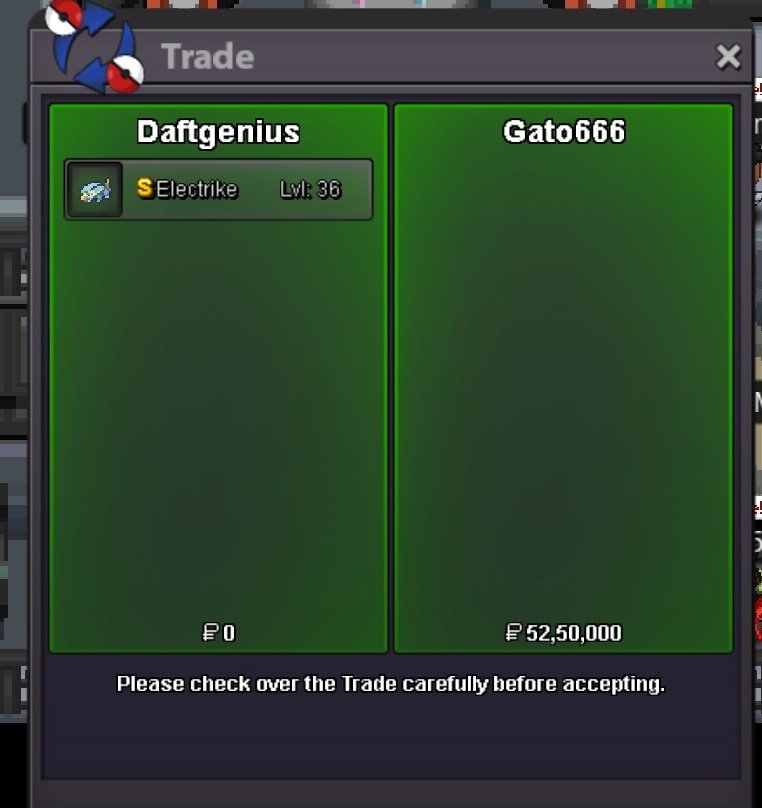
-
Oh okay thanks for bid and clarification. My forum is not showing correct time, I have mentioned in previous comments.
-
That's great.. thank you for confirming the time left. Could you also help me with a solution to the forum time not being synced with my device? @EonMy forum time is not synced with my device time. Any mods please help. First problem happened some months back when a trade mod said I closed an auction too early. Only now I realise that the problem is a timezone issue. I believe my forum on Chrome browser mobile, I showing GMT+1, but my actual timezone is GMT+5.30 Please help with this. Also would appreciate if you tell me how much time left on this auctionbump@Midsommar Hi I had a question. So we can apply to ban our unused/obsolete accounts in General complaint area.. and then we can start another in its place? Please let me know if I understood correctlyAuction started by RumblekingThank you @Hundjager for responding. And @iceflakefor the showdown replay that helped 🙂 Also appreciate the confirmation. @SaltedCoffee

