New Trade Zone
Trade Zone is now live
Use the new Trade Zone for auctions and instant-price trades so Pokemon and item offers are easy to find.

Redshankss
Registered User
-
Joined
-
Last visited
Everything posted by Redshankss
-
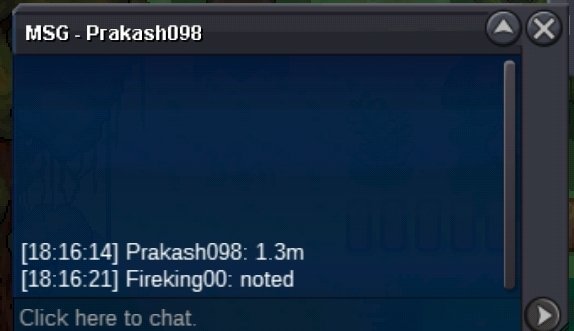
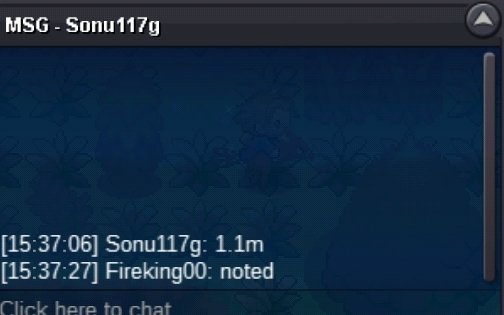
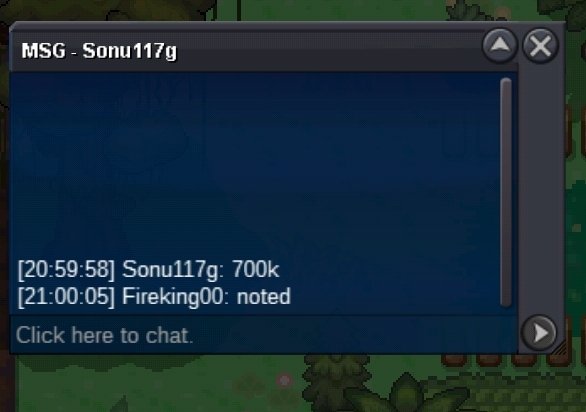
@Hudaimasmin bid is 200k so u need to offer again@Jackstermacplease msg us next time per discord me or alexi. This poke is not negotiabel just bc it atk is bit low look at all defensen states which are more important they are pretty high. We only nego if someone buy more pokes. So if ur still intressted on the hippo then let me know per discord. Have nice days.o 100k min bid 200k no insta ends 48 Hours after start Accept Pokedollars CC = 400K

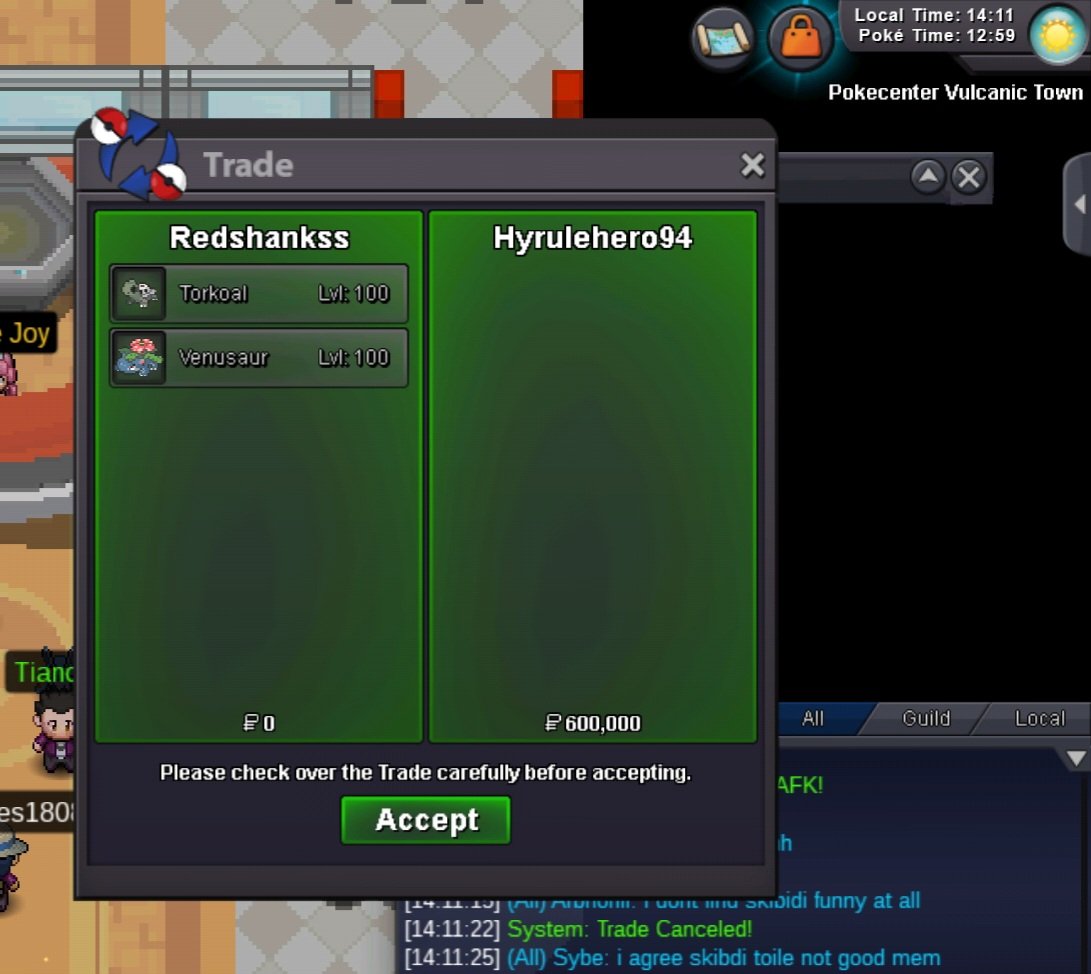
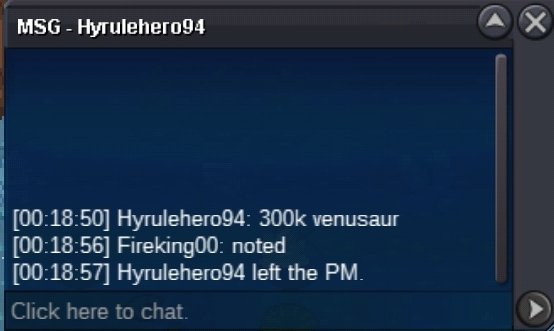
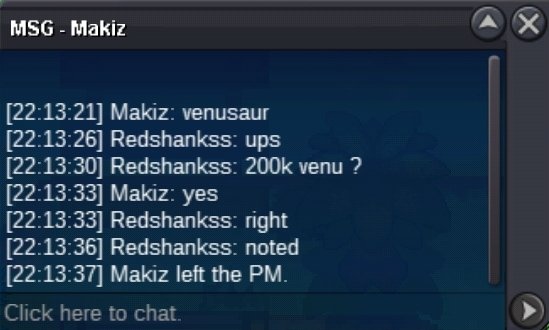
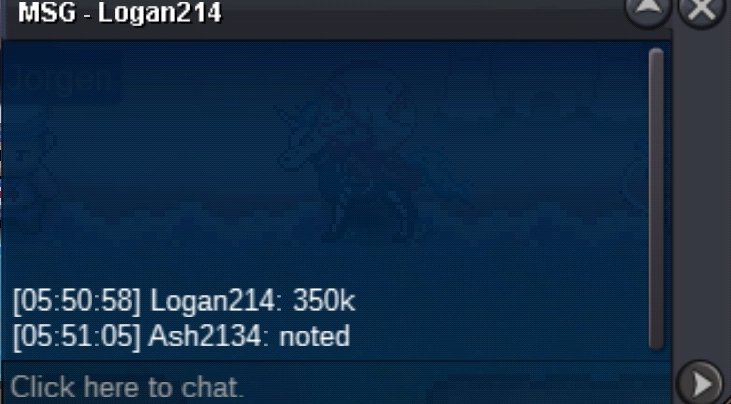
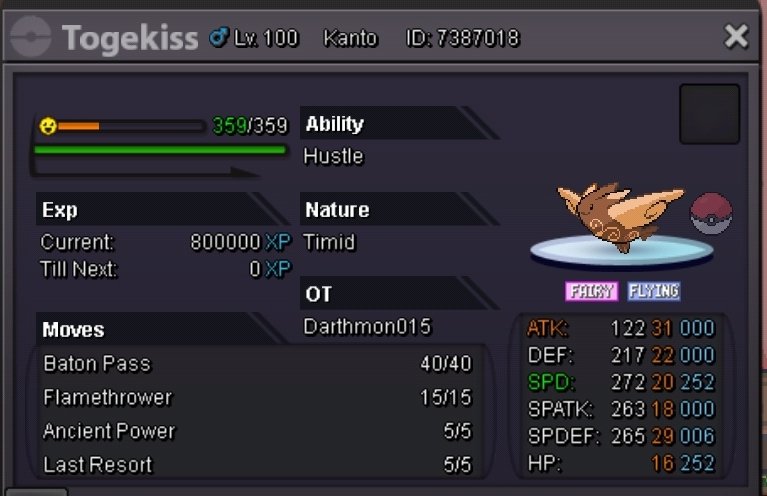 500k@Hyrulehero94 congratz u won please contact meAuction Rules Torkoal s.o 100k min bid 100k no insta ends 48 Hours after start Accept Pokedollars CC = 400K Venusaur s.o 100k min bid 100k no insta ends 48 Hours after start Accept Pokedollars CC = 400K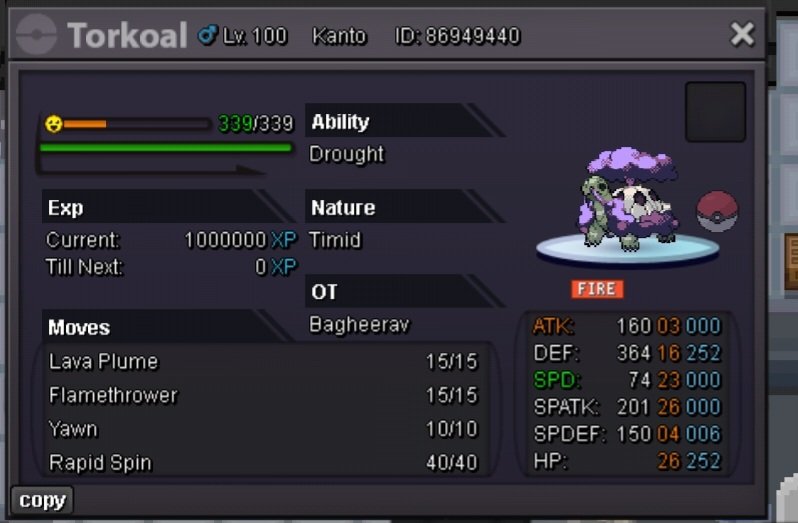
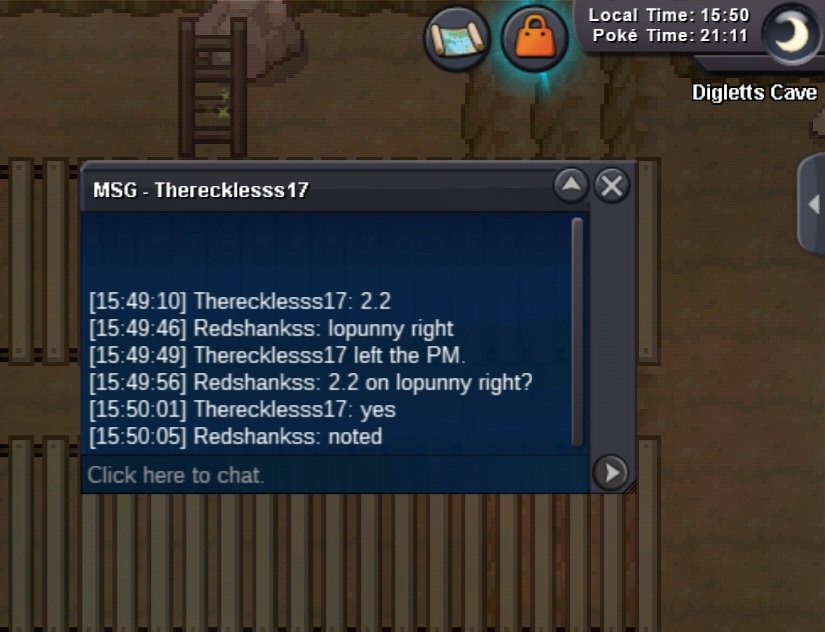
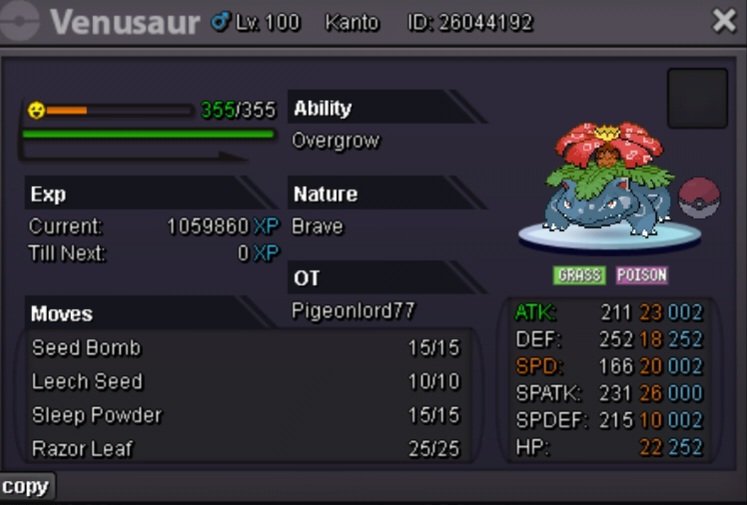 Congratz @Therecklesss17. And @T1nkat0n u wonAuction Rules Cradily s.o 500k min bid 100k no insta ends 72 Hours after start Accept Pokedollars CC = 400K Lopunny s.o 500k min bid 100k no insta ends 72 Hours after start Accept Pokedollars CC = 400K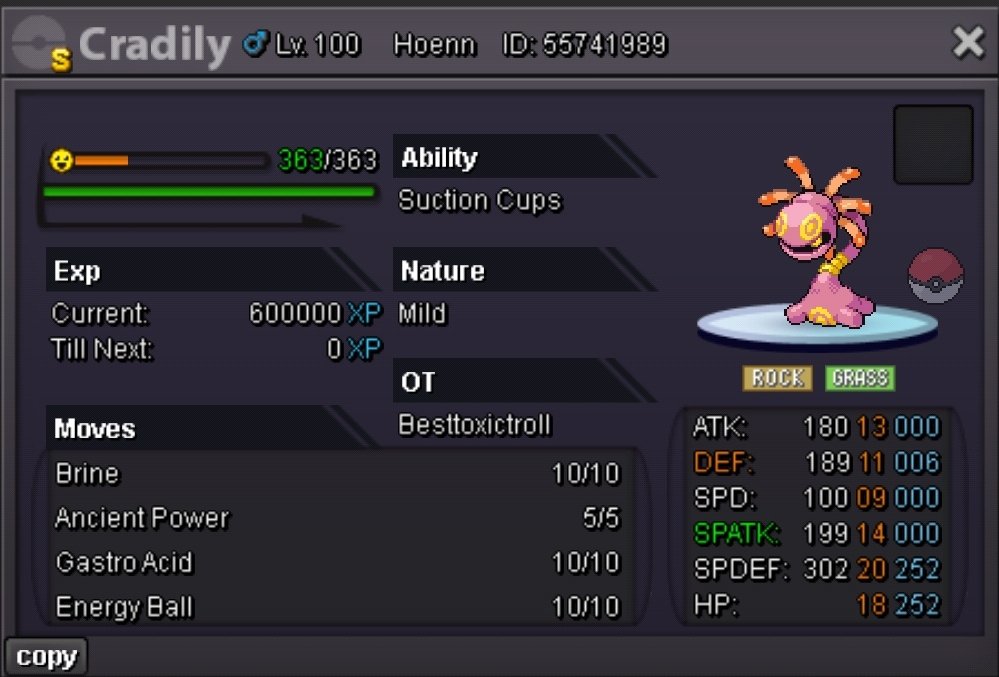
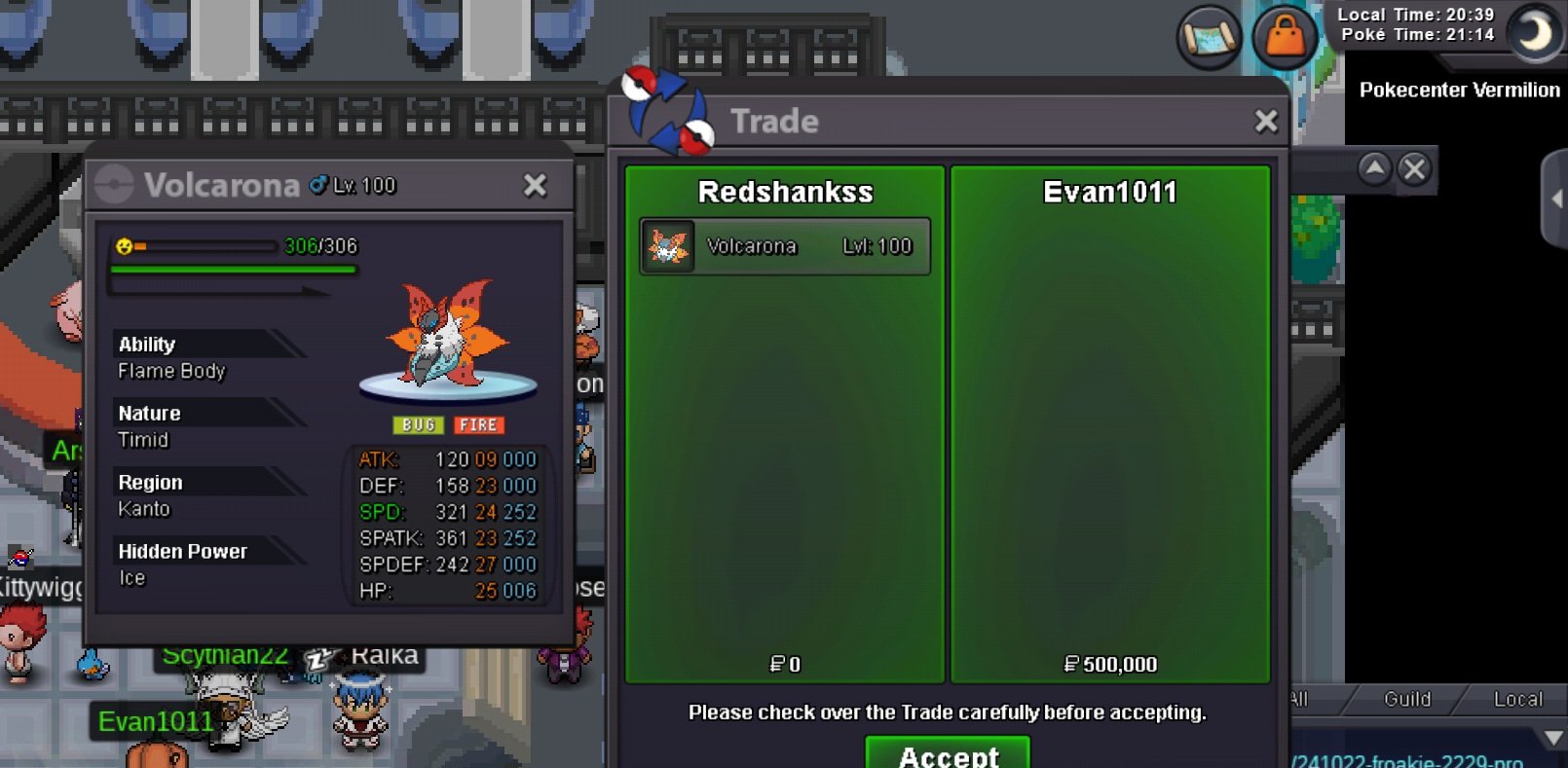
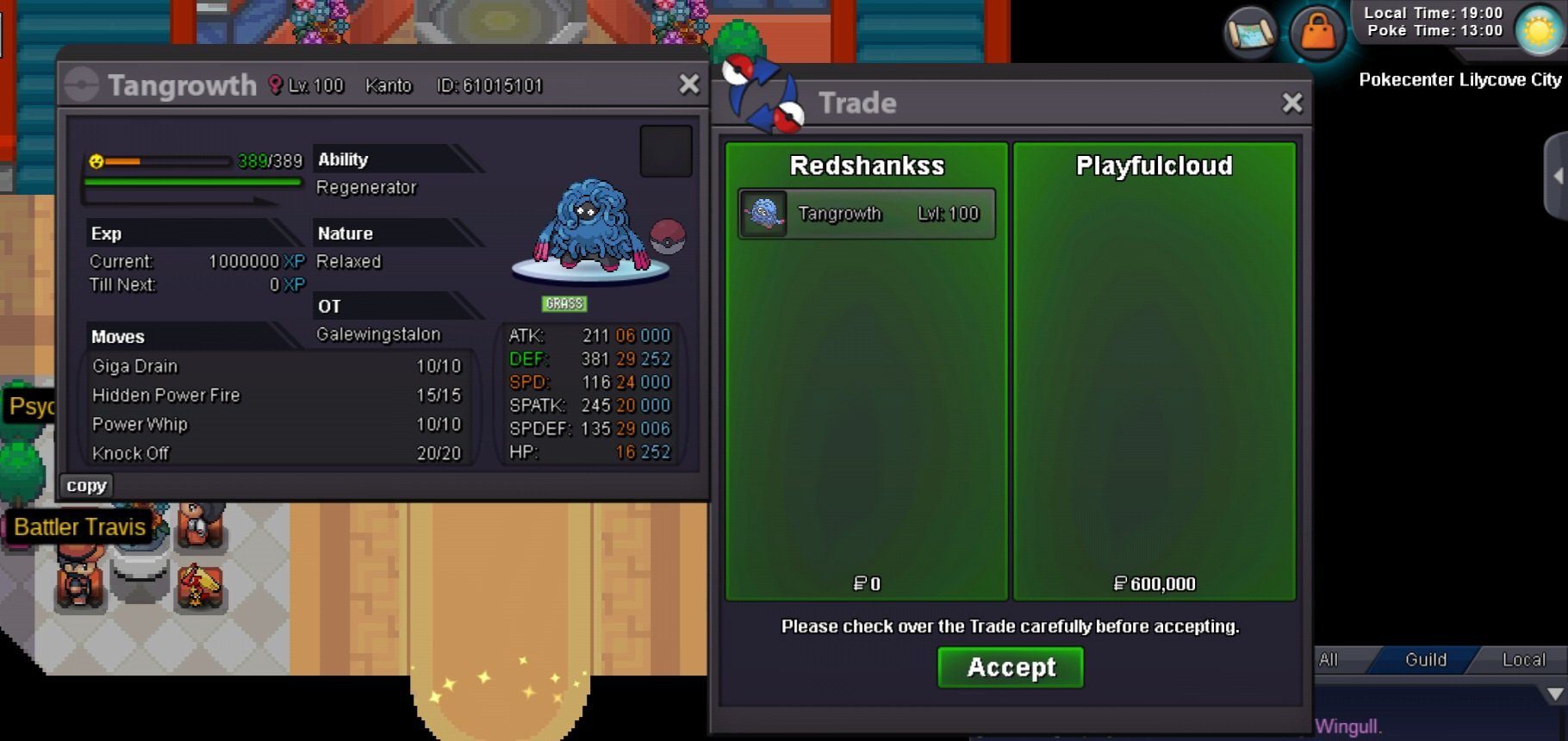
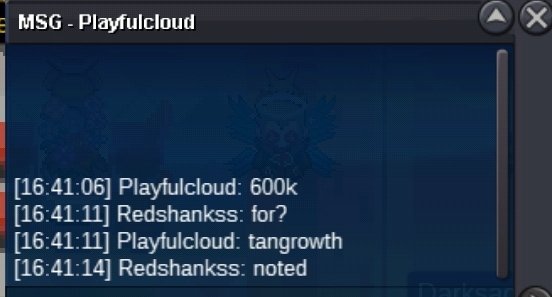
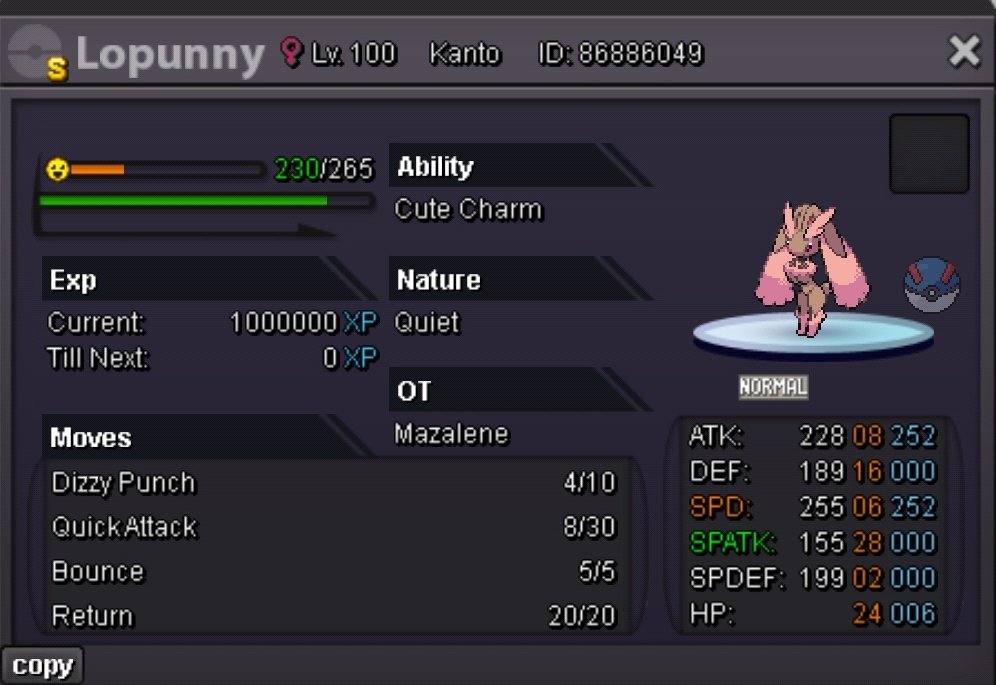 Congratz @Evan1011 and @Playfulcloud u guys are the winner . Please tell me when u guys have time to get ur pokes
Account
Navigation
Search
Configure browser push notifications
Chrome (Android)
- Tap the lock icon next to the address bar.
- Tap Permissions → Notifications.
- Adjust your preference.
Chrome (Desktop)
- Click the padlock icon in the address bar.
- Select Site settings.
- Find Notifications and adjust your preference.
Safari (iOS 16.4+)
- Ensure the site is installed via Add to Home Screen.
- Open Settings App → Notifications.
- Find your app name and adjust your preference.
Safari (macOS)
- Go to Safari → Preferences.
- Click the Websites tab.
- Select Notifications in the sidebar.
- Find this website and adjust your preference.
Edge (Android)
- Tap the lock icon next to the address bar.
- Tap Permissions.
- Find Notifications and adjust your preference.
Edge (Desktop)
- Click the padlock icon in the address bar.
- Click Permissions for this site.
- Find Notifications and adjust your preference.
Firefox (Android)
- Go to Settings → Site permissions.
- Tap Notifications.
- Find this site in the list and adjust your preference.
Firefox (Desktop)
- Open Firefox Settings.
- Search for Notifications.
- Find this site in the list and adjust your preference.