New Trade Zone
Trade Zone is now live
Use the new Trade Zone for auctions and instant-price trades so Pokemon and item offers are easy to find.

Redshankss
Registered User
-
Joined
-
Last visited
Everything posted by Redshankss
-
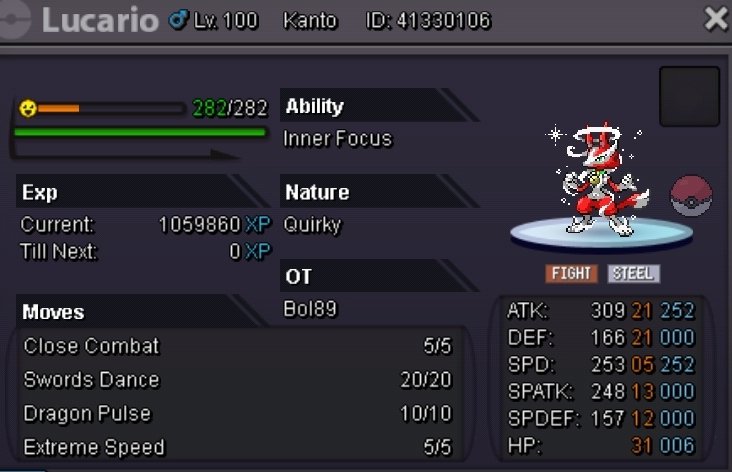
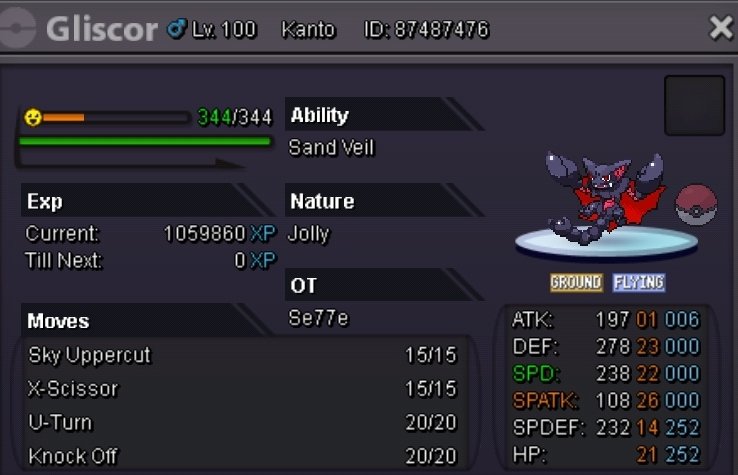
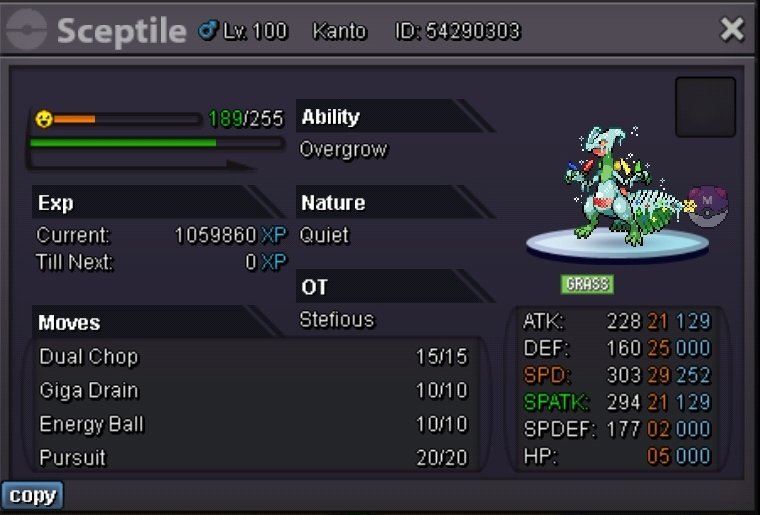
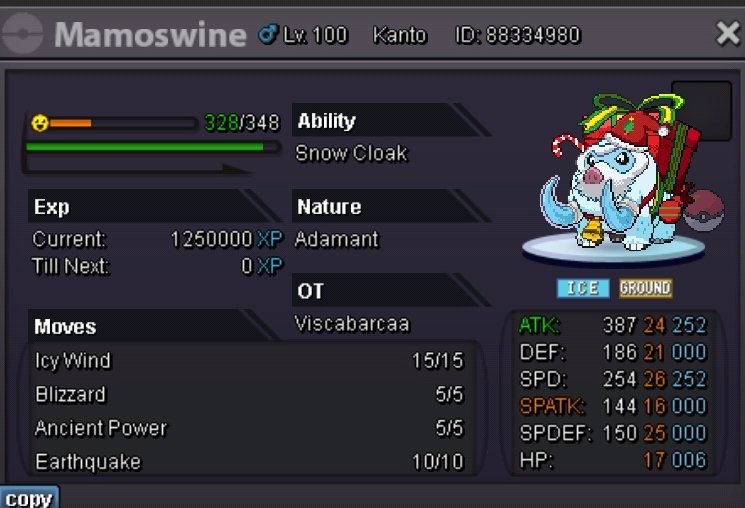
Lucario S.o 100k Min bid = 100k No insta End in 48hrs after first bid Gliscore S.o 100k Min bid = 100k No insta End in 48hrs after first bid Also Accept Cc= 400k
-
@Calamansi congratz u won please msg me in proS.o = 1k Min bid = 10k No insta End in 48hrs after first bid Other Payment also accept cc = 400k
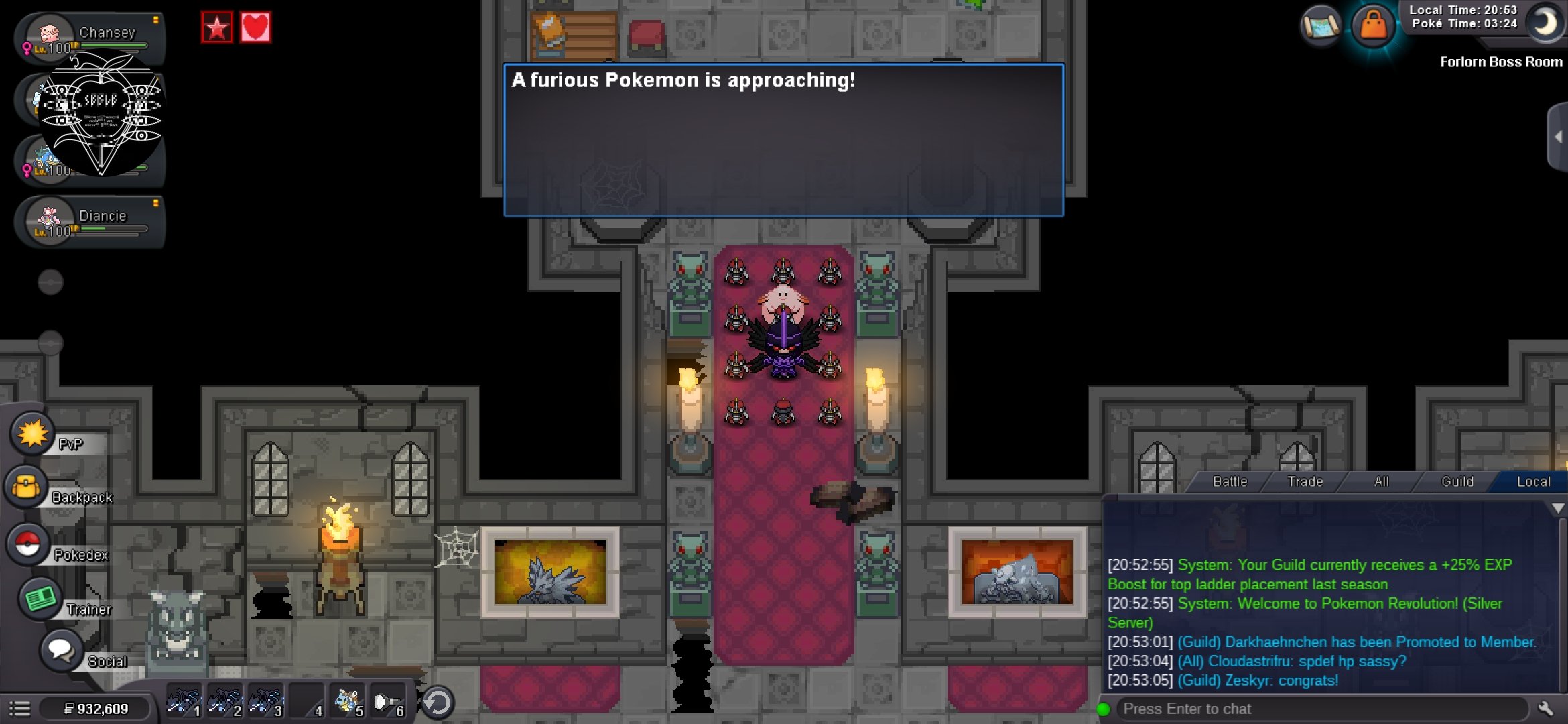
 Hello der support, I was doing with some guildmates the lavender dungeon and then bisharps respawn and i coudnt fight to them or leave my spot. Is there a way that u guys help me out? Need also to get my rewards
 Ty all trainer and enjoy ur New pokes
 Ty and enjoy
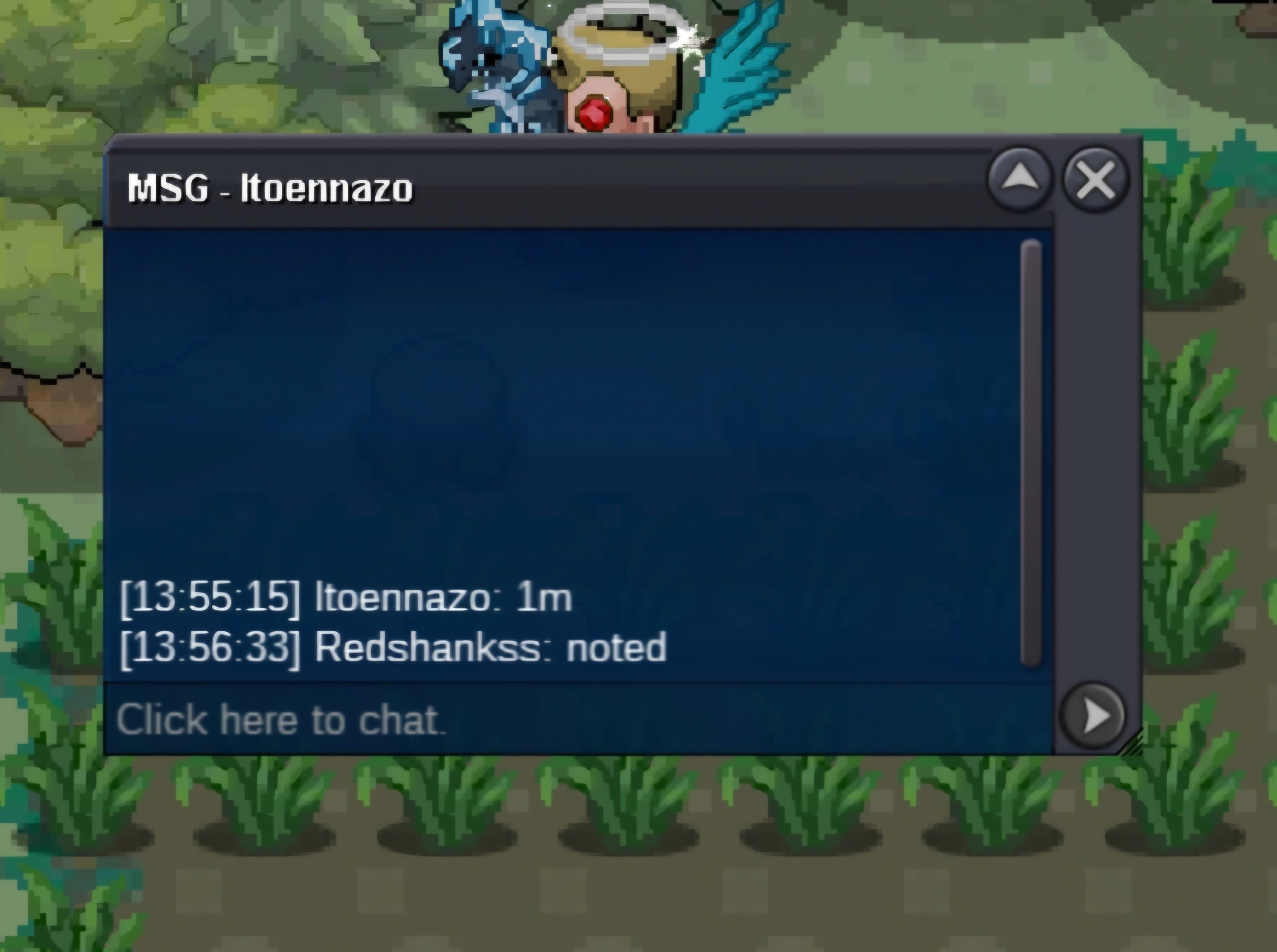
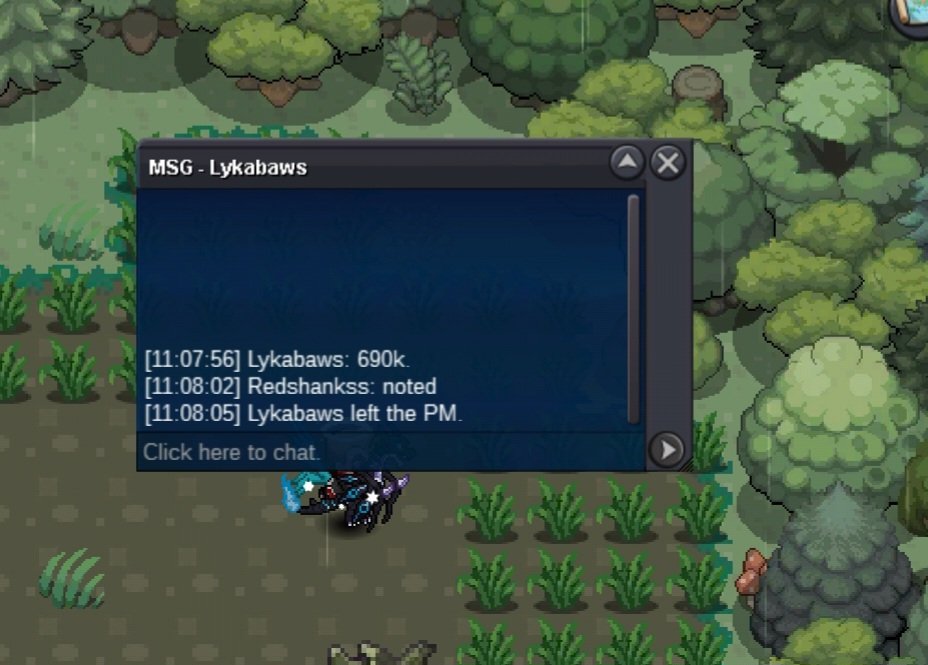
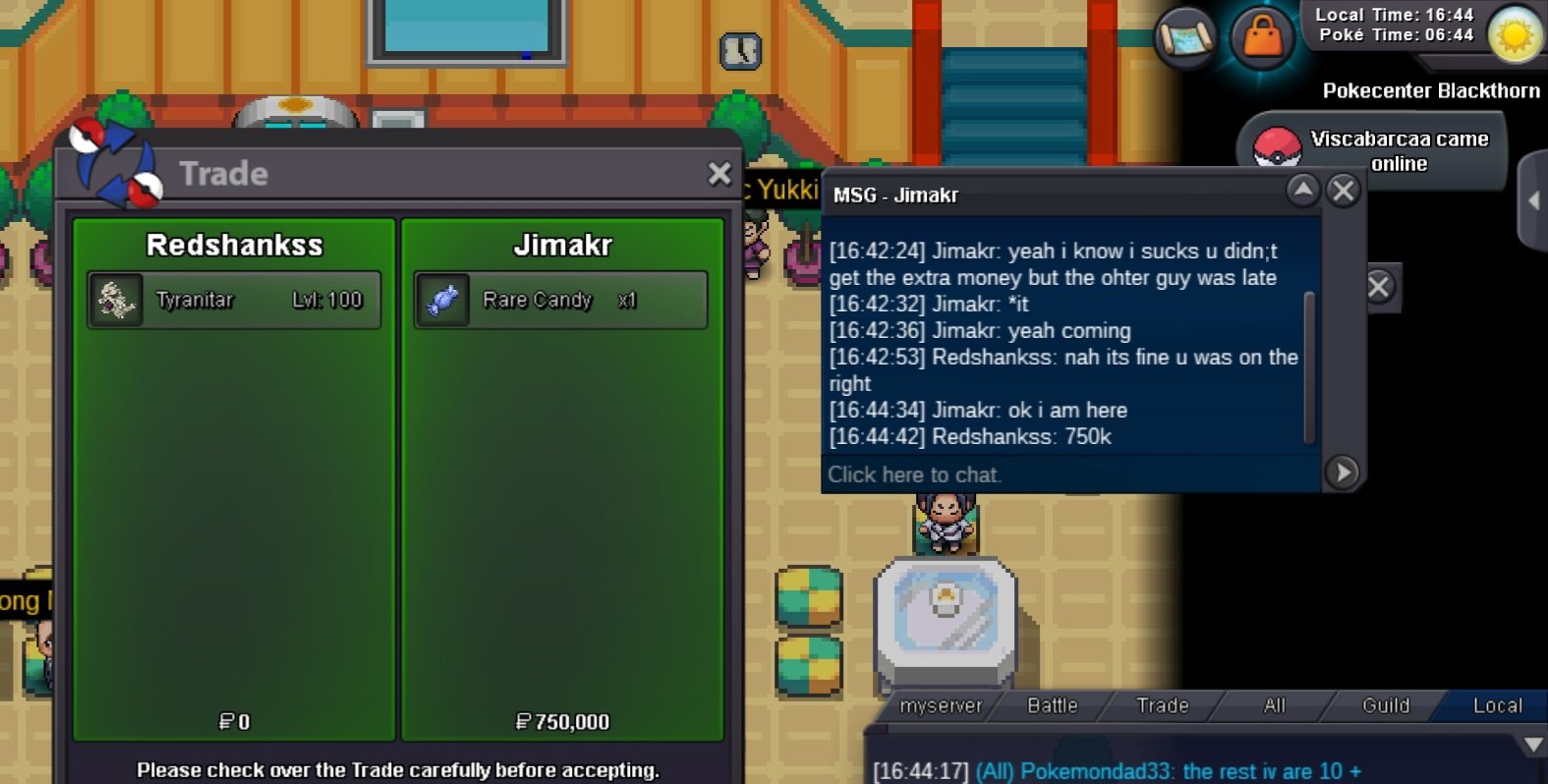
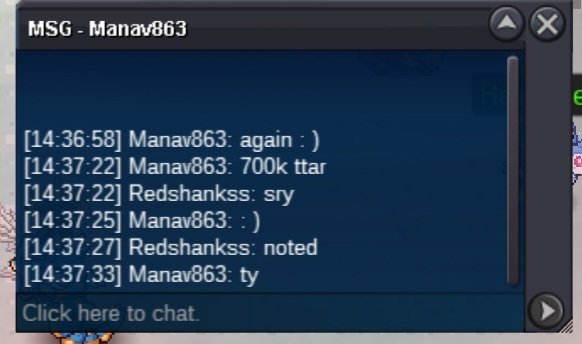
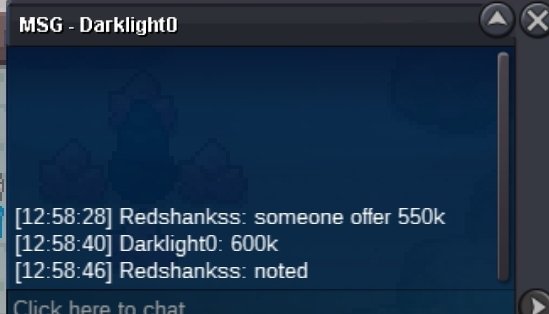
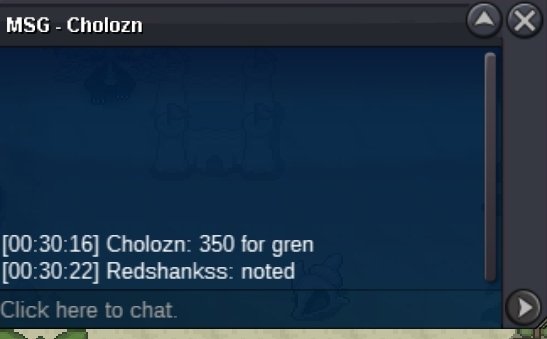
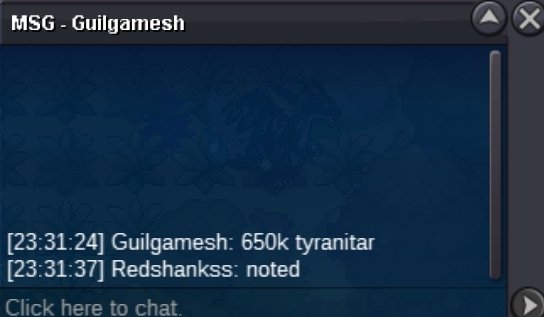
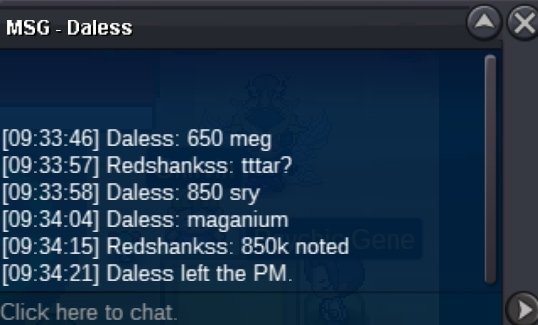
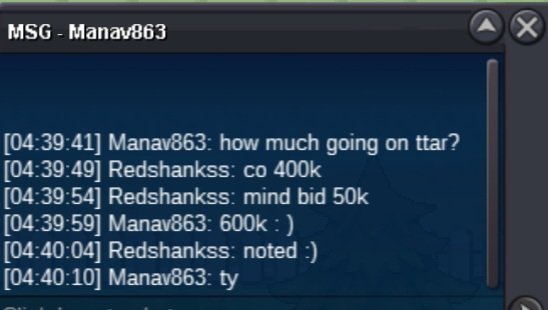
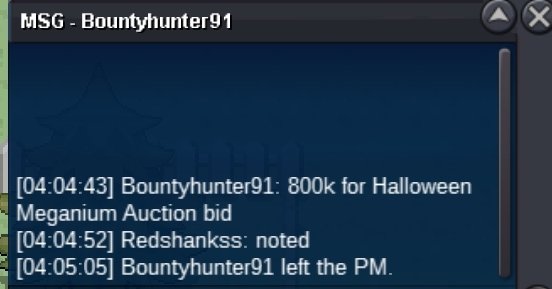
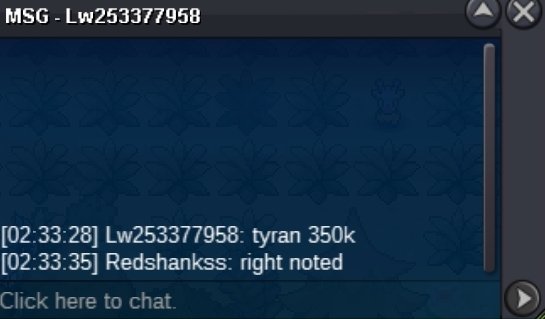
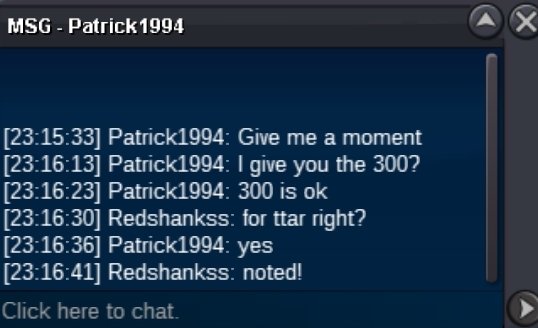
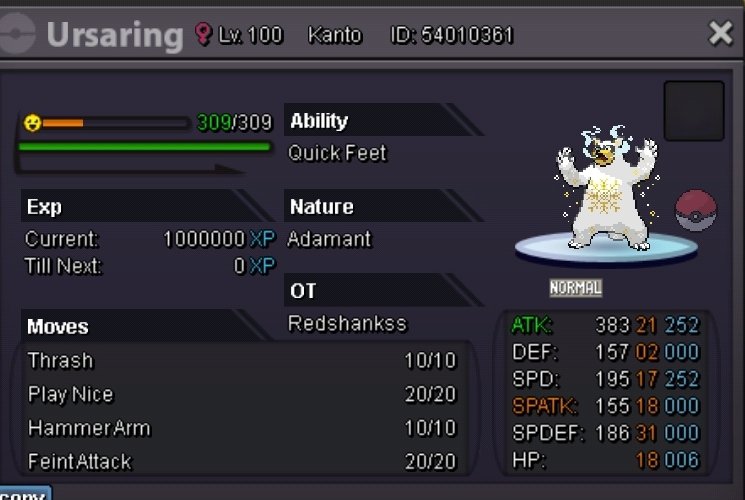
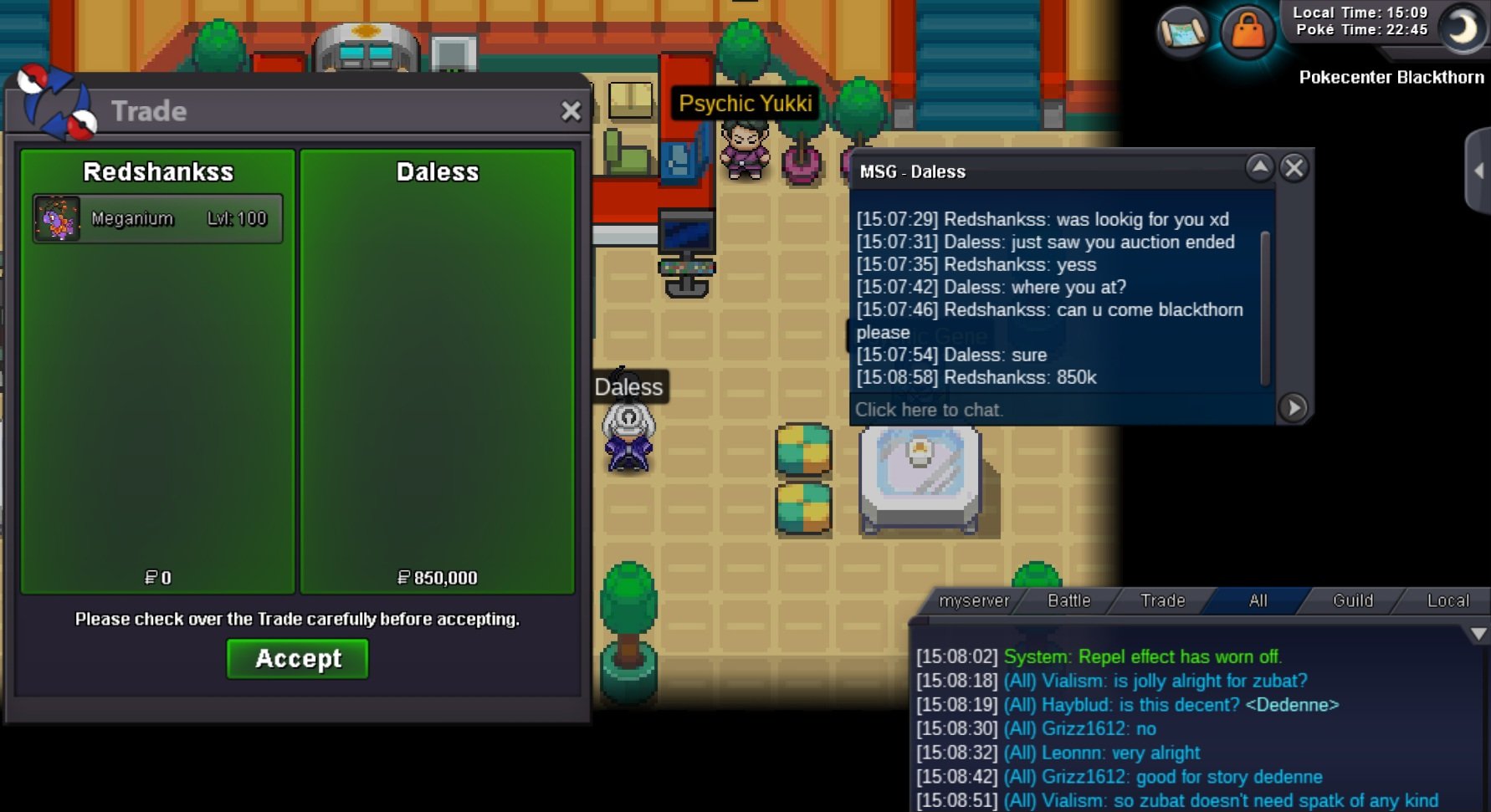
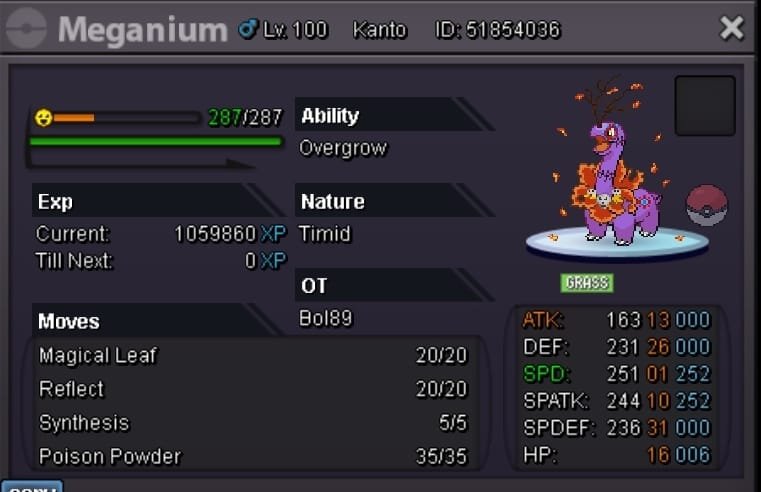
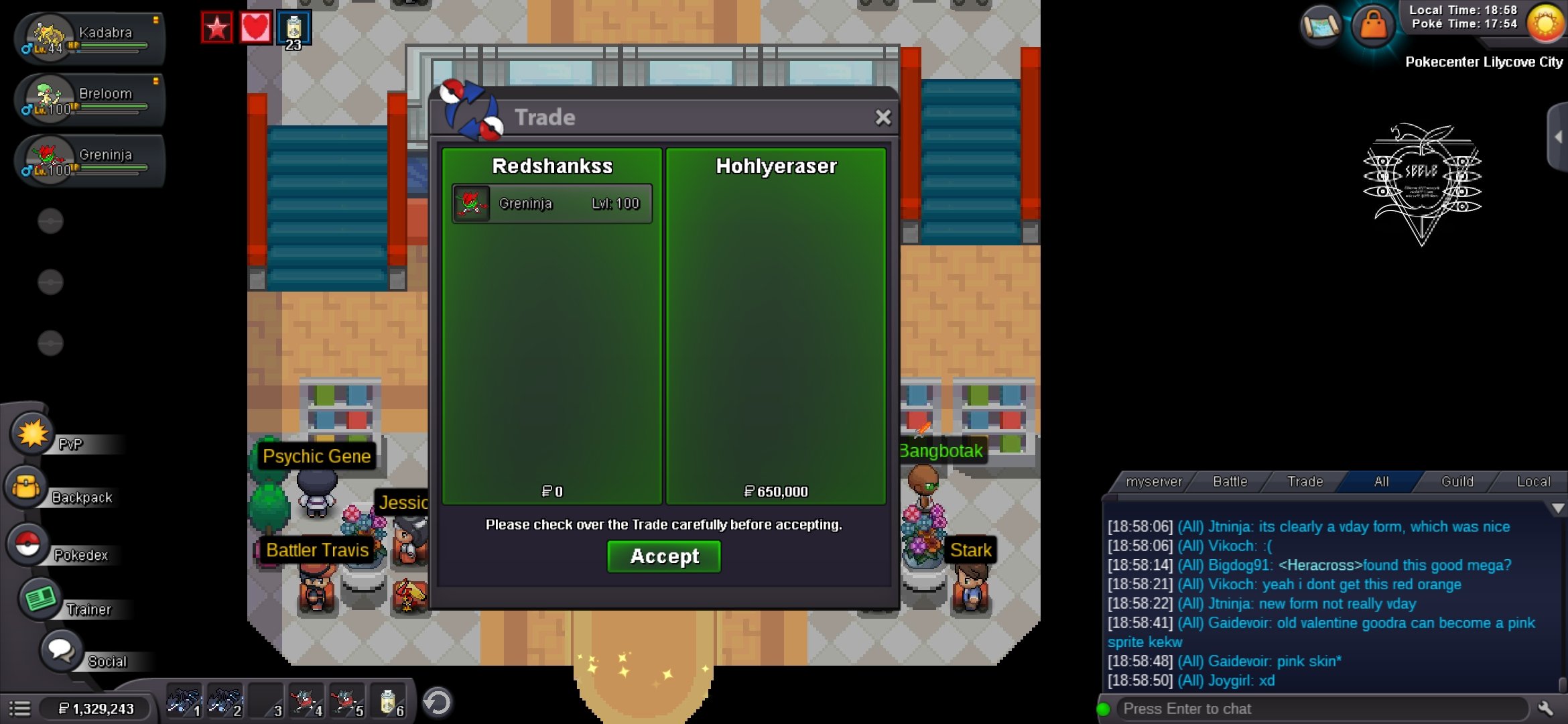 @Hohlyeraserwon gren 650k congratz @Dalesswon meganium 850k congratz @Jimakrwon ttar 750k congratz please take contac to me per discord have same name like here@Jimakr@Jimakrim sry but the auction start was 2.25 pm in my countrystart bid : 250k min bid : 50k end : 3 days after the 1st bid accept : Coin Capsule 400k and IV reroll tickets 500k start bid : 250k min bid : 50k end : 3 days after the 1st bid accept : Coin Capsule 400k and IV reroll tickets 500k start bid : 250k min bid : 50k end : 3 days after the 1st bid accept : Coin Capsule 400k and IV reroll tickets 500k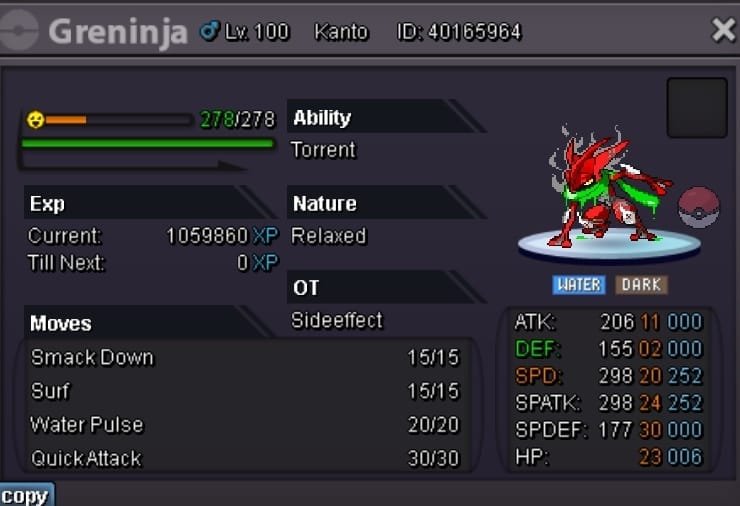
.jpeg.0914296052a4db93f8d4bbaa2088e2c7.jpeg)
Account
Navigation
Search
Configure browser push notifications
Chrome (Android)
- Tap the lock icon next to the address bar.
- Tap Permissions → Notifications.
- Adjust your preference.
Chrome (Desktop)
- Click the padlock icon in the address bar.
- Select Site settings.
- Find Notifications and adjust your preference.
Safari (iOS 16.4+)
- Ensure the site is installed via Add to Home Screen.
- Open Settings App → Notifications.
- Find your app name and adjust your preference.
Safari (macOS)
- Go to Safari → Preferences.
- Click the Websites tab.
- Select Notifications in the sidebar.
- Find this website and adjust your preference.
Edge (Android)
- Tap the lock icon next to the address bar.
- Tap Permissions.
- Find Notifications and adjust your preference.
Edge (Desktop)
- Click the padlock icon in the address bar.
- Click Permissions for this site.
- Find Notifications and adjust your preference.
Firefox (Android)
- Go to Settings → Site permissions.
- Tap Notifications.
- Find this site in the list and adjust your preference.
Firefox (Desktop)
- Open Firefox Settings.
- Search for Notifications.
- Find this site in the list and adjust your preference.