




New Trade Zone
Trade Zone is now live
Use the new Trade Zone for auctions and instant-price trades so Pokemon and item offers are easy to find.

Encladius
Registered User
-
Joined
-
Last visited
-
thank you!!!
-
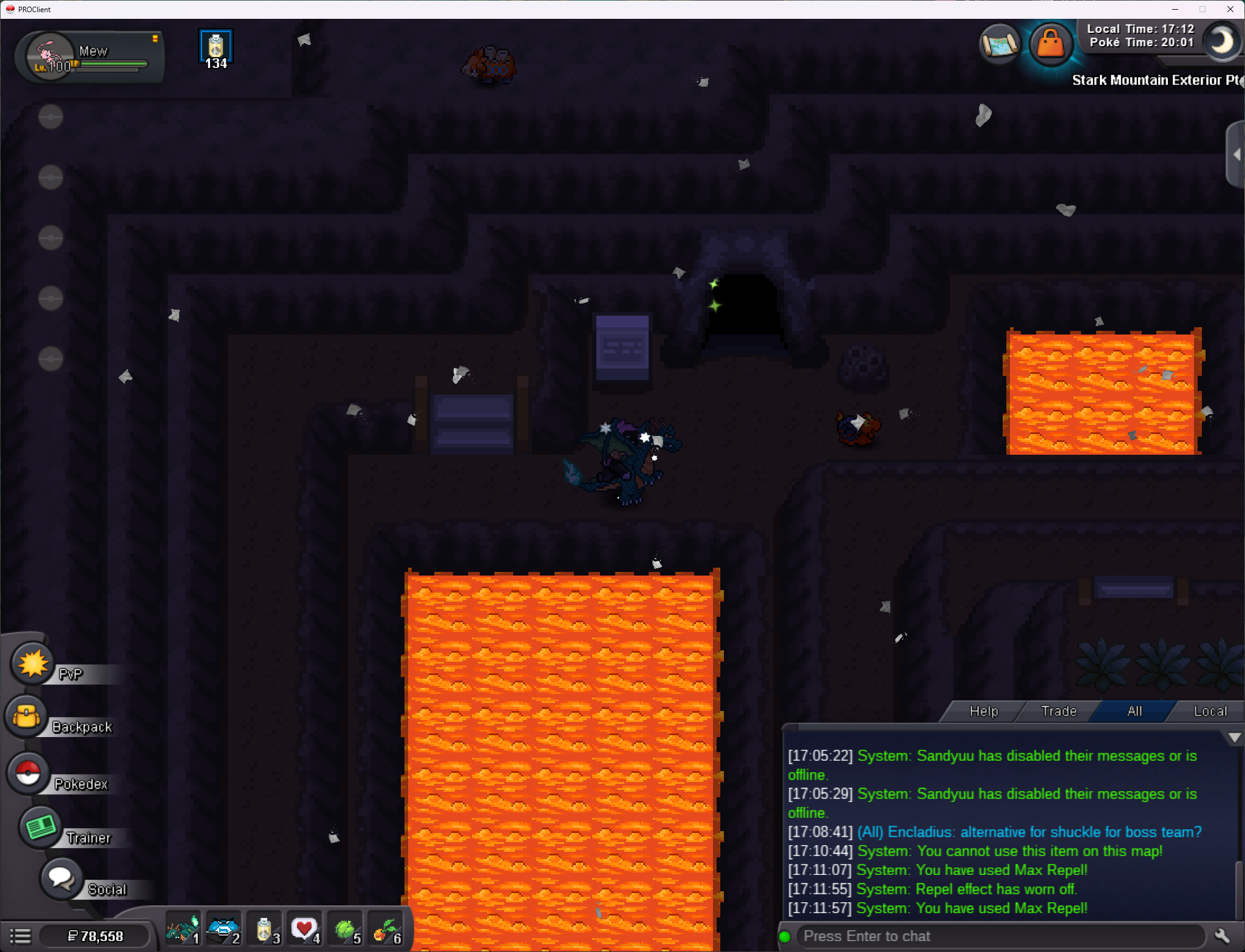
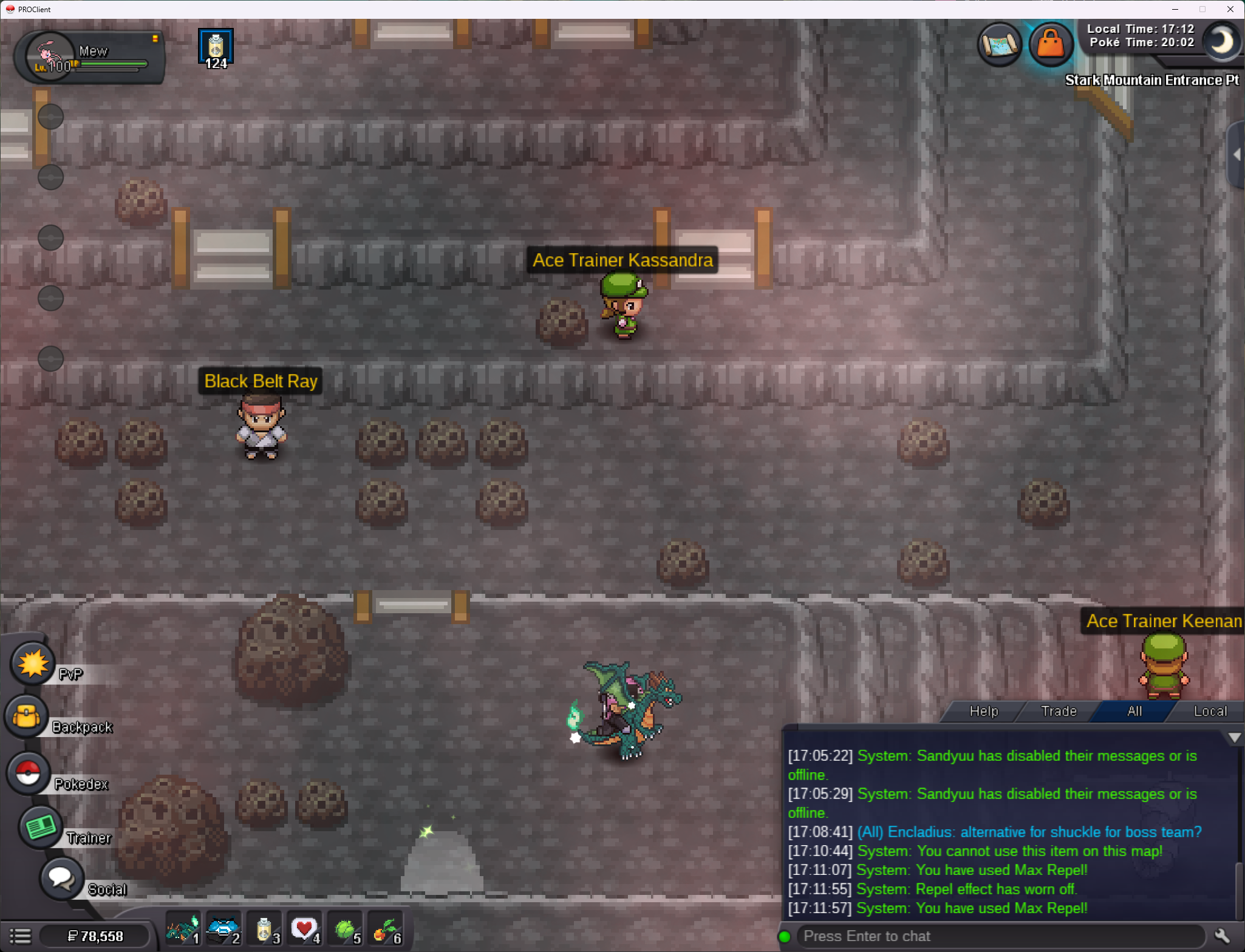
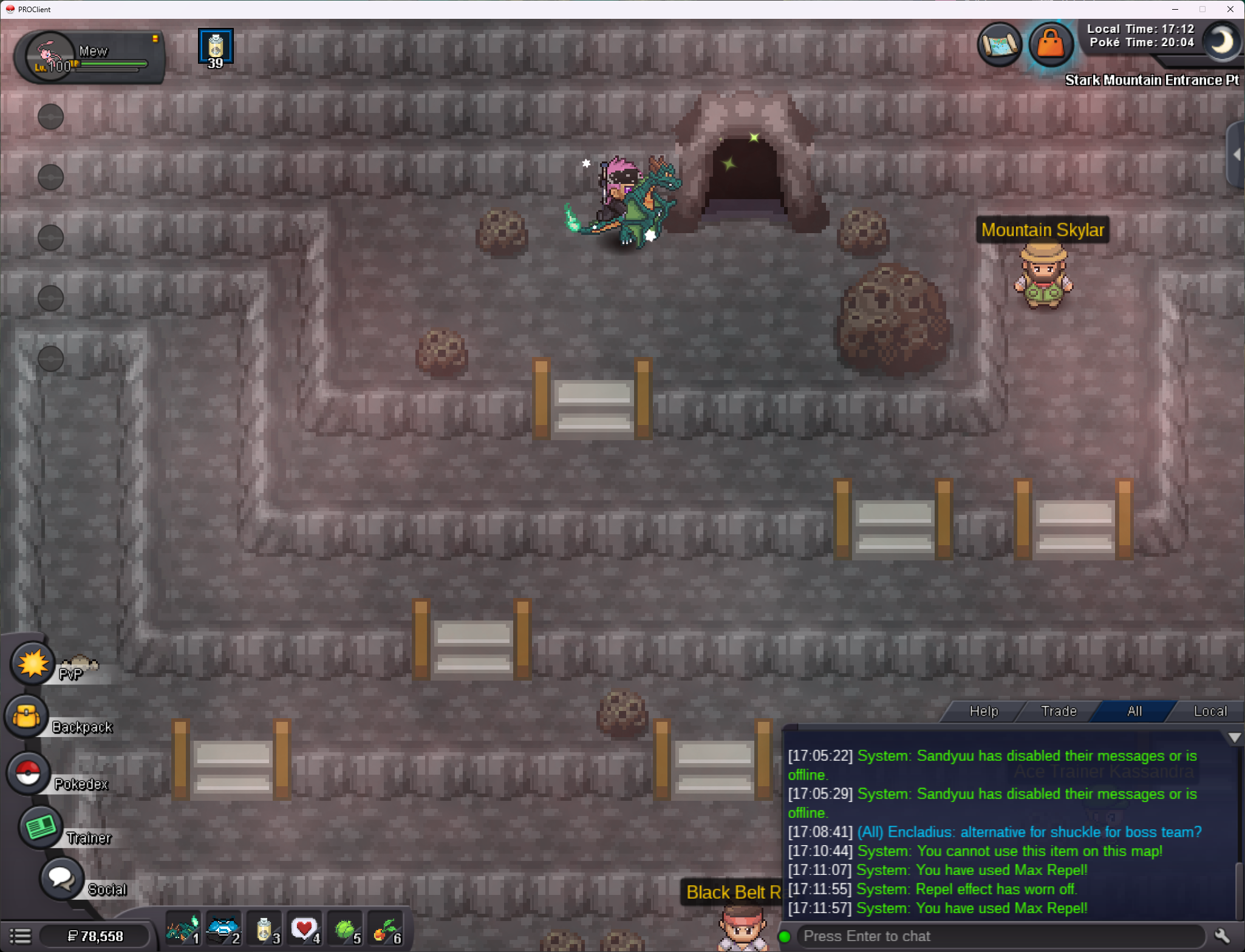
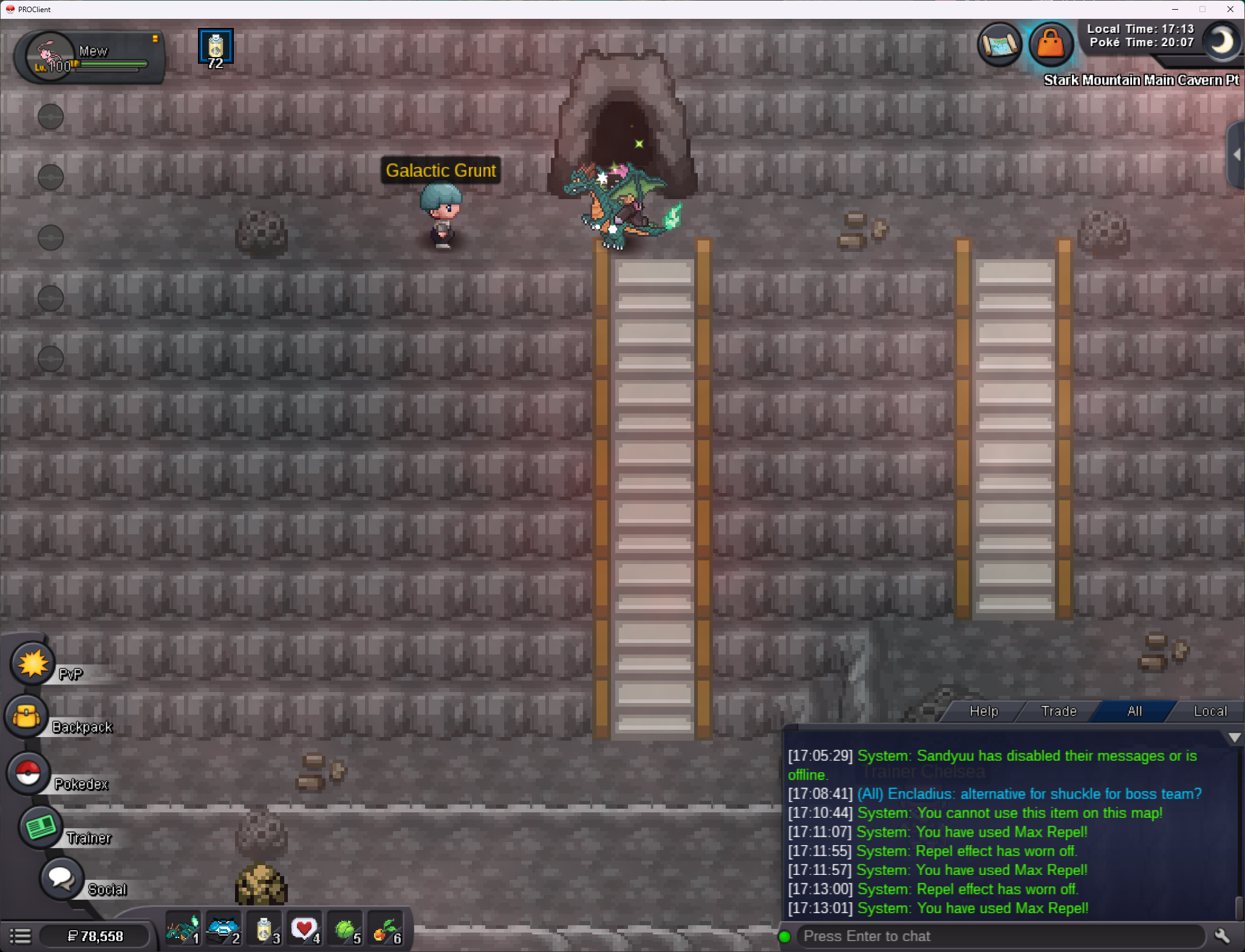
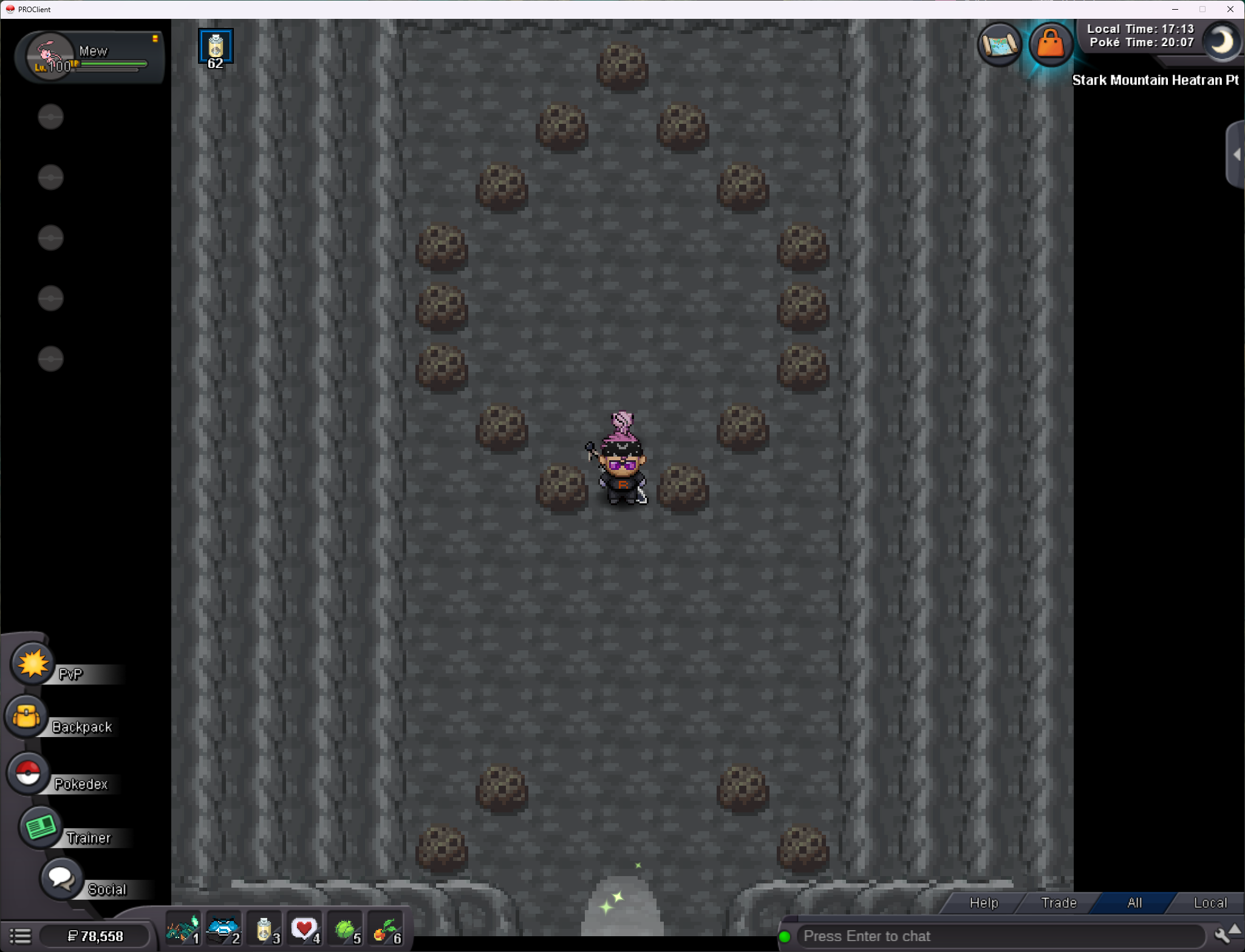
He's not on any maps
-
I don't see him anywhere on the map
-
Hello, probably a long shot but I still never got my items back after returning to heatran quest
-
could someone check this out? I lost a couple masterballs and a bunch of rare candies still
-
Hello! Just want to bump I'm still missing my masterballs and the bucky npc hasn't came back for me.
-
can i get some help with this? bucky never gave back my master balls
-
1.65m
-
still haven't received my items back 😕
-
*bump* just wondering if the items are gone? tired of wondering.
-
link is dead 😕
-
thank you ❤️
-
could someone check the buck npc for my items or what happened to them?
-
Nope! Not there. Can I get some assistance?
-
Hey, didn't recieve my items after the heatran quest. I took a break between quests and participated in a couple events, got some rare candies so not sure if going to the quest again after getting more rare candies deleted my old items that buck held. but buck didn't spawn back in either, or spawn in heatrans room. if someone could help I'd appreciate it. I think I lost at least 1-2 master ball, and a bunch of rare candies.
