New Trade Zone
Trade Zone is now live
Use the new Trade Zone for auctions and instant-price trades so Pokemon and item offers are easy to find.


Kuroshiba
Registered User
-
Joined
-
Last visited
-
Kuroshiba changed their profile photo
-
Eevee Vulpix Ralts (Every evolution form)
-
Farewell Strat, Good luck with with your goal! Looking foward to see you in the future!
-
Farewell Mate I'm sure you will be back whenever the time has come. Until then, Good Luck
-
Oh, my bad... Thanks for your time
-
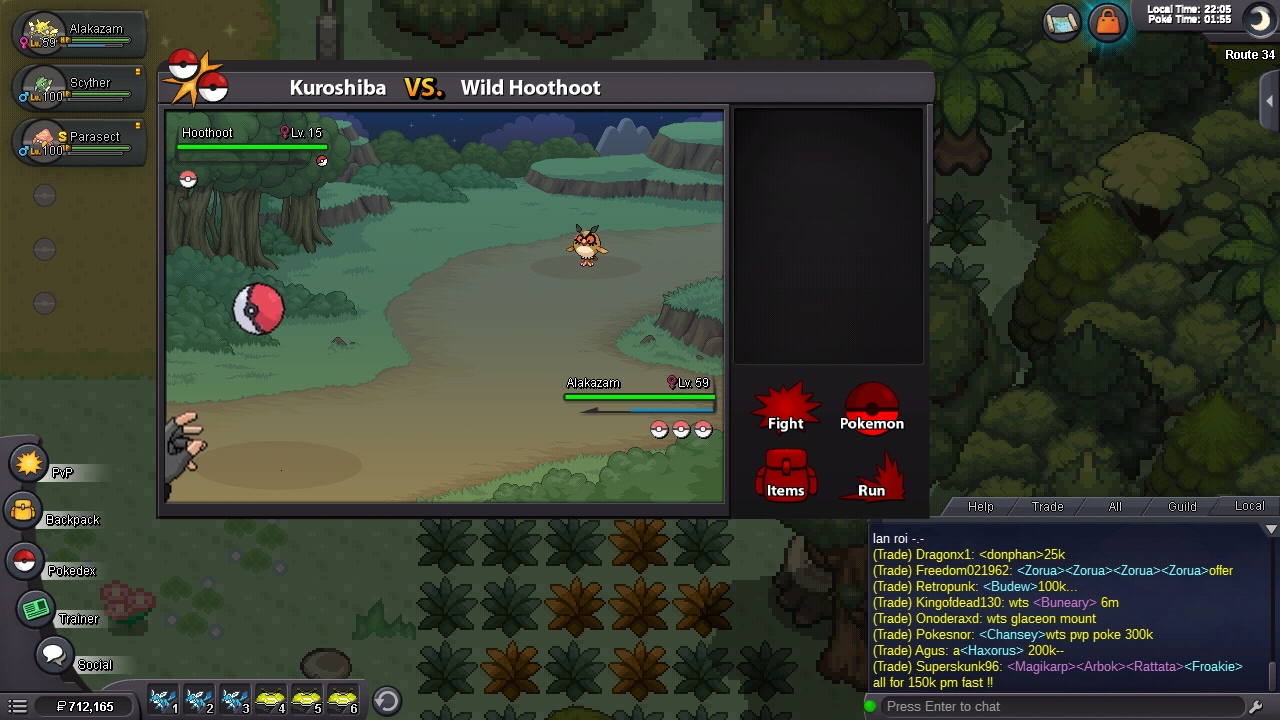
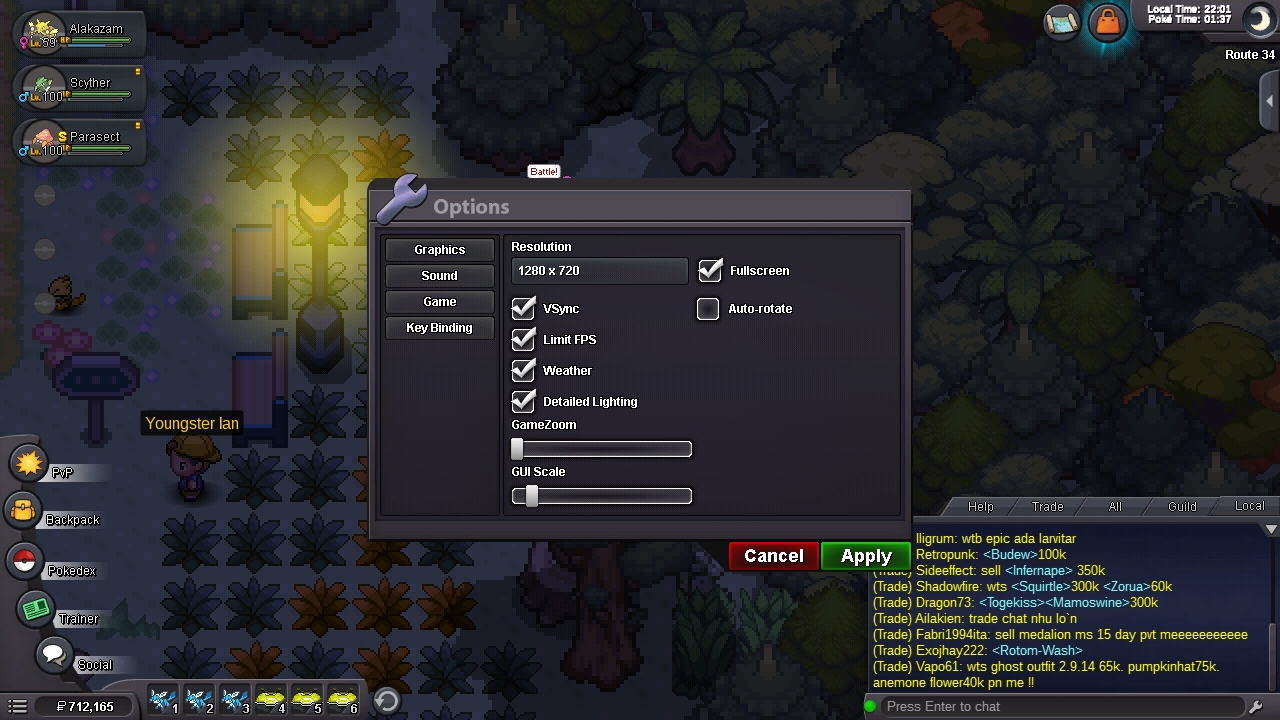
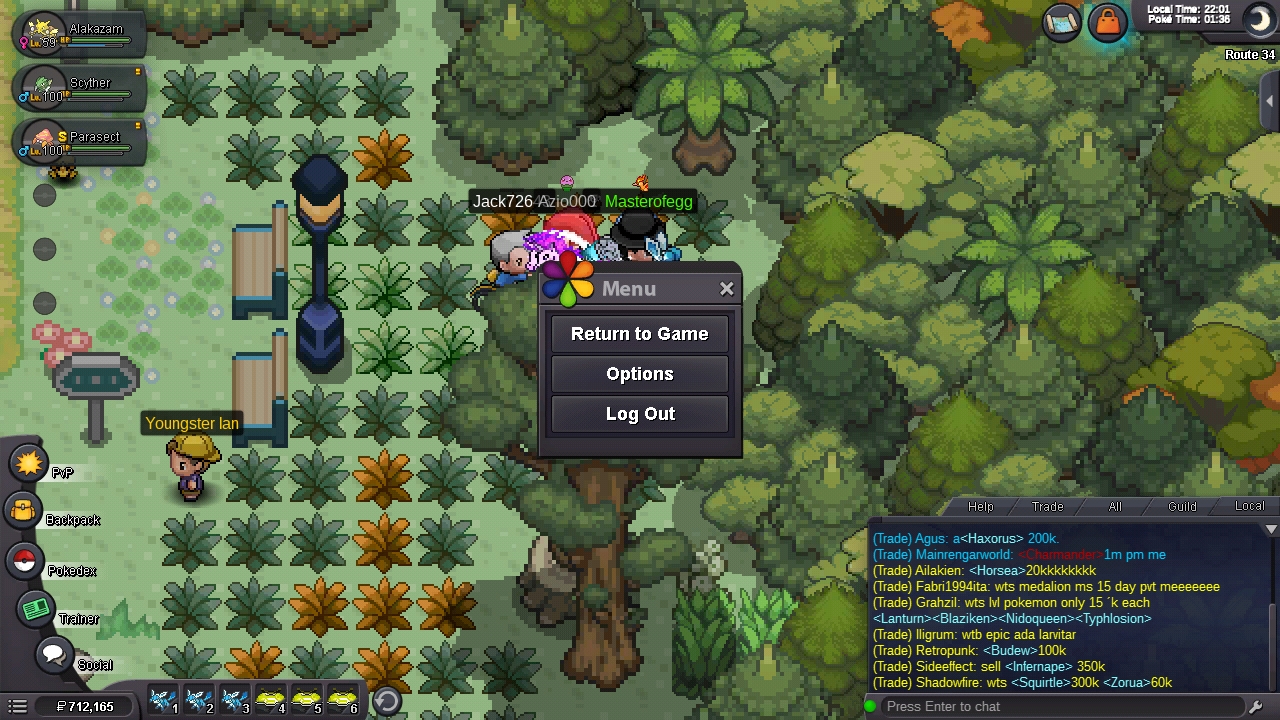
As you can see from the file i provided, The pictures - i was tuning with my setting (GUI scale) and when its suppose to be night time but after i finish tuning, the screen show day time even tho on screen top-right show its night time plus there is a night time/moon icon show. Ps: im using this on phone (android), havent try it on pc so dont know if this bug is on the pc or not. (will update ya if its a yes for pc too) Im pretty sure this is a bug. Yes, it is a small bug but a bug is still a bug nonetheless.
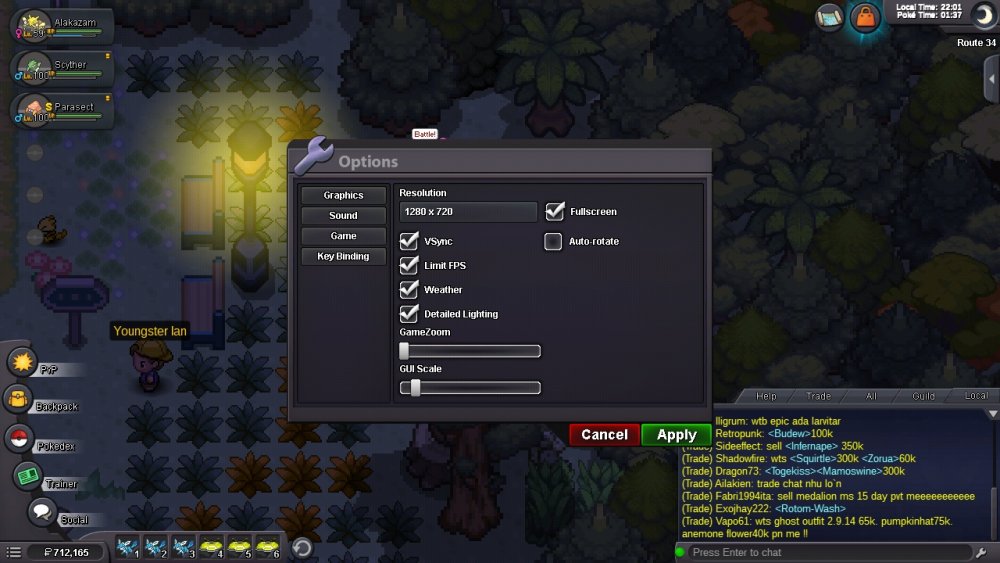
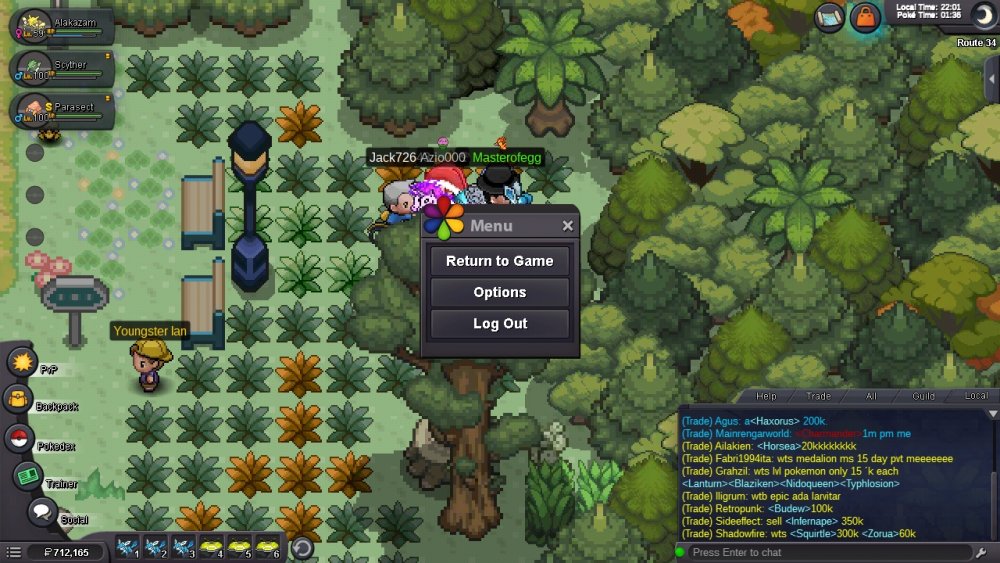
-
Updated: I'm BACK xD
-
In.
-
5hours left~
-
1day 3hours left~
-
1day 23hours left~
-
2day 3hours left~
-
2day 23hours left~
-
3day 23hours left~
-
replied in dm
-
Replied in dm