New Trade Zone
Trade Zone is now live
Use the new Trade Zone for auctions and instant-price trades so Pokemon and item offers are easy to find.


Xdzin
Suspended
-
Joined
-
Last visited
Everything posted by Xdzin
-
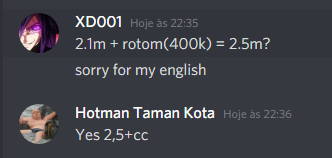
b.o 2.5m
-
b.o 2.2m
-
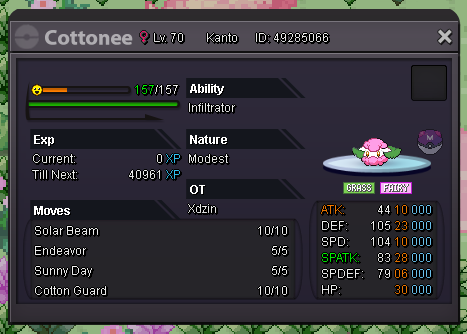
start 1.5m insta 5m 10min
-
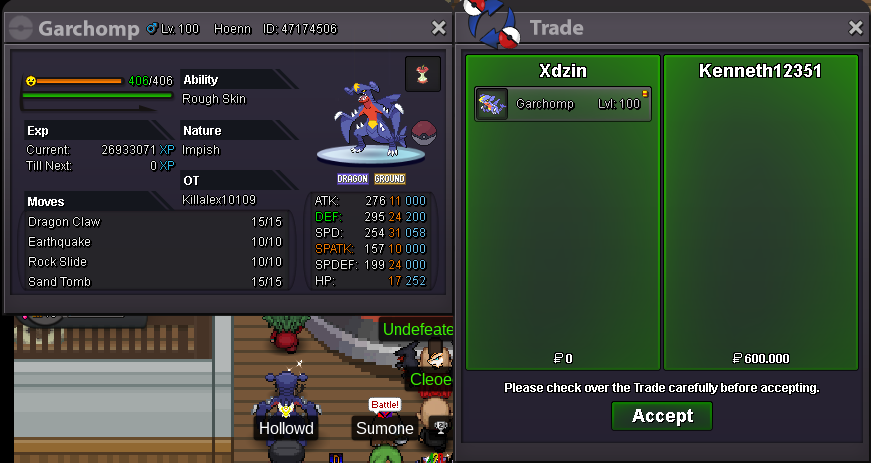
Garchomp bought by KENNETH12351
-
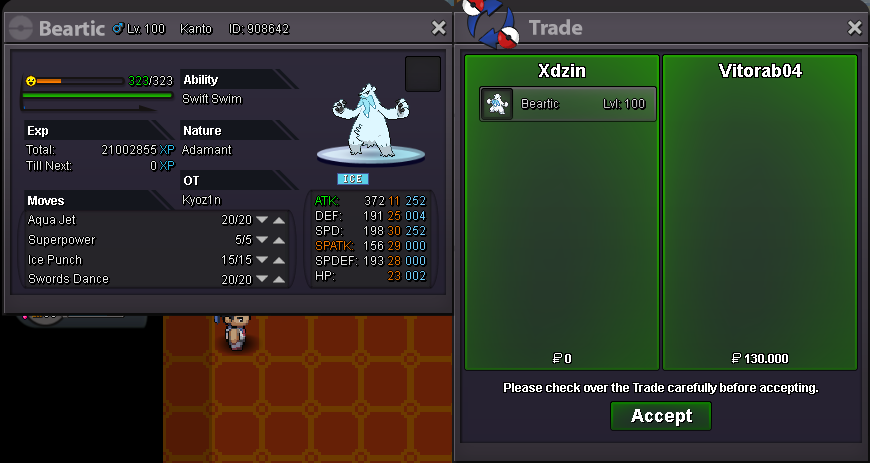
Beartic bought by VITORAB04 Volcarona bought by karpadorisbae
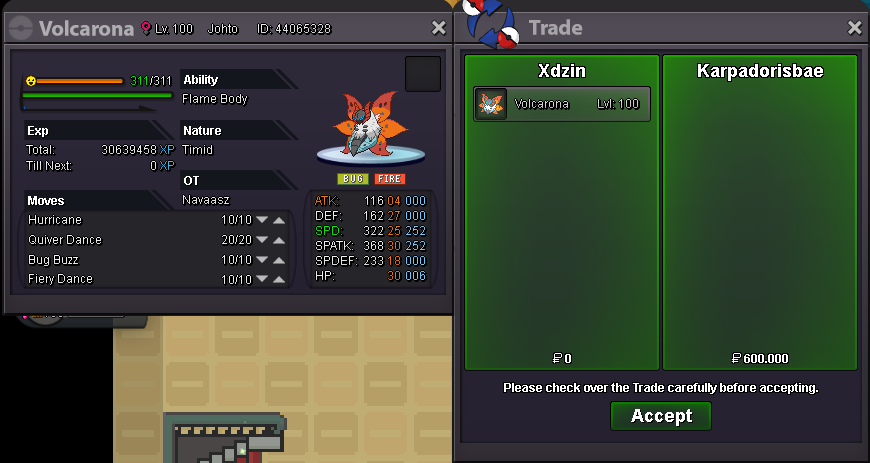
-
sold
.png.16b711ad3d548a28b256b21ccad38e7a.png)
-
350k
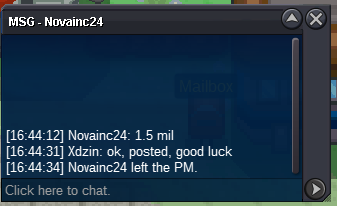
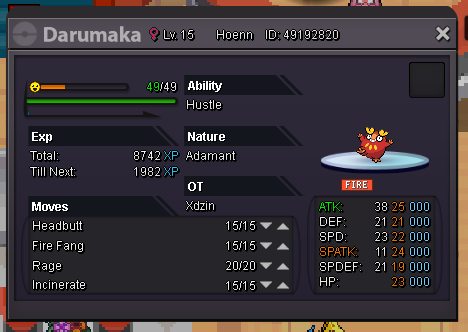 vai la zeh700k, i pay instab.o 1.5m by novainc24
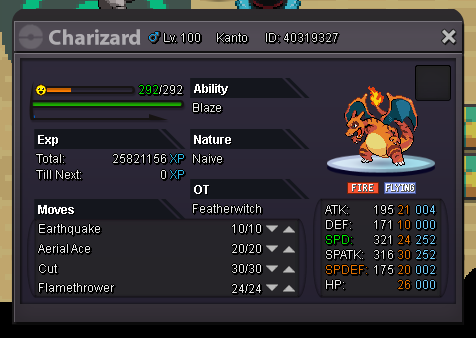
 for mega x/y novainc24 win b.o: $ 1.500.00 min raise: 100k payment methods: rr ricket (700k), rr nature (350k), coin capsule (360k), rare candy (6k), time: 2d, ends at 09/08/2020 14:45 (GMT-5) insta: $ 3.000.000
 in my case I was banned from having more than one account and not everyone has a secondary account to do thatjust as it is sometimes necessary to disable bms for sudden swarm, deactivating ms is also a good option to have less chance of encountering unnecessary pokemon during a grimer swarm alolan 3 pokemon here are by ms
 I realized that low level pokemons when winning battles in the cc gain 150k of xp in most battles, however when they are at very high levels this xp hardly reaches 100k, even with ms + xp boost + guild xp, is this a bug?Clefable bought by A1zer Togekiss bought by Bacvuihay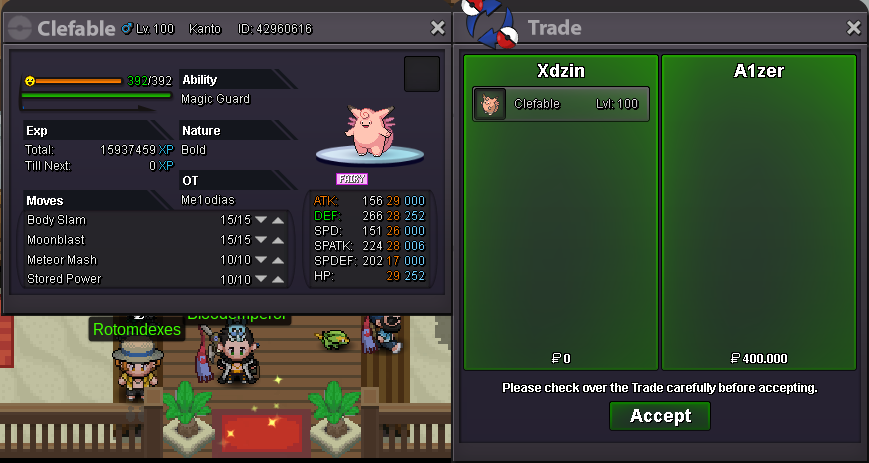
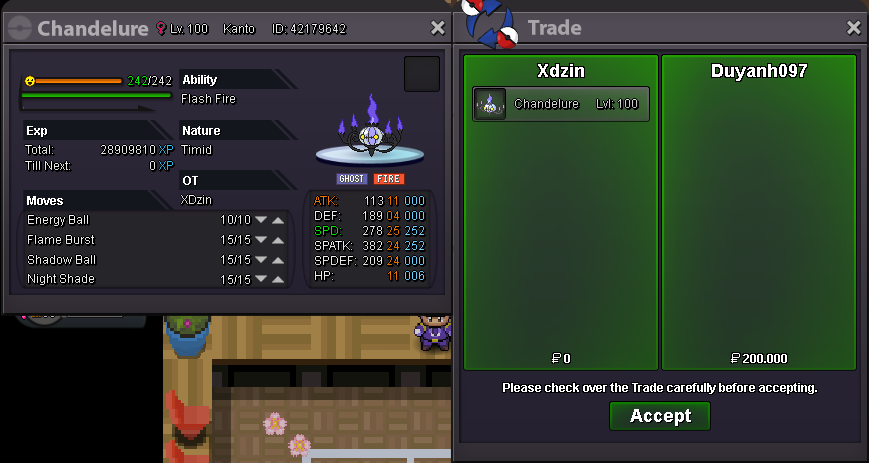
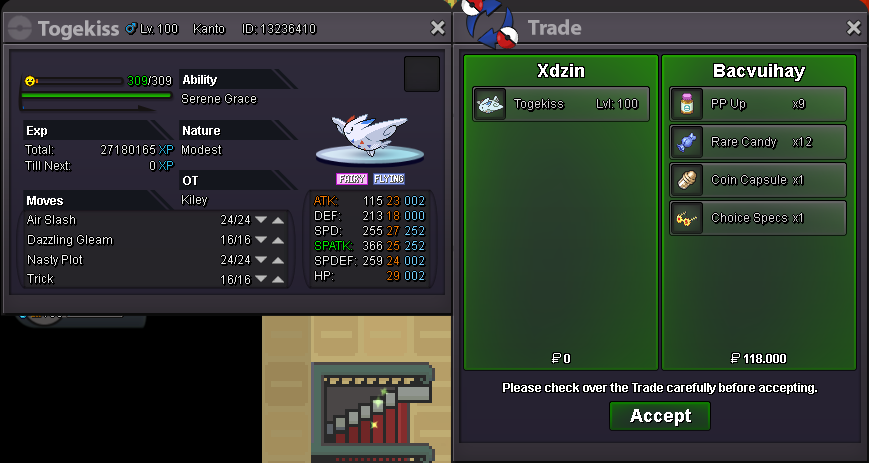 Chandelure bought by Duyanh097
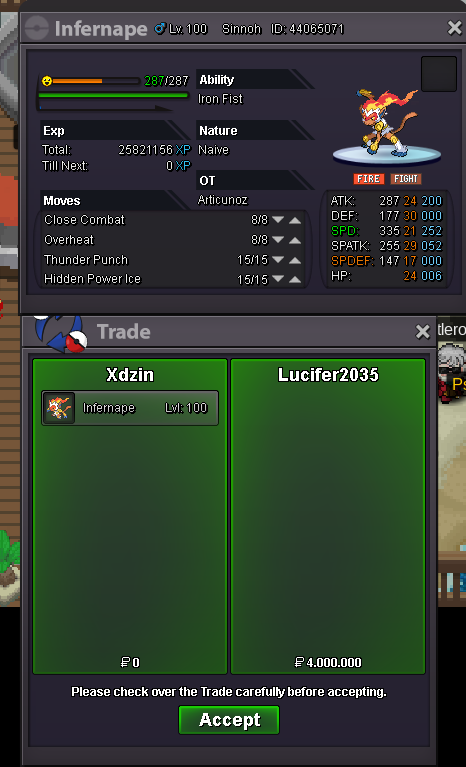
 auction closed, lucifer 2035 was the winnerupauction started
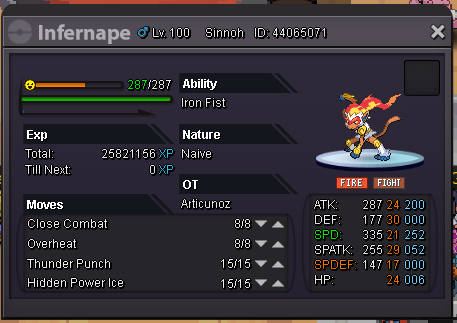
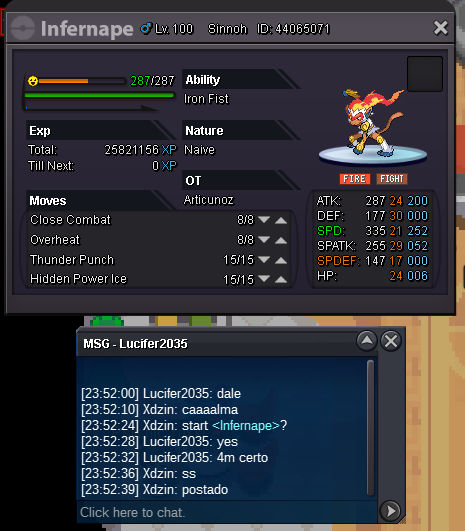 B.O: 4m min raise: 200k insta: 6m ends at 9:25 GTM -5 https://relogioonline.com.br/temporizador/#countdown=72:00:00&date=2020-08-02T23:55:46&title=infernape&sound=xylophone&loop=1