




New Trade Zone
Trade Zone is now live
Use the new Trade Zone for auctions and instant-price trades so Pokemon and item offers are easy to find.


Xdzin
Suspended
-
Joined
-
Last visited
Everything posted by Xdzin
-
lol '-'
-
-
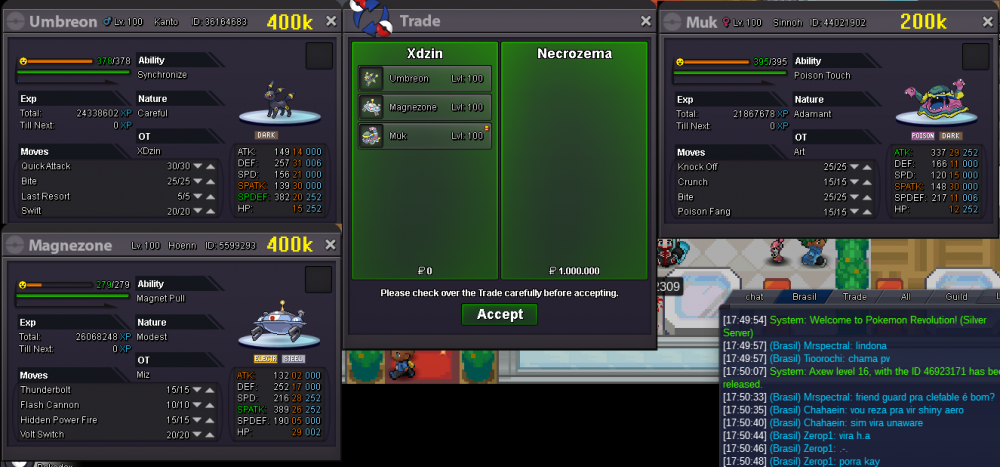
Umbreon, Muk-Alolan and Magnezone bought by Necrozema
-
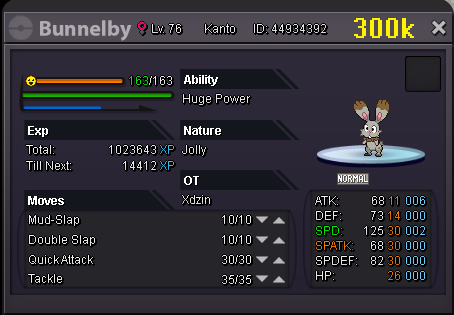
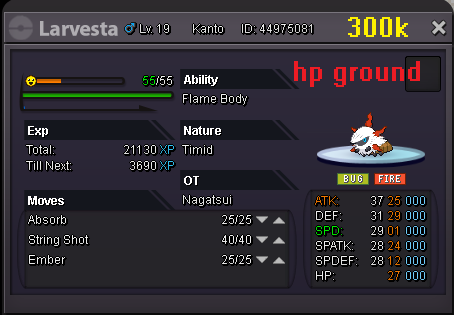
added in store: untrained pokemons
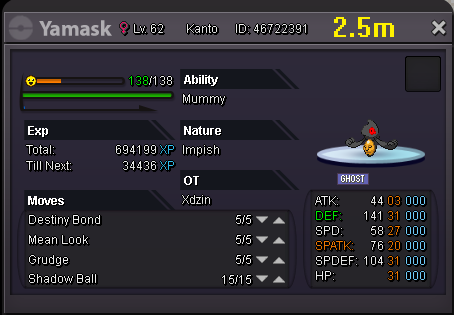

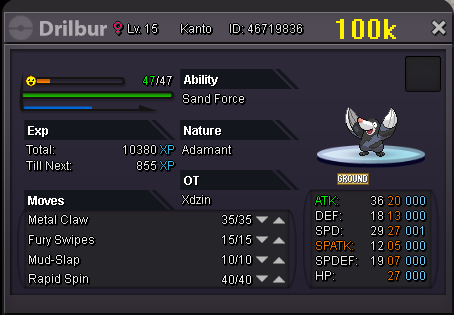
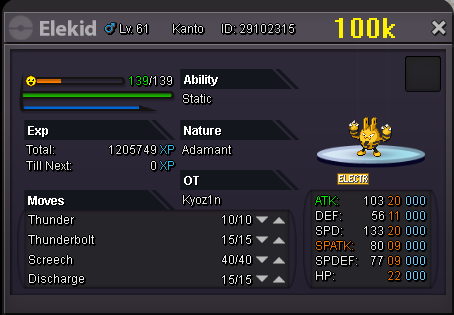

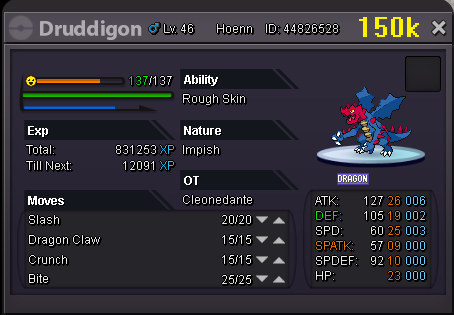
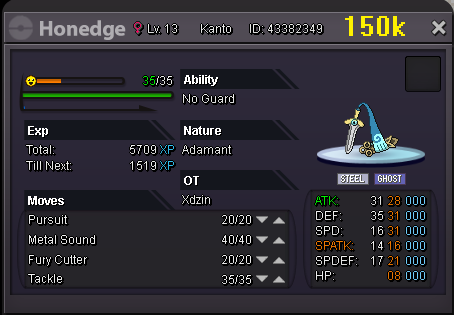
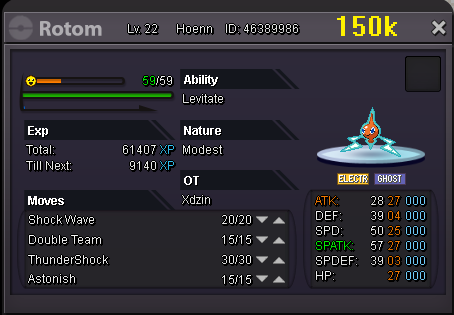

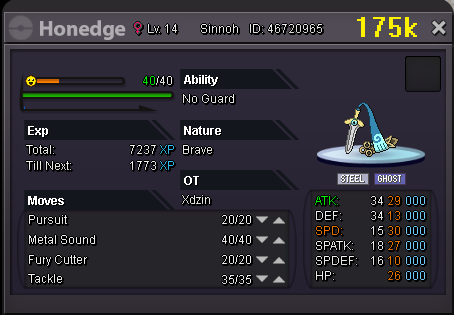

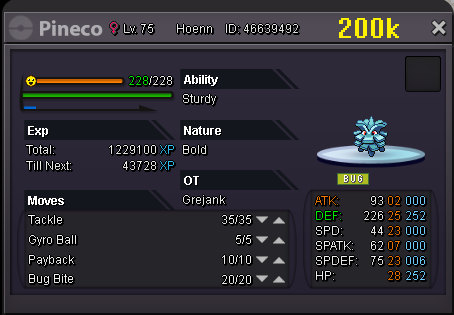
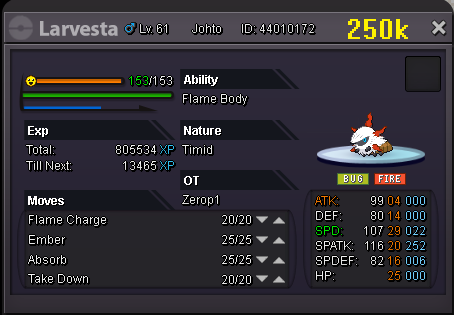
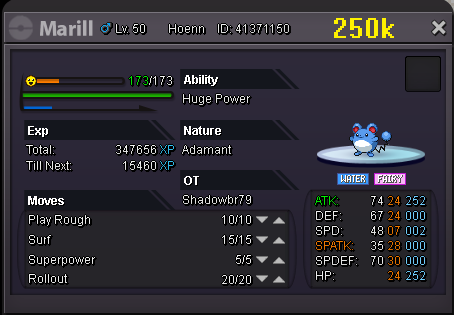
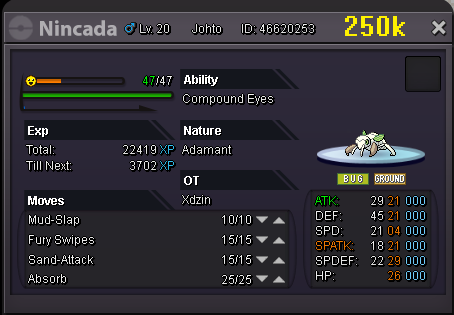


-
HAXORUS bought by @Rodblok

-
my discord XDzin#0115, I don't see you online in the game
-
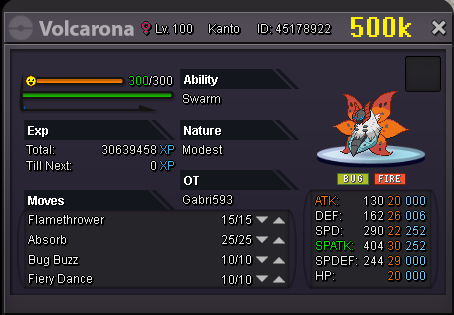
VOLCARONA bought by @BrandonLee1

-
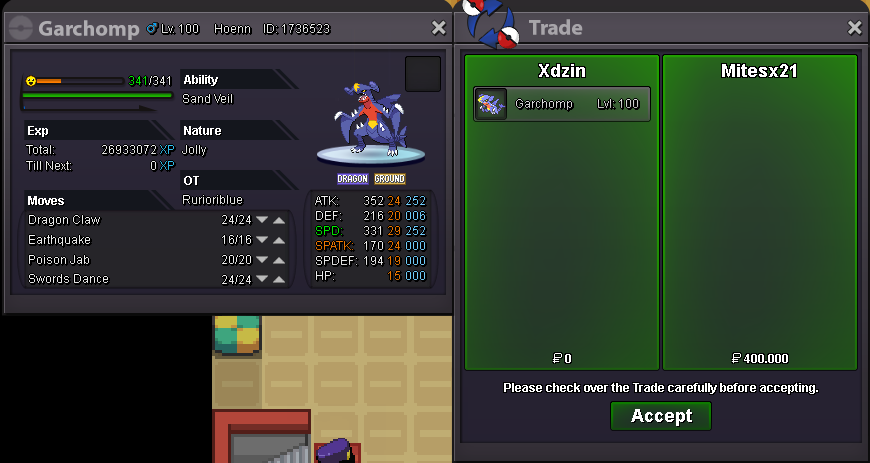
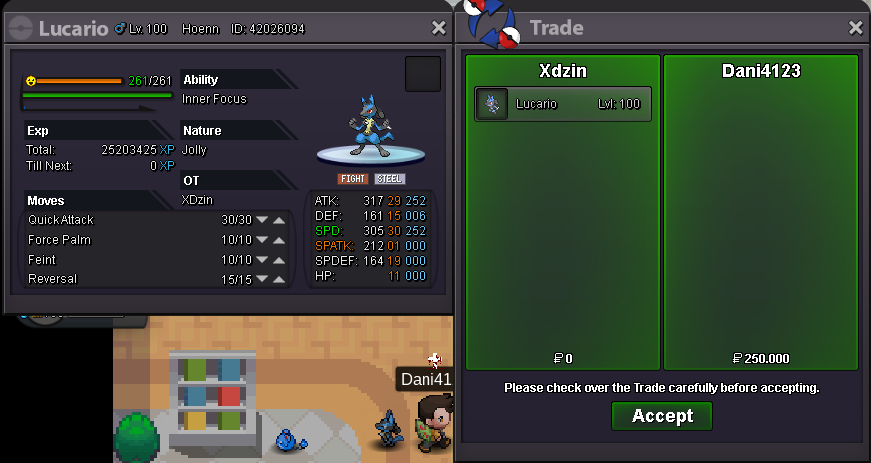
GARCHOMP bought by @mitesx21 LUCARIO bought by @Dani4123
-
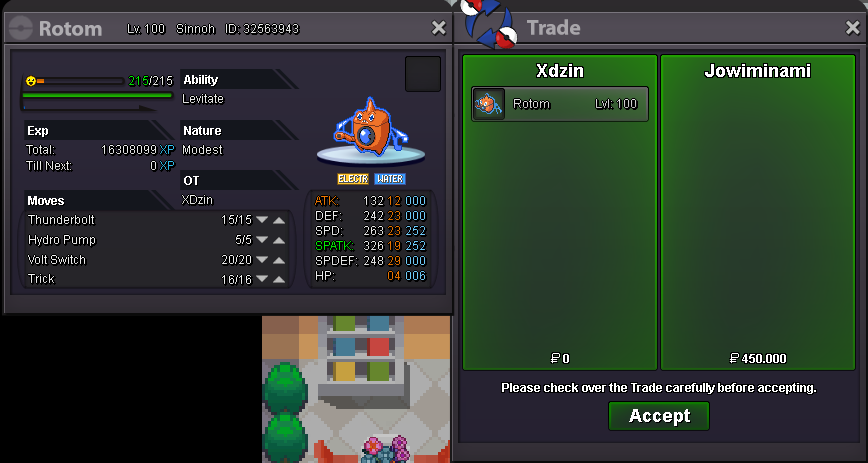
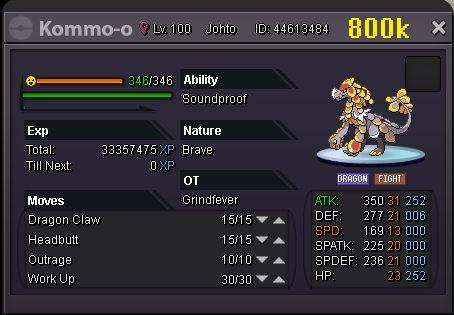
kommo-o bought by igo0rbr009 rotom bought by Jowiminami

-
Noivern bought by Smoothpink

-
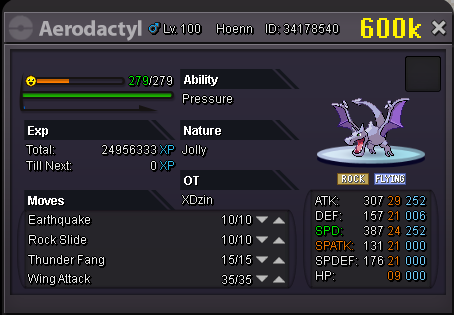
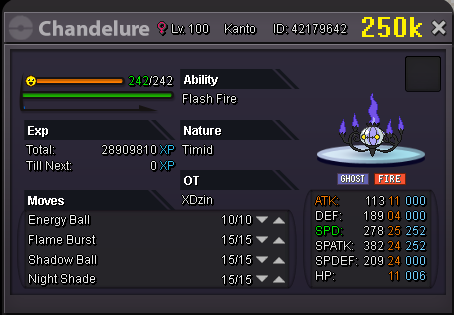
+19 pokemon offensive added check availability on page 1


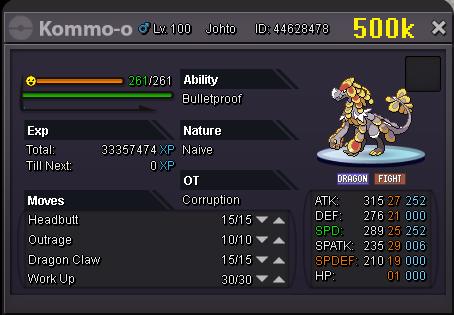


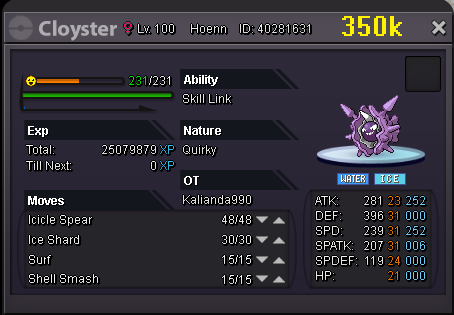
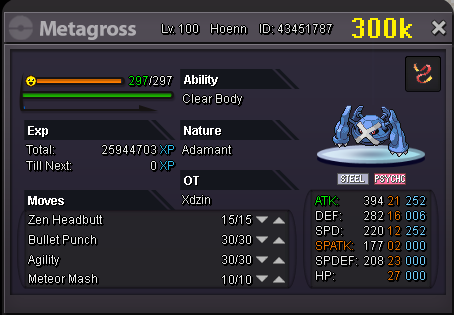

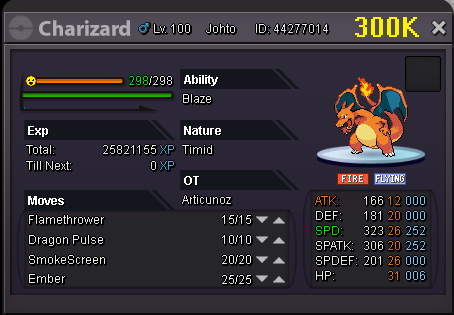
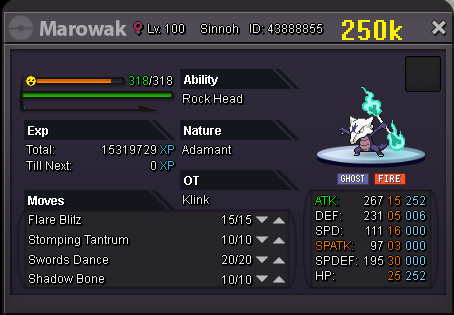
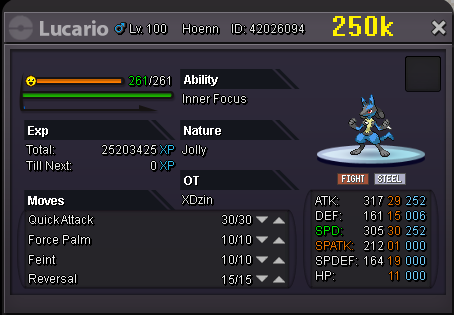
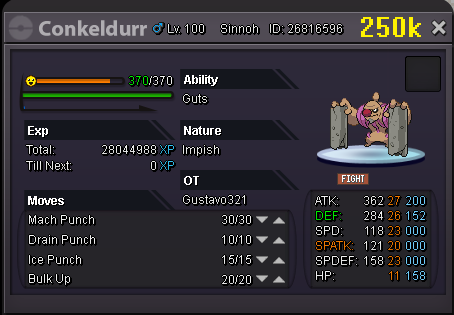
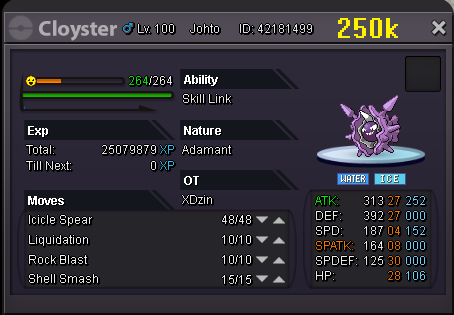
-
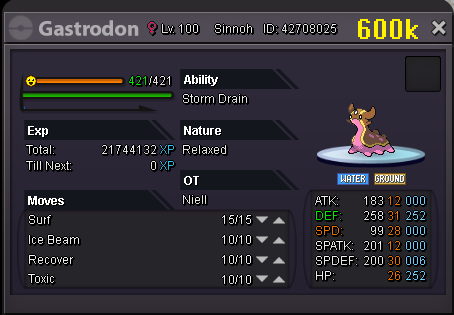
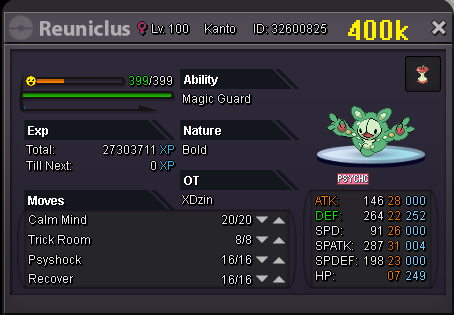
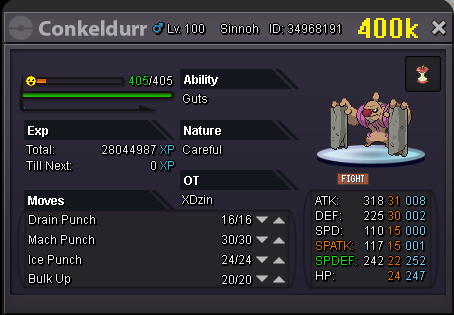
+21 pokemon stall added check availability on page 1










-
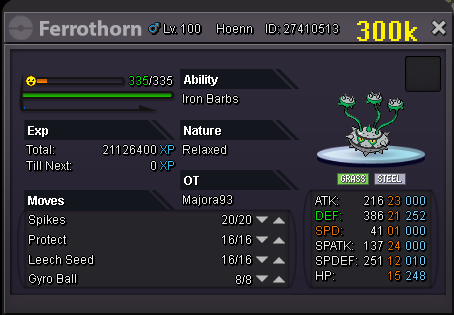
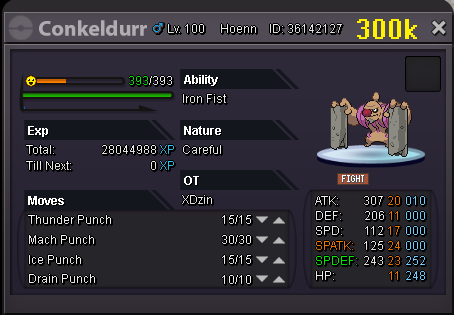
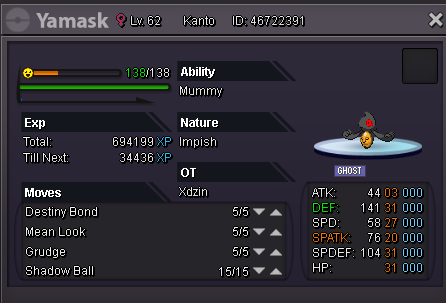
start 3m min raise 100k insta: 7m time 24h after start end date and time: determined after start cancellation after 5d no offers
-
Username: XDzin Server: Silver Country/Timezone: Brazil / GMT - 5
-
buy ghost outfit 16
-
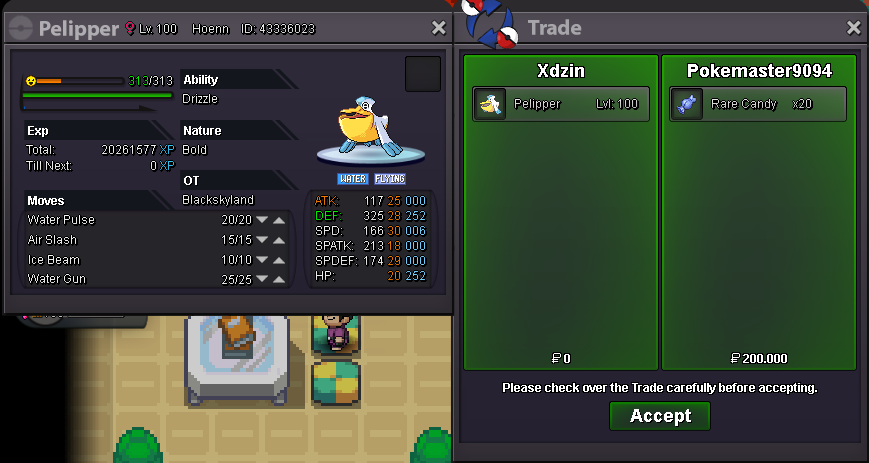
PELIPPER bought by @Pokemaster9094
-
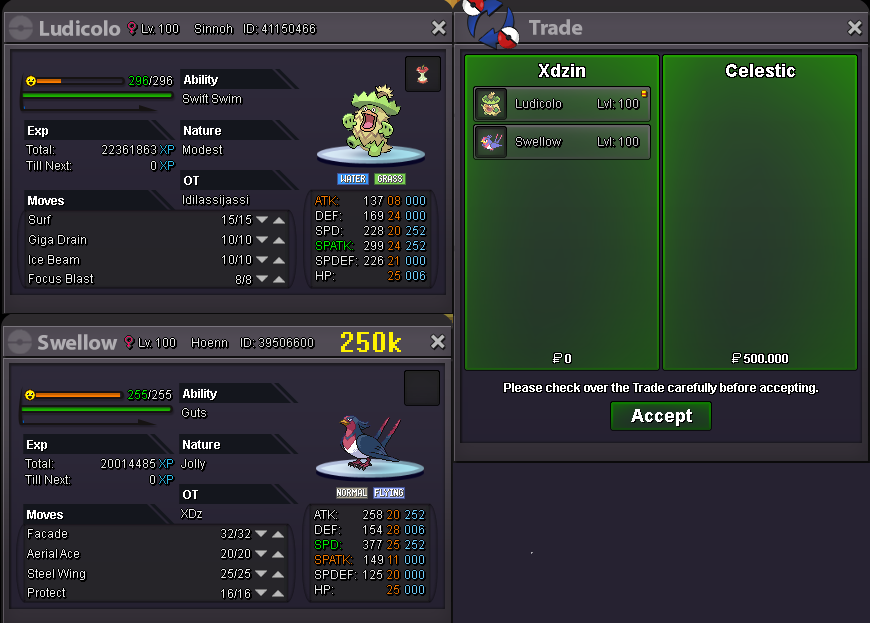
sweelow and ludicolo bought by @Celestic
-
chandelure bought by @arielcelestial milotic bought by @FunnyMan


-
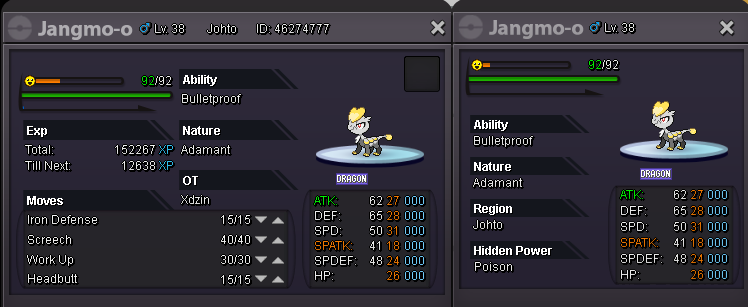
Starting offer: 4m Min Bid: 200k Insta: 10m Auction Last for 48 hours after first bid
-
-
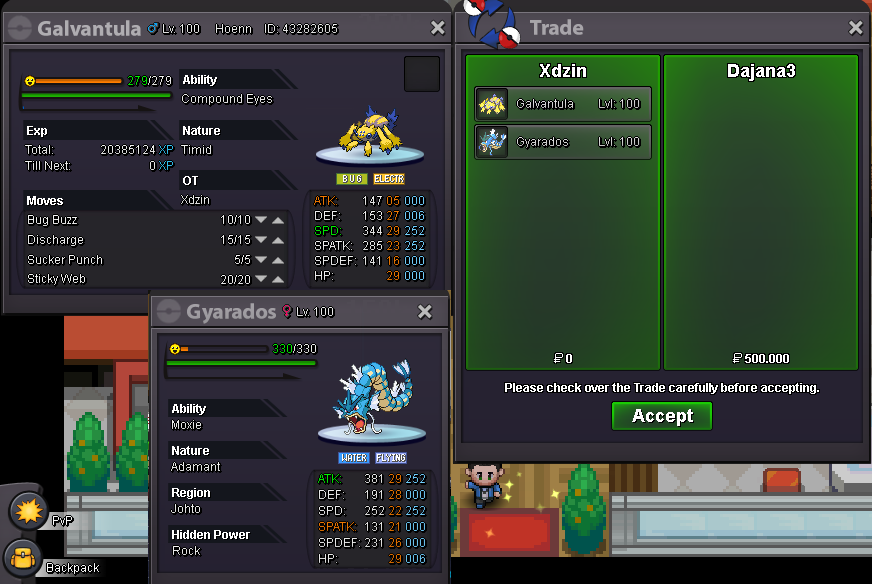
galvantula and gyarados bought by @DAJANA3
-
-
UMBREON sold umbreon bought by @gelsterjoe

-
discord: XDzin#0115 or ''/pm xdzin'' in game
-
kabutops bought by @Kauanl0rd jolteon bought by @Meezy18 hawlucha bought by @DianiPandi excadrill and blissey bought by @zombie14


