New Trade Zone
Trade Zone is now live
Use the new Trade Zone for auctions and instant-price trades so Pokemon and item offers are easy to find.


Xdzin
Suspended
-
Joined
-
Last visited
Everything posted by Xdzin
-
....
-
-
that's what I already said, so I suggested the same with the second sleep
-
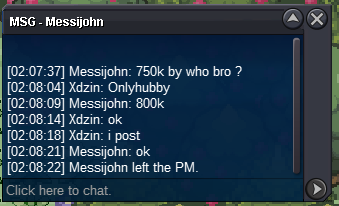
b.o 800k last 19h 50min
-
-
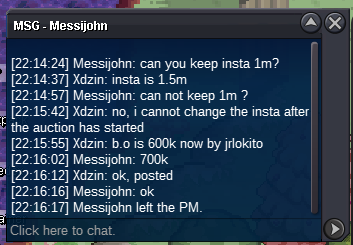
b.o 700k now
-
b.o 600k

-
b.o 500k

-
b.o 450k

-
b.o 400k

-
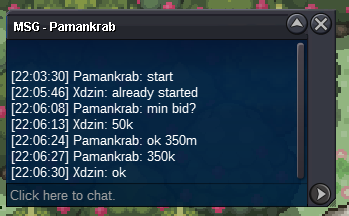
b.o 350k
-
auction started by @messijohn https://countingdownto.com/?c=3468409

-
SOLD



-
-
with high level I mean t8 h.a even with repel trick it would still be difficult because of the h.a
-
for being a rarely accessible and high-level Pokémon in addition to secret ability, it must have a repetition trick
-
/cgkick trade, xdzin exemple
-
The options used to sleep should be avoided without losing a single time because it does not remember that there is already an opponent pokémon sleeping, as well as taunts in status moves. I won't even answer anyone who says: but you can look for who's sleeping in the battle diary edit: when trying a second sleep accidentally i shouldn't miss a shift but a message that this can't happen because there is another pokemon sleeping. this is reasonable since we cannot clearly see the condition of all the opponent's pokemon, and we cannot cancel an already used move
-
-
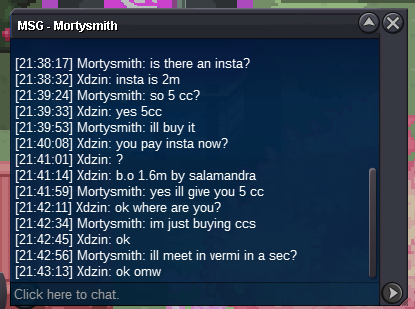
sold insta for @MortySmith
-
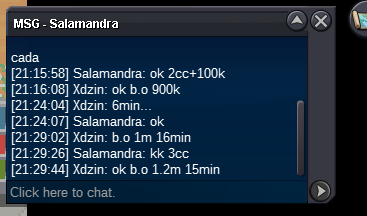
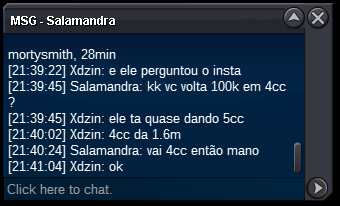
1.6m by salamandra last 26min
-
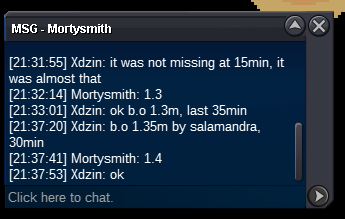
b.o 1.4m 29min
-
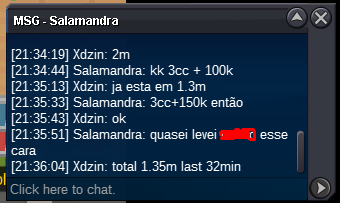
b.o 1,350,000 last 31min b
-
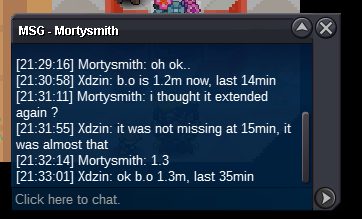
b.o 1.3m +15min, last 35min now
-
b.o 1.2m last 15min