




New Trade Zone
Trade Zone is now live
Use the new Trade Zone for auctions and instant-price trades so Pokemon and item offers are easy to find.


Xdzin
Suspended
-
Joined
-
Last visited
Everything posted by Xdzin
-
Lucario Xmas bought by @PVPKING1 Weezing bought by @eujoao2
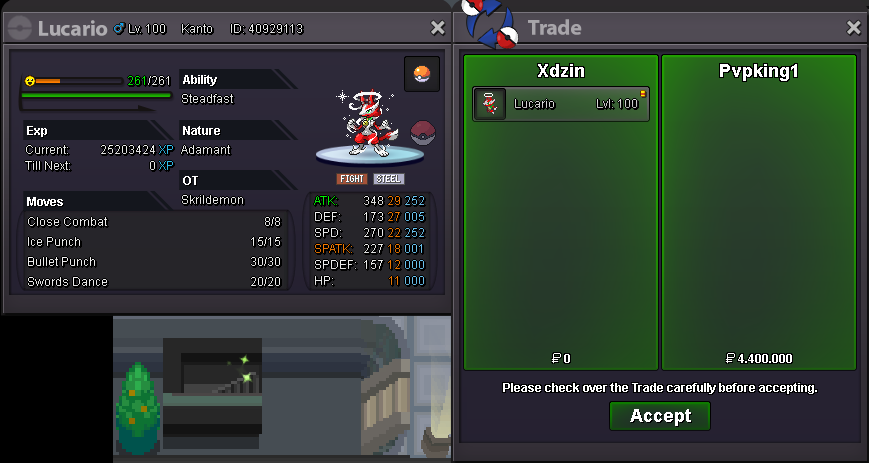
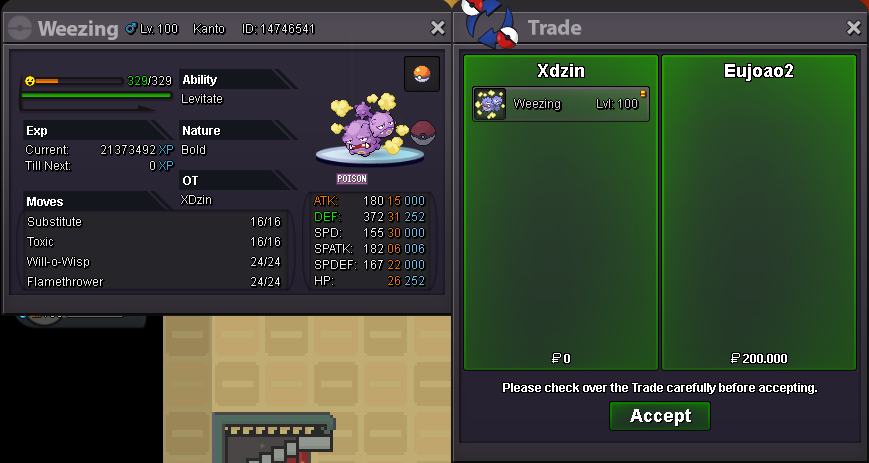
-
new 16pkn added: check in the 1st post for availability offensive defensive shiny / event
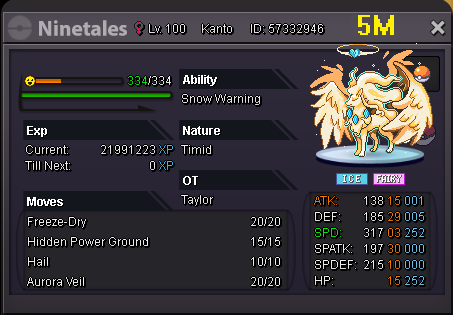
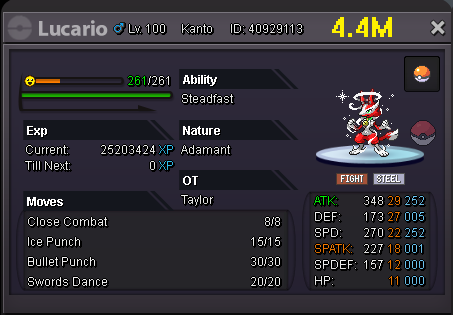
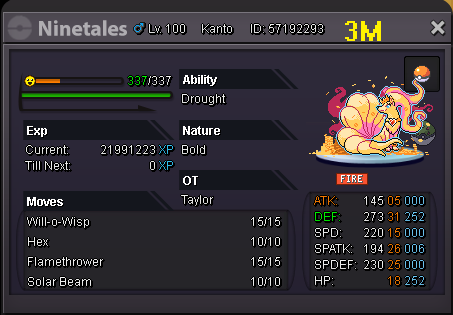
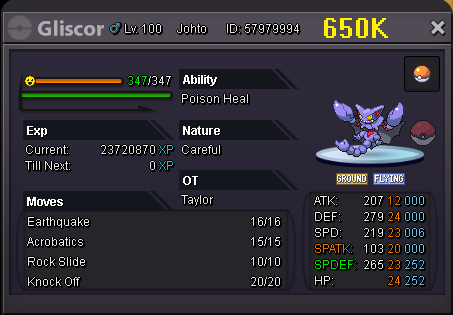
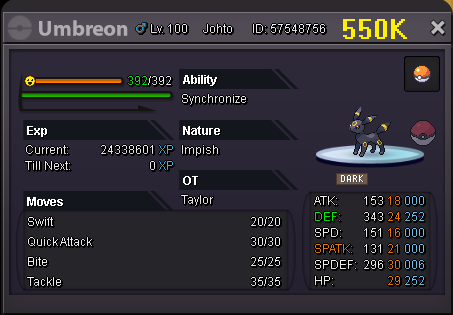
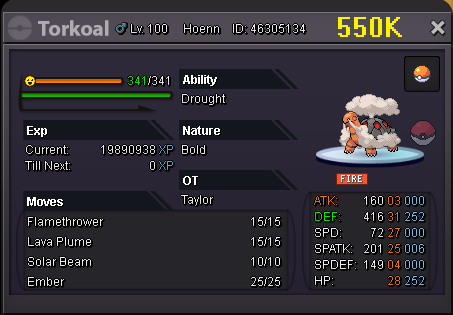

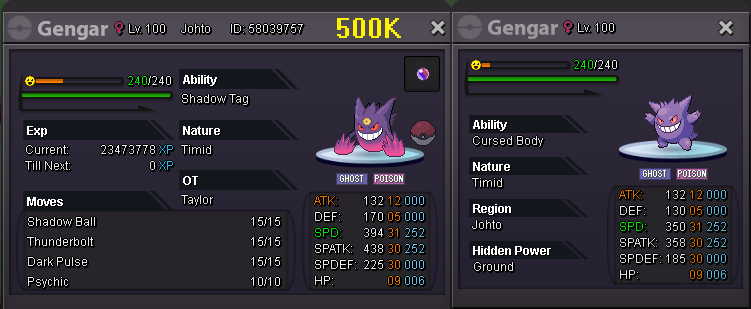
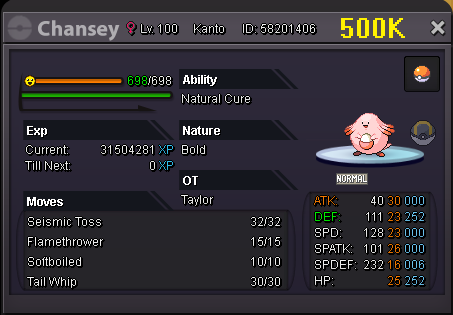
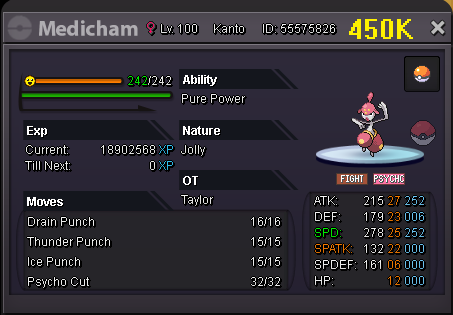

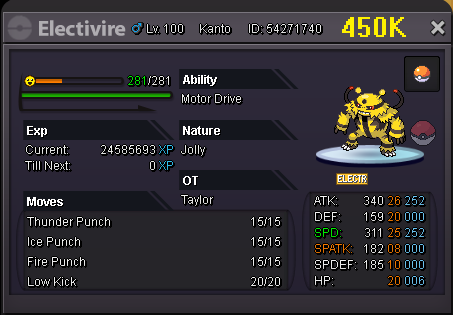
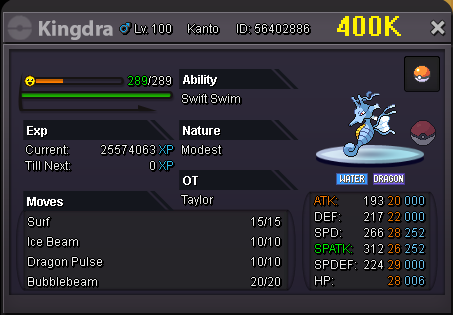

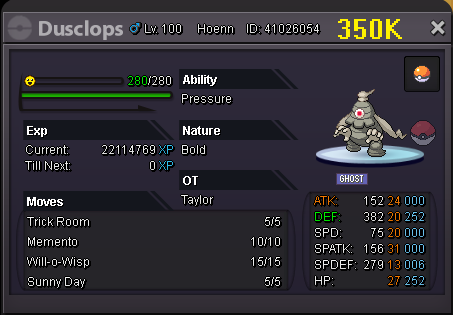
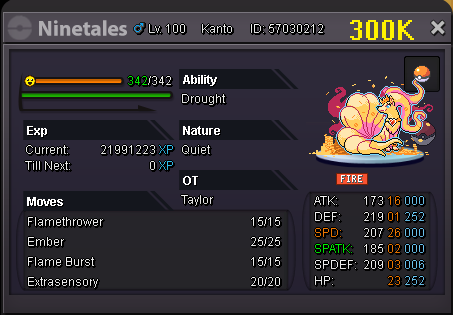
-
I just bought hat male glasses 3 and sunglasses black and they didn’t appear in my bag, if there is any kind of coin spending history this can be checked
-
there was a reversal, unfortunately the team cannot do anything for your charmander, I even recommend that you do not evolve your pokémon if you want to reach a high level like 90 or 100, evolved pokemon asks for a lot more XP to level up
-
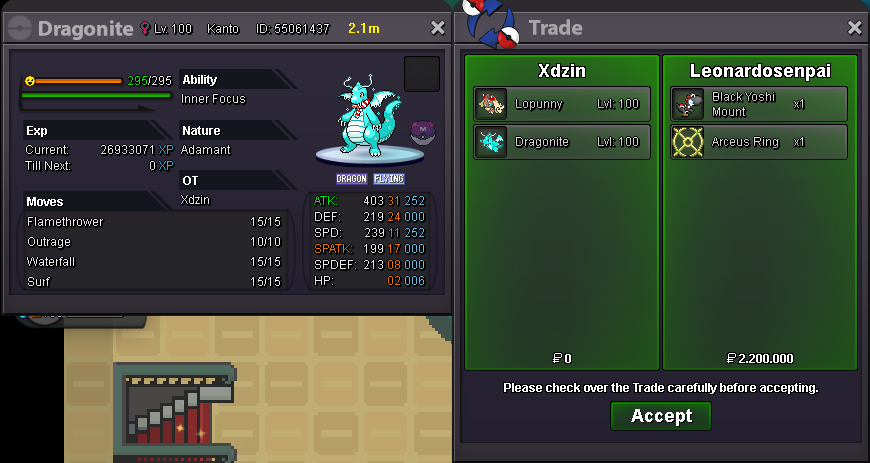
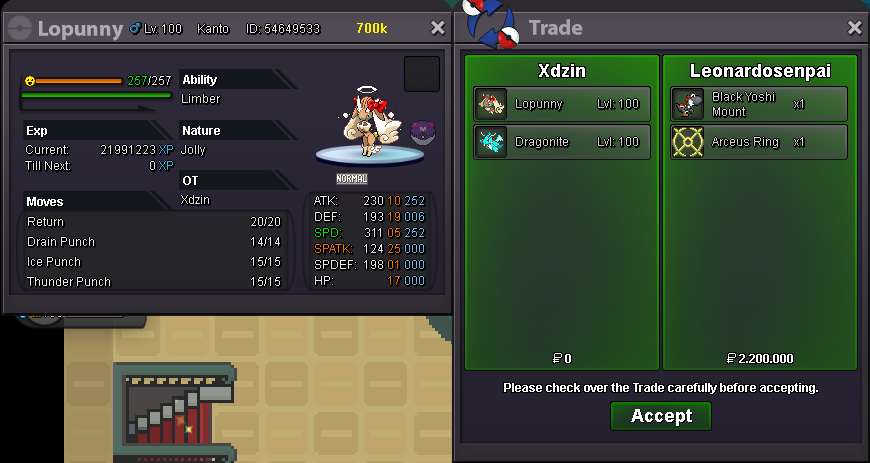
Dragonite Xmas and Lopunny Xmas bought by @leonardosenpai
-
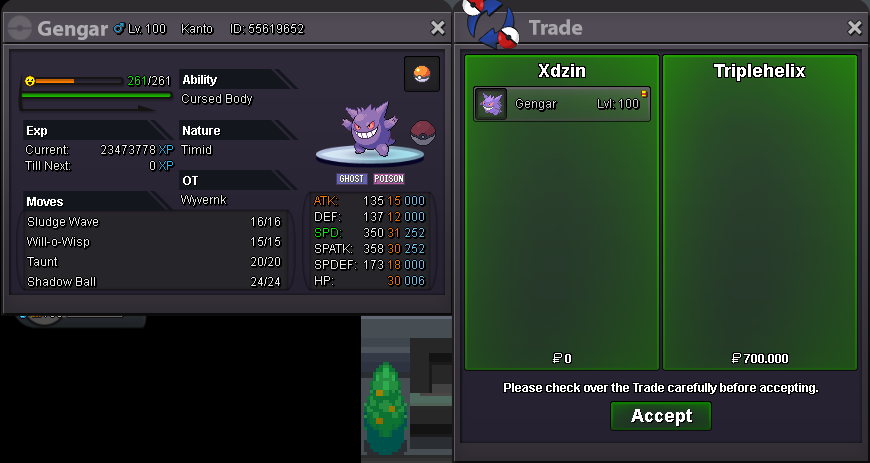
Gengar bought by @triplehelix
-
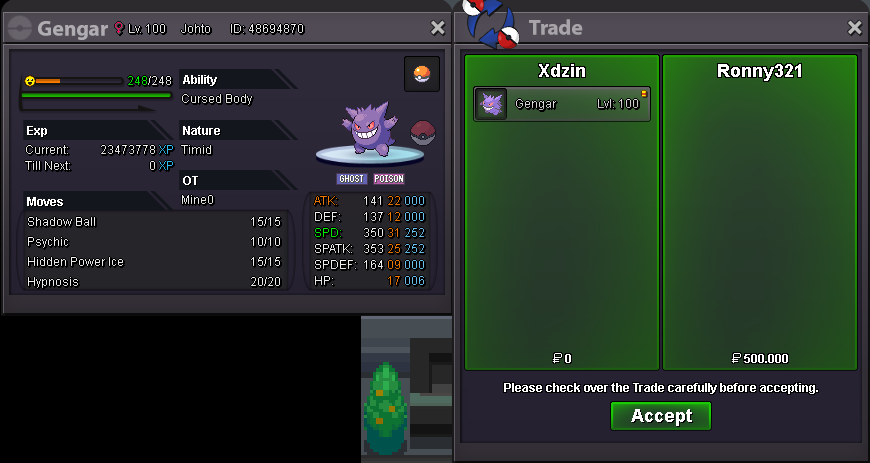
Gengar bought by @Ronny321
-
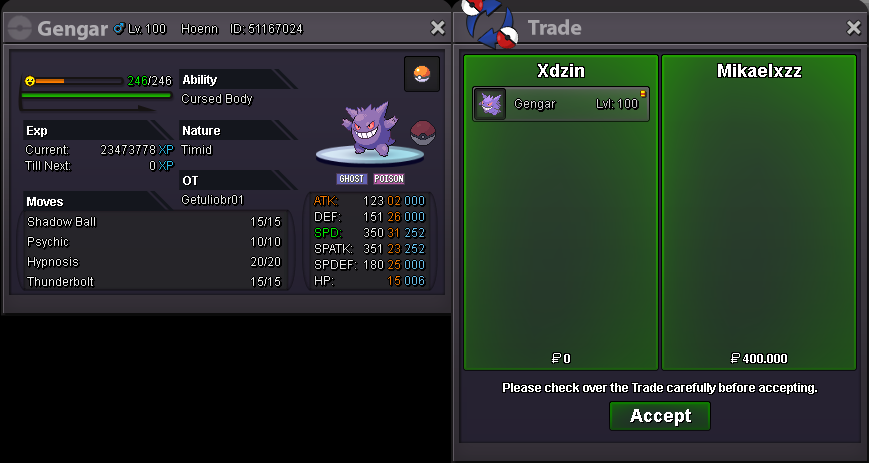
Gardevoir bought by @Krishv152 Gengar boughgt by @mikaelxzz

-
-
-
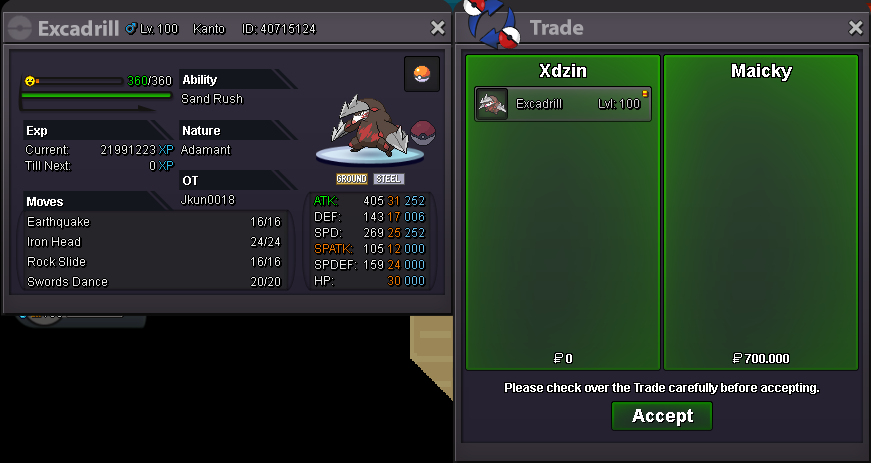
Excadrill bought by @maicky
-
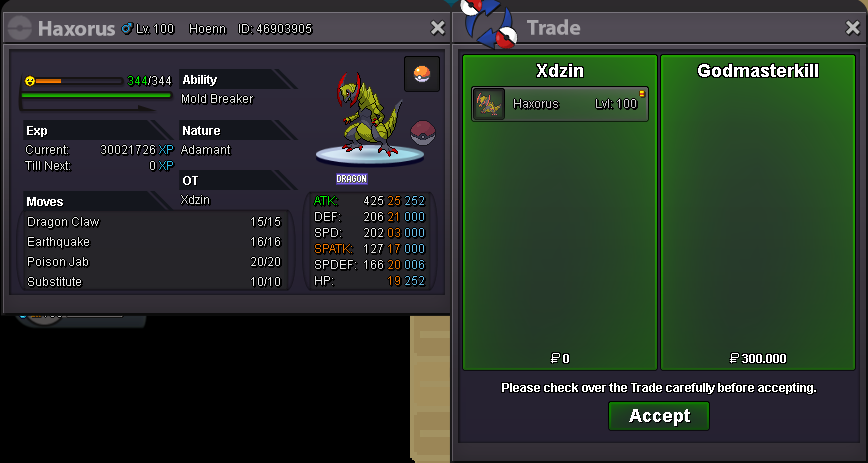
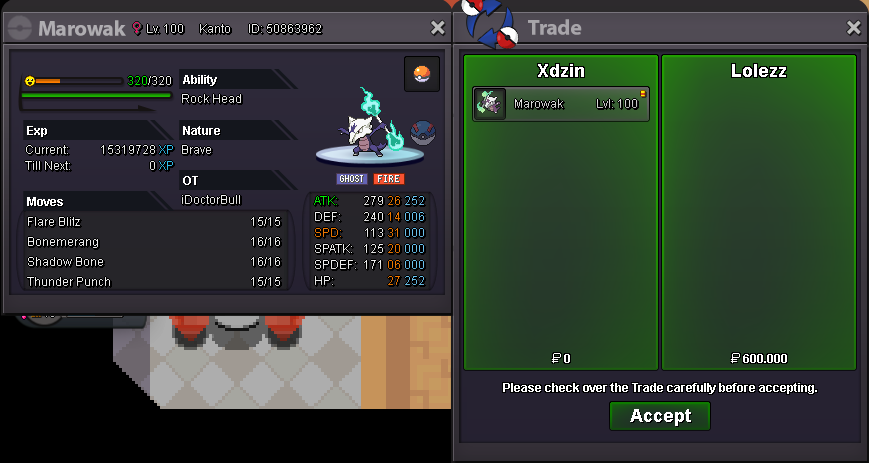
Marowak bought by @Lolezz Haxorus bought by @GodMasterkill
-
just for this title +1
-
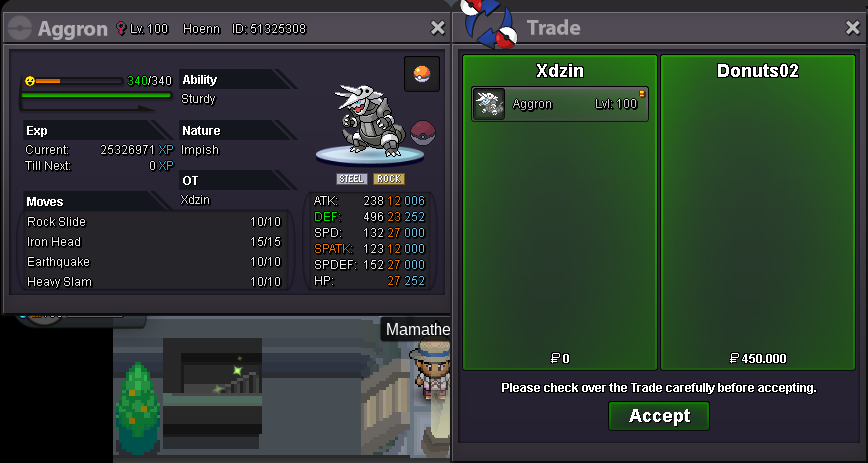
Aggron bought by @Donuts02
-
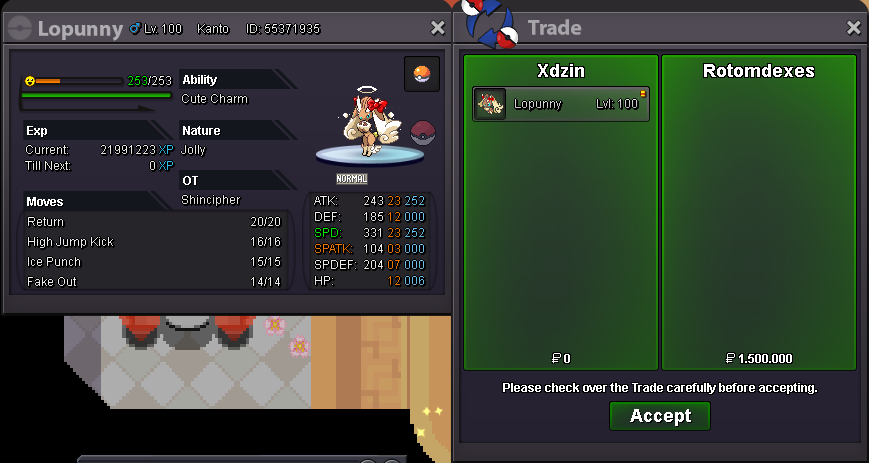
Lopunny Xmas bought by @RotomDexes
-
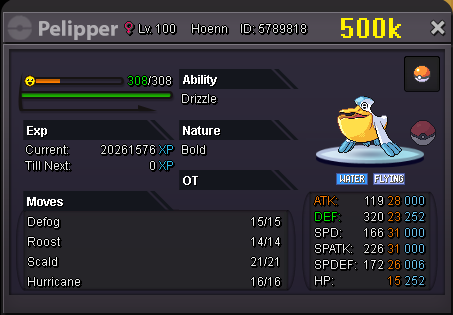
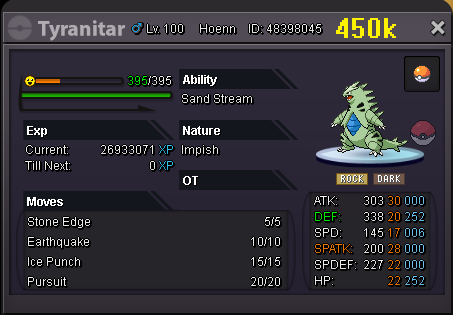
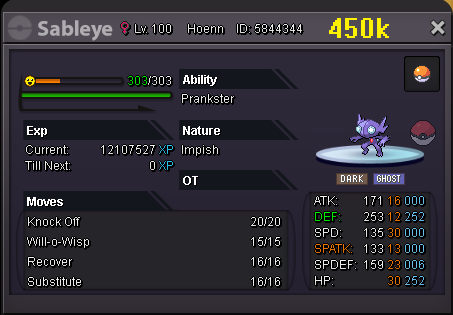
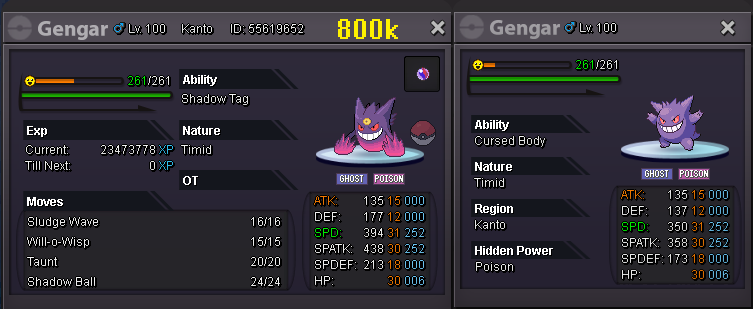
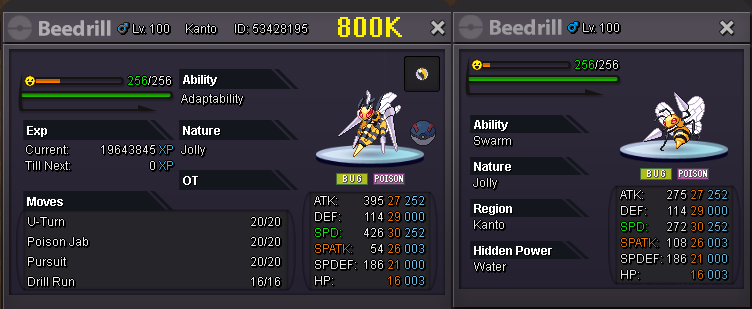
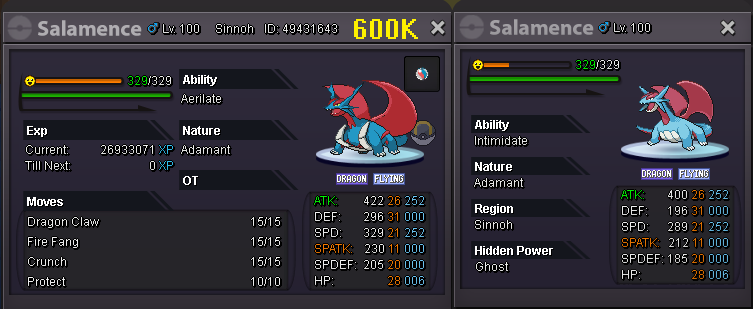
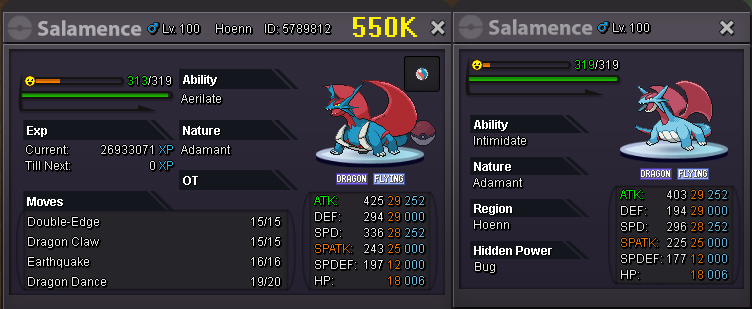
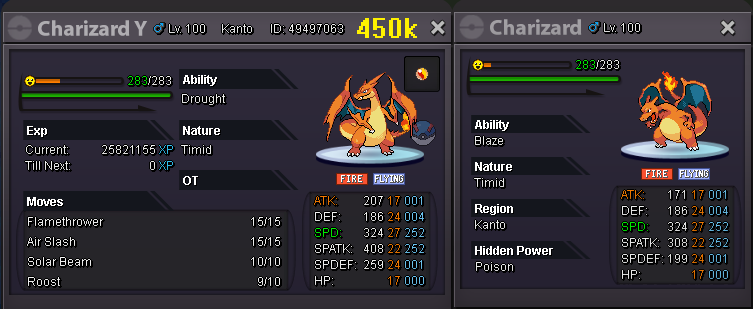
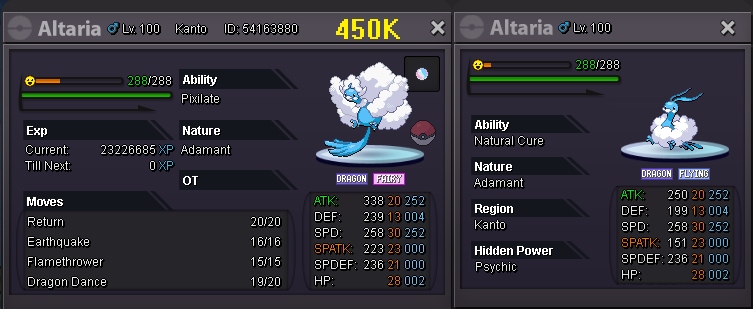
32 added pokemon listed below MEGA EVO DEFENSIVE OFFENSIVES AND TANKS Xmas LOPUNNY


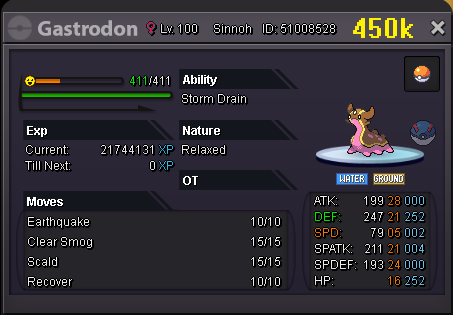
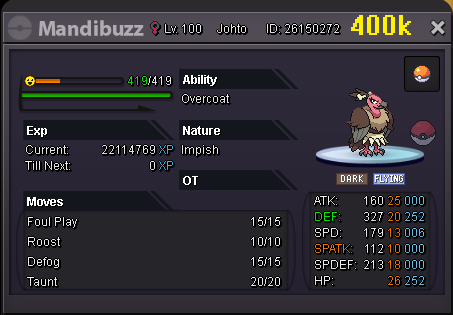
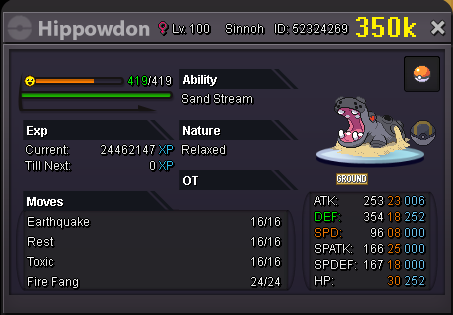
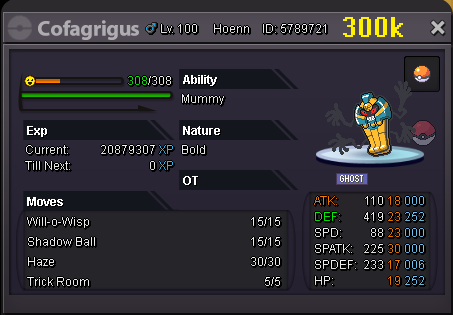
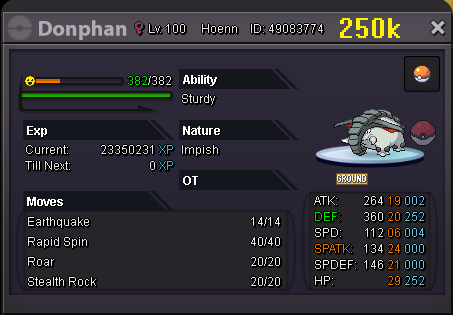
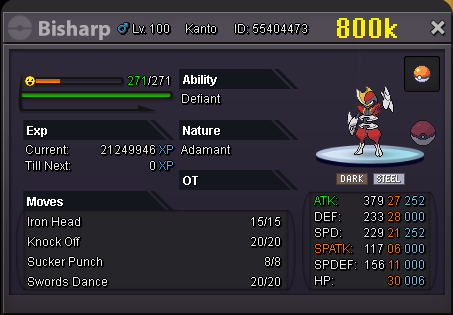
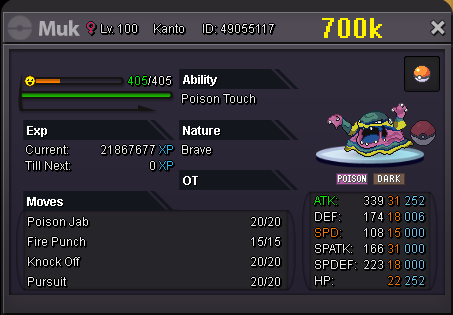
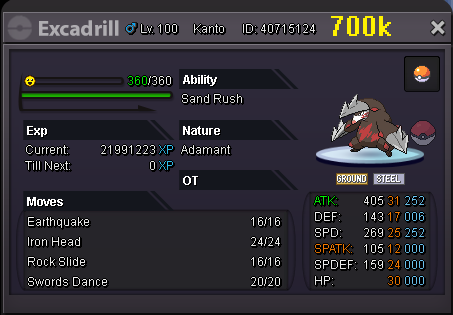
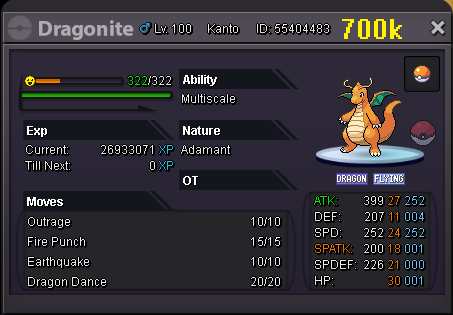
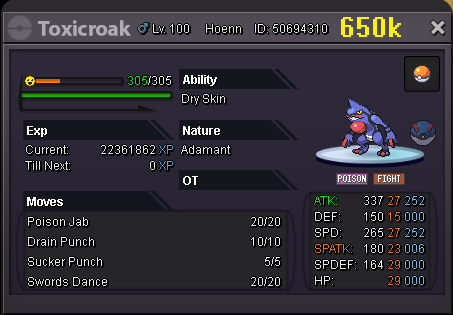
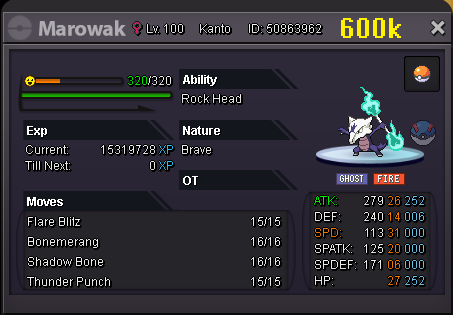
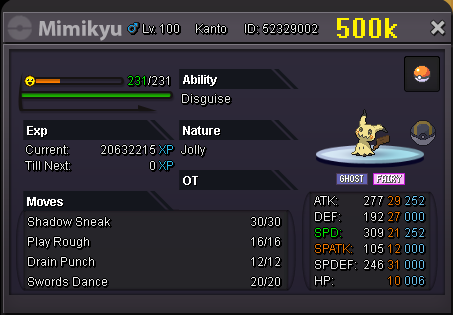
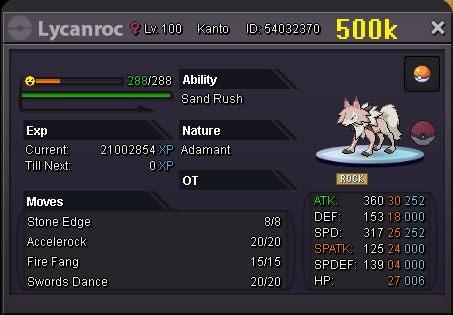

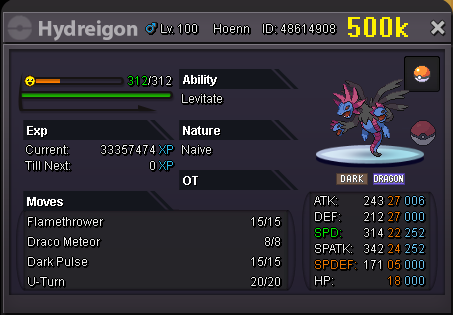
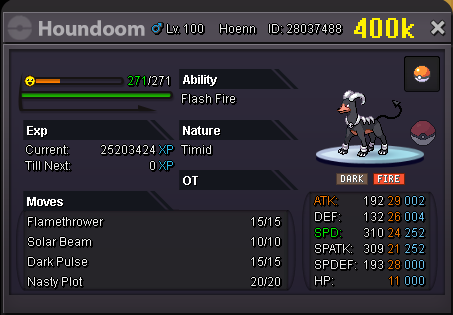
.png.5e0088ece4a18dc2bfe1edb850a60444.png)
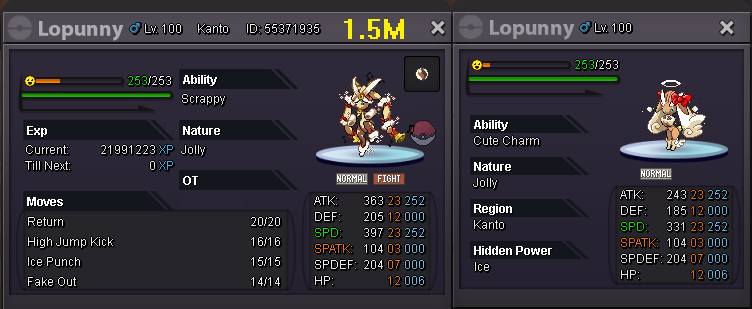



-
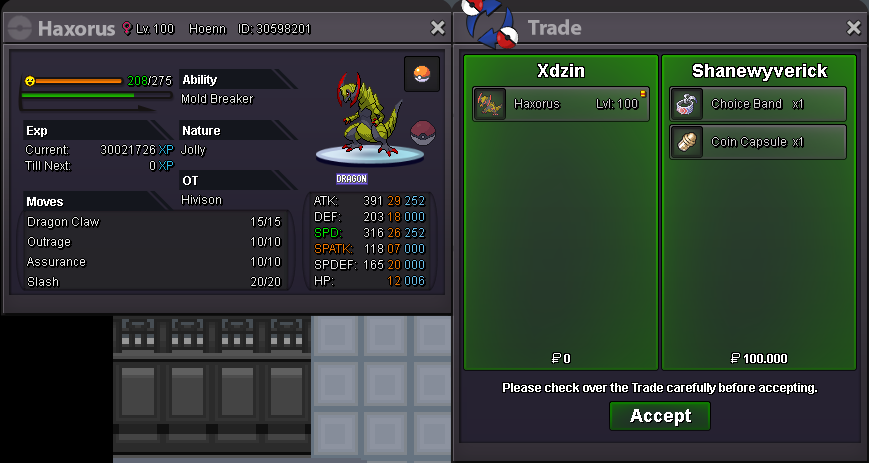
Alakazam bought by @Radovid10 Haxorus bought by @shanewyverick

-
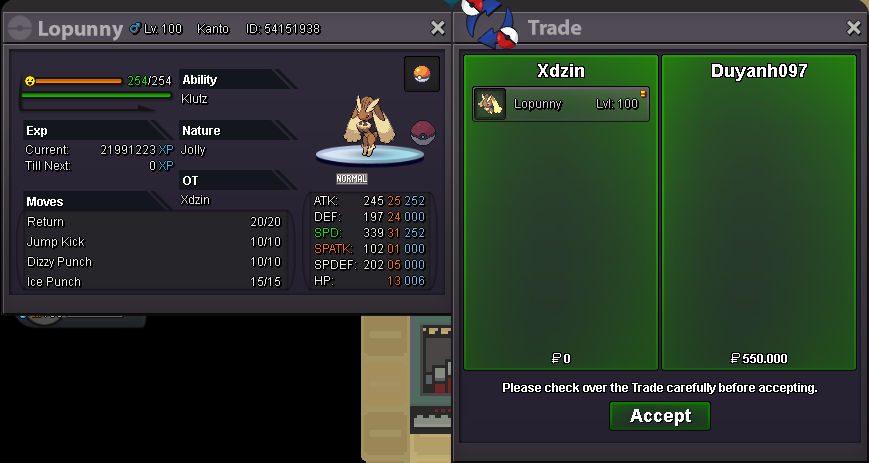
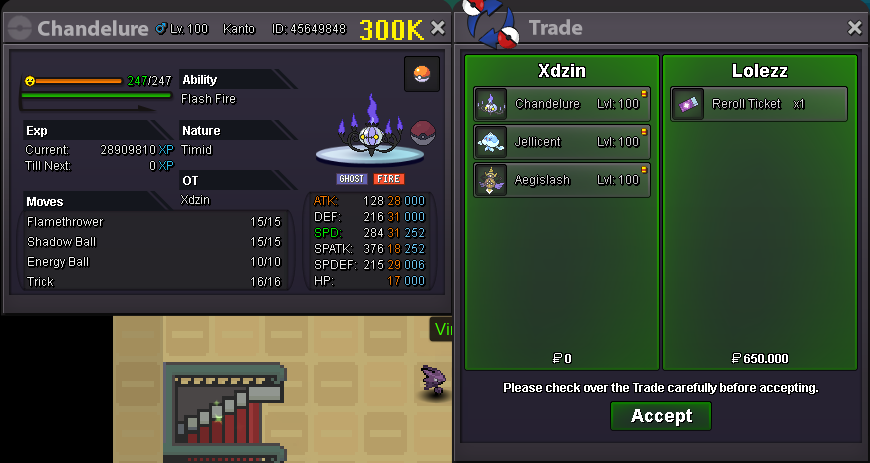
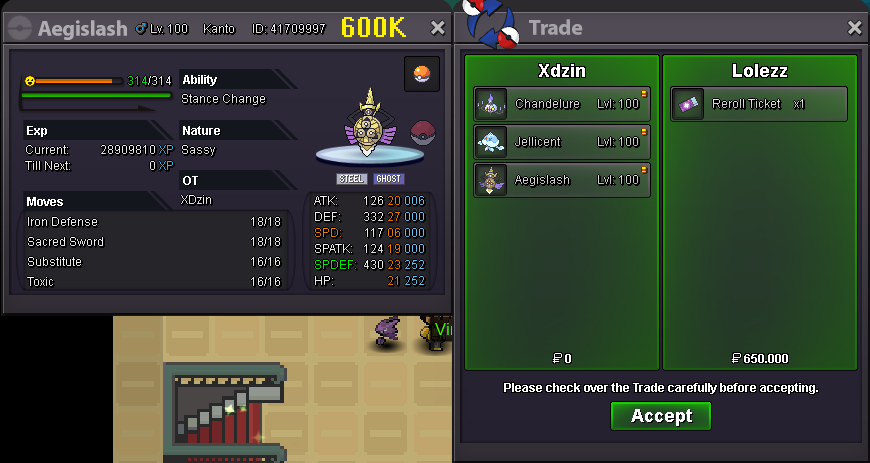
Chandelure, Jelicent and Agislash bought by @Lolezz Lopunny bought by @duyanh097

-
@Ilovebreakfastwin
-
you win
-
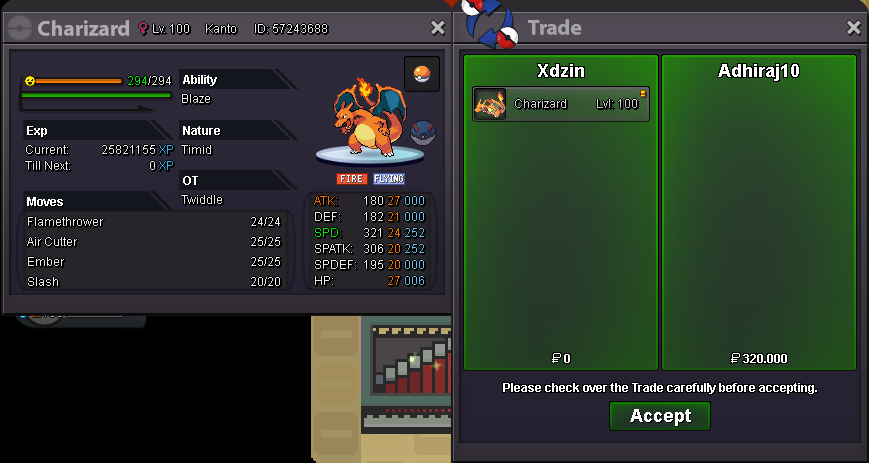
Charizard bought by @Adhiraj10
-
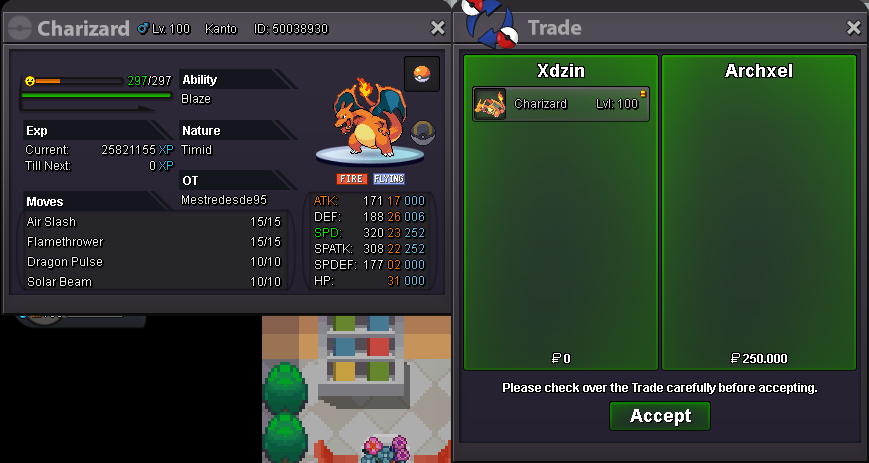
Charizard bought by @archxel
-
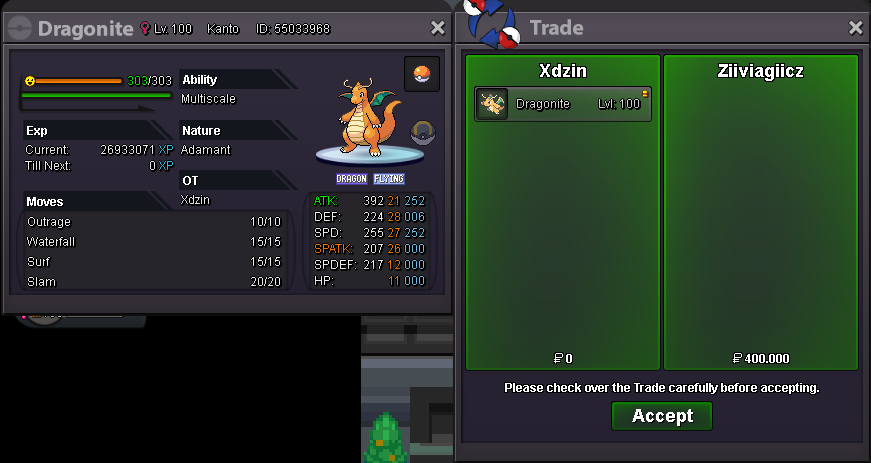
Dragonite bought by @ziIVIaGiiCz
-
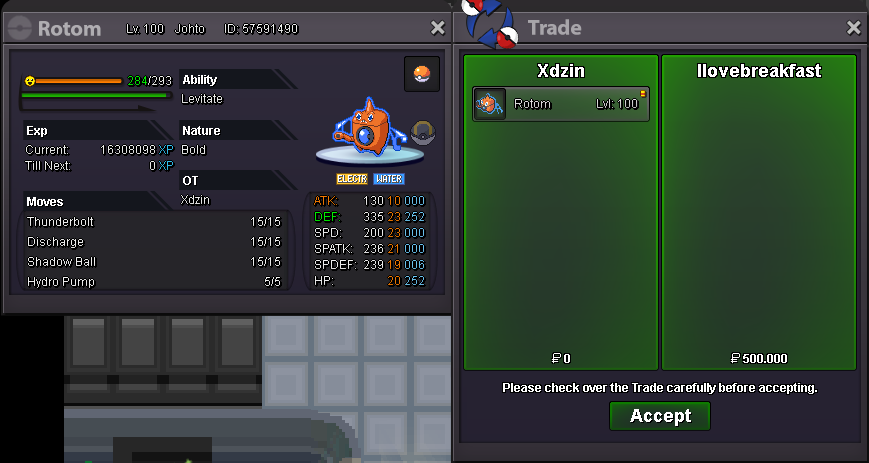
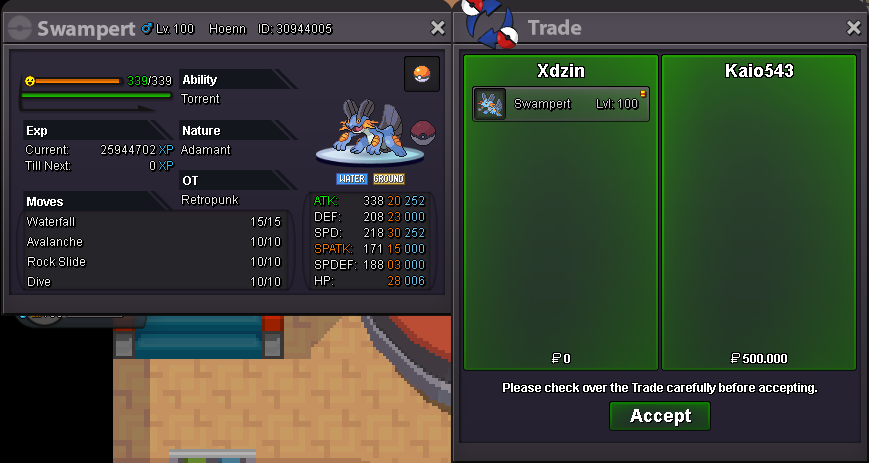
Rotom-Wash bought by @Ilovebreakfast Swampert bought by @Kaio543
-
crawdaunt price?
