




New Trade Zone
Trade Zone is now live
Use the new Trade Zone for auctions and instant-price trades so Pokemon and item offers are easy to find.

Dextrax
Registered User
-
Joined
-
Last visited
Everything posted by Dextrax
-
-
I dont support that mecha idea
-
@Anxharsure bro
-
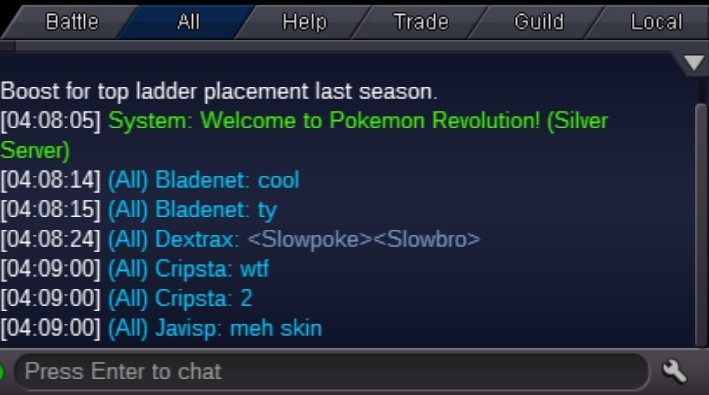
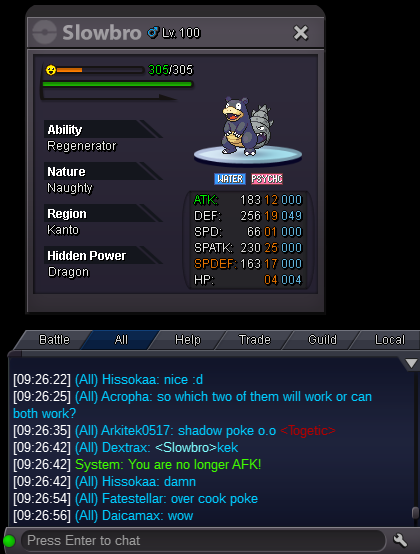
Hy thankyou for your help shadow slowbro link colour is shadow now.
-
400k
-
It looks like a normal slowbro in chat text. It was shadow text when slowpoke kindly fix it Thank you
-
+1 but i dont support an island always accessible for all players. Maybe a cave in mirage island where a solo dungeon should be completed by player and he can hunt shadow in the remaining time of the day if he gets enough score. Just a random idea
-
Wishing to buy Coin capsules - 370k each Rare candies - 7k each
-
Auction ended Congrats @Lyn1311
-
last 5 minutes
-
14 minutes left
-
Auction extended till 15:08 GMT due bid within last 15 minutes
-
last 5 minutes
-
15 minutes left
-
Auction extended till 14:53 GMT due bid within last 15 mins
-
20 minutes left
-
@Yiuyuifu im online rn
-
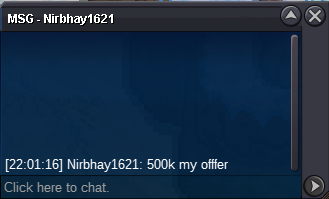
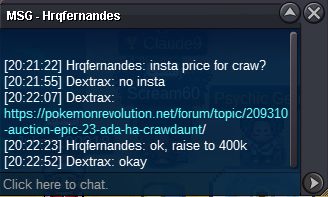
Auction Ends at: 29/01/2023 14:38 GMTGreetings, I was hoping, like poke id is converted into the poke stamps in chat, is it possible to convert forum links into just the title, like this turns into , Can turn into just: with different text colour for links? This will prevent the chat from being occupied by the large links. I hope it is understandable what i meant. Thank you.


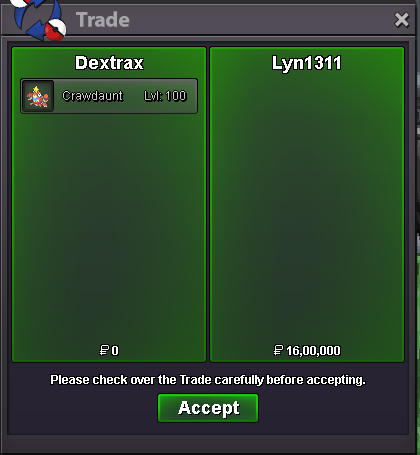
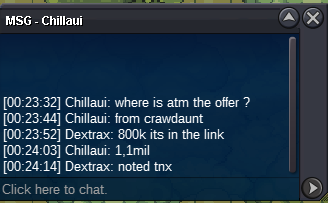
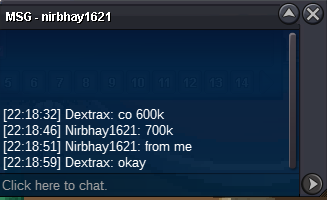
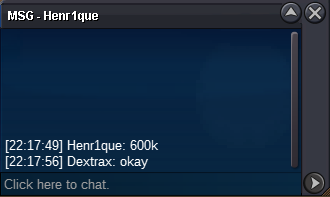
 Auction Ended Winner: @Lyn1311 for 1.6m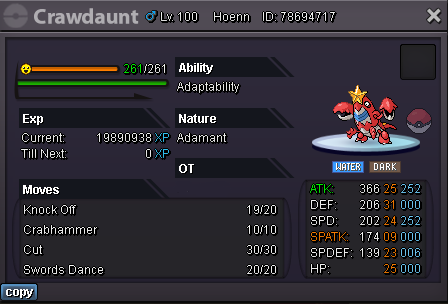

Account
Navigation
Search
Configure browser push notifications
Chrome (Android)
- Tap the lock icon next to the address bar.
- Tap Permissions → Notifications.
- Adjust your preference.
Chrome (Desktop)
- Click the padlock icon in the address bar.
- Select Site settings.
- Find Notifications and adjust your preference.
Safari (iOS 16.4+)
- Ensure the site is installed via Add to Home Screen.
- Open Settings App → Notifications.
- Find your app name and adjust your preference.
Safari (macOS)
- Go to Safari → Preferences.
- Click the Websites tab.
- Select Notifications in the sidebar.
- Find this website and adjust your preference.
Edge (Android)
- Tap the lock icon next to the address bar.
- Tap Permissions.
- Find Notifications and adjust your preference.
Edge (Desktop)
- Click the padlock icon in the address bar.
- Click Permissions for this site.
- Find Notifications and adjust your preference.
Firefox (Android)
- Go to Settings → Site permissions.
- Tap Notifications.
- Find this site in the list and adjust your preference.
Firefox (Desktop)
- Open Firefox Settings.
- Search for Notifications.
- Find this site in the list and adjust your preference.