




New Trade Zone
Trade Zone is now live
Use the new Trade Zone for auctions and instant-price trades so Pokemon and item offers are easy to find.

Bimboghiacciato
Registered User
-
Joined
-
Last visited
-
Yes now it work. THANKS!!!!
-
I've done the merge, but in game when i join in the silver server he tell me "Invalid username or password"
-
I've the same problem and I'am searching the solution from the 15
-
Onestly, PRO is better before than now.
-
If i create a new account you can give me the coin that i've spended on this account?
-
When i go to make the merge and i must log in, the merge refuse my password. Why?
-
The merge doesn't accept the password. please help me i'm desperate
-
Ok thank you so much and sorry for the disturb. Sorry also for my english that is so so.
-
I've the same problem
-
When i merge my account he tell me that the password is invalid. Fix it. I've buy 200 coin, please i don't wont to lose it.
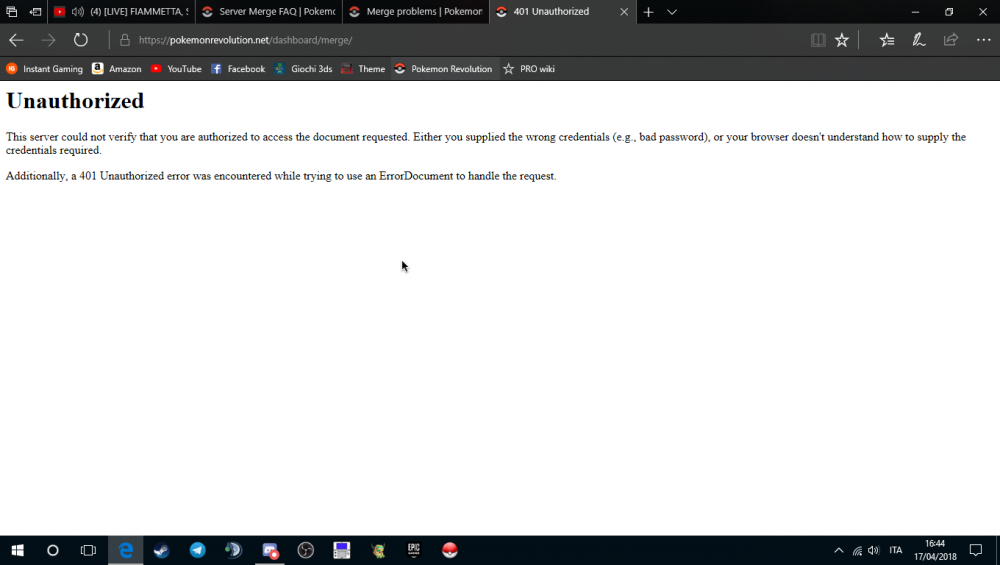
-
I have the same problem
-
When i put the credentials in the silver server he tell me "Username or password wrong", but in the gold server the credentials go right. PLEASE RESOLVE THIS BUG!
-
When i put the credentials in the silver server he tell me "Username or password wrong", but in the gold server the credentials go right. PLEASE RESOLVE THIS BUG!
-
Thank you so much
-
I was playing into the blue server, to have my save in which oh the two i must play? Sorry for my bad english

