New Trade Zone
Trade Zone is now live
Use the new Trade Zone for auctions and instant-price trades so Pokemon and item offers are easy to find.

Sweeetboy
Registered User
-
Joined
-
Last visited
-
SERVER TRANSFER Username: frostlady Server to charge the money from: Silver Main Server to transfer:change my account server from silver to gold
-
Name Change Username: sweeetboy New Username: iLukzz Server to charge the money from: Gold
-
-
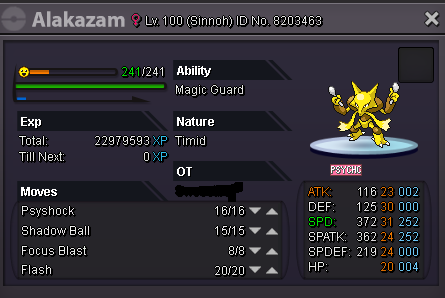
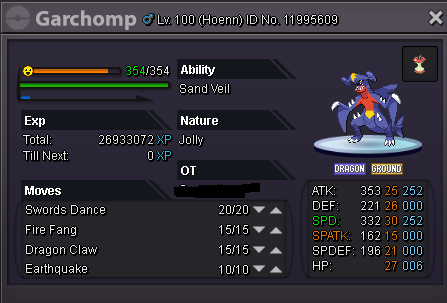
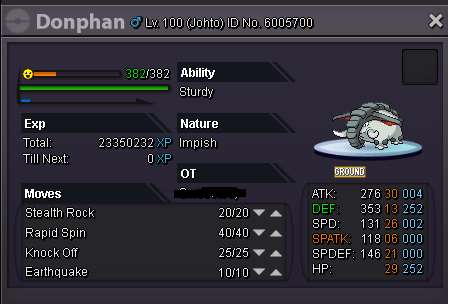
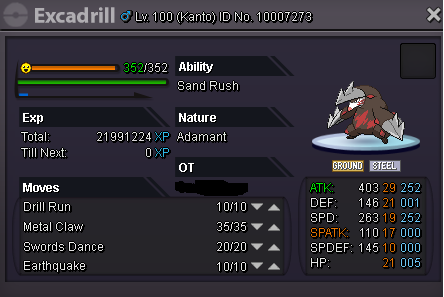
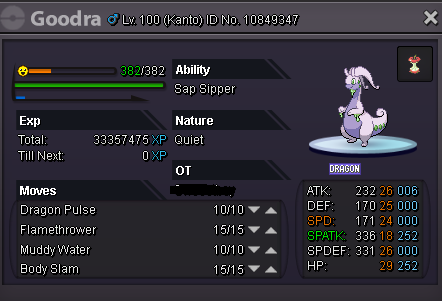
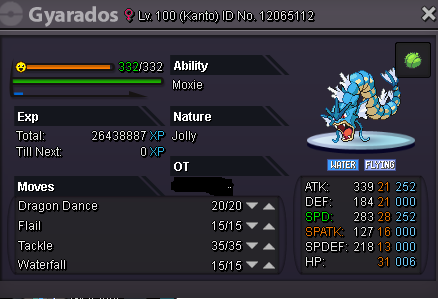
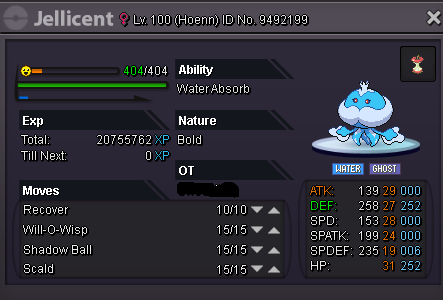
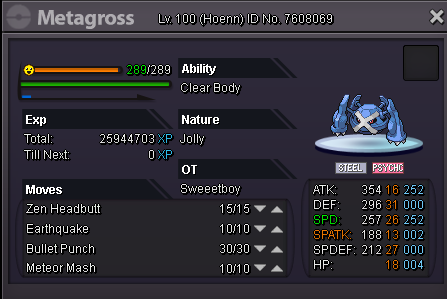
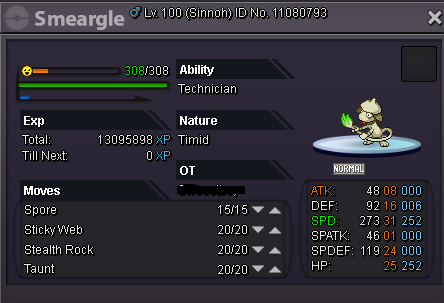
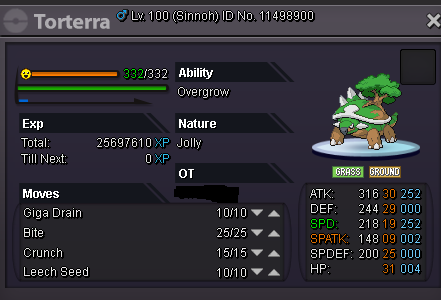
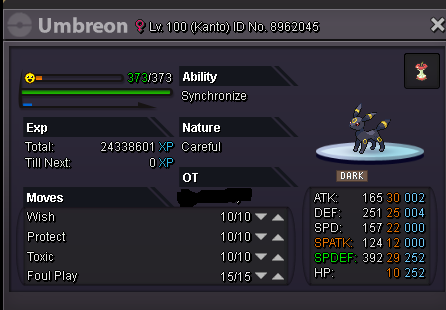
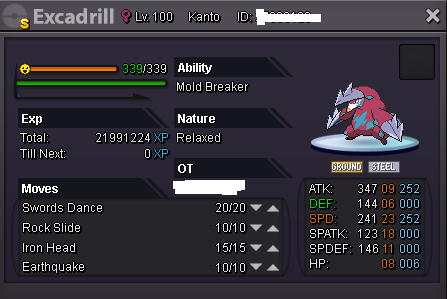
IGN: Sweeetboy insta price 15m. accepting offers.
-
3m
-
-
-----Shop Rules----- First with the money gets the pokemon, I do not do holds or save pokemons don't fake offers Prefer selling insta, fell free to offer. ----How To Pay---- Pokedollers Coins Capsules - 250k ms 15 day - 110k - ms 30 days - 230k -------CONTACT ME WITH PM ME IN GAME OR VIA VISCORD------- -ING: sweeetboy -Discord: sweet#1609 hp elec, 800k sold 150k 1,5m 150k 400k 150k 800k 300k 600k 800k 150k 400k 300k 400k