




New Trade Zone
Trade Zone is now live
Use the new Trade Zone for auctions and instant-price trades so Pokemon and item offers are easy to find.

Gdarch
Registered User
-
Joined
-
Last visited
Everything posted by Gdarch
-
-
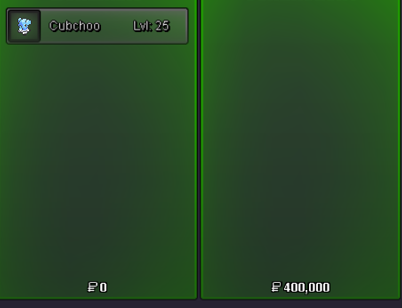
Shop updated. All Pokemon sold are now crossed out.
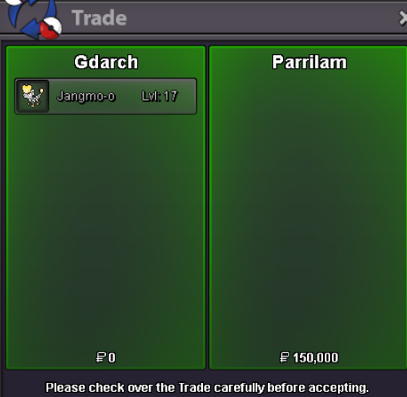
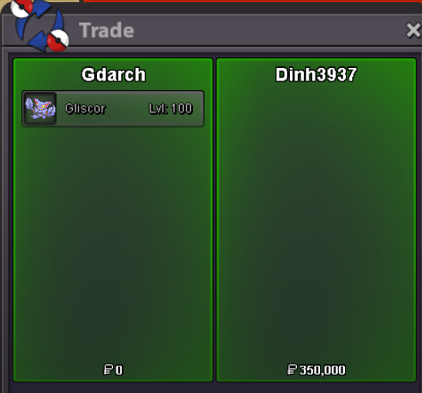
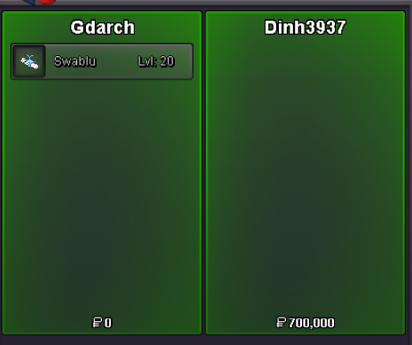

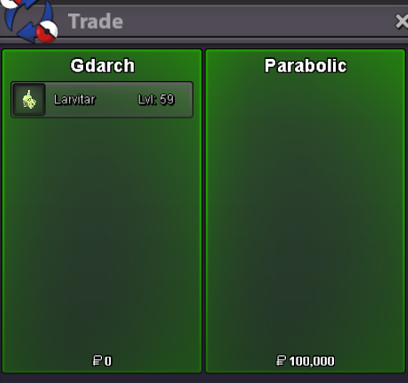



-
Jangmo-o already sold but ok for larvitar. When and where can we meet ?
-
When and where can we meet ?
-
Ok, when and where can we meet ?
-
New Pokemon added!
-
When and where do you want to meet ?
-
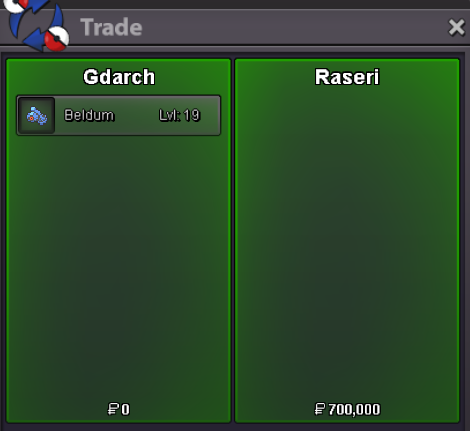
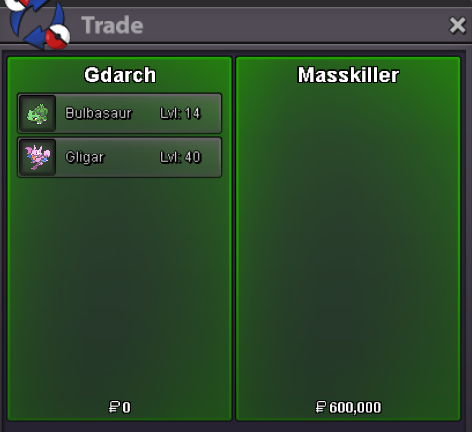
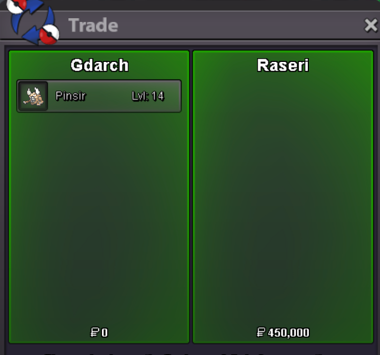
Shop updated. All Pokemon sold are now crossed out.

-
Ok, tell m where and when we can meet
-
Ok, tell me when and where we can meet
-
Can you come to vermilion Pokecenter, I will be waiting for you there.
-
Ok, where and when can we meet ?
-
There are still available, where and when can we meet ?
-
Shop updated. All Pokemon sold are now crossed out.
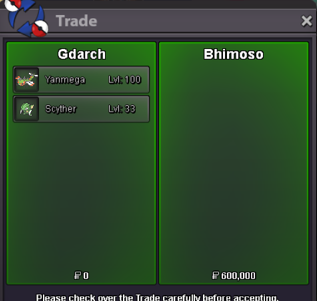
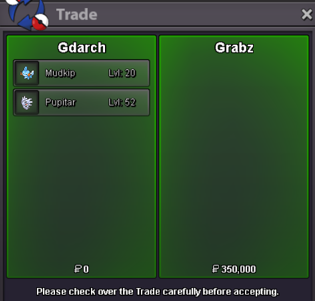
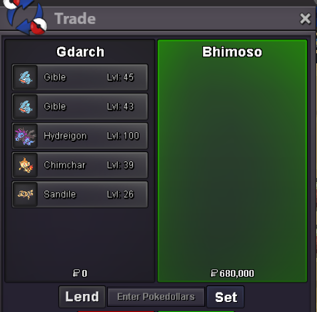
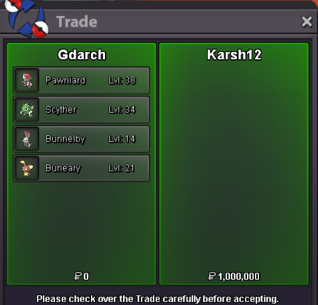

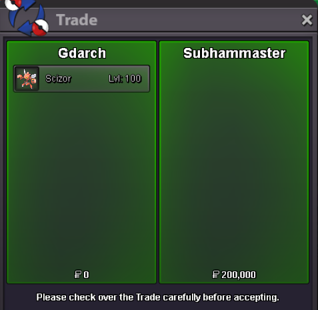
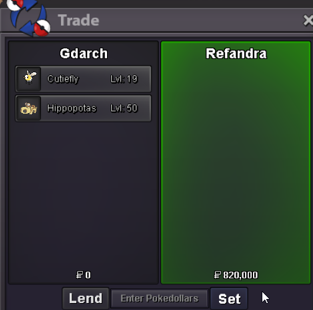

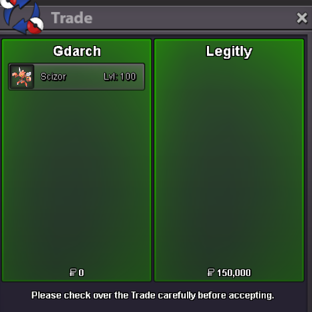
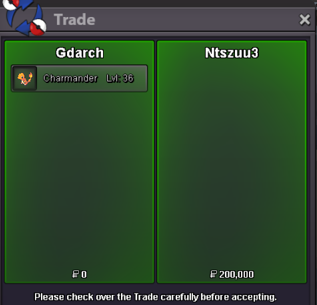


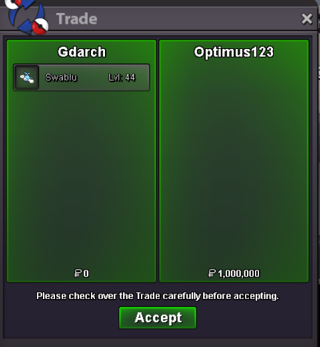
-
All sold except for Scizor 2 200K, when and where do you want to meet ?
-
All sold except for Larvitar 3 80K, when and where do you want to meet ?
-
Hi, mudkip is already sold. Where and when can we meet for the other Pokemon ?
-
Where and when can we meet ?
-
Hydreigon is already sold. Where and when can we meet for scizor ?
-
Where and when can we meet ?
-
I cam available please tell me where and when we can meet
-
Where and when can you meet ?
-
Where and when can we meet ?
-
I am currently In Fuchsia Pokecenter for the trade ^^
-
When can we meet ? I'm available today from 01:15 pm to 02:00 pm GMT+2 (which means 40 min from now) on Silver.

