New Trade Zone
Trade Zone is now live
Use the new Trade Zone for auctions and instant-price trades so Pokemon and item offers are easy to find.

Bunnystar
Registered User
-
Joined
-
Last visited
Everything posted by Bunnystar
-
Couldn't have agreed more on this, total bs of a rule.
-
Noted, nice to see you again in the forums Kirames.
-
-
I'll purchase Turtwig.
-
start horsea
-
Hey, I'll start gorebyss.
-
I'll buy Plusle please.
-
Very nice. gl with the shop
-
auction over. will pm you Edbz and have a lovely week all.
-
auction ends in 15mins
-
auction ends today at 5:59 PM. 3 and half hours left.
-
Thank you, bidding will close in 2 and a half days

-
-
I would love to see a youtube vid and hear some funny stories about the ones that gave you a hassle to obtain them. Cheers, and gl.
-
Thread edited.
-
Thank you, auction for Garchomp will end in lil over 12hours.
-
-
Hey Everyone, Here are the rules for the auction: Bidding will start at 250k each (cc are welcomed @ 250K ), minimum raise 50k, it'll be a 3 day auction, and fake offers will get reported. Good luck and ty.
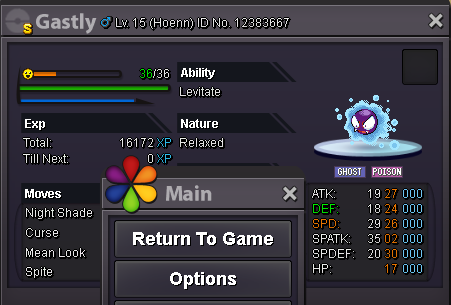
 Thank you Krillin, gl with the rest of them! ^^hey dude, i have my eye on dodrio, hariyama, lanturn, swellow, golduck, kingdra, masquerain, machamp, sandslash, zubat and seaking. Will dm you.Thank you to everyone that participated, have an awesome weekend
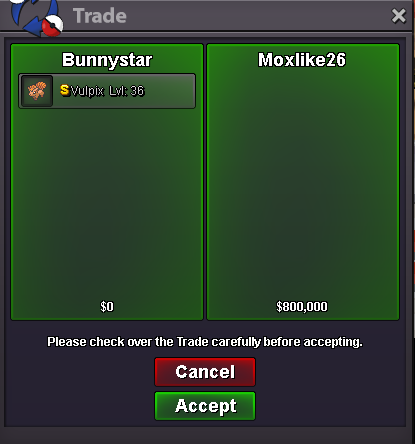 1 hour and 20 mins left till the auction ends.
 Gyara sold, thank you to everyone and have a lovely evening.
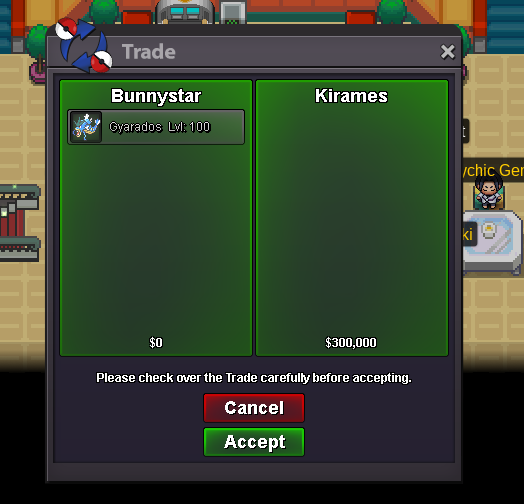 Yes, auction over. The Gyara is yours, will dm you for details.