New Trade Zone
Trade Zone is now live
Use the new Trade Zone for auctions and instant-price trades so Pokemon and item offers are easy to find.

Upvexchallenger
Registered User
-
Joined
-
Last visited
Everything posted by Upvexchallenger
-
Any news?
-
ign: Upvexchallenger disc: Upvexchallenger#8192 server: Silver
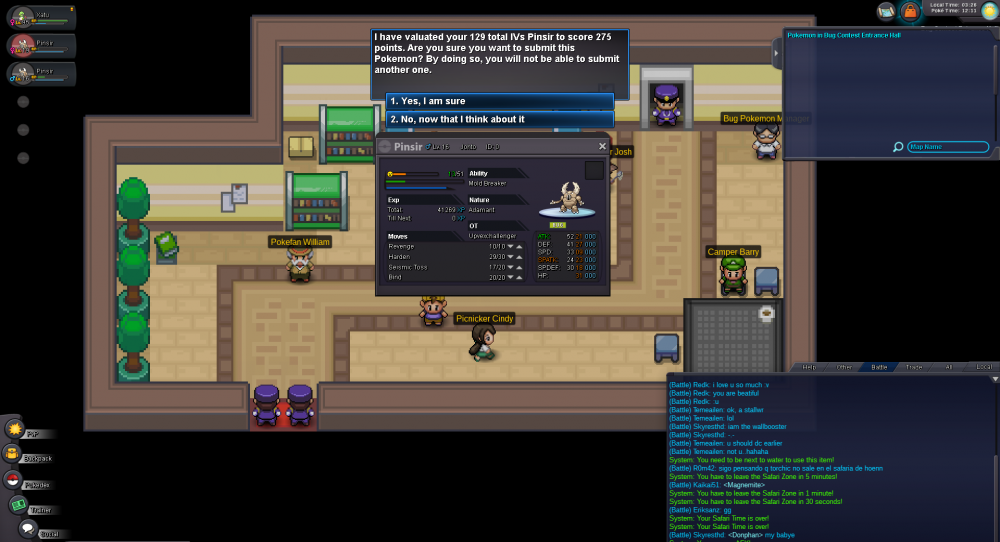
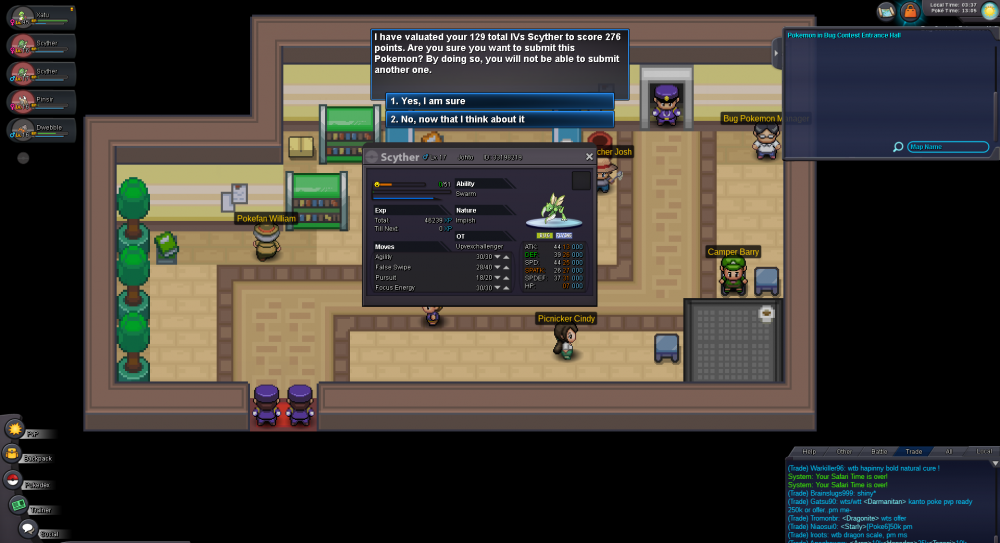
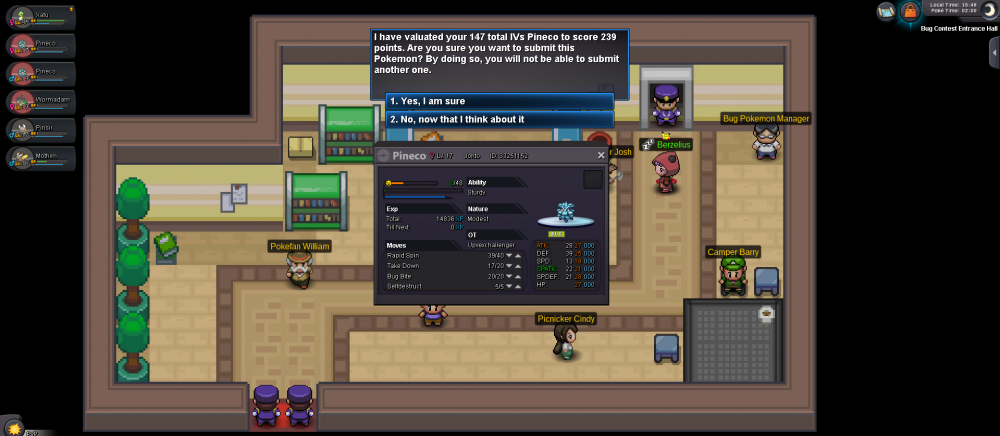
-
-> battle vs jkris , jkris won Fabion forfeited the tournament Prehax forfeited the tournament I couldnt play vs ngoductri , we never were available at the same time.
-
-
-
300k for the starmie
-
Sold ingame to Ray49 for 850k
-
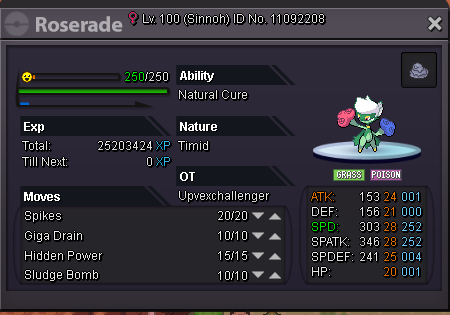
Starting price : 700k Insta: 1m min rise: 25k Auction will finish 3 days after the first offer is done or as soon as someone pays the insta price.
-
i am in
-
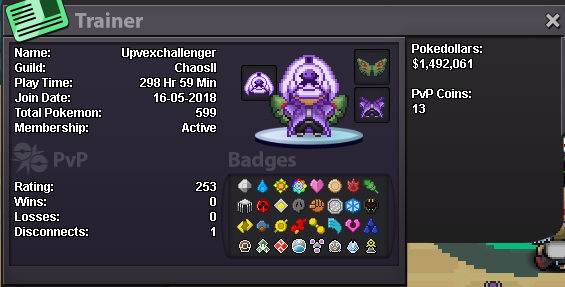
● What's your Name/IGN? UpvExChallenger ● Are you active in Discord? Not now, but ill probably be. ● Where are you from? Spain ● What's your playtime?/How often do you play PRO? 10h+- (new acc, coming back from not playing for quite some time)/few hours per day ● What's your goal in PRO? Playing competitive at a decent level ● Why do you want to be part of Chaos? Few friends are in the guild so id like to be with them. ● What's your favorite Pokemon and why? Either Swampert or latios, loved them since i played emerald on the GBA. Latios cause its cool and its movepool, swampert cause it was my first poke on the best game in the saga. ● What's your favorite animal and why? Komodo dragon. Its metal AF and looks badass.