




New Trade Zone
Trade Zone is now live
Use the new Trade Zone for auctions and instant-price trades so Pokemon and item offers are easy to find.

Quantendynamik
Registered User
-
Joined
-
Last visited
Everything posted by Quantendynamik
-
@Norex Yes. This was actually my second try. The first time I let one of my pokemon faint. I immediately challenged him again and succeeded. Is this suppossed to happen? I've read other threads saying that this boss is suppossed to have a 3 day cooldown?
-
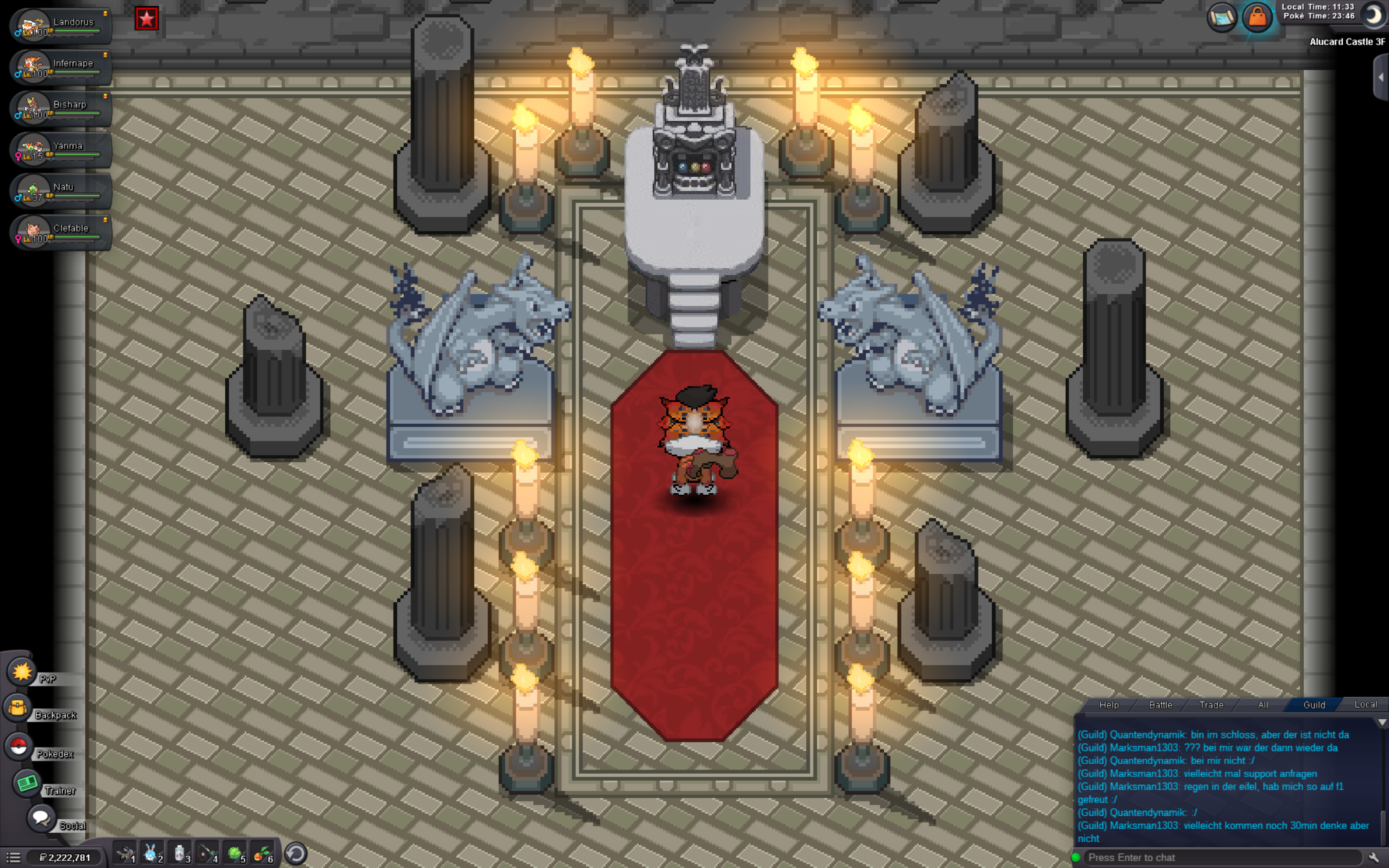
Hi, I just defeated Horon without having any of my pokemon faint in order to reenter dark realm but Alucard didn't respawn. I also had a pokemon with Miracle Eye (Natu) with me. Can you please fix this? Thanks.

-
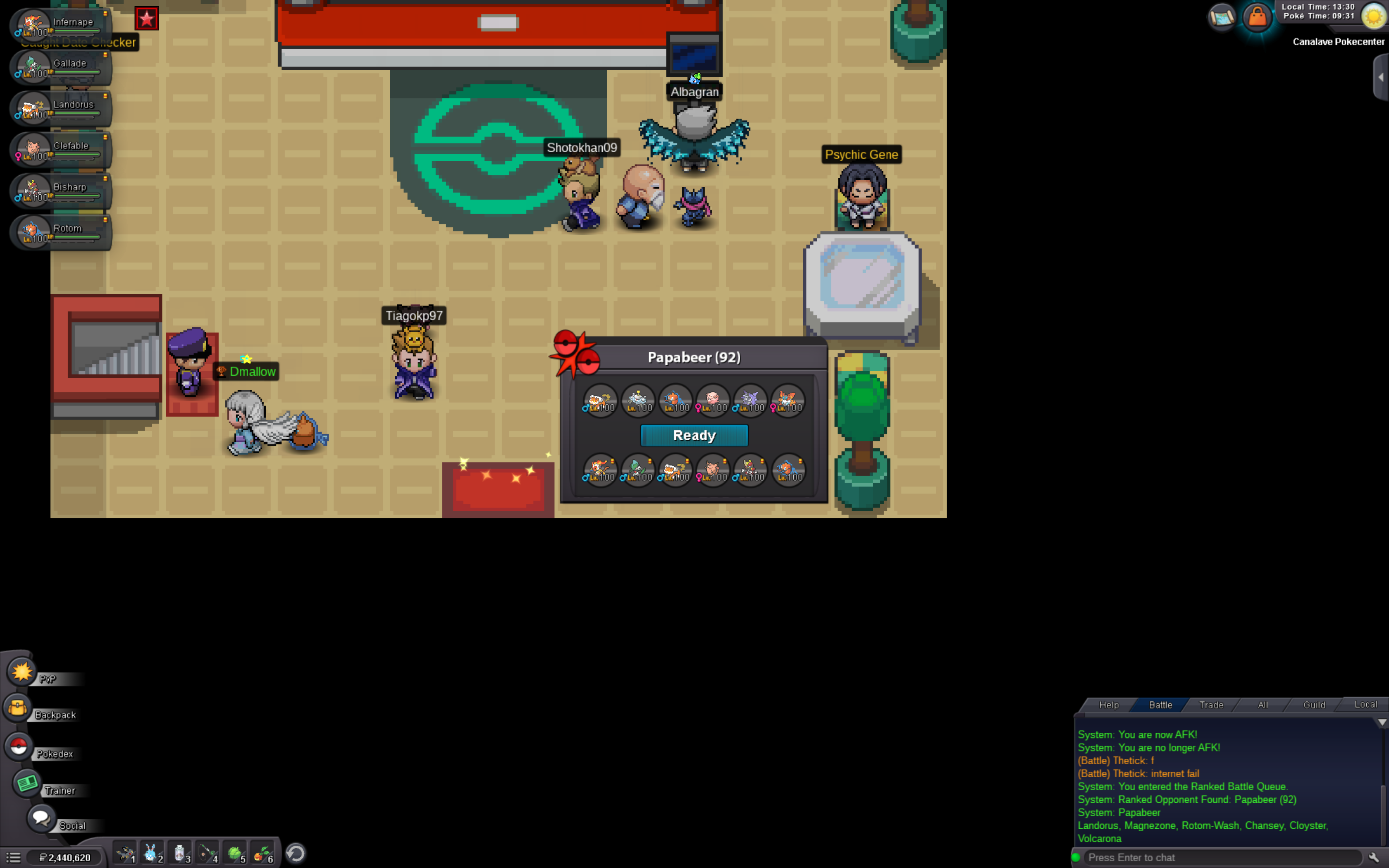
Same happened to me, but I'm on a mac. I select the lead pokemon, the battle window disappears and I get thrown back to the main menu.

-
start on scizor
-
1.7m for infernape
-
450k
-
300k
-
150k
-
Thanks for pointing that out. :) I must have mixed something up.
-
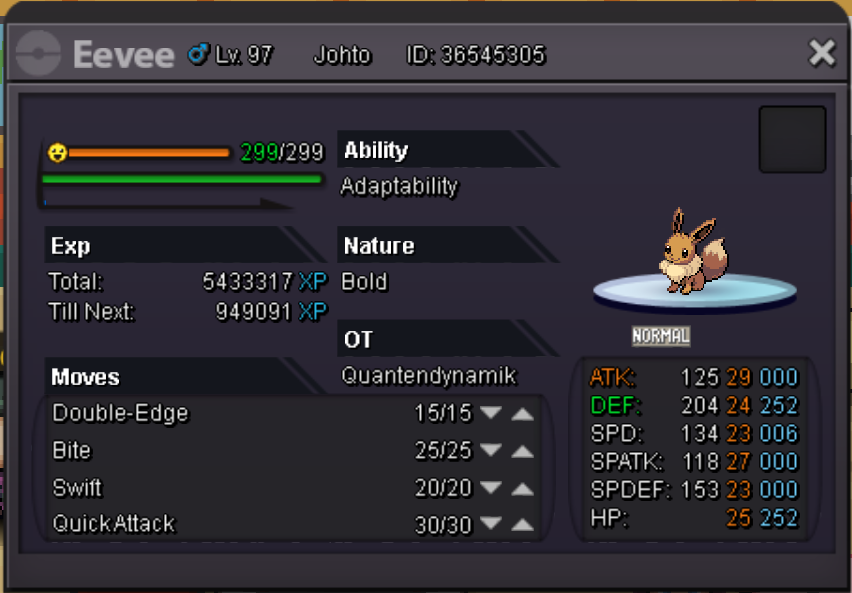
Starting price/point: 800k Ending point: 72h after starting bid Insta Price: 2m Available payments: Pokedollars Minimum raise: 100k
-
@Shinohara My problem has been solved. I just had to reinstall the game.
-
Hi @Shinohara I just checked again and that rhyhorn doesn't seem to have disappeared: Can this somehow be fixed? Resetting the quest or something like that? Thank you in advice
.thumb.png.af7ed0a2ae19bcbae220806a801e7ebe.png)
-
Hello, i am currently doing the Pinkan Island Quest. I would now need to free that rhyhorn (see picture) but it somehow spawned behind meowth, so I am not able to reach it. I don't have an escape rope either. I already tried to relog and to use the refresh button but nothing changed. Thank you in advice
.thumb.png.0bc776eb91cbbf32fd1a35f4ab65a835.png)

.png.21a58d54dc5ab2740ad561374ec88d55.png)
.png.b5bf94377f033802e469ae1fe5b6fb8c.png)