New Trade Zone
Trade Zone is now live
Use the new Trade Zone for auctions and instant-price trades so Pokemon and item offers are easy to find.

Poopsmagoops
Registered User
-
Joined
-
Last visited
Everything posted by Poopsmagoops
-
Bump
-
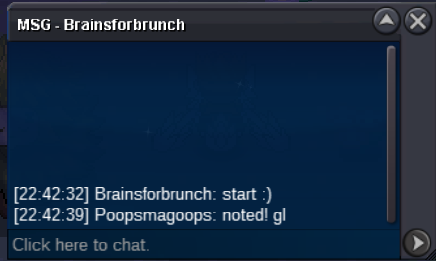
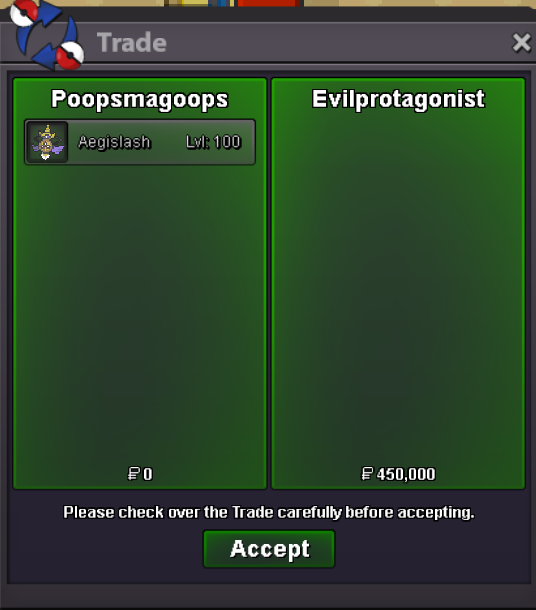
Start price: 600k End point: https://countingdownto.com/?c=6085207 24 hours (after start price is met) Minimum raise: 25k Accepted payments: Pokedollars, coin capsules (x1 coin capsule = 480k), IV reroll tickets (x1 IV reroll ticket = 530k)
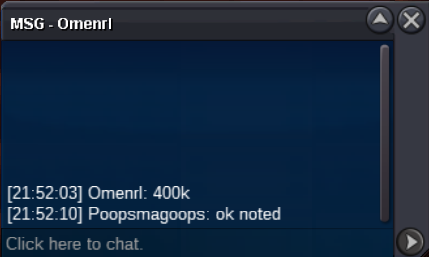
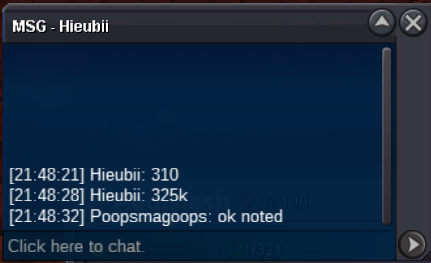
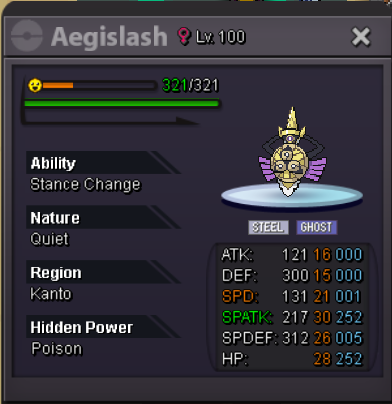
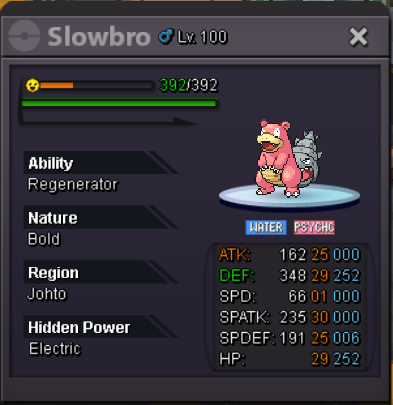 500kI know there will be some box changes coming at some point. I recall being shown the ability to look up by form, and ot, and gender and many other things. I was curious if it would be difficult to add the ability to look up by item. Like if you type in lum all pokes holding a lum berry would show. If this would be possible tags could be added to the game for like 1 pokedollar each. And there could be legendary tags, sync tags, pvp tags, pve, for sale tags, to train tags etc etc that we can put on the pokes in our pc as it is sometimes difficult to keep track of everything. Just trying to think of a way to help the boxes bc i know a full system update on boxes would not be easy.300k1.5mi think the current tms being added are great, but adding these few more would be a great bump300k scoliCheck the count down clock sir 🙂This is a gold auction so yea that should work @EvilprotagonistStart: 200k Auction ends 48 hrs after start Min bid: 25k Insta: 1.8m Accept CC 450k Re-roll 520k ENDS https://countingdownto.com/?c=6061486
 330k2.8mStart: 200k Auction ends 24 hrs after start Min bid: 10k Insta: 1.6m Accept CC 450k Re-roll 520k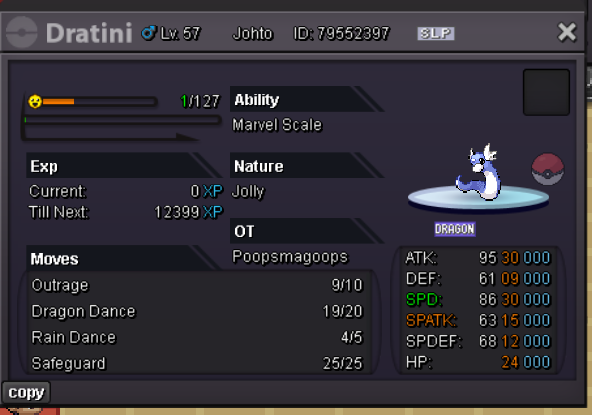
Account
Navigation
Search
Configure browser push notifications
Chrome (Android)
- Tap the lock icon next to the address bar.
- Tap Permissions → Notifications.
- Adjust your preference.
Chrome (Desktop)
- Click the padlock icon in the address bar.
- Select Site settings.
- Find Notifications and adjust your preference.
Safari (iOS 16.4+)
- Ensure the site is installed via Add to Home Screen.
- Open Settings App → Notifications.
- Find your app name and adjust your preference.
Safari (macOS)
- Go to Safari → Preferences.
- Click the Websites tab.
- Select Notifications in the sidebar.
- Find this website and adjust your preference.
Edge (Android)
- Tap the lock icon next to the address bar.
- Tap Permissions.
- Find Notifications and adjust your preference.
Edge (Desktop)
- Click the padlock icon in the address bar.
- Click Permissions for this site.
- Find Notifications and adjust your preference.
Firefox (Android)
- Go to Settings → Site permissions.
- Tap Notifications.
- Find this site in the list and adjust your preference.
Firefox (Desktop)
- Open Firefox Settings.
- Search for Notifications.
- Find this site in the list and adjust your preference.