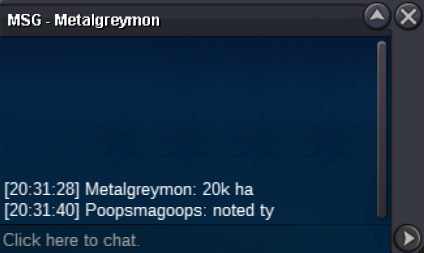
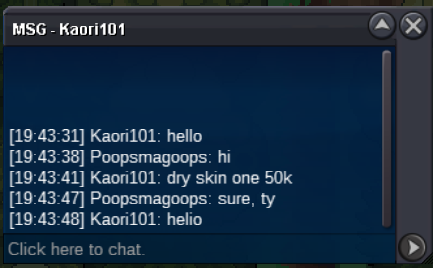
New Trade Zone
Trade Zone is now live
Use the new Trade Zone for auctions and instant-price trades so Pokemon and item offers are easy to find.

Poopsmagoops
Registered User
-
Joined
-
Last visited
Everything posted by Poopsmagoops
-
Start: 200k Auction ends 9:26PM CT 1/24/25 Min bid: 10k Insta: 1.6m Accept CC 450k Re-roll 520k
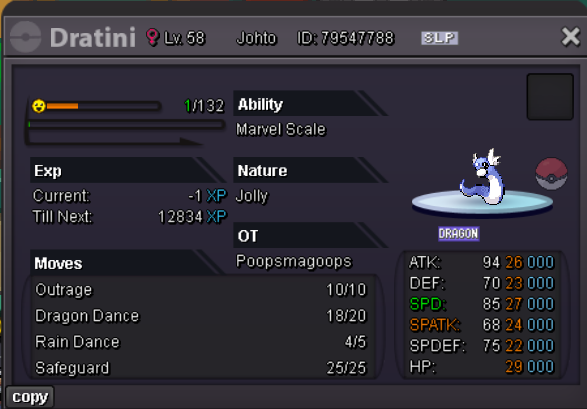 Start700kBumpBUMP, help this man pleaseI will buy the poliwrathSorry @Cazon511 auction is over!
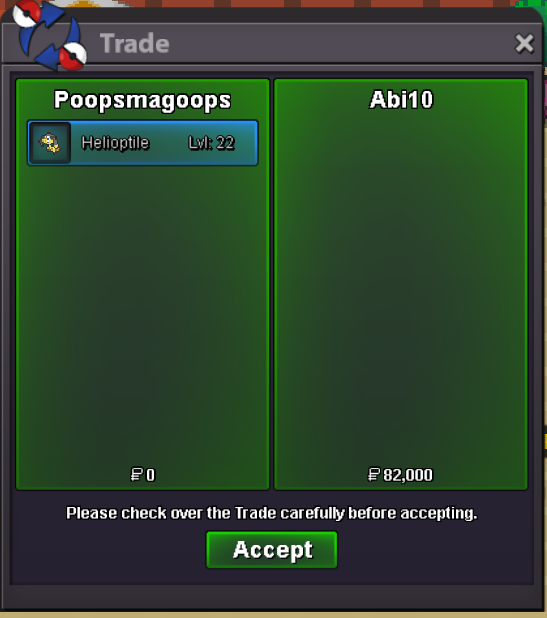
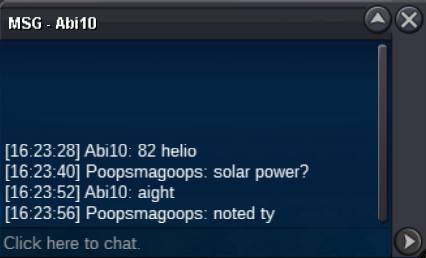
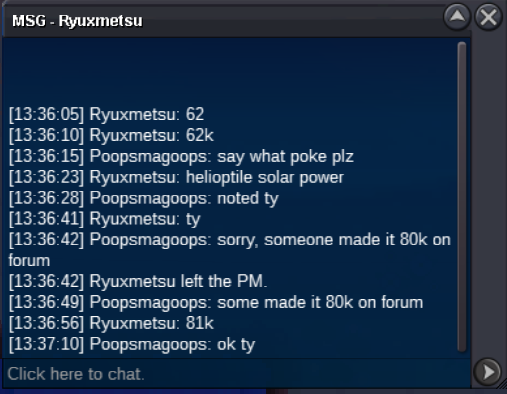
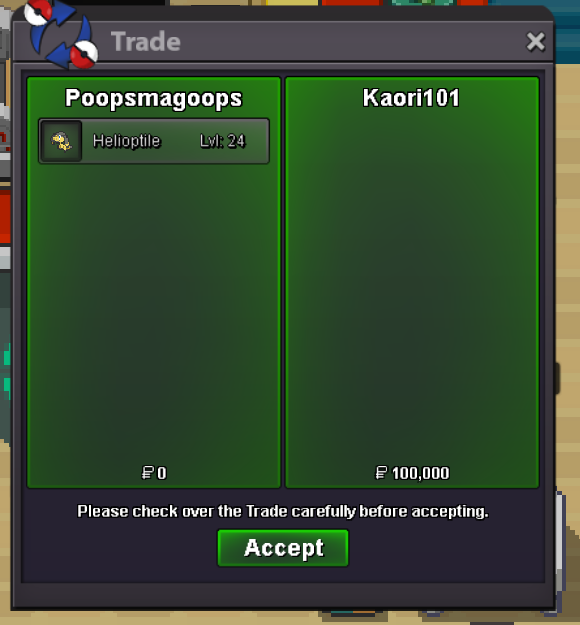 81k solar
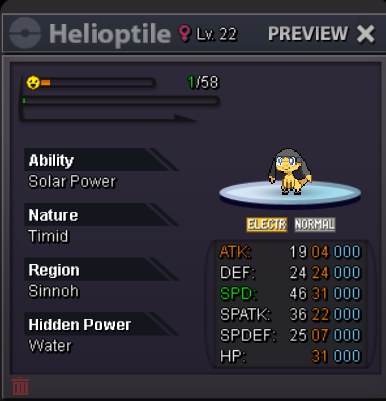
 Helio 1 Helio 2 NOT A BUNDLE both SO 1K MIN BID 1K TIME : 24 HOURS ACCEPT CC 450K IV RR 500K RC 4K NOTE : AUCTION STARTS AFTER ITS 1ST BID https://countingdownto.com/?c=5950001 AUCTION END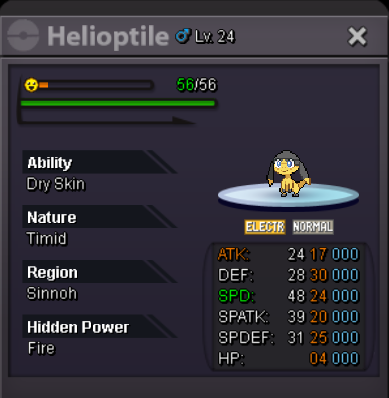
 13m will transfer if I winCongrats @Tkl070701 and @Paulpinak message me when you are online!Bump
Account
Navigation
Search
Configure browser push notifications
Chrome (Android)
- Tap the lock icon next to the address bar.
- Tap Permissions → Notifications.
- Adjust your preference.
Chrome (Desktop)
- Click the padlock icon in the address bar.
- Select Site settings.
- Find Notifications and adjust your preference.
Safari (iOS 16.4+)
- Ensure the site is installed via Add to Home Screen.
- Open Settings App → Notifications.
- Find your app name and adjust your preference.
Safari (macOS)
- Go to Safari → Preferences.
- Click the Websites tab.
- Select Notifications in the sidebar.
- Find this website and adjust your preference.
Edge (Android)
- Tap the lock icon next to the address bar.
- Tap Permissions.
- Find Notifications and adjust your preference.
Edge (Desktop)
- Click the padlock icon in the address bar.
- Click Permissions for this site.
- Find Notifications and adjust your preference.
Firefox (Android)
- Go to Settings → Site permissions.
- Tap Notifications.
- Find this site in the list and adjust your preference.
Firefox (Desktop)
- Open Firefox Settings.
- Search for Notifications.
- Find this site in the list and adjust your preference.