New Trade Zone
Trade Zone is now live
Use the new Trade Zone for auctions and instant-price trades so Pokemon and item offers are easy to find.

Everything posted by Poopsmagoops
-
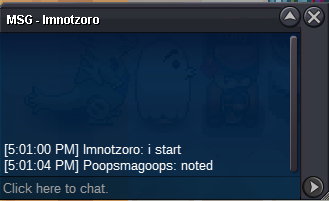
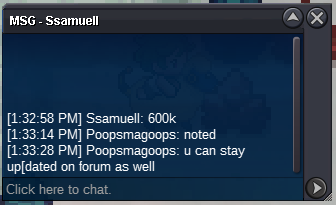
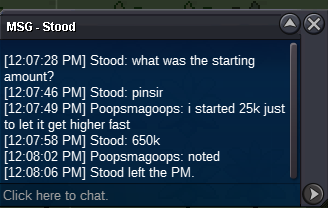
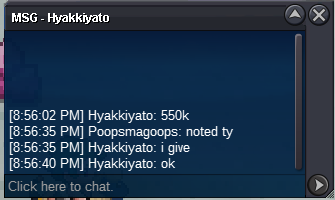
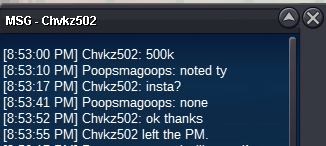
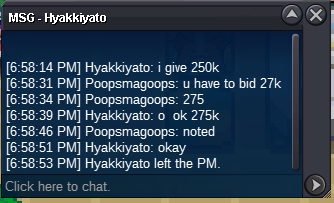
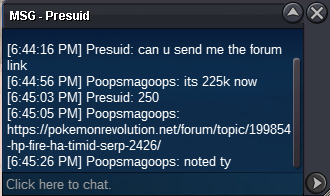
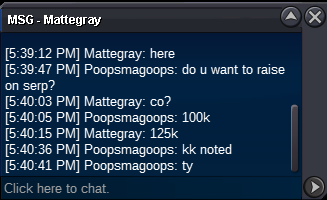
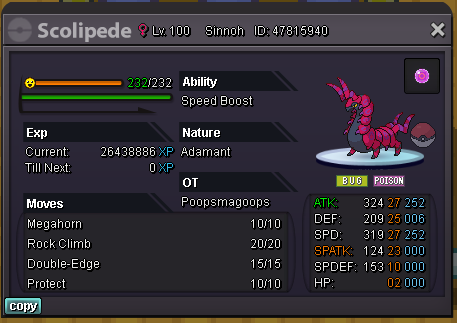
S.O. 100k Min raise 25K no insta, ends 7/31 @ 5:01 PM US Central
 Caught a ton of goomys. Figured I could auction off the extra ones that some may want. In no particular order of how good they are, one is max speed, one is ha. Each auction ends 12hr after the first offer on that Goomy. For all Goomy: S.O. 10k. Min raise 10K. No insta. Have fun at the Goomypalooza. 1 2 (sold) 3 4(sold) 5 sold 6 7 sold 8 9 Sold 10 11 12 13 sold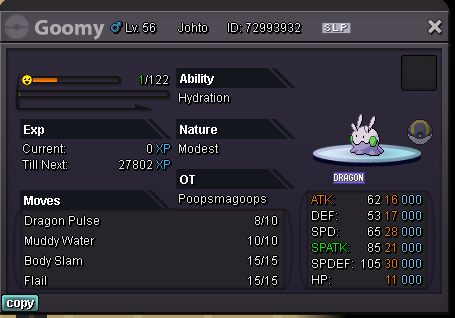
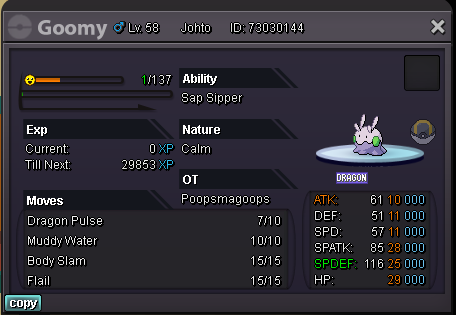
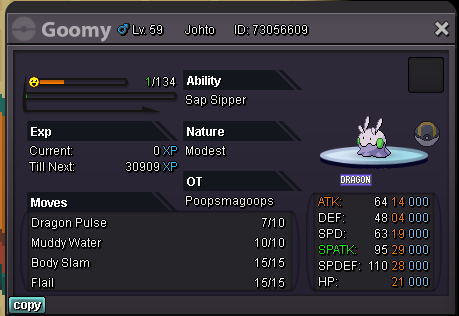
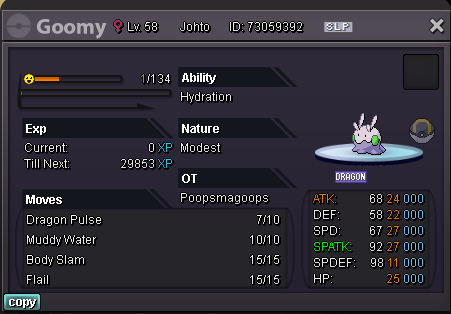
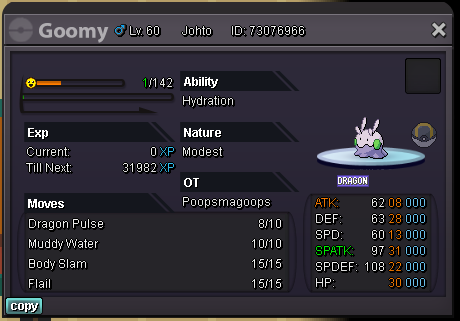
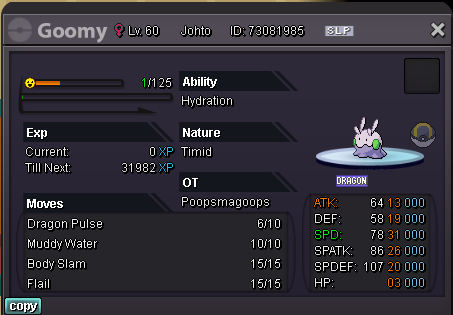
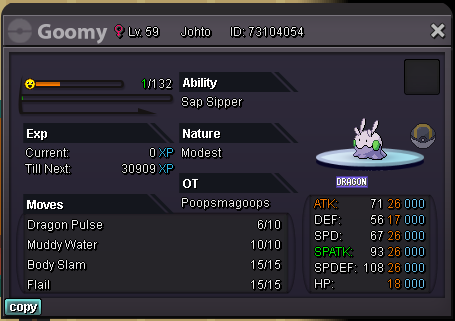
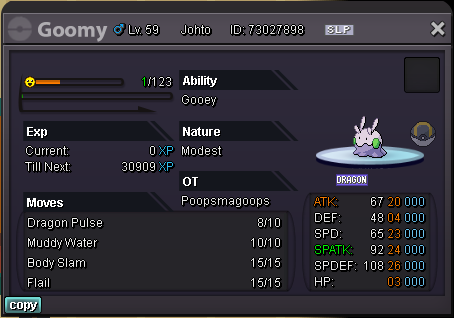
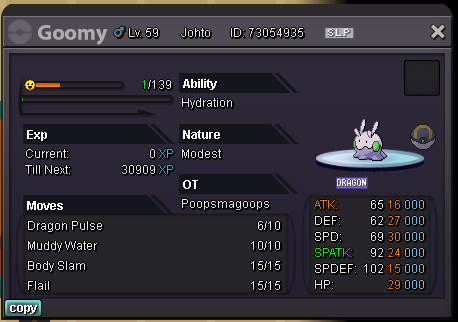
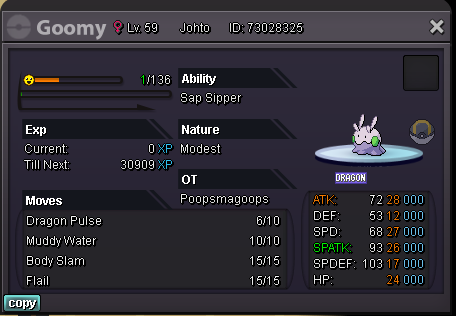
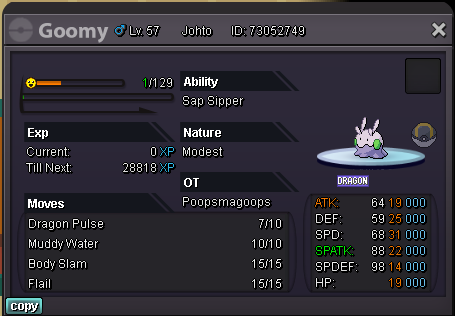
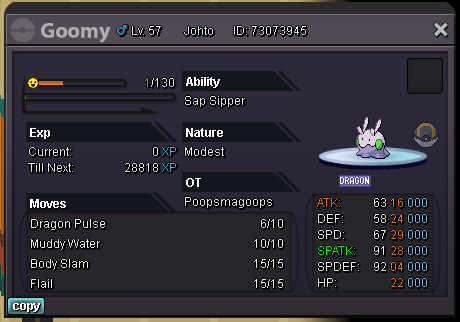
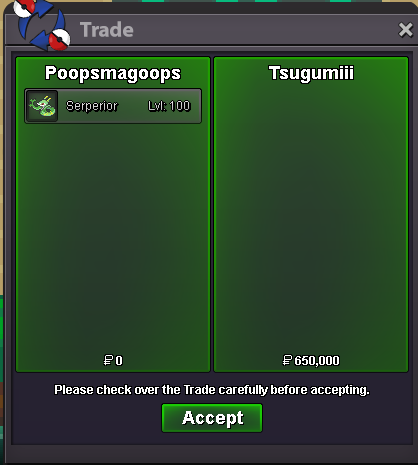
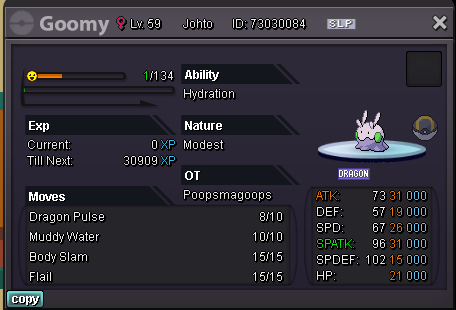 I buy ferro w poke ID 70786001UpInsta lycanrocBisharp Milotic Gengar
Account
Navigation
Search
Configure browser push notifications
Chrome (Android)
- Tap the lock icon next to the address bar.
- Tap Permissions → Notifications.
- Adjust your preference.
Chrome (Desktop)
- Click the padlock icon in the address bar.
- Select Site settings.
- Find Notifications and adjust your preference.
Safari (iOS 16.4+)
- Ensure the site is installed via Add to Home Screen.
- Open Settings App → Notifications.
- Find your app name and adjust your preference.
Safari (macOS)
- Go to Safari → Preferences.
- Click the Websites tab.
- Select Notifications in the sidebar.
- Find this website and adjust your preference.
Edge (Android)
- Tap the lock icon next to the address bar.
- Tap Permissions.
- Find Notifications and adjust your preference.
Edge (Desktop)
- Click the padlock icon in the address bar.
- Click Permissions for this site.
- Find Notifications and adjust your preference.
Firefox (Android)
- Go to Settings → Site permissions.
- Tap Notifications.
- Find this site in the list and adjust your preference.
Firefox (Desktop)
- Open Firefox Settings.
- Search for Notifications.
- Find this site in the list and adjust your preference.