New Trade Zone
Trade Zone is now live
Use the new Trade Zone for auctions and instant-price trades so Pokemon and item offers are easy to find.

Shiroinee
Registered User
-
Joined
-
Last visited
Everything posted by Shiroinee
-
5m, will transfer from silver
-
17m
-
6969696 Will transfer if win
-
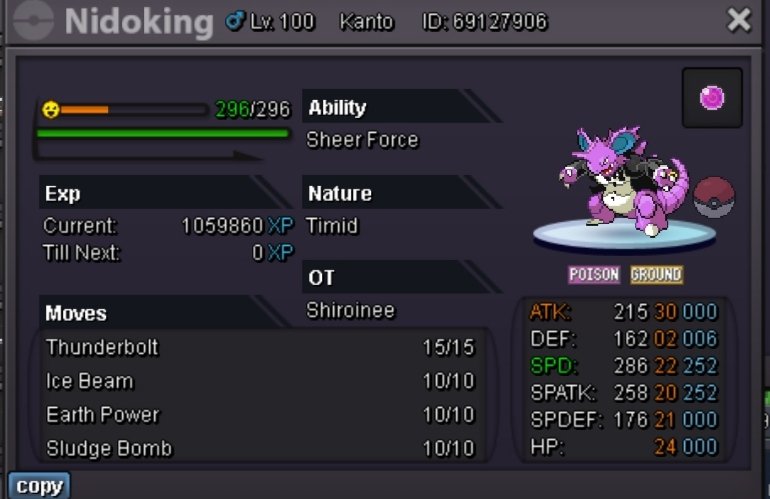
S.o 300k Min bid 100k 72h after first bid made Insta 1.1m Take cc 400k, iv/nat rr 500k/250k Discord Nigujugi#7638
-
Username: Kitsune9 server to to charge the money from: silver Main Server to transfer: From silver to goldUsername: Kitsune9 server to to charge the money from: silver Main Server to transfer: From silver to goldNAME CHANGE Username: Kitsune9 New Username: SSG Server to charge the money from: SilverStartign: HarutyaChan Server: Silver help, I need to delevel these two at lv99
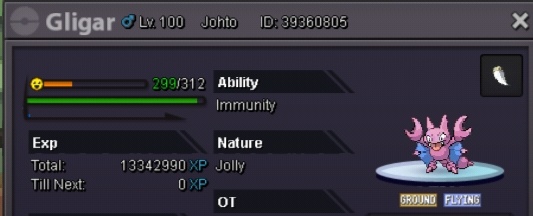
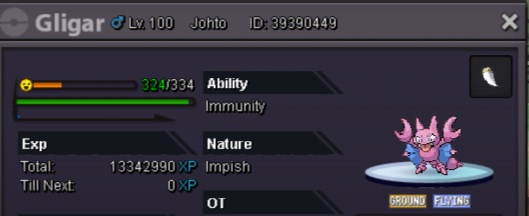 6mBumpThe guy u trade didn't finish the region of your poke. So it locked there until he/she unlock the regionI'll start skarmory at 8m if u accept my payment after server transfer. Cuz my main in silverI'm buying 2 shiny krabby careful/sassy with shell armor ability570Up550kIt's transfer-only move, I don't think it's would work on proI think this is happening to everyone but I didn't see any report about this. I experienced this bug many times. I'm stuck at battle window that the opponent didn't choose their poke, and the opponent see that u holding by not choosing a move. I just wanna know, is there any solution for this especially from staffs. PvP is the most important thing in PRO, So I hope u guys fixed ASAP. TyYea, 12.00 PM GMT The seller confused himself, if he announced the winner alreadyUp, 6mBumpmuk adamant 350k?