New Trade Zone
Trade Zone is now live
Use the new Trade Zone for auctions and instant-price trades so Pokemon and item offers are easy to find.

Diwakar1470
Registered User
-
Joined
-
Last visited
Everything posted by Diwakar1470
-
I have a nature reroll ticket and have a mew with jolly andchange it to timid but I have a doubt does the reroll change nature according to my wish if not how can I change to timid
-
I have to show my oddish or any others
-
I have 700k ready to pay out I come online after 4 hours from the time I send you this message
-
J yeah OK its a decent poke one offered me 150k but as the above I save it for legendary
-
-
I unfortunately lost my deino means I unfortunately deleted my deino is there any way I can get it back
-
I have a xatu jolly sync Pokemon I using it as sync other Pokemons but it's not working it not sync any Pokemon for almost 3 days today I got a doubt does sync poke need happiness
-
Are you online now
-
Or contact me at my mail easily I got your message when online at [email protected]
-
Pro game name Diwakar1470
-
How I contact you
-
Yes, when you come online tell me your pro game name
-
Or also pm me in game Diwakar1470
-
I don't know prices I offer 100k pm me the price deal
-
Can you tell me your pro game name
-
yes how much deino
-
I forgot I also asked for held items
-
Please make total 130k
-
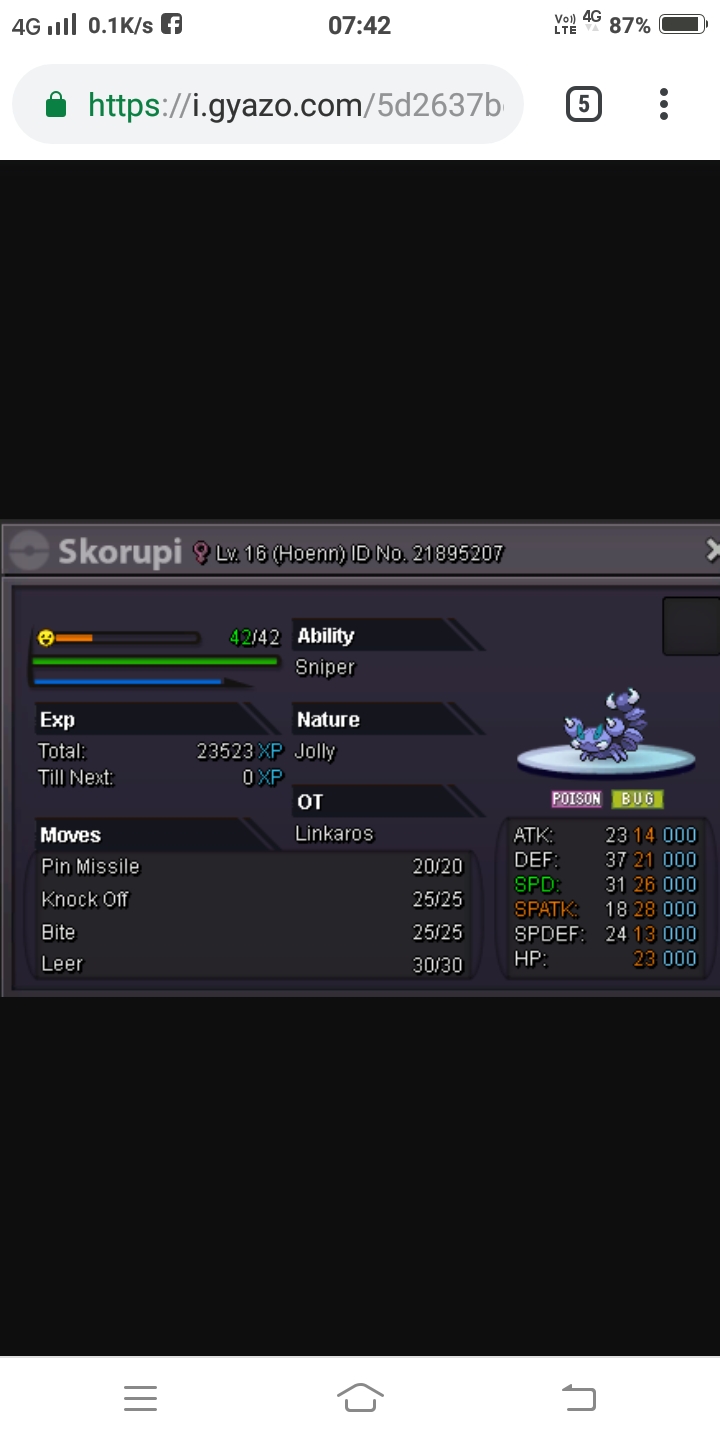
Sorry I mean skorupi
-
And I also want delirious pm me low price for all 3 pokes

-
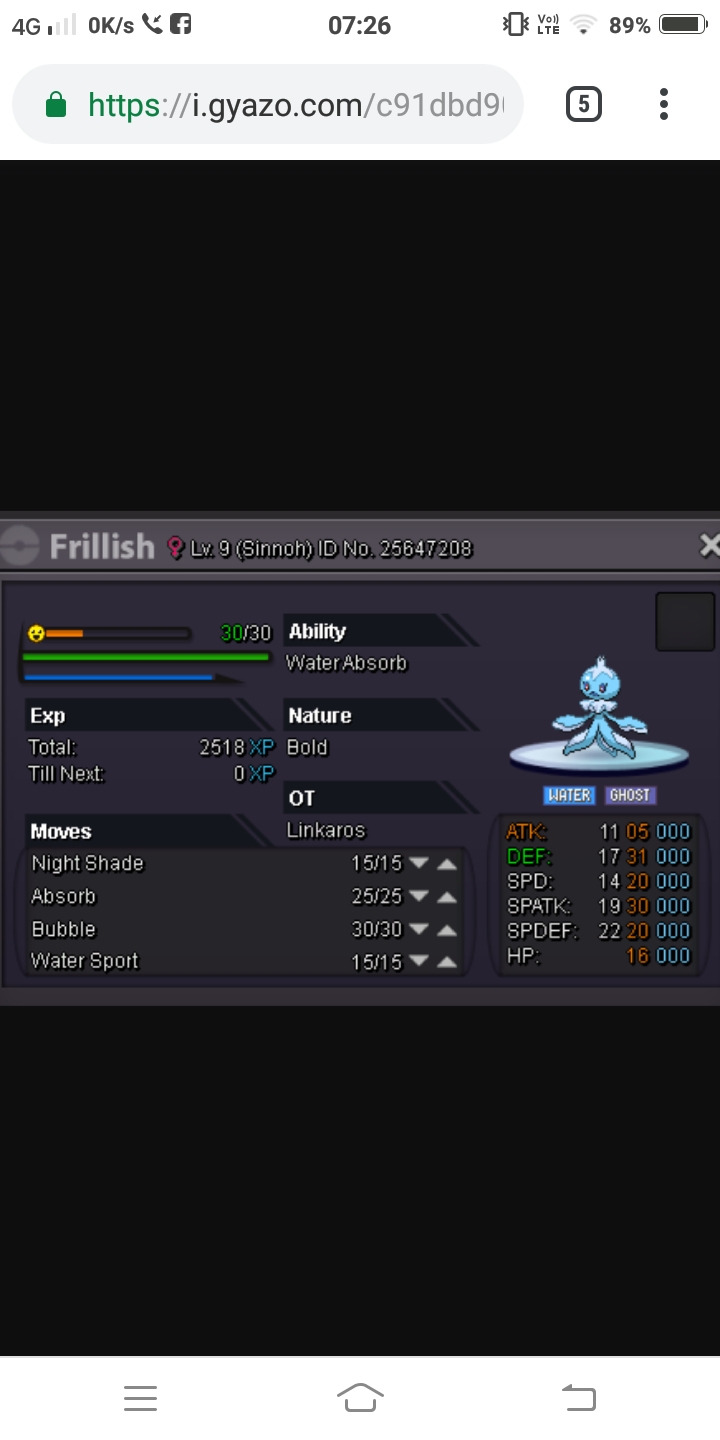
I wanted that dratini and frillish
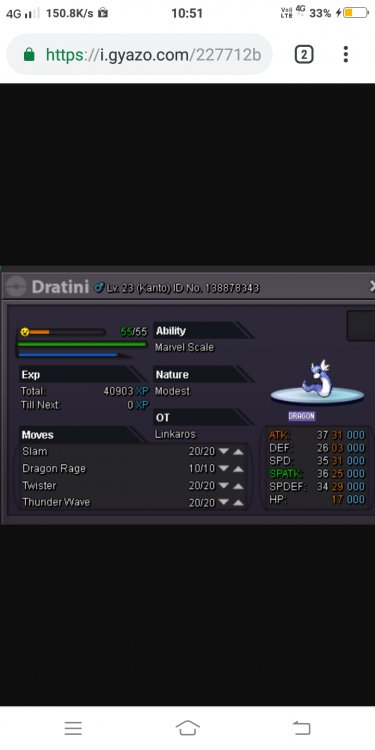
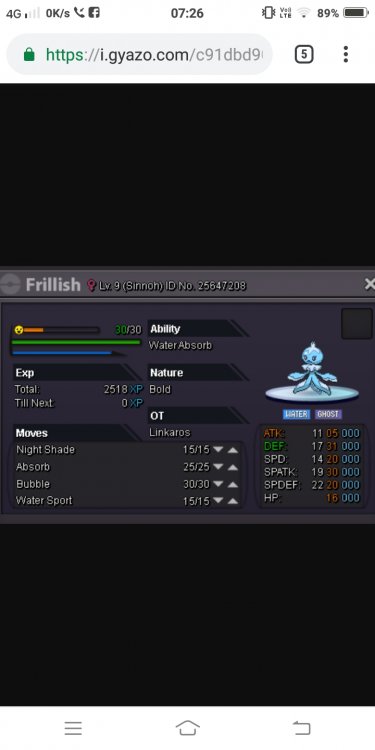
-
I want deino
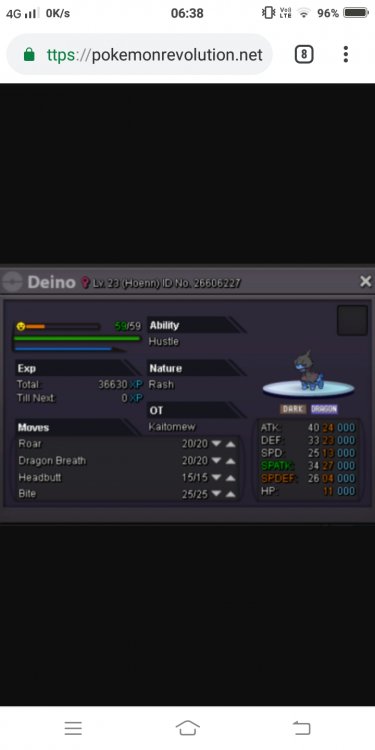
-
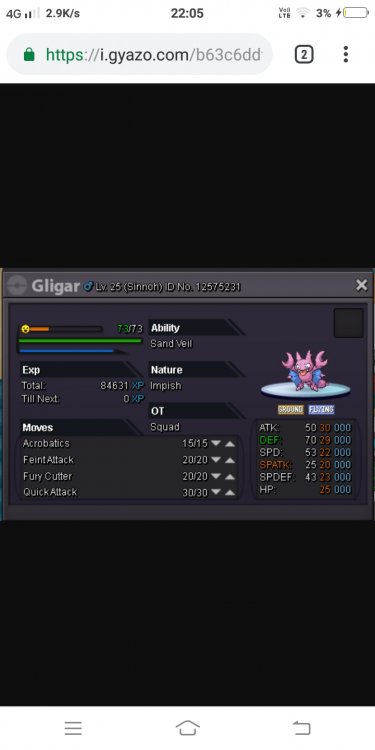
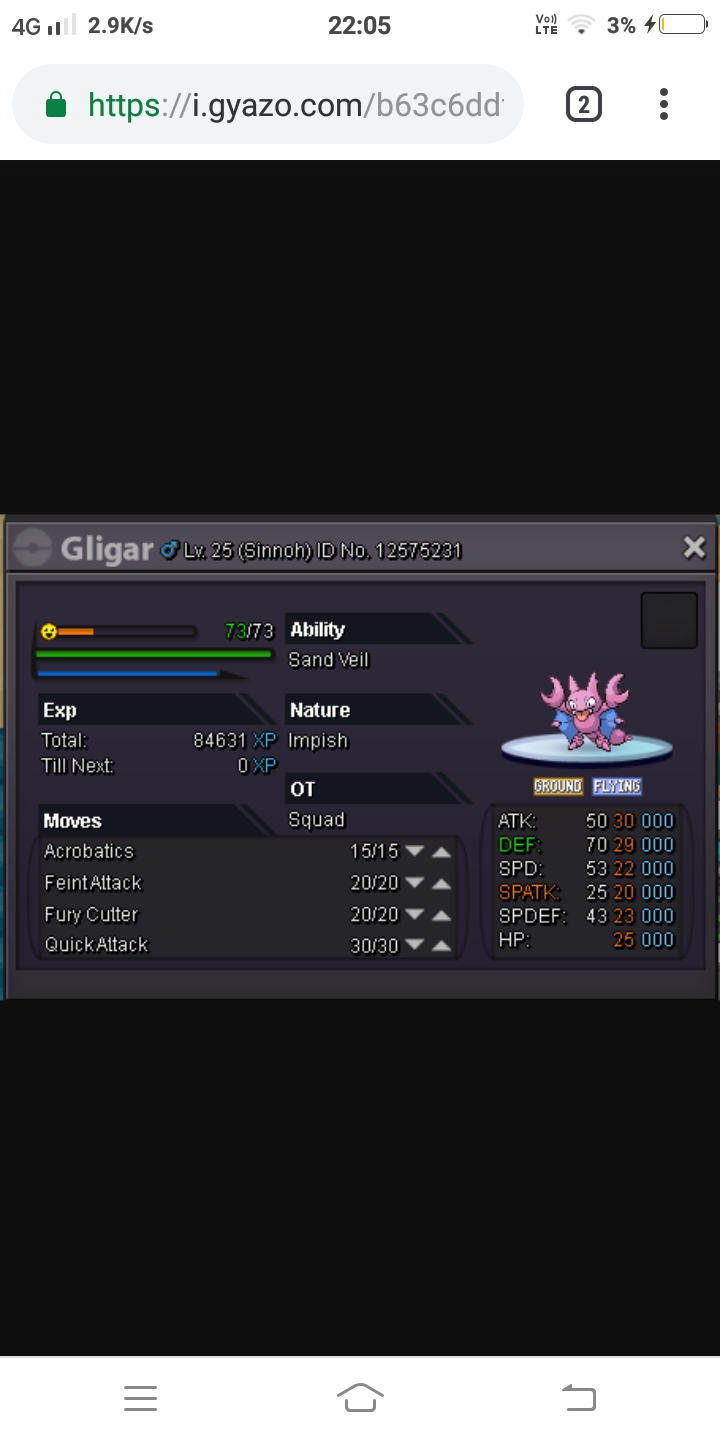
sorry gligar cancel pm me remaining
-
And also held items for them
-
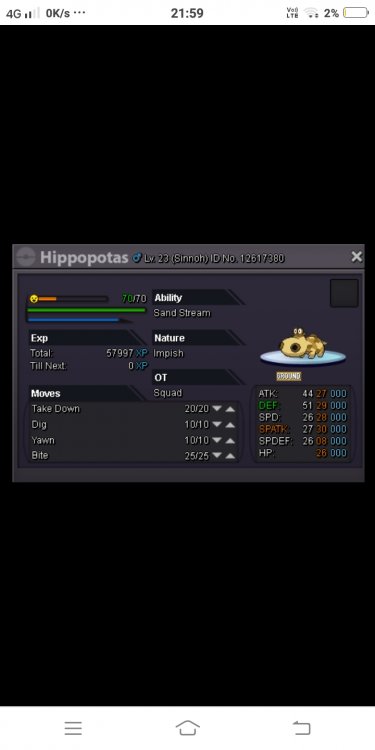
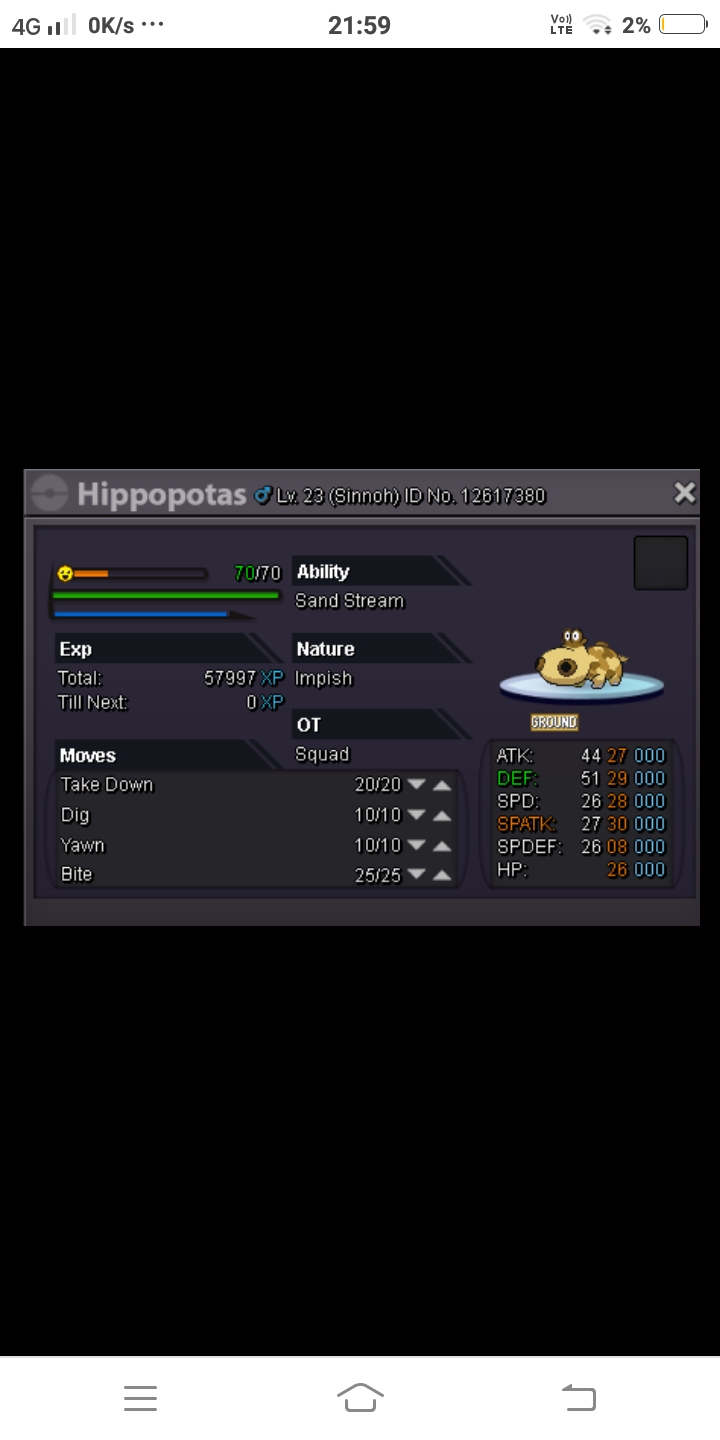
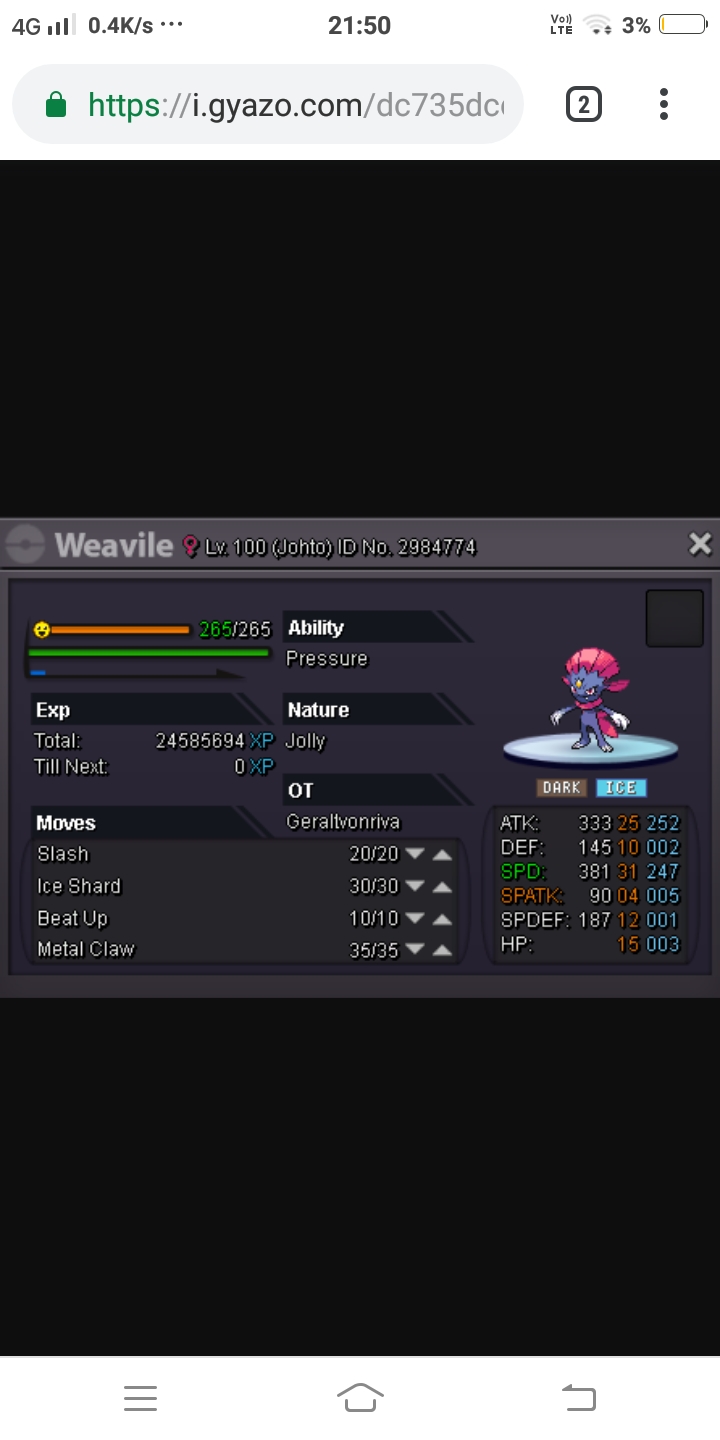
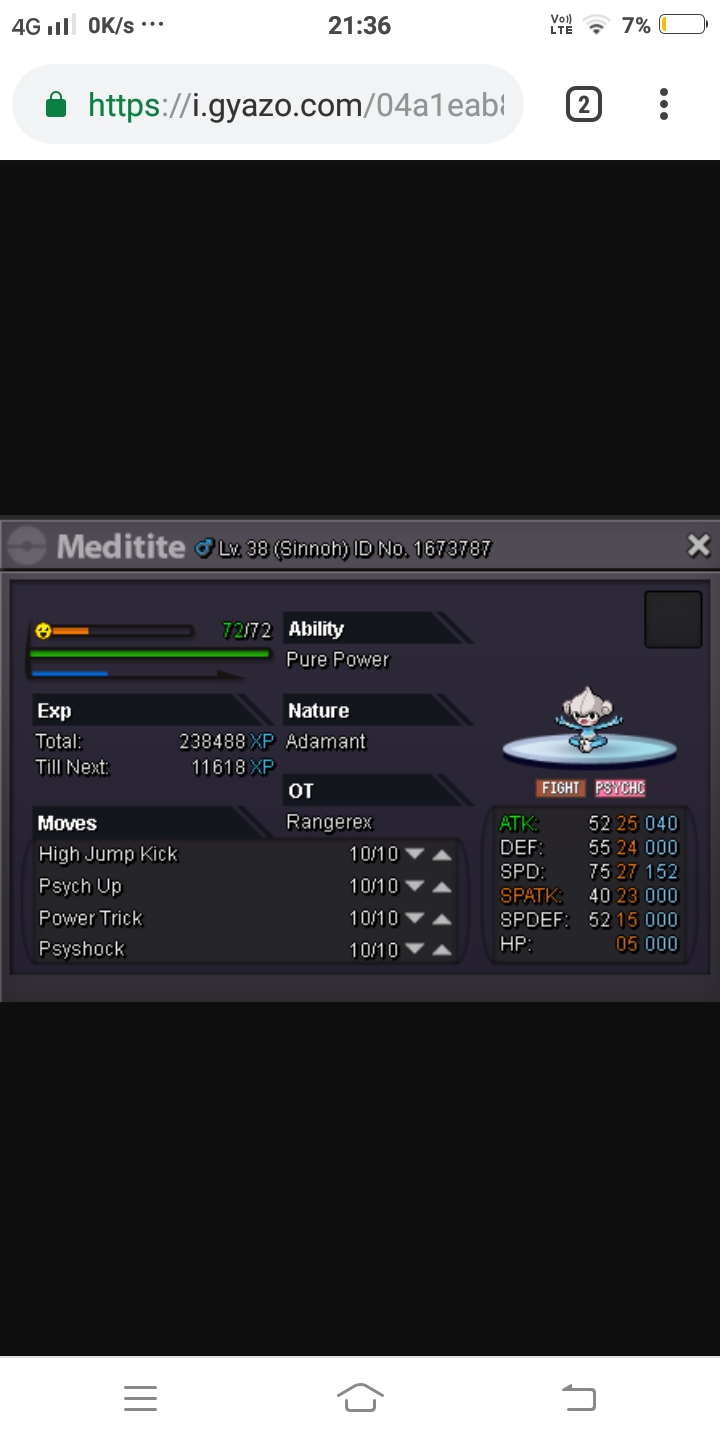
I want these Pokemon's please pm me low price