




New Trade Zone
Trade Zone is now live
Use the new Trade Zone for auctions and instant-price trades so Pokemon and item offers are easy to find.

Snakesircola
Suspended
-
Joined
-
Last visited
-
ready for pickup whenever
-
START conkeldurr as well
-
Let me know when online so I can pick up pokes
-
bump
-
Start shiftry and Alomomola
-
hello when can i get the tyranituar?
-
60k
-
start
-
start
-
start tyranitar
-
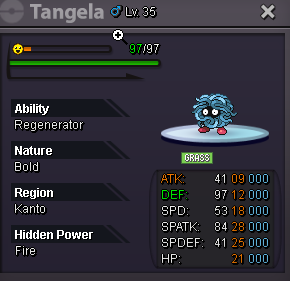
Start: 200k Insta: no insta Min bid: 50k Accept payments: cc for 400k, rr for 500k, nature rr for 250k The auction will end in 24hrs after the first bid.
-
bump
-
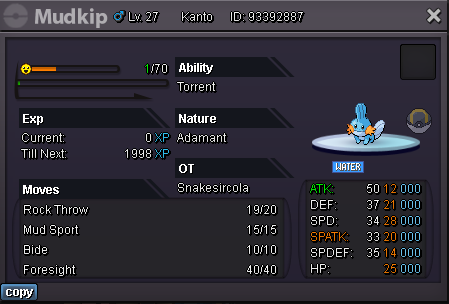
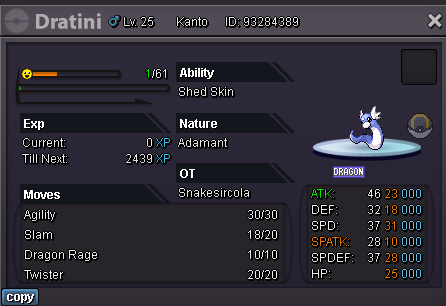
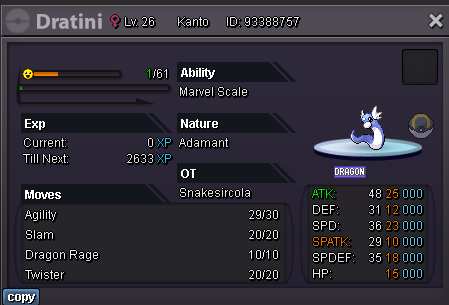
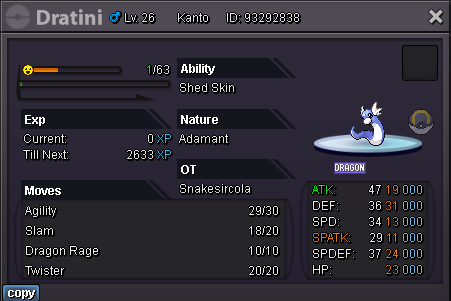
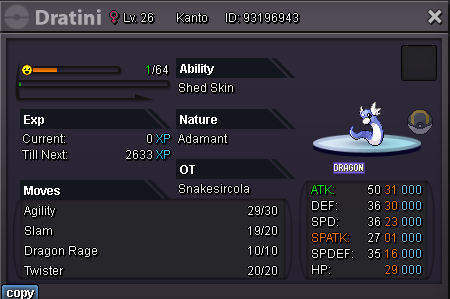
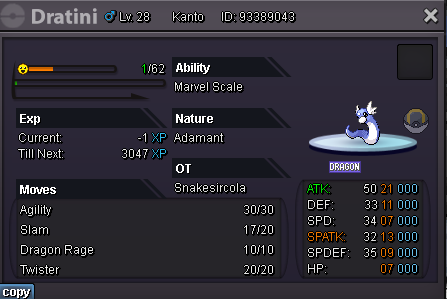
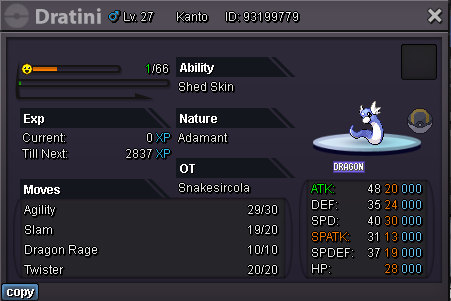
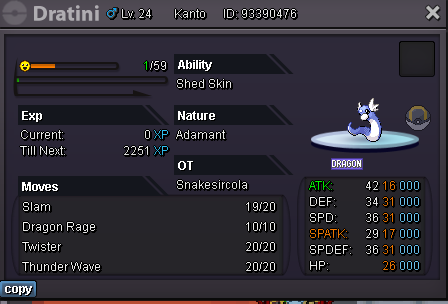
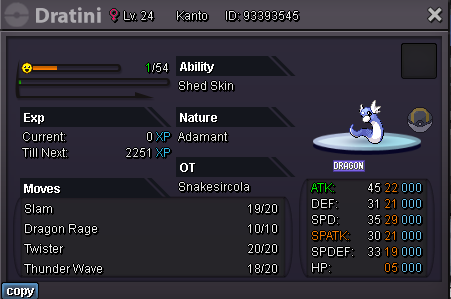
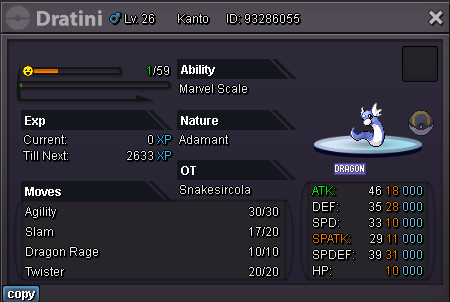
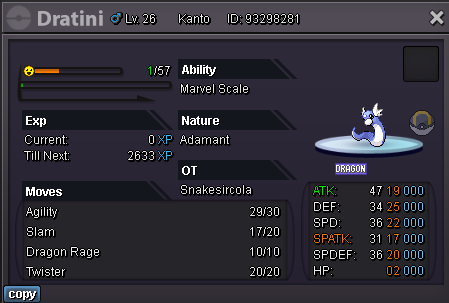
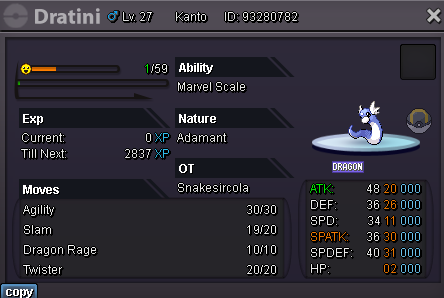
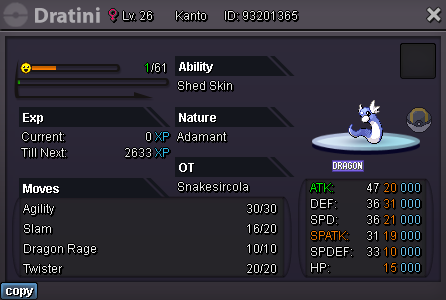
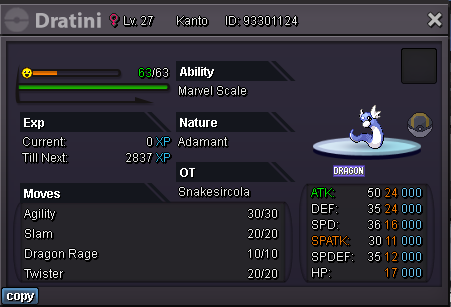
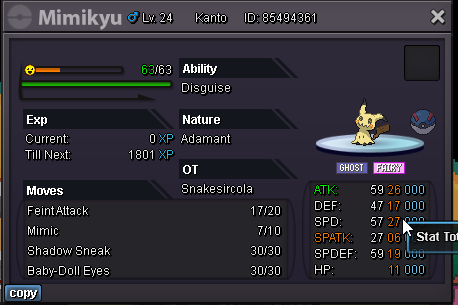
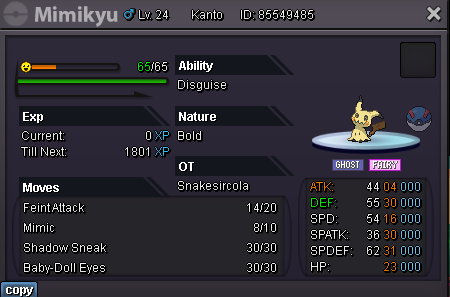
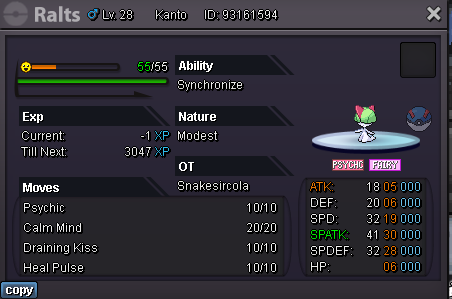
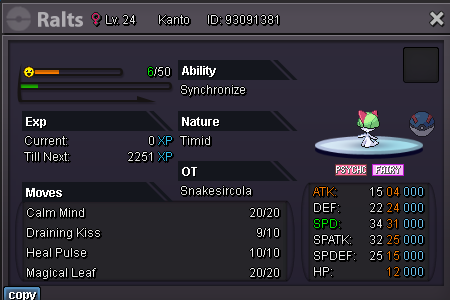
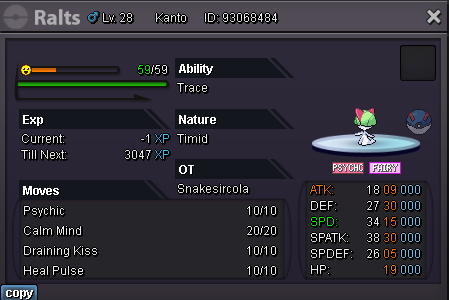
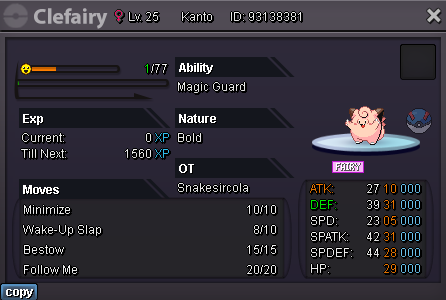
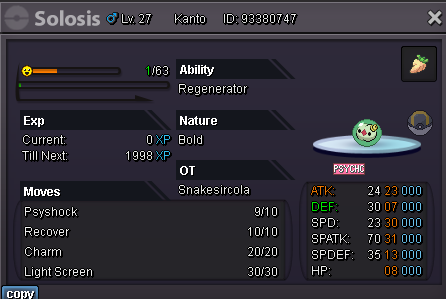
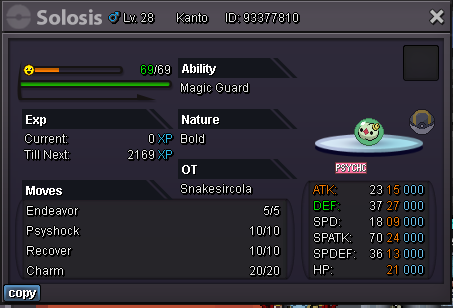
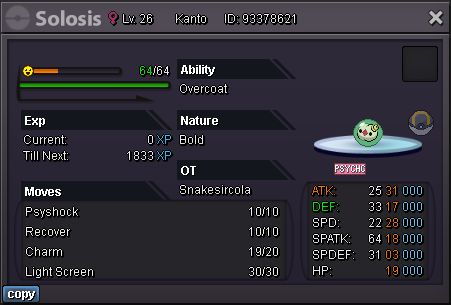
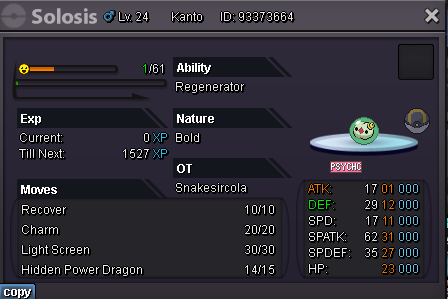
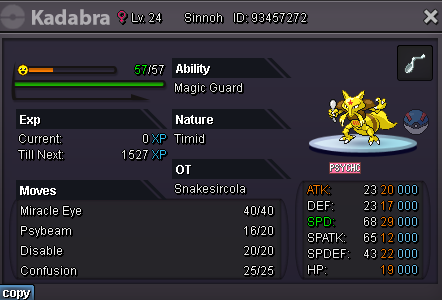
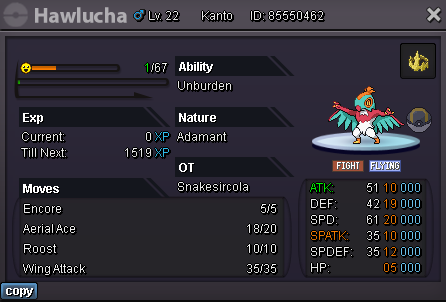
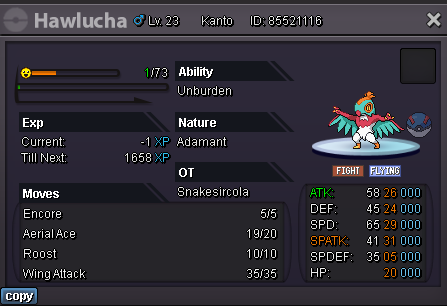
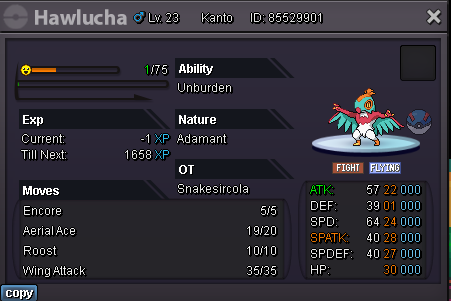
updated with all the Pokémon pictures and ways to contact me. No prices as of right now until I get these all priced so currently taking offers only. Discord is best way to reach me.
-
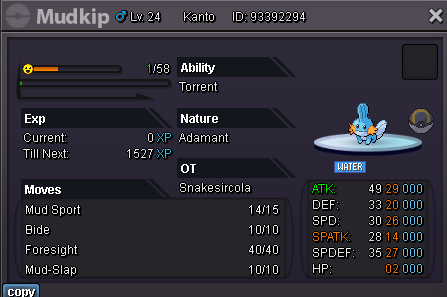
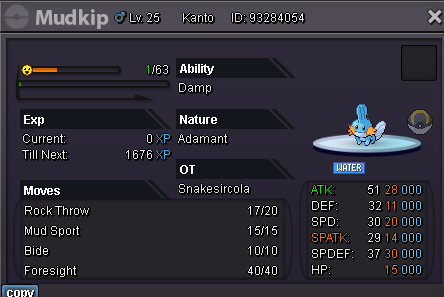
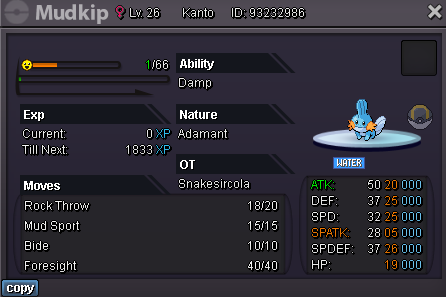
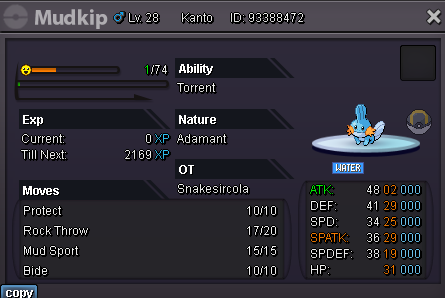
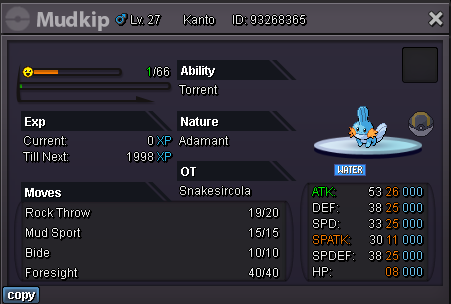
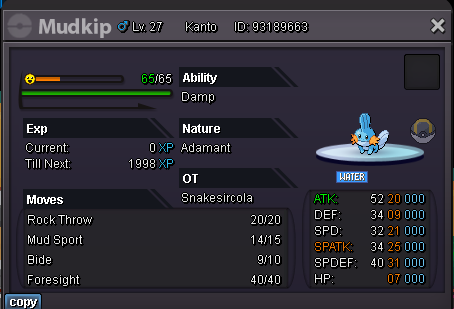
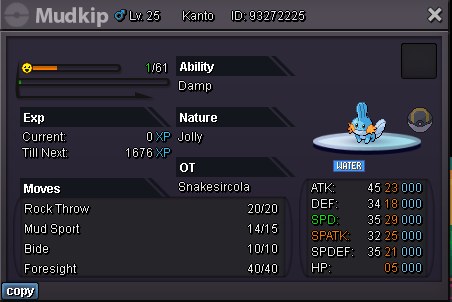
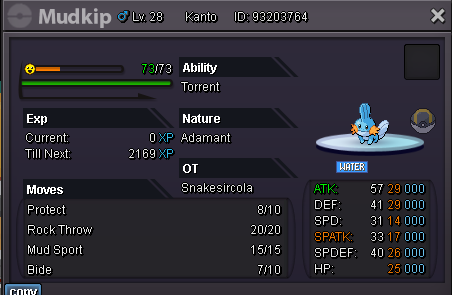
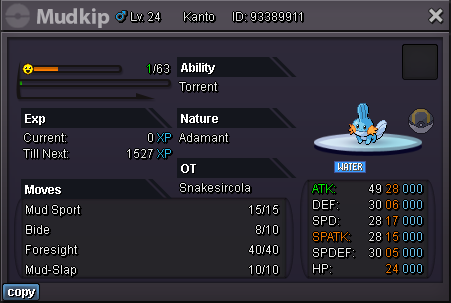
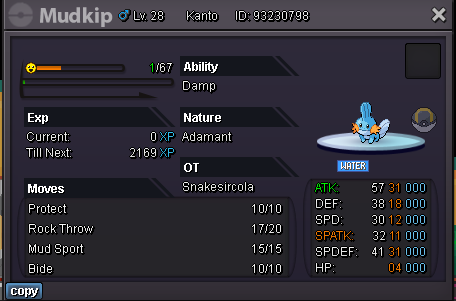
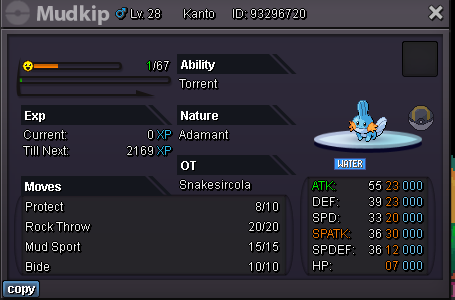
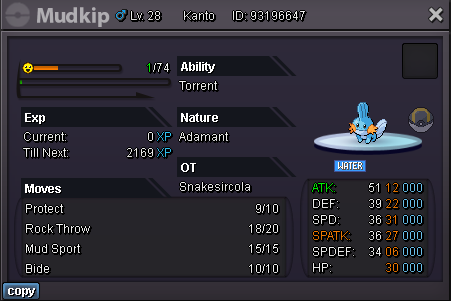
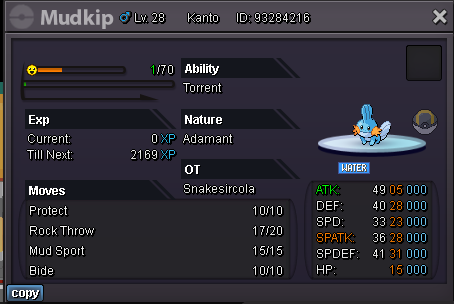
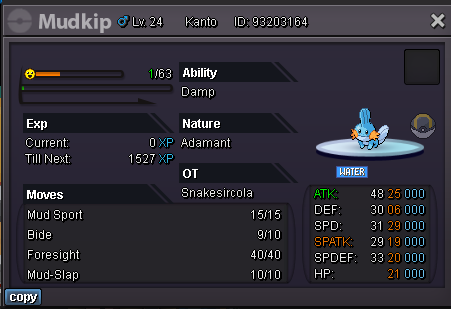
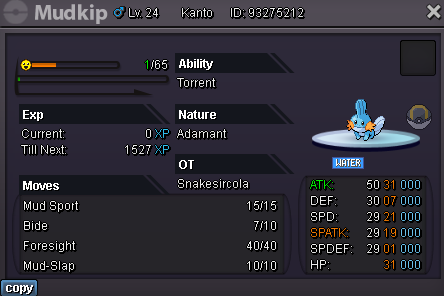
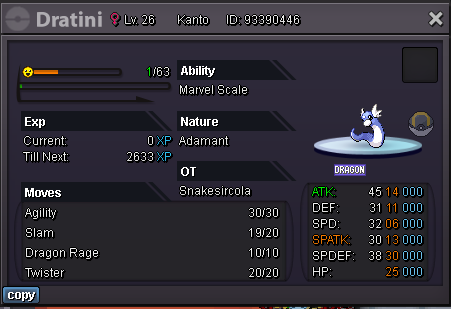
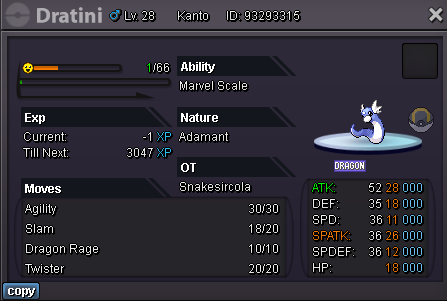
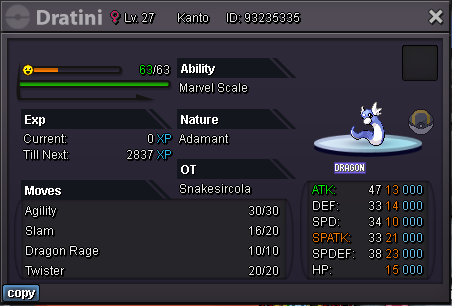
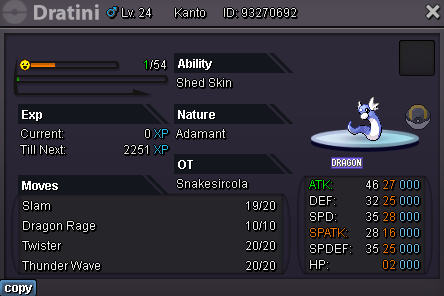
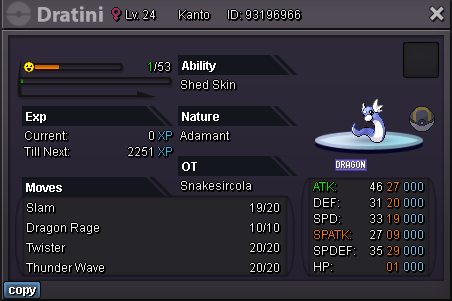
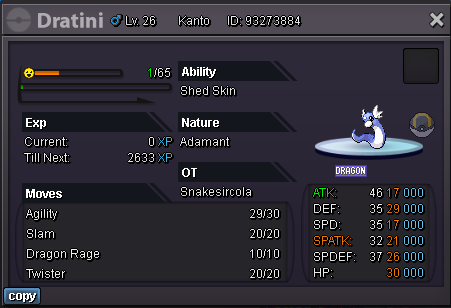
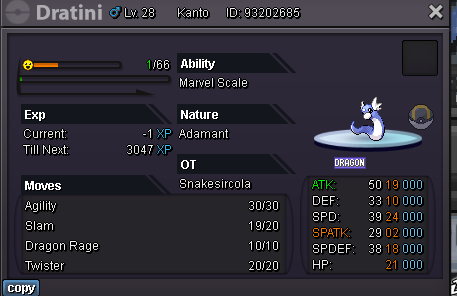
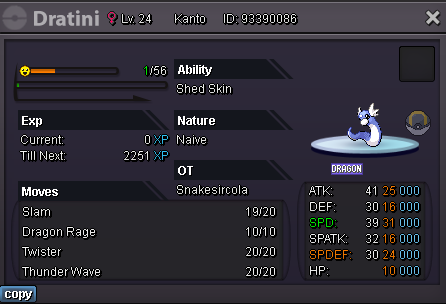
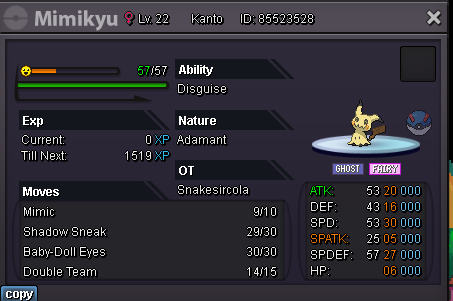
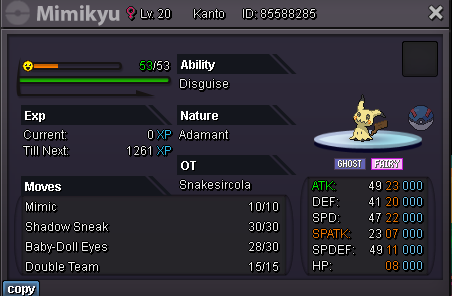
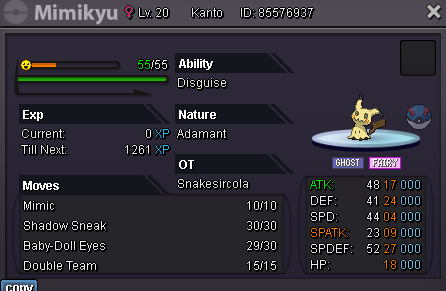
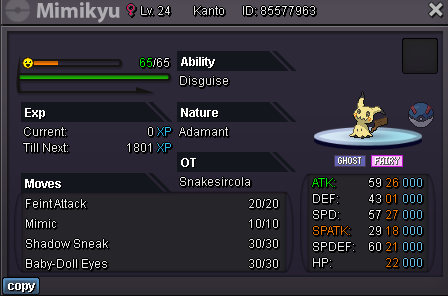
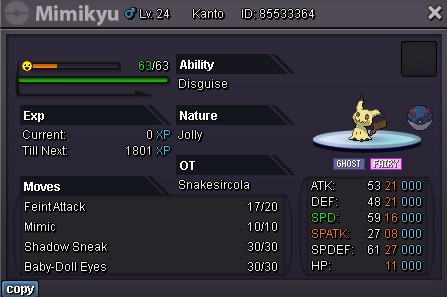
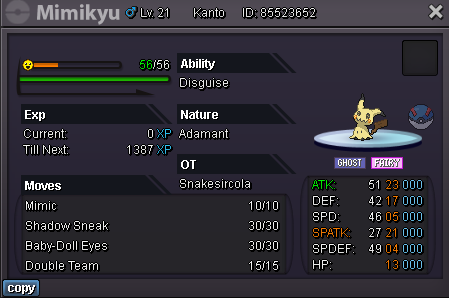
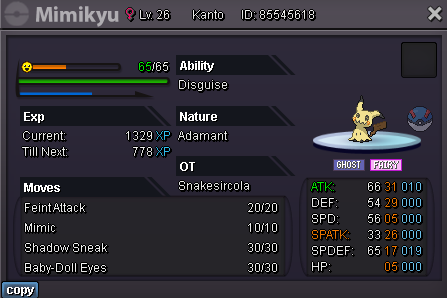
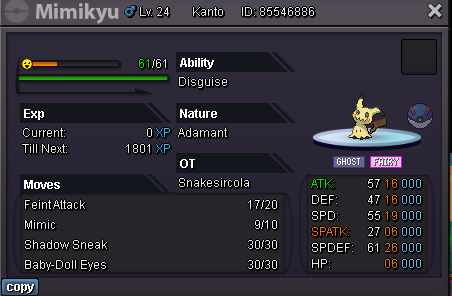
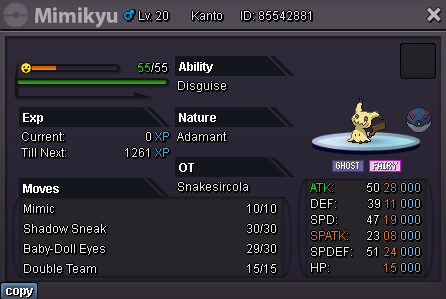
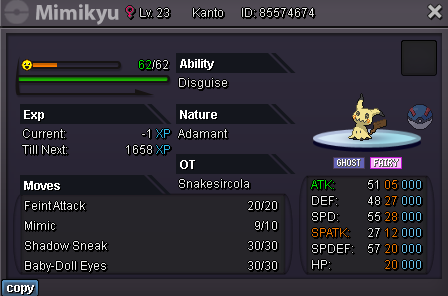
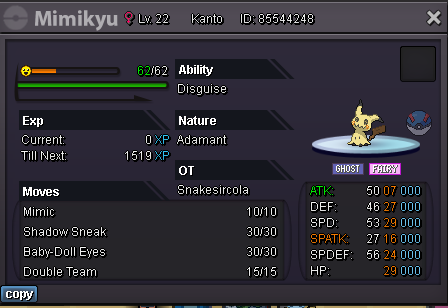
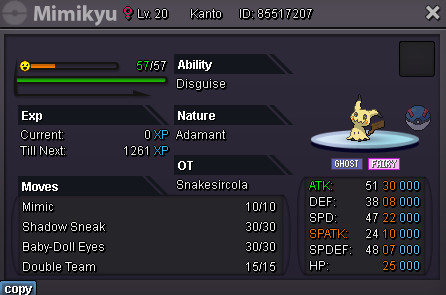
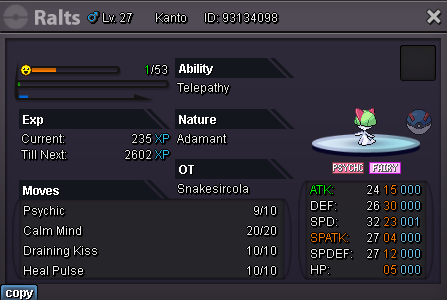
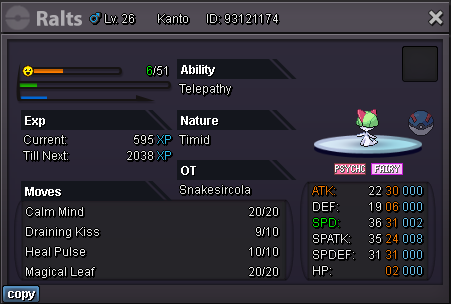
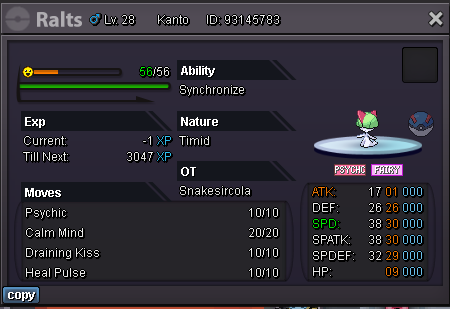
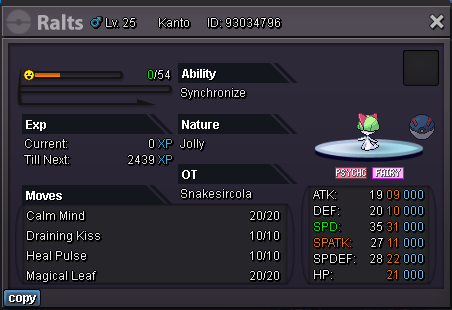
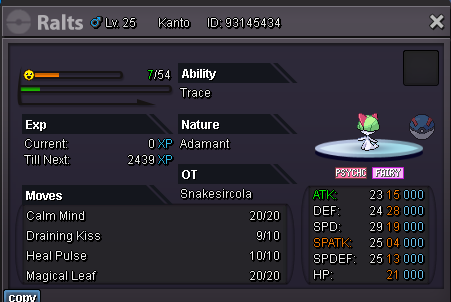
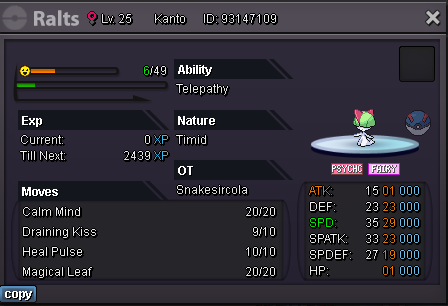
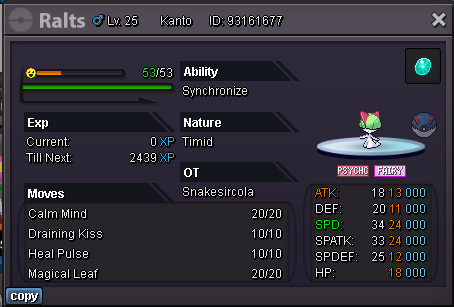
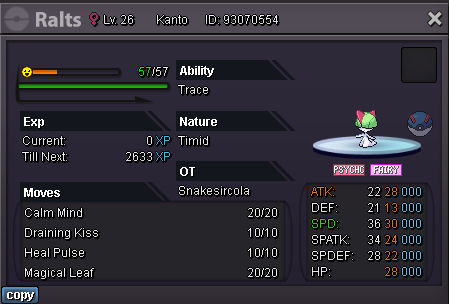
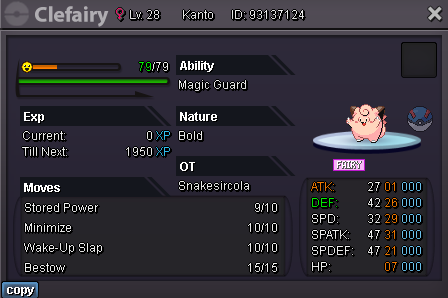
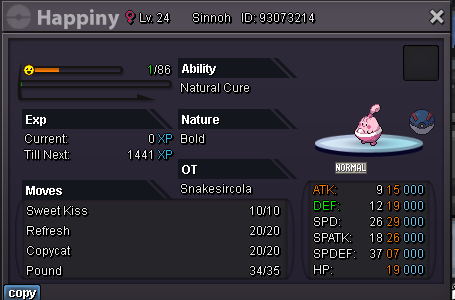
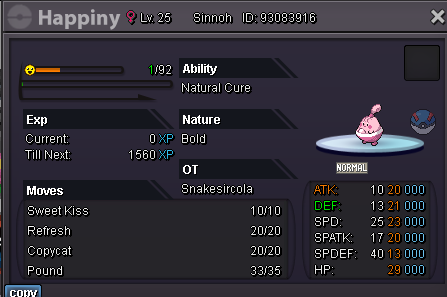
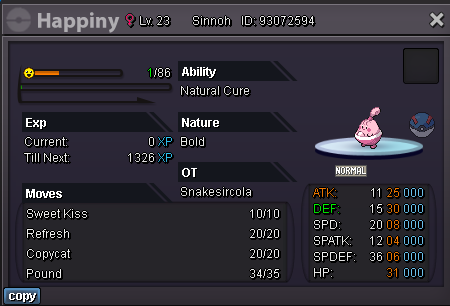
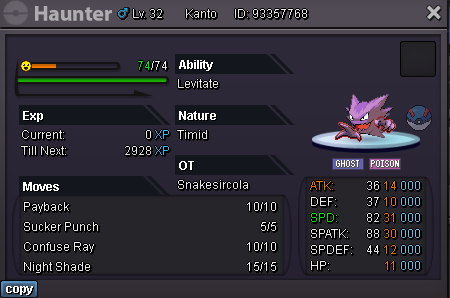
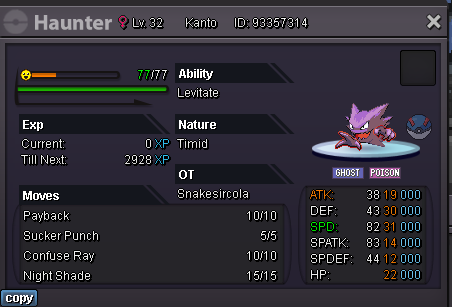
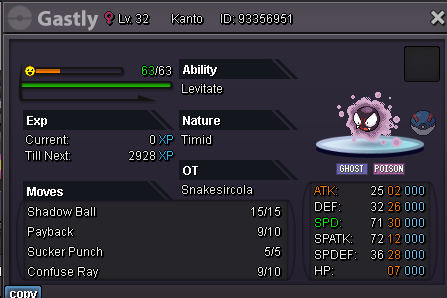
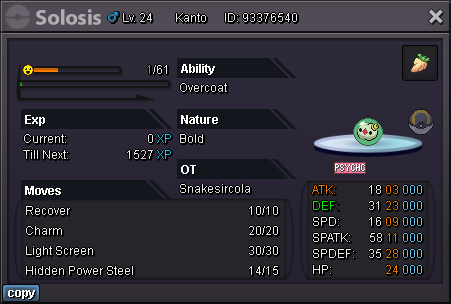
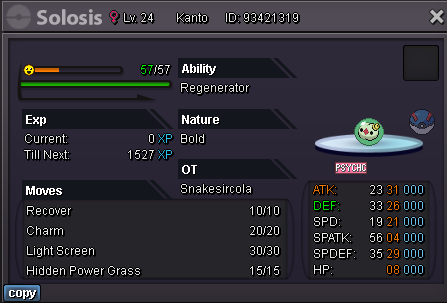
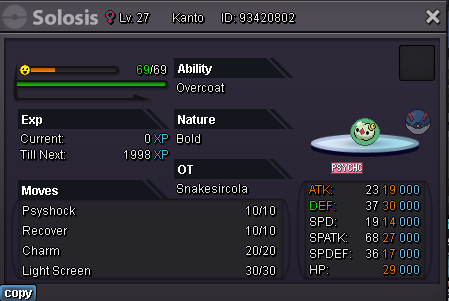
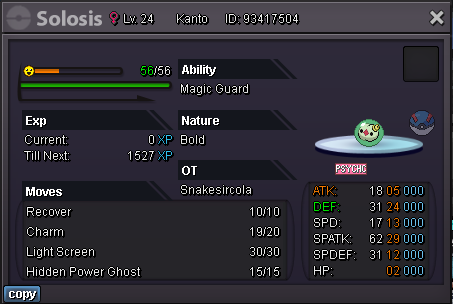
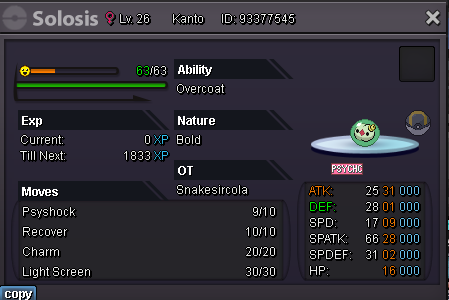
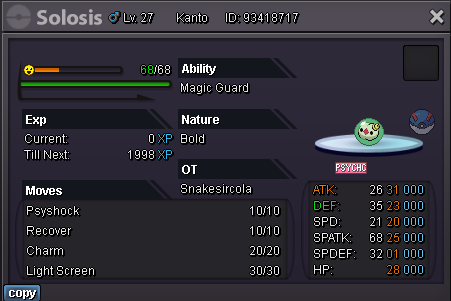
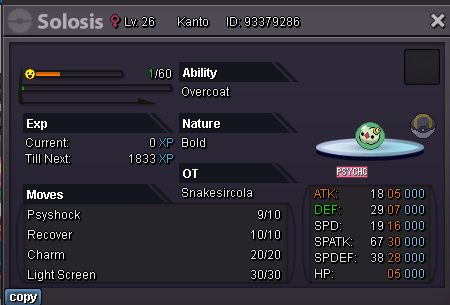
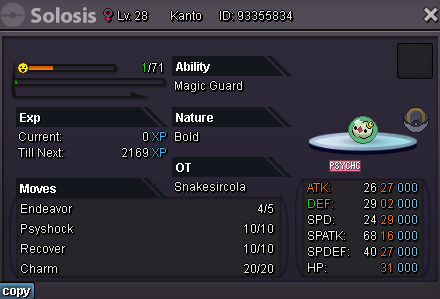
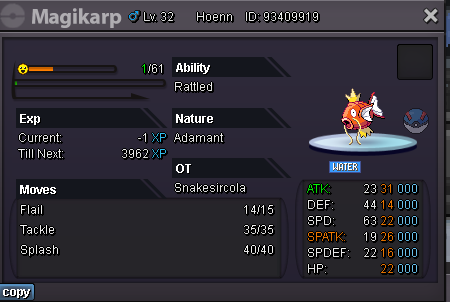
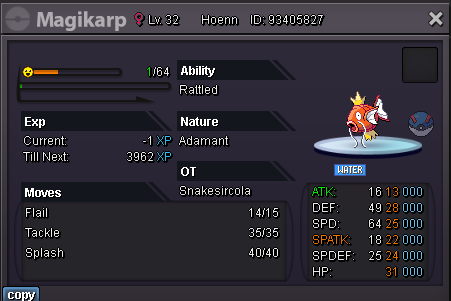
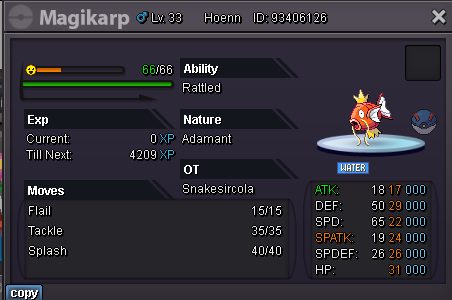
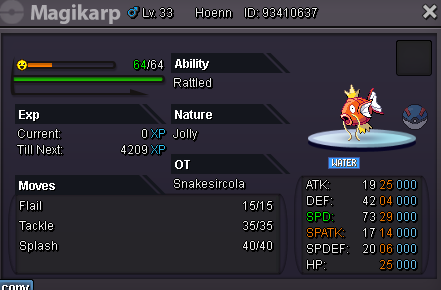
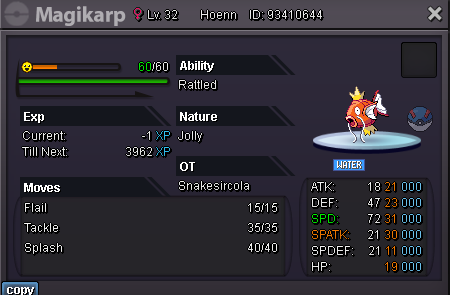
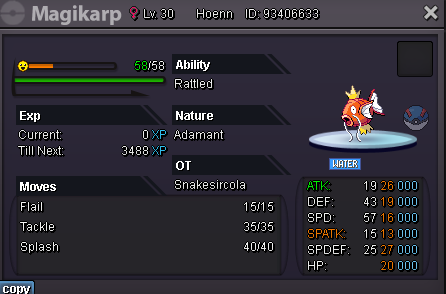
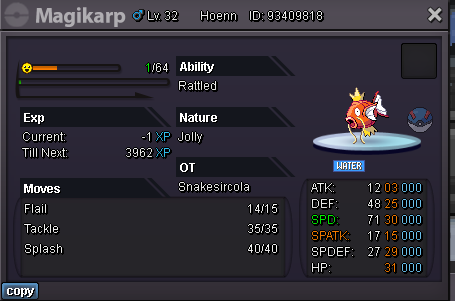
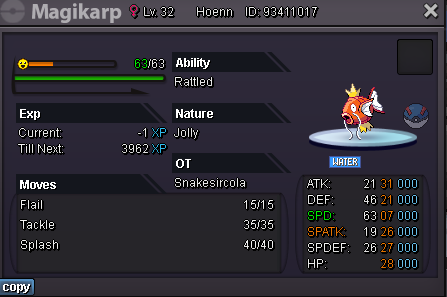
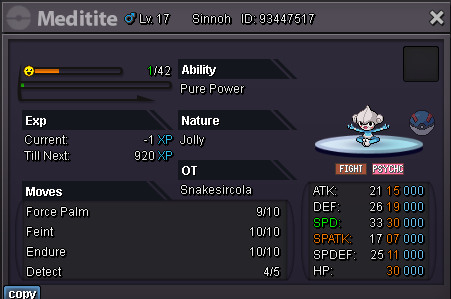
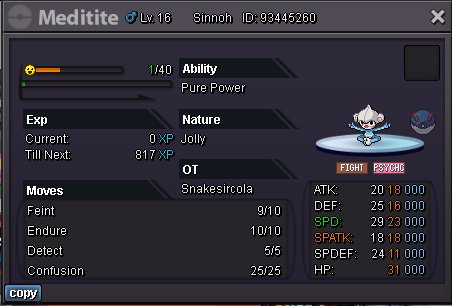
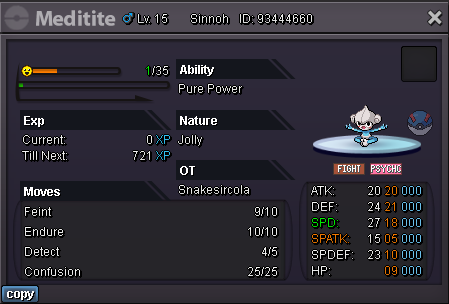
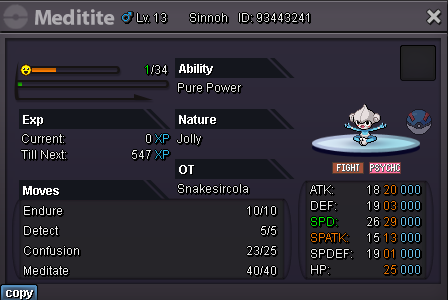
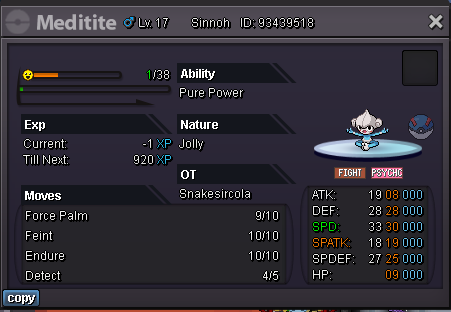
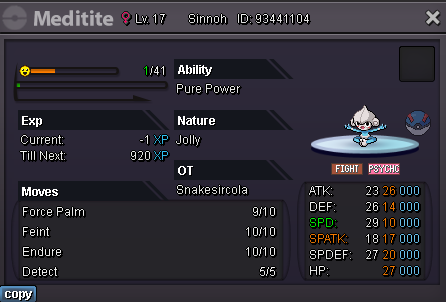
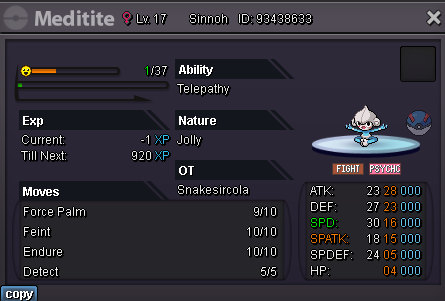
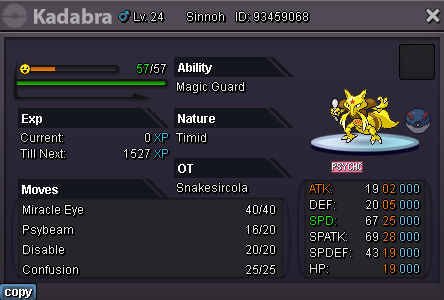
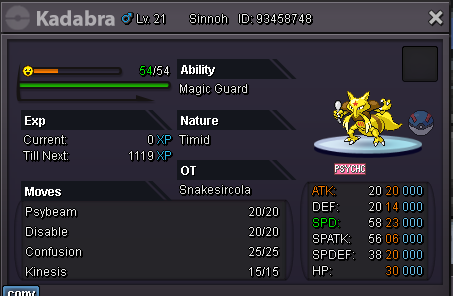
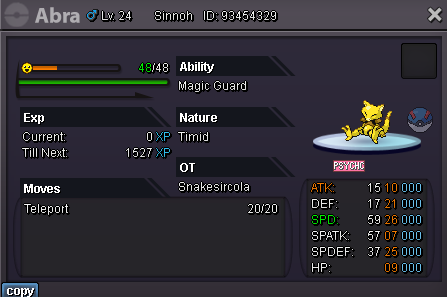
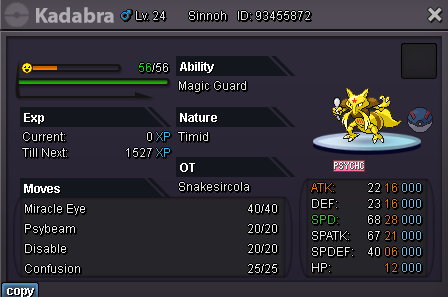
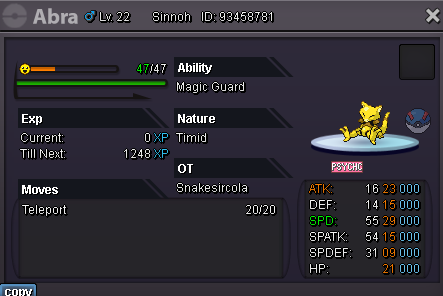
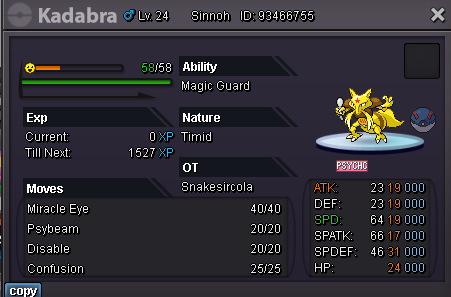
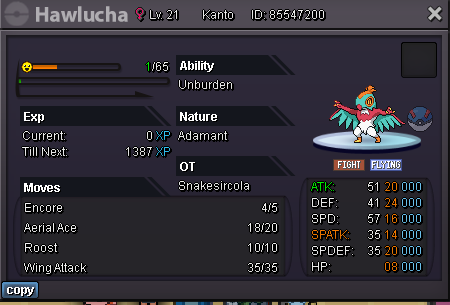
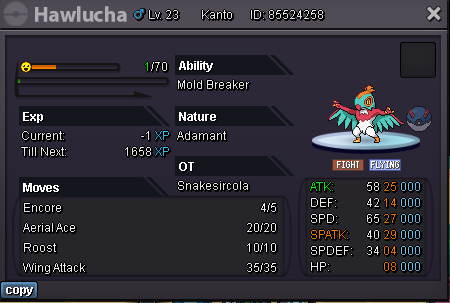
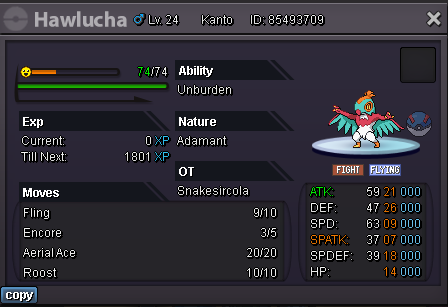
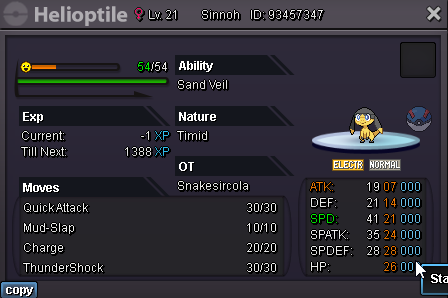
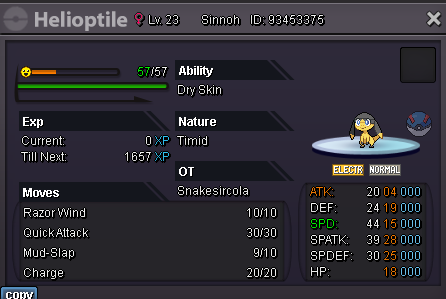
Hello and welcome to my PVP Poke Shop! I will only list Pokémon that are good IVs and PVPable Open to offers but will mostly be strong on the price set unless buying more than 2 pokes at once I JUST MADE THIS SHOP SO BARE WITH ME AS I PRICE EVERYTHING AND UPLOAD PICS IN THE FIRST FEW DAYS. This will continue to be updated as I get more pokes worth being in the shop. Alternate Payment Methods coin capsule = 400k IVs RR = 500k Nature RR = 250k rare candy = 6k How to contact me? Discord: snakecola1 IGN: snakesircola **DISCORD IS THE ABSOLUTE BEST WAY TO REACH ME VS IN GAME. USUALLY INSTANT AS WELL.** Trained Pokémon's: Untrained Pokémon's:
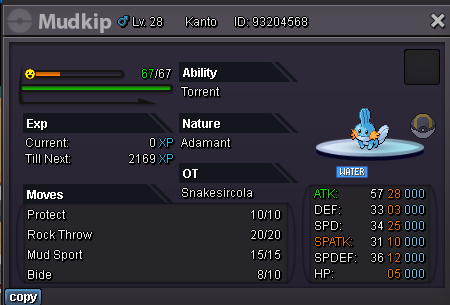
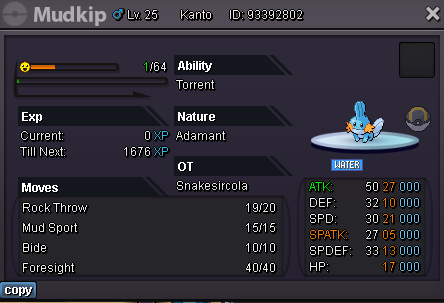
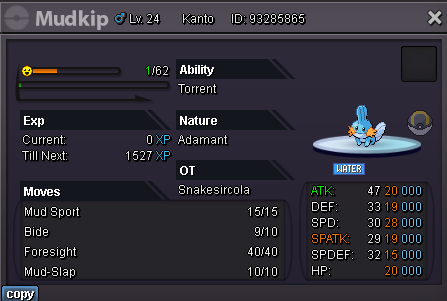
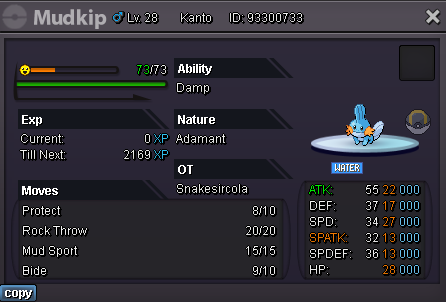
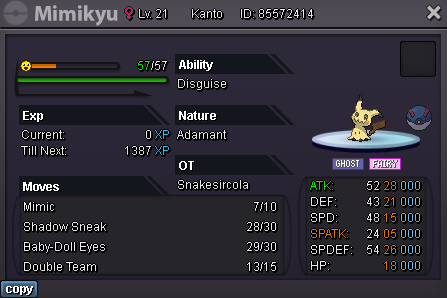
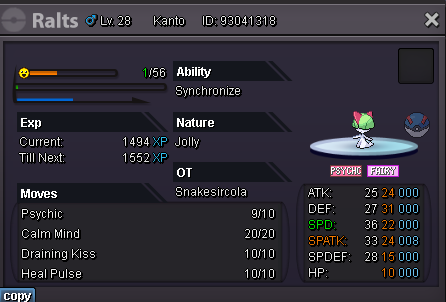
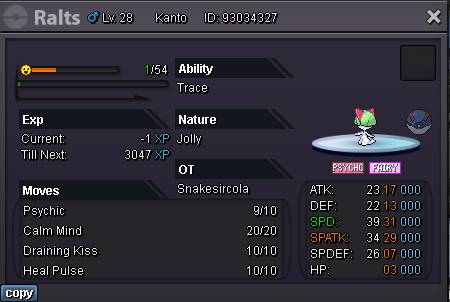
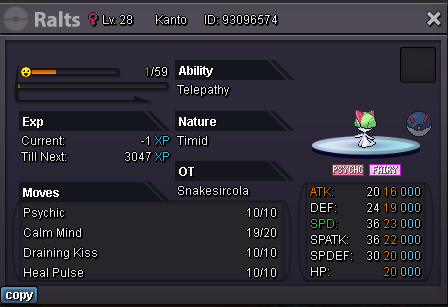

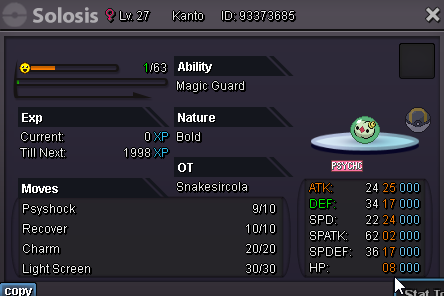
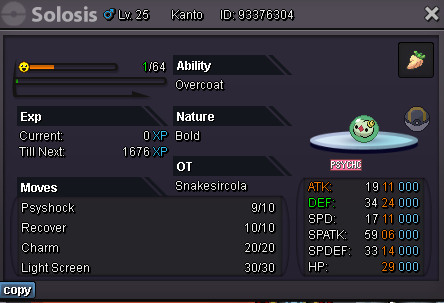
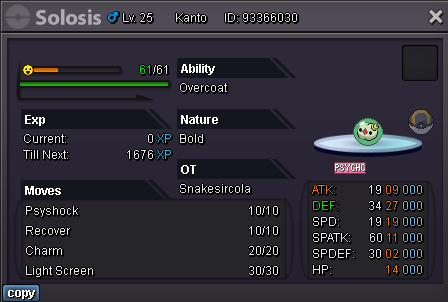
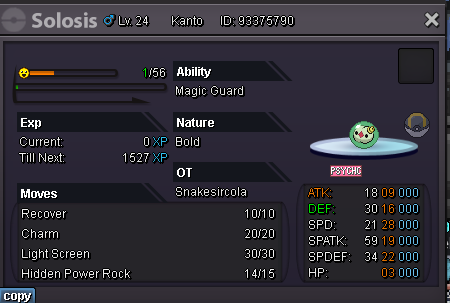
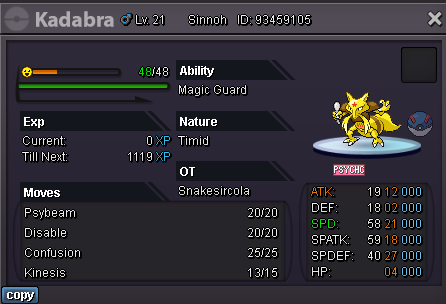
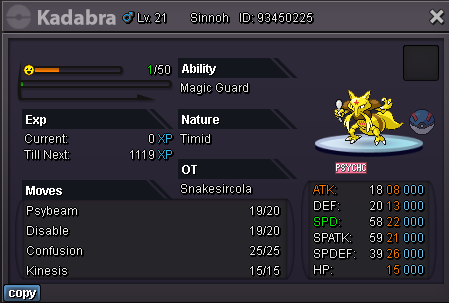
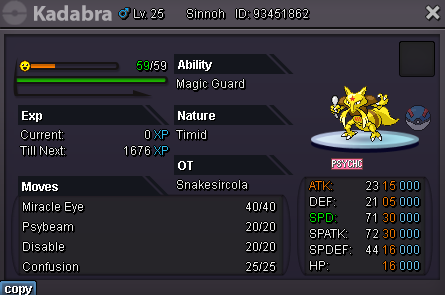
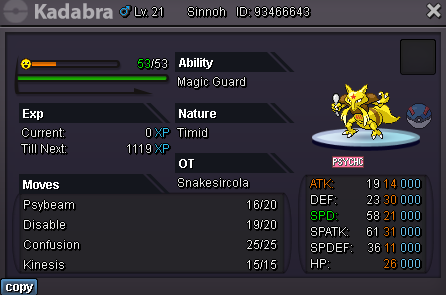
-
Snakesircola changed their profile photo
-

