New Trade Zone
Trade Zone is now live
Use the new Trade Zone for auctions and instant-price trades so Pokemon and item offers are easy to find.

Wangzii
Registered User
-
Joined
-
Last visited
Everything posted by Wangzii
-
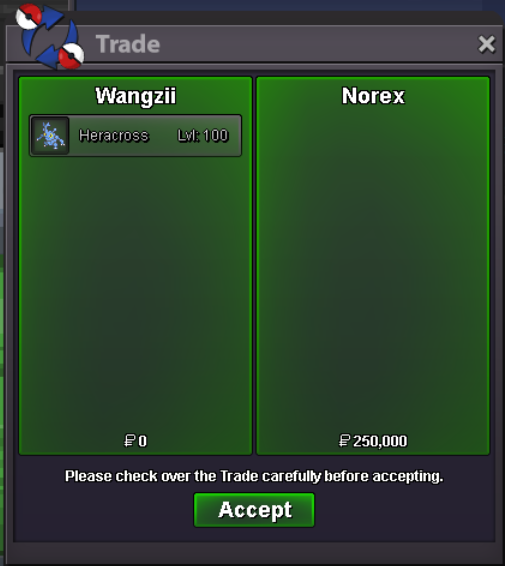
Starting Offer: 250k Minimum Bid: 100k Duration: 24HRs after First Bid Insta: 2.5m Poke Dollars Accepted Payments: Poke Dollars Coin Capsules = 400k

-
I can confirm I got my Dragonite back. Thank you so much Eon! I hope you have a wonderful day!
-
Hi it has been over a month, just checking on how is my recovery of my Dragonite going. Oh by the way, Happy Easter! Really appreciate each and every one of you Staffs spending your valuable time making improvements in this game.
-
701k Currently in Gold but I will transfer if I end up winning the auction.
-
Starting Offer: 500k 250k Minimum Bid: 100k 50k Duration: 24HRs after First Bid Insta: 2.8m 2m Poke Dollars Accepted Payments: Poke Dollars Coin Capsules = 400k
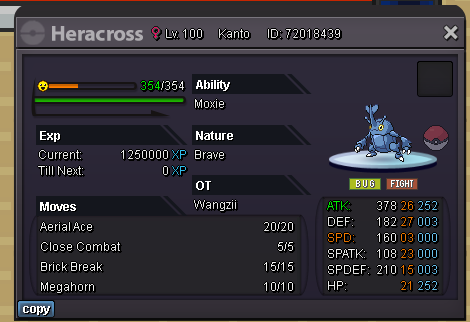 Thank you so much Staff Apprentice Stickerz and Game Master Eon for helping me trying to track down what happened to my Dragonite. Also, to Alen20 for trying to help me as well. I will wait patiently for my Dragonite to come back. Thanks again! Hope you guys have a wonderful Friday/weekend!hi is there anyway to check who I lended my Dragonite 31/31 and Tyranitar Jolly 31 speed to? (both are my OT) because I lended it to someone that used to be in my guild way before the lending option was working again but never got them back. Unfortunately, I trusted the player so much that I didn't bother taking screenshots.Moltenm3tal, gone but will never be forgotten. I believe as long as Pokemon Revolution Online will still be around, he will live on within us in this game.Recruitment for this month will be closing in 2 days. (Tuesday, May 24th 11:59pm GMT+2) We will open it back on Wednesday, June 1st. Join us now and come help us secure Top 3 within PvP guild ladder. (Currently, only 1 more spot available.)