New Trade Zone
Trade Zone is now live
Use the new Trade Zone for auctions and instant-price trades so Pokemon and item offers are easy to find.

Primus
Registered User
-
Joined
-
Last visited
-
Thank you for the quick response. I am glad that you are fixing the games, its amazing so far. I am willing to report bugs since i know they help, especially if you havent notice some of them. Looking forward for the new system! If you may i would like a reset in the boss if its possible, if not, peace :D . Keep up the good work.
-
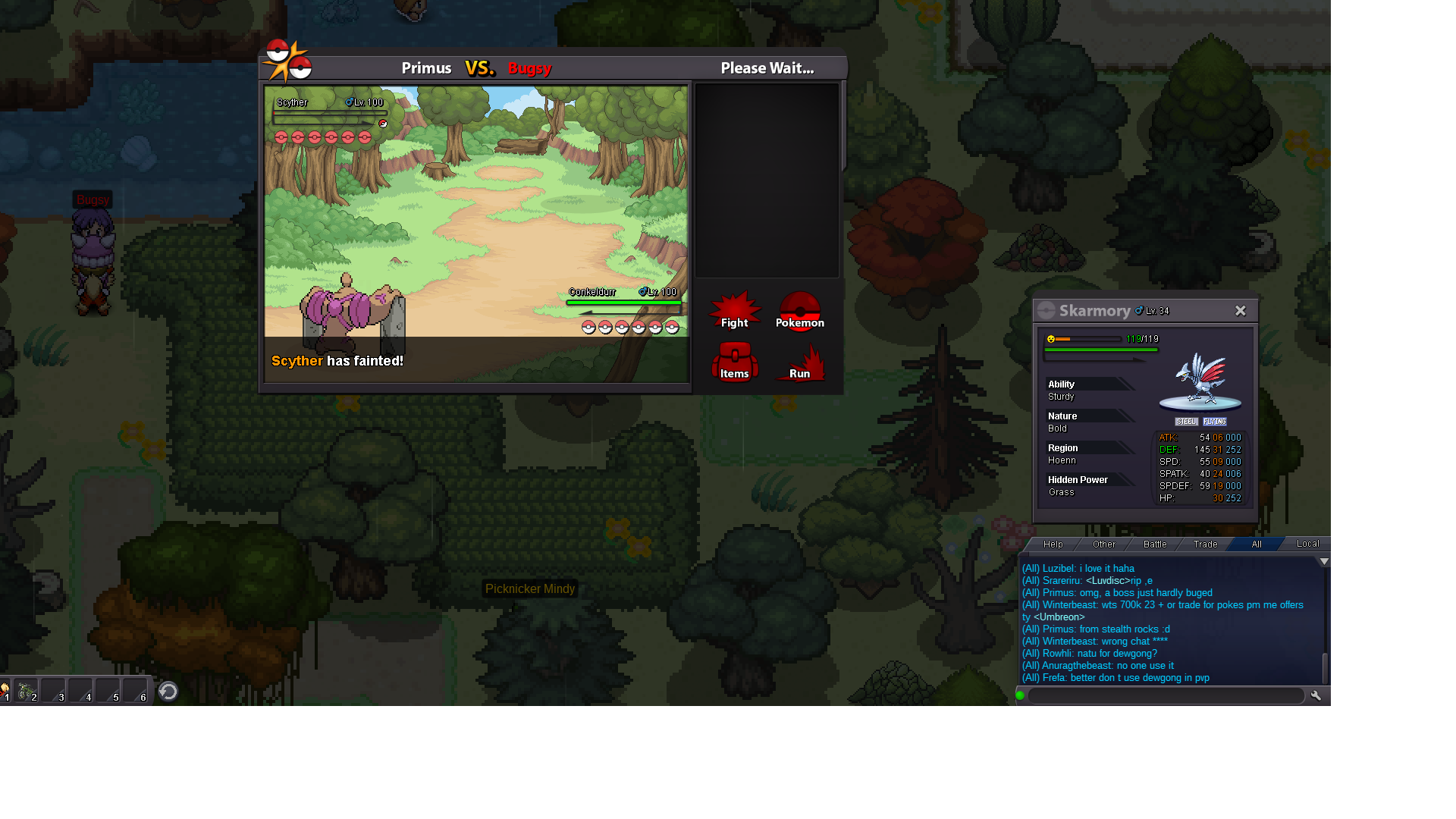
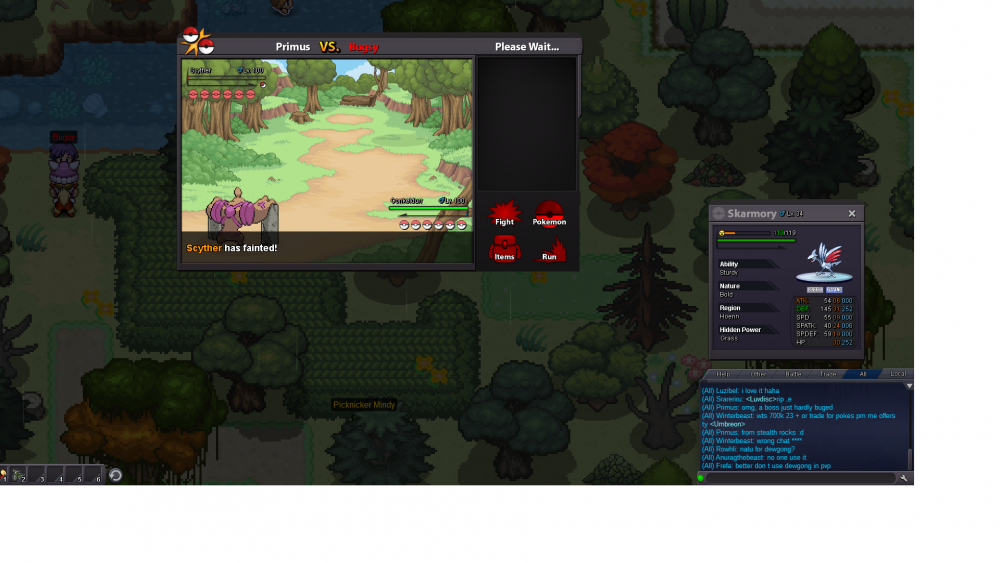
Hello, i would like to report a game bug that has to do with the boss Buggsy. When i used stealth rock on him, getting his scyther out of game (after dragging it out with wirlwind) the bossm buges. All the pokes he had started to look as dead with the message always says scyther has fainted. And then the boss just stuck having me to relog. Tnx for your concern in regards, i also took some screens to make this easy for you. (sorry for my spelling mistakes.)


-
800k
-
SERVER TRANSFER User name: Primus Server to charge money from: Gold Main server to transfer: Silver
-
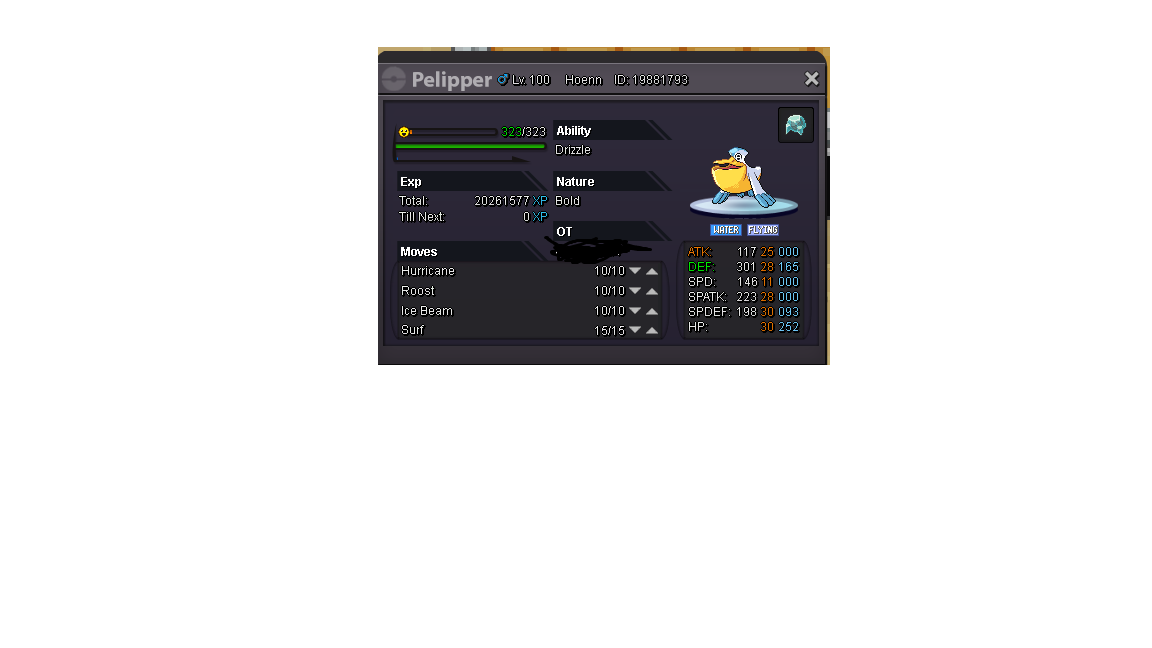
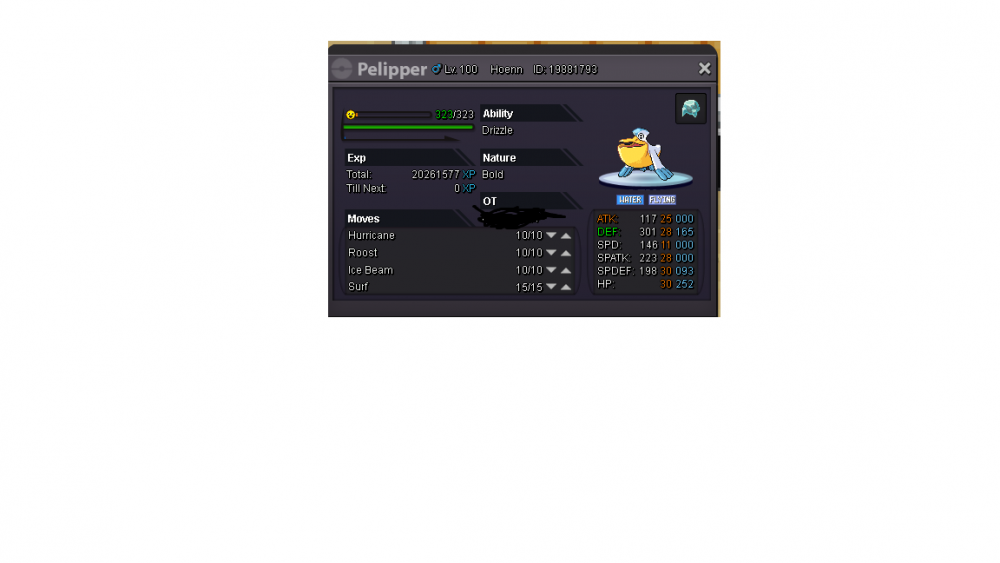
Best pelliper, starting at 450k, insta 1m2. 6 days till the starting offer.
-
up
-
S.O 500k. Last 6 days. Plz no fake offers, starts with the first bid.
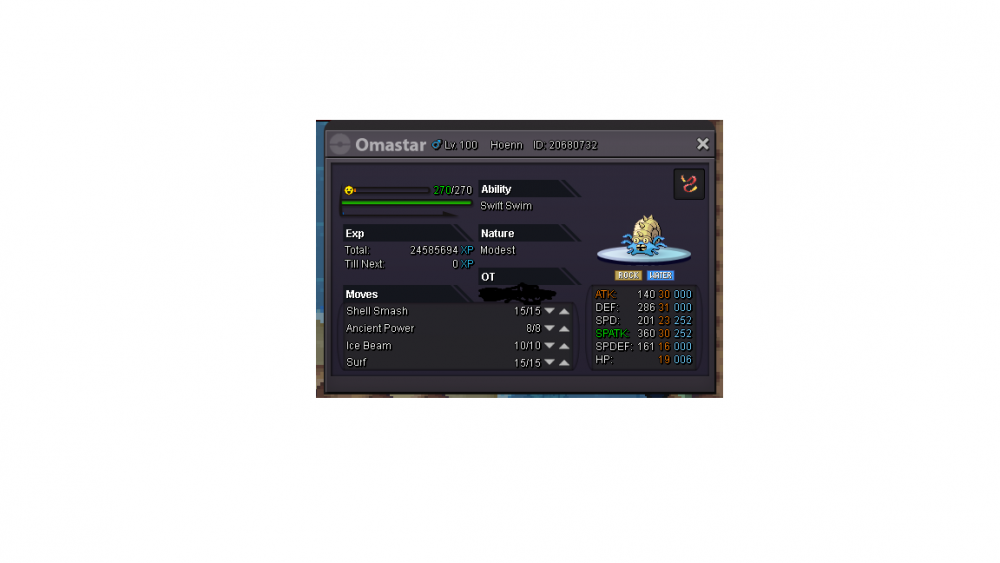
-
-
This dragonite is still up, if it is i offer 2,3m for him
-
300κ for floatzer
-
i start
-
i try to post 600k as an answer to this but i can't see my answer...forum problems
-
600k offer
-
550k offer
-
550k