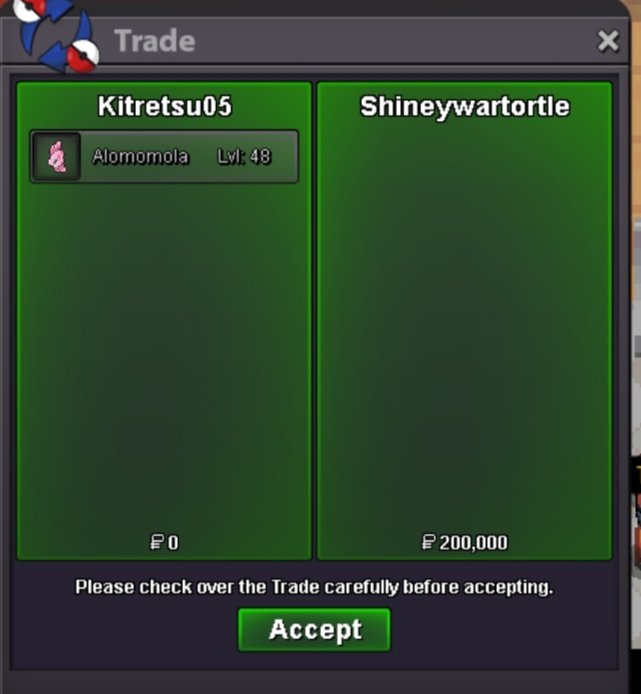
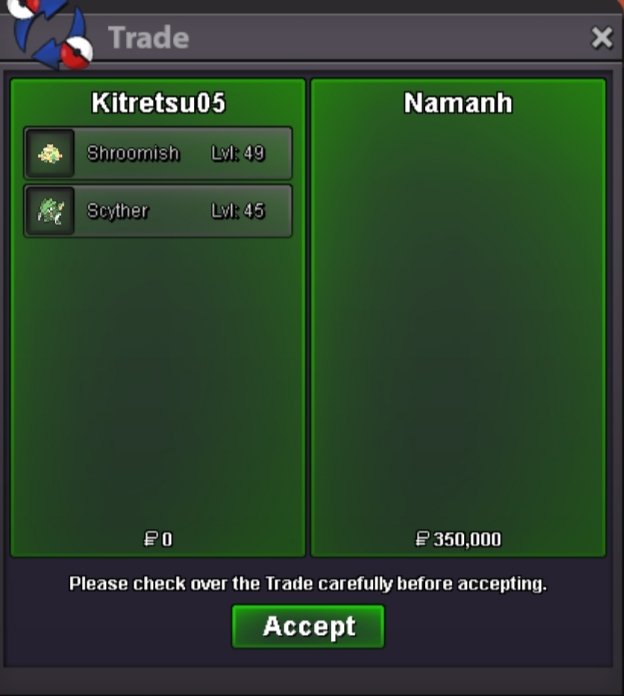
New Trade Zone
Trade Zone is now live
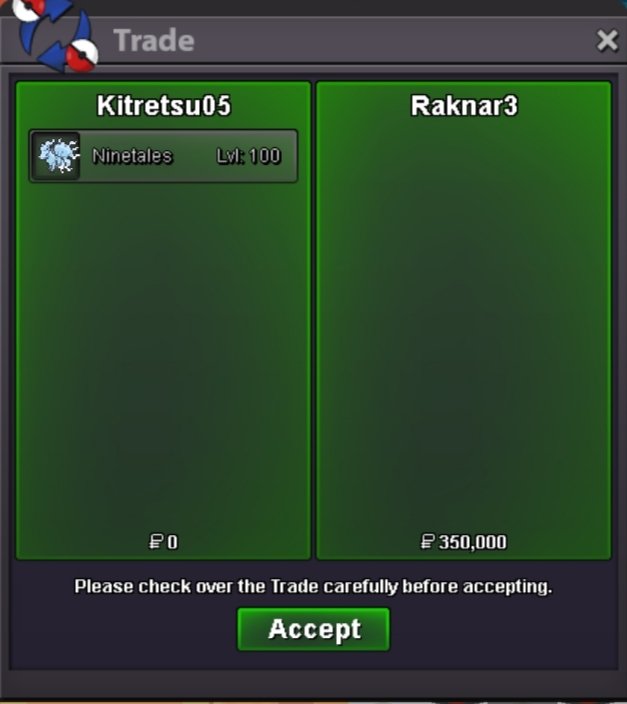
Use the new Trade Zone for auctions and instant-price trades so Pokemon and item offers are easy to find.

Kitretsu05
Registered User
-
Joined
-
Last visited
Everything posted by Kitretsu05
-
@T1nkat0n u won the auc ..pm me ingame or discord (shadow7rinity)
-
bump
 started
.png.1a0e3541dc7b7c1e991201404be7fc15.png) Sold Time -48 hours after start Accept only poke $
Sold Time -48 hours after start Accept only poke $.png.09d3ed59a430e317d361a9a6be7f5270.png) bumpVery very sad to know abt your retirement and I knew you had health problems but you have always given your best for the game not as a staff but as a person too,Idk how i could give you sympathy I have no words ..I Just hope whatever in future is to come you will Come through it..I personally will pray for your well-being. Thank You Forever @ShinoharabumpbumpWhy based on events ..Shouldn't it be based on the PvP meta.. the past Voting system was better and we want the rotational system+1 and Guild island has been very Important for PvP players and The top 3 guild , I hope it gets fixed soon.bumpBumptysm
bumpVery very sad to know abt your retirement and I knew you had health problems but you have always given your best for the game not as a staff but as a person too,Idk how i could give you sympathy I have no words ..I Just hope whatever in future is to come you will Come through it..I personally will pray for your well-being. Thank You Forever @ShinoharabumpbumpWhy based on events ..Shouldn't it be based on the PvP meta.. the past Voting system was better and we want the rotational system+1 and Guild island has been very Important for PvP players and The top 3 guild , I hope it gets fixed soon.bumpBumptysmAccount
Navigation
Search
Configure browser push notifications
Chrome (Android)
- Tap the lock icon next to the address bar.
- Tap Permissions → Notifications.
- Adjust your preference.
Chrome (Desktop)
- Click the padlock icon in the address bar.
- Select Site settings.
- Find Notifications and adjust your preference.
Safari (iOS 16.4+)
- Ensure the site is installed via Add to Home Screen.
- Open Settings App → Notifications.
- Find your app name and adjust your preference.
Safari (macOS)
- Go to Safari → Preferences.
- Click the Websites tab.
- Select Notifications in the sidebar.
- Find this website and adjust your preference.
Edge (Android)
- Tap the lock icon next to the address bar.
- Tap Permissions.
- Find Notifications and adjust your preference.
Edge (Desktop)
- Click the padlock icon in the address bar.
- Click Permissions for this site.
- Find Notifications and adjust your preference.
Firefox (Android)
- Go to Settings → Site permissions.
- Tap Notifications.
- Find this site in the list and adjust your preference.
Firefox (Desktop)
- Open Firefox Settings.
- Search for Notifications.
- Find this site in the list and adjust your preference.
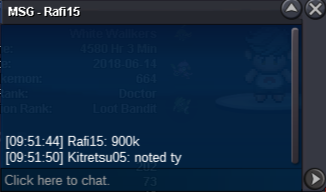
.png.51ca787935b390649827e62ab5669778.png)
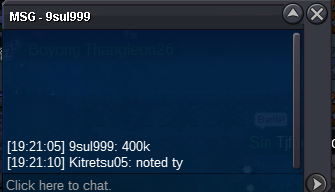
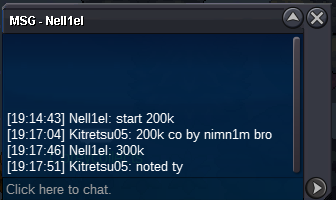

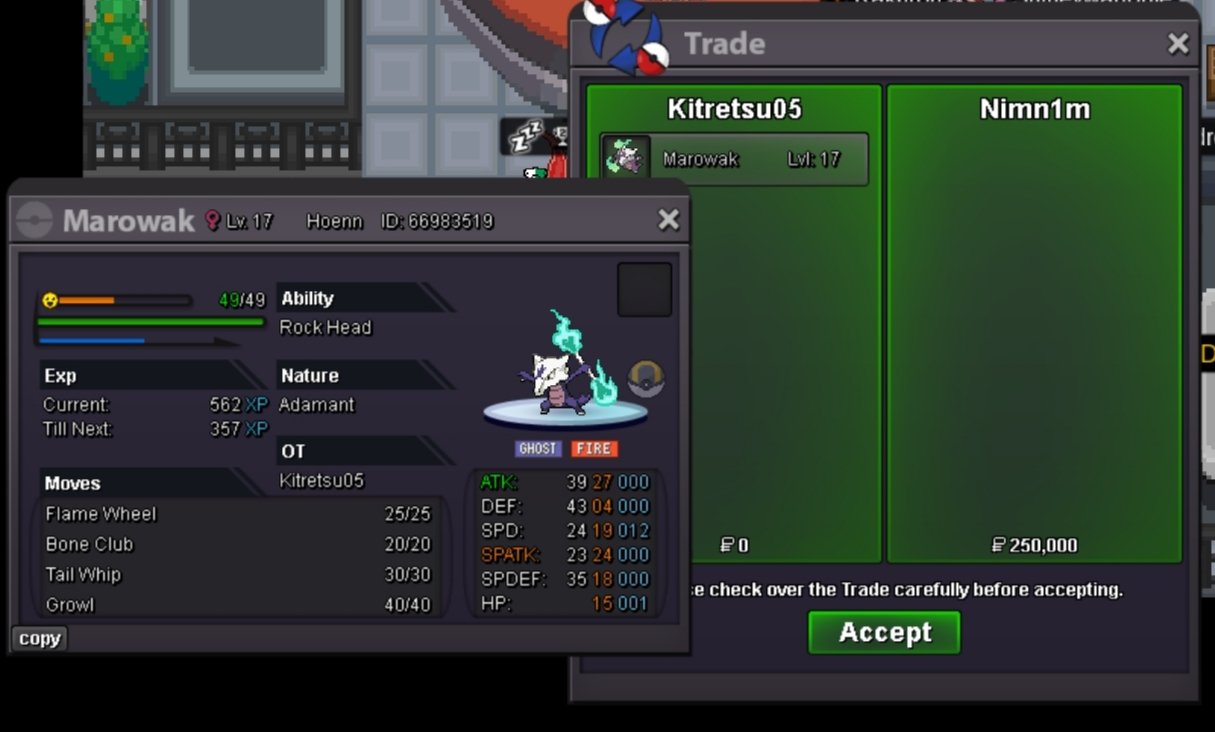
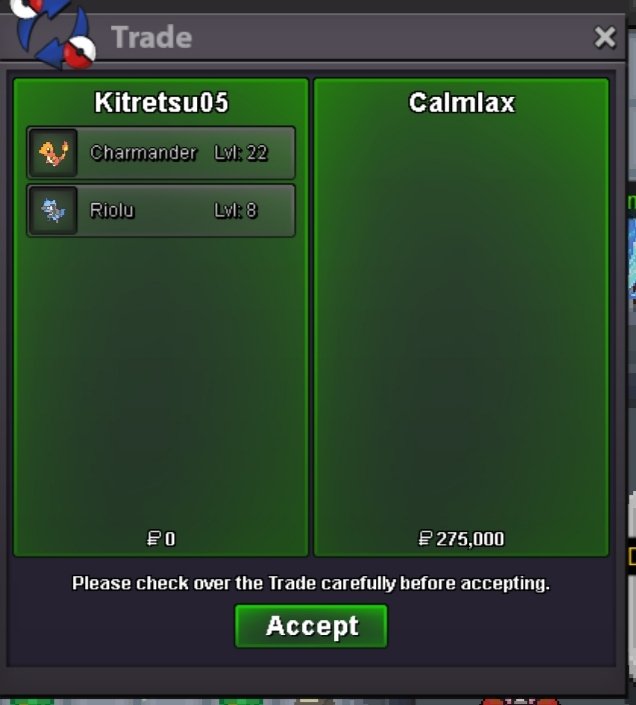
.png.152af92b0c4f73a2c1d1a4f8966332bc.png)
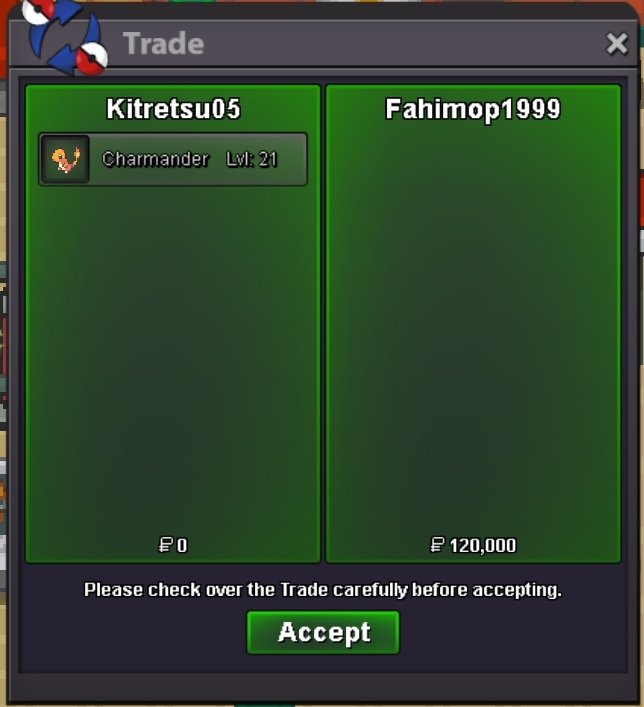
.png.84e2f1cc12020da06f470073564c0f9f.png)
.png.8e50234b14291aa0054380a9faad7d85.png)