New Trade Zone
Trade Zone is now live
Use the new Trade Zone for auctions and instant-price trades so Pokemon and item offers are easy to find.

Slinox
Registered User
-
Joined
-
Last visited
-
looks like i am made for the guild. would love to join :)
-
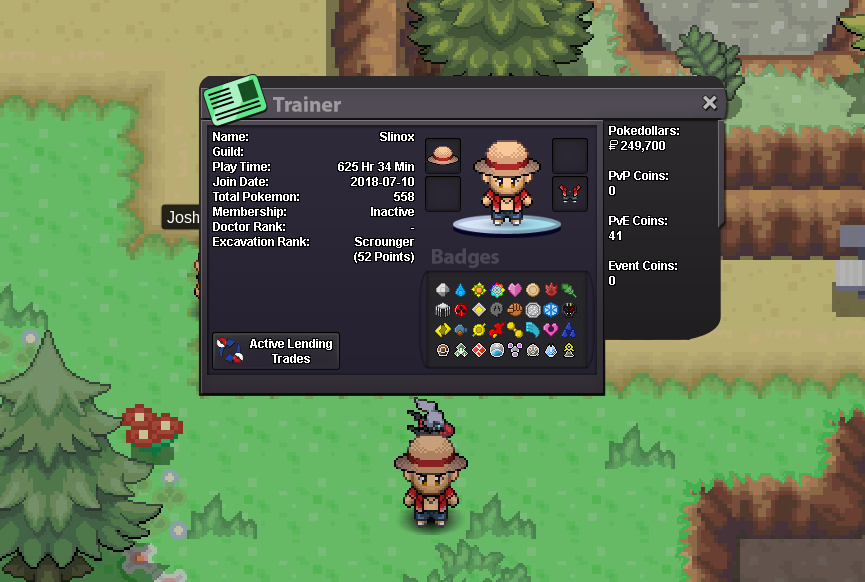
Who am I? Hi I'm Slinox (IGN and DC + #3079) 25 Years old and playing PRO since 2018. Am an active playing player since Halloween 2020, so currently i have 480hrs playtime! I'm interested to catch every Pokemon, but also fighting Bosses and play Story. Meanwhile i help other players as good as i can in Help Chat ingame. Im not interested playing PVP and talk ^^ I am this kind of player who prefs writing then talking So i hope u enjoyed reading this and maybe see ya
-
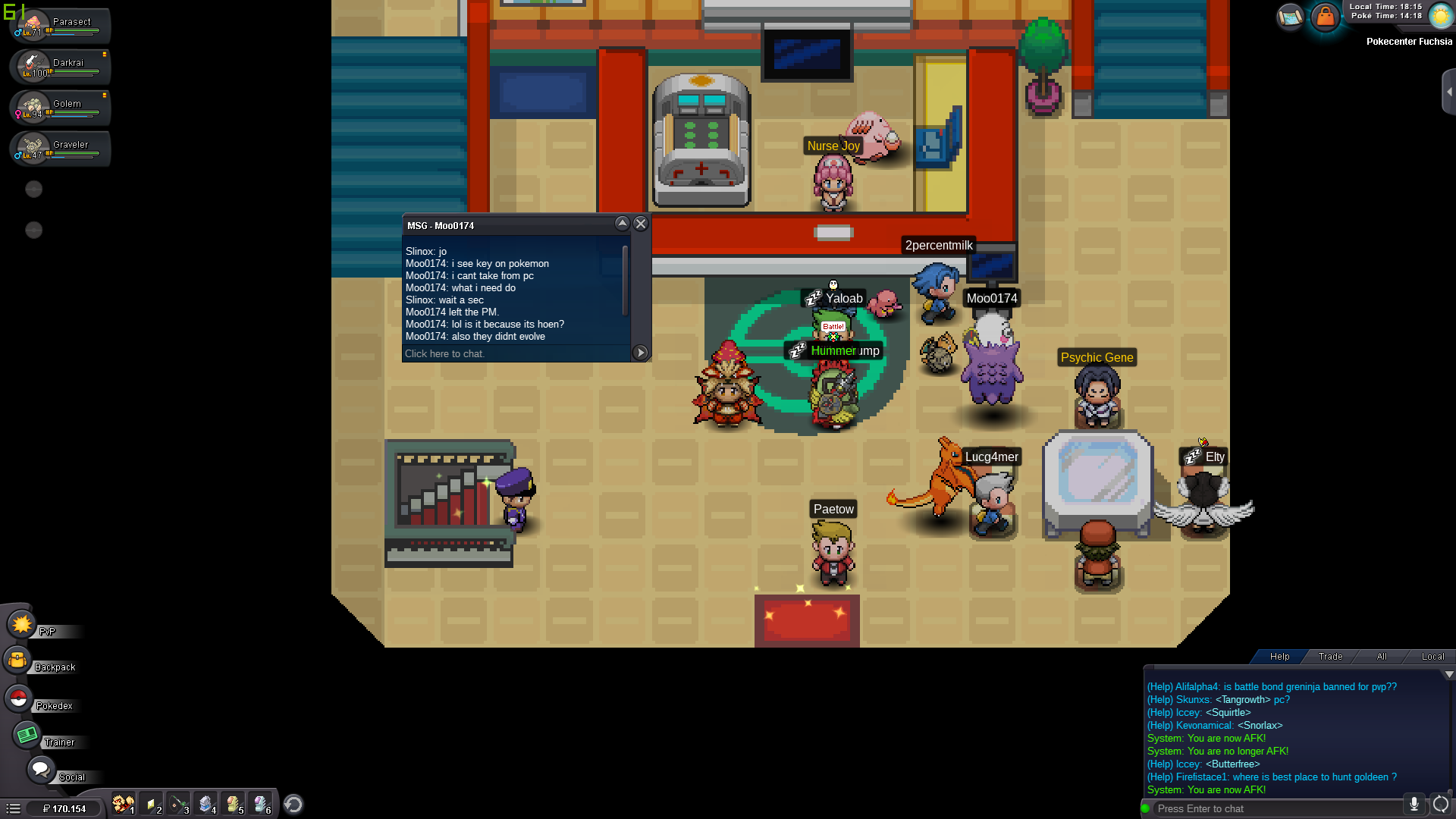
Hey, just traded with Moo0174 3 Pokemon ( 2x clamperl, 1x feebas) and the pokemon was sent to his Pc with a lock sign as u can read it in chat. I hope this is enough. my player name is Slinox and im playing on Gold server