




New Trade Zone
Trade Zone is now live
Use the new Trade Zone for auctions and instant-price trades so Pokemon and item offers are easy to find.


He1mao2
Registered User
-
Joined
-
Last visited
Everything posted by He1mao2
-
9.2
-
8.4
-
8m
-
6m
-
9m
-
5.2m
-
-
-
-
of course okey bro !thx
-
-
3m
-
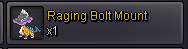
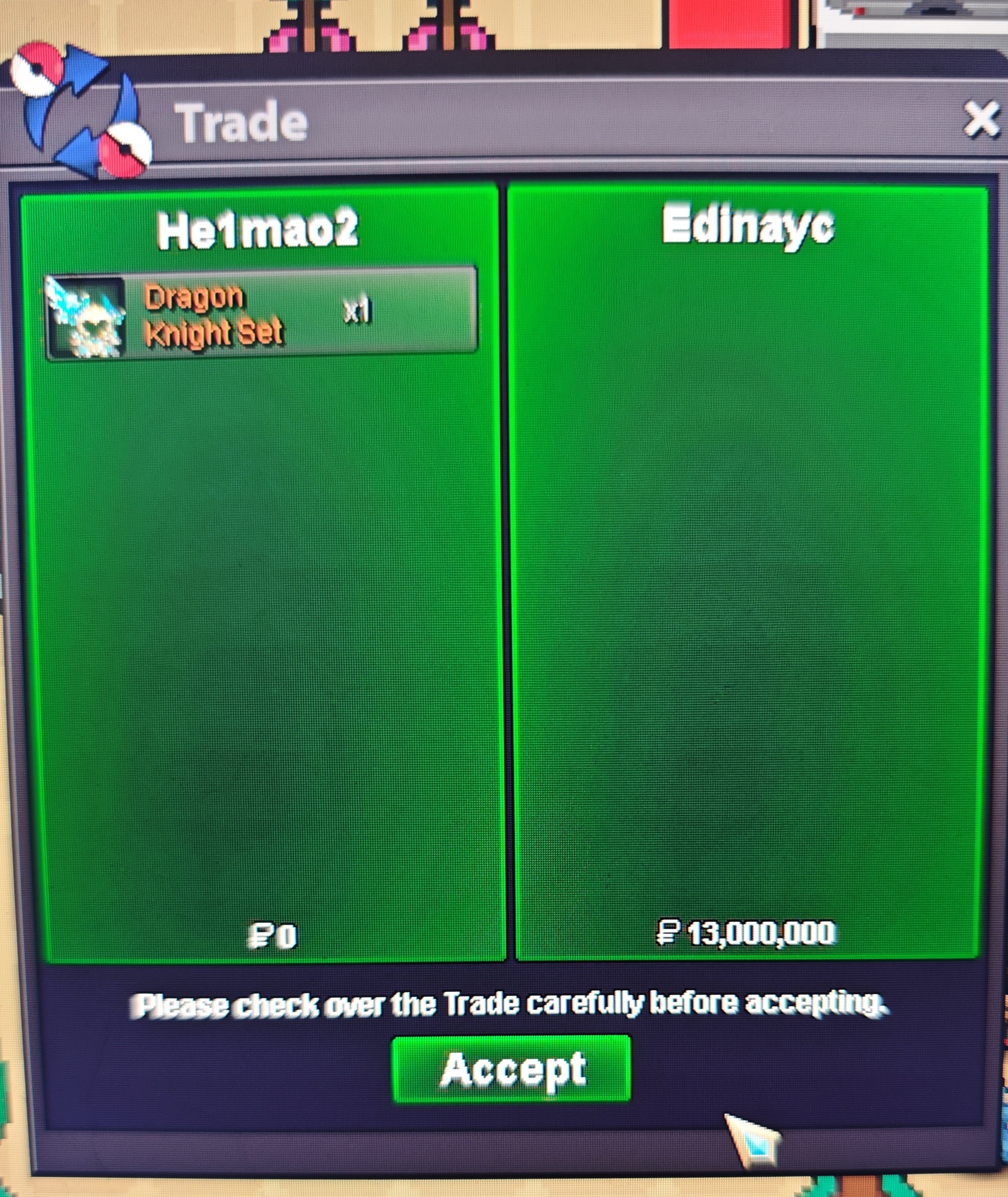
U won bro! when can we meet?bump1.1mStart Offer: 1m End: 24 hours after starting offer is met Insta Price: N/A Minimum Raise: 100k Accepted Payments: Coin Capsules: 480k Reroll Ticket: 750k
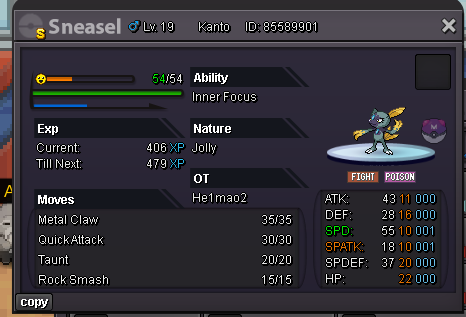
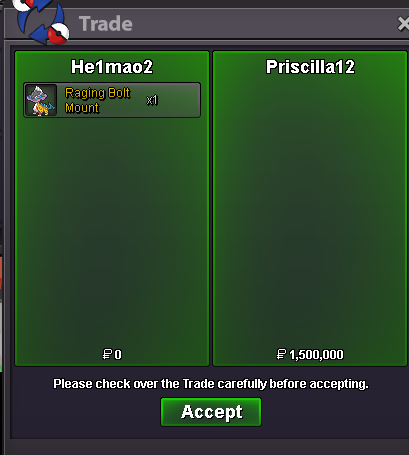
 250kWhat is your IGN? He1mao2 What is your discord username? He1mao2 Tell us a little bit about yourself. My name is He1mao2. i am a chinese 28 olds boy.i like pokemon very much XD How many hours do you currently have? 4218 Do you know any members of Ascension and if yes who? none Have you been in a guild before, if so which one(s)? victory stars(gold)/empire(sliver) Why do you want to join Ascension? Iam a PvP player and i want to join a guild that very interested in pvp What are you doing when playing PRO, what do you enjoy the most and what are your goals? play pvp and catch pokemon Are you playing PvP, if so what are your goals or what did you achieve already? I do this in pro pvp leader: 2018.12. 16th 2019.1.23th 2023.12 23th 2024.1 13th 2024.3 19th 2025.4.18th 2025.5 5th Thank you for your question. I really hope to join guild. Wish you a happy life!i arrivedsir can we meet now?🥳


Account
Navigation
Search
Configure browser push notifications
Chrome (Android)
- Tap the lock icon next to the address bar.
- Tap Permissions → Notifications.
- Adjust your preference.
Chrome (Desktop)
- Click the padlock icon in the address bar.
- Select Site settings.
- Find Notifications and adjust your preference.
Safari (iOS 16.4+)
- Ensure the site is installed via Add to Home Screen.
- Open Settings App → Notifications.
- Find your app name and adjust your preference.
Safari (macOS)
- Go to Safari → Preferences.
- Click the Websites tab.
- Select Notifications in the sidebar.
- Find this website and adjust your preference.
Edge (Android)
- Tap the lock icon next to the address bar.
- Tap Permissions.
- Find Notifications and adjust your preference.
Edge (Desktop)
- Click the padlock icon in the address bar.
- Click Permissions for this site.
- Find Notifications and adjust your preference.
Firefox (Android)
- Go to Settings → Site permissions.
- Tap Notifications.
- Find this site in the list and adjust your preference.
Firefox (Desktop)
- Open Firefox Settings.
- Search for Notifications.
- Find this site in the list and adjust your preference.