




New Trade Zone
Trade Zone is now live
Use the new Trade Zone for auctions and instant-price trades so Pokemon and item offers are easy to find.

Travelingpizza
Registered User
-
Joined
-
Last visited
Everything posted by Travelingpizza
-
110k
-
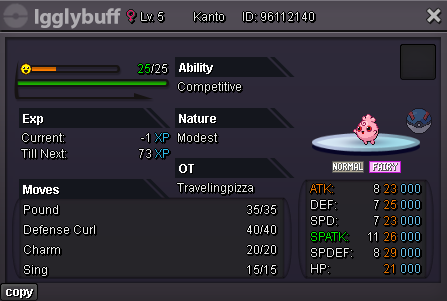
Welcome Discord: travelingpizza Ign: Travelingpizza ACCEPTED PAYMENT METHODS Pokedollars Reroll Ticket - 500k Nature Reroll - 250k Coin Capsule - 420k Masterball - 55k Rare Candy - 5k Shiny mount or 100 shop coin item - 330k UNTRAINED TRAINED LVL 100 - STORY
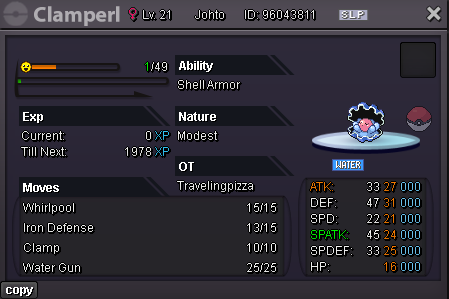
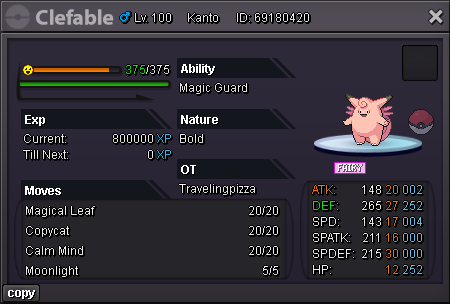
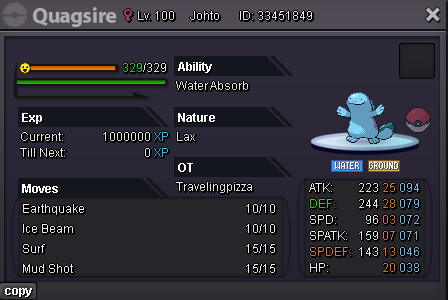
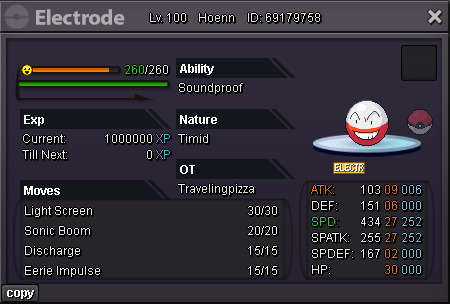
-
1. What's your Player name (IGN)? - Travelingpizza 2. Number of hours played? - 277 hour 3. What's your favorite Pokemon? - Charmander 4. How old are you? - 34
-
What's your Player name (IGN)? Travelingpizza Number of hours played? 276 hours What's your favourite Pokemon? Charmander What country are you from? France How old are you? 34 Which server do you play on? Silver
-
Re: Chronos ( Top 1 PvP guild ladder in Red Server ) <t>1. Hello I am Jonathan, 28 from France<br/> 2. Travelingpizza / Red<br/> 3. 121 hours / 24 badges<br/> 4. See 1 ^^<br/> 5. I wanna be the very best, like no one ever was...<br/> 6. I have decent overall pokemon knowledge and I am willing to be a helpful member of your guild :)<br/> 7. Never been in a guild on PRO<br/> 8. Charmander, played Pokemon Red when I was 10, first pokemon I ever owned<br/> 9. Yes<br/> 10. Of course!</t>
